
Top 10 AppScreens Alternatives for App Store Screenshots
Top 10 AppScreens Alternatives for App Store Screenshots
Discover the 10 best AppScreens alternatives for creating App Store screenshots. Compare features, pricing, pros, and cons to find the right tool for your app.

App Store screenshots are one of the most important visual elements in your app listing. They directly influence whether someone decides to download your app.
However, creating these screenshots is not always easy. Most developers don’t design screenshots themselves; instead, they use a screenshot generator.
AppScreens is a well-known screenshot generator popular among app developers. While AppScreens is a great tool, it still falls short in a few areas, such as template variety, weak localization, and limited automation depth.
Moreover, there are AppScreens alternatives that offer better automation, more template options, and greater design flexibility. In this guide, we compare the top 10 AppScreens alternatives based on their features, pricing, usability, and overall value.
Key Takeaways
AppLaunchpad stands out as one of the most popular AppScreens alternatives, especially for smart cloning, AI-powered localization, and extensive template collection.
Previewed and AppMockUp require no setup and offer versatile layout options, enabling users to quickly produce professional-looking screenshots without complex design software.
Placeit and MockUphone work well for device mockups, but they lack features like compliant sizing and screenshot templates.
Screenshots Pro and Appure are some strong choices if you need automation, multi-device support, and scalable screenshot workflows.
Free tools like Appscreenshot are handy for quick screenshots but lack robust customization, branding options, and advanced features.
What is AppScreens, and why look for an AppScreen Alternative?
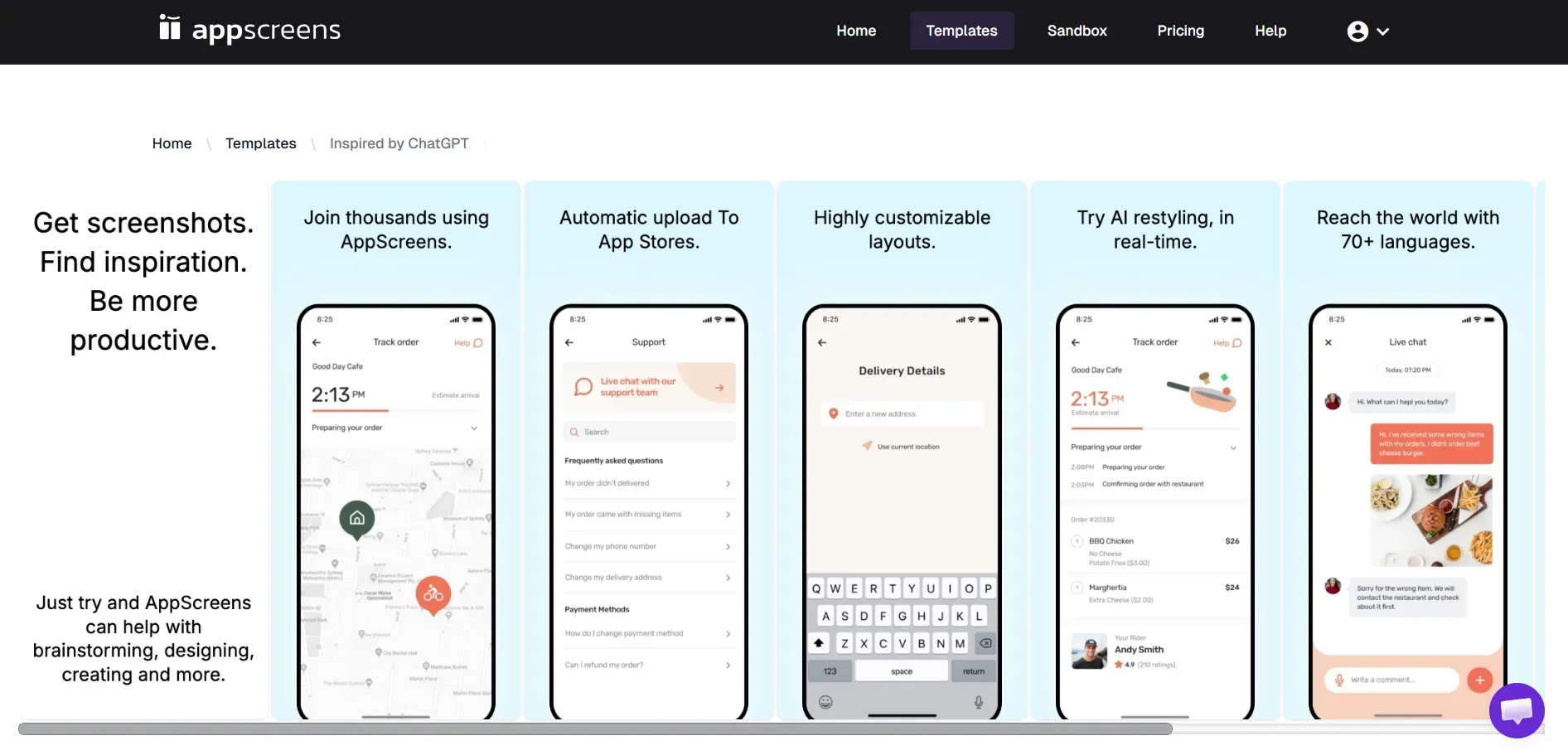
AppScreens is a web-based screenshot generator used by app developers for creating screenshots for app store listings. It provides screenshot templates and device mockups that can be directly uploaded to the App Store and Google Play Store.
While it simplifies screenshot creation, many developers look for an AppScreens alternative once they hit the free-trial limit or run out of templates.
Below are the biggest limitations of AppScreens, which might make you look for an alternative:
Pricing limits: One of the biggest limitations users face is the limited free trial. AppScreens offers a severely restricted free trial, and most of the basic features require an upgrade.
Template restriction: AppScreens is a template-based screenshot generator offering limited template variety. If you want to create custom screenshots, AppScreens is not the right choice.
Steeper learning curve: Despite being a browser-based screenshot generator, AppScreens features a Complex UX interface like Figma, which is not very beginner-friendly. An interface that can feel overwhelming for beginners.
App Store rejection: Lastly, AppScreens can increase the risk of App Store rejection due to inaccurate metadata, especially when iPad screenshots are auto-generated by scaling iPhone screens instead of proper device-specific screenshots.
How I Analyzed these 10 AppScreens Alternatives
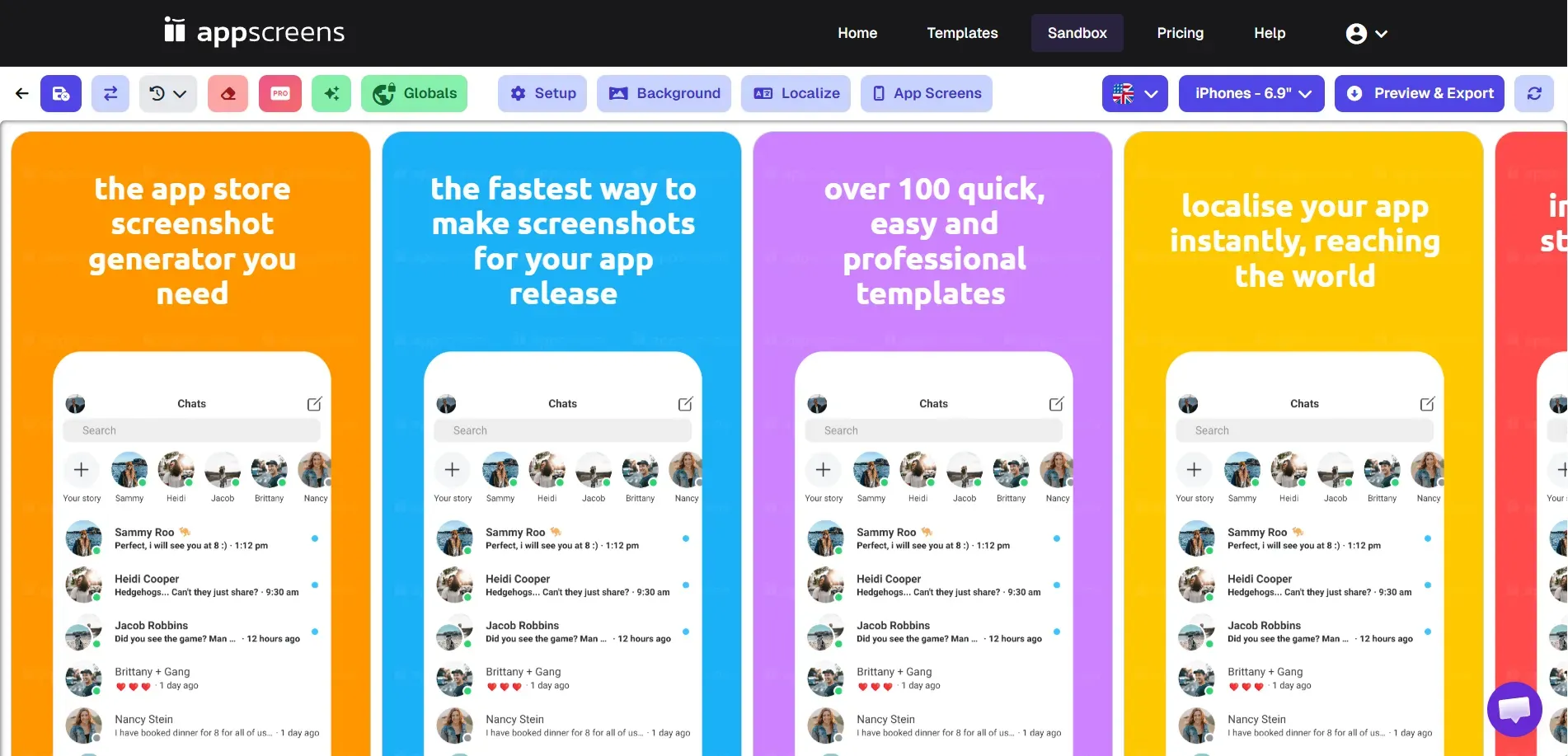
To create this list of the top 10 AppScreens alternatives, I focused on these criteria:
Feature evaluation: I compared the core features offered by each AppScreens alternative to identify which ones offer real, practical value.
Pricing models: I reviewed the total cost of using each tool, including free plans, flexible subscriptions, and one-time payment options.
Design customization: I assess the design's flexibility, focusing on text captions, background choices, and layout adjustments for each AppScreens alternative.
Compliance checks: I double-checked if the tools support the strict, up-to-date screenshot sizes required by App Store and Google Play Store screenshot guidelines to prevent rejections.
Automation capabilities: I reviewed each tool for features such as one-click localization, quick resizing, and screenshot cloning.
Ease of use: I analysed how beginner-friendly each AppScreens alternative is, especially for users without a design background.
Device libraries: I reviewed the device libraries for each platform to ensure they included the latest models of iOS and Android devices.
The 10 Best AppScreens Alternatives: Quick Picks
AppLaunchpad: Best overall AppScreens alternative for compliant and trendy screenshot templates and ease of use ( $19/month with code APPLOVE).
Placeit: Best AppScreens alternative for a large variety of device mockups ($14.95/mo).
Previewed: Best for panoramic screenshots, 3D mockups, and animated promo videos ($9.99 one-time).
Appstorescreenshot: Best for instant, no-signup screenshot generation (Free).
MockUphone: Best AppScreens alternative offering device mockups for major mobile brands like Google Pixel, Samsung, and Oppo devices (Free).
Screenshots Pro: Best AppScreens alternative offering a developer-focused automation tool with API access ($19/mo).
AppMockUp: Best for 3D devices, rich text editing, and instant localization in 38 languages ($7.97 - $14.97 per template).
Launchmatic: Best for automated cross-device edits across iOS and Android screenshots ($20 one-time).
Hotpot AI: Best AppScreens alternative offering screenshot templates and built-in AI tools (Credit-based pricing).
Appure: Best for custom screenshot generation and multiple projects ($9/mo).
Top AppScreens Alternatives: Feature Comparison
| AppScreens alternative | Best Feature | Free trial | Starting Price |
|---|---|---|---|
| AppLaunchpad | Trendy designer templates, intuitive UI/UX, and AI automated screenshot cloning. | Yes | $19/month with code APPLOVE |
| Placeit | Huge device library covering iPhone, iPad, Android, MacBook, and iMac devices. | Yes (watermarked) | $14.95/month or purchase individual mockups($7.95 to $39.95) |
| Previewed | Promo video generation | Yes (Free plan) | $9.99 (one-time) |
| Appstorescreenshot | No-signup instant screenshot exports | Yes (Free tool) | Free |
| MockUphone | High-quality device mockups covering major mobile brands | Yes (Free tool) | Free |
| Screenshots Pro | API & CI/CD pipeline integration | Yes (Free plan) | $19/month |
| AppMockUp | Real-time App store preview | Yes (Free tool) | $7.97 - $14.97 per template |
| Launchmatic | Cross-device edits across iOS and Android screenshots | No | $20 (one-time) |
| Hotpot AI | Custom icons and badges for App Store and Google Play Store | Yes (Free plan) | Credit-based |
| Appure | Batch screenshot exports and multiple projects. | Yes (Free plan) | $9/month |
1. AppLaunchpad
Best for: Developers and startups creating App Store and Google Play Store screenshots at scale, teams that need automated screenshot resizing and localization targeting multiple international markets.
Pricing: A free plan is available. Paid plans start at $19/month with code APPLOVE.
AppLaunchpad is a leading App Store and Google Play Store screenshot generator built specifically for app developers and product teams.
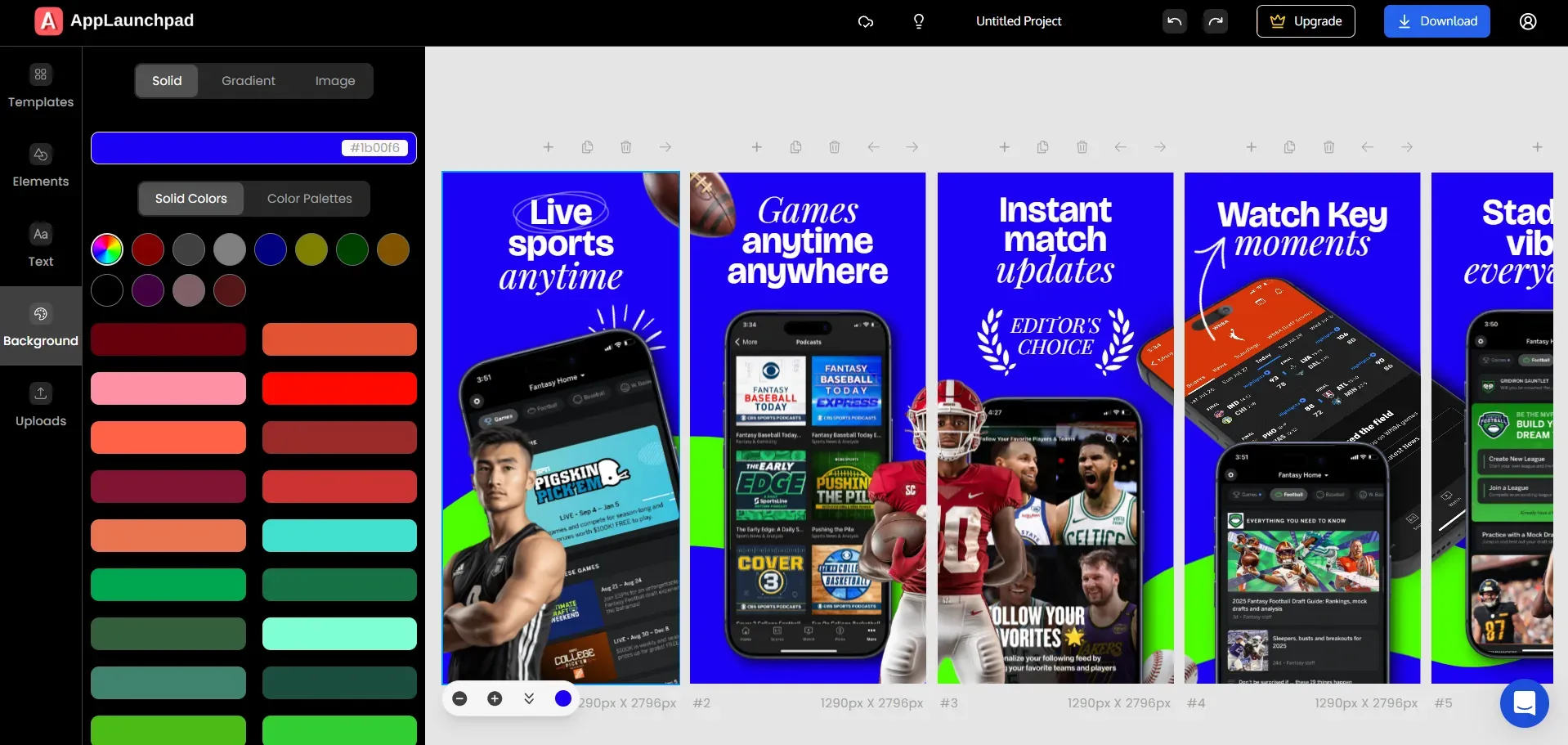
It helps you create professional, store-ready screenshots by combining app store-compliant templates, latest device frames, and highly customizable layouts.
The platform focuses heavily on automation with features like AI-powered one-click localization and screenshot cloning, making it much easier to generate and scale screenshots across multiple device sizes for both Apple and Google Play using a single workflow.
Key Features
1000+ screenshot templates for multiple app categories in both portrait and landscape screenshot layouts.
Support for the latest devices, including iPhone 17 Pro Max and iPhone 16 models, and the latest Android devices such as Samsung Galaxy S25, Samsung Galaxy S26, Google Pixel 10 Pro, Samsung Z Fold.
Offers 10k+ graphics, including design illustrations, icons, App Store, and Google Play Store badges.
Support for iPad, Android tablet, and custom screenshot sizes.
3D, 2D, and hand-held device frames.
Supports brand asset features, you can upload custom backgrounds, custom fonts, and the brand logo.
Automatic screenshot resizing to meet App Store and Google Play Store requirements.
Drag-and-drop editor with guided tutorials.
Localization support (80+ languages) for translating screenshots.
Built-in device mockup generator and Unsplash integration.
Cloud storage to save and edit projects later.
Screenshot inspiration gallery to get design ideas for top apps.
Pros of the tool
All Screenshot templates follow App Store and Google Play Store guidelines.
AI-powered one-click localization makes targeting global markets easy.
Massive template library with modern 3D and hand-held device frames.
Strong automation for scaling screenshots across different device requirements.
Cons of the tool
Currently does not support animated promo videos.
Pricing Comparison
| Plan | AppScreens | AppLaunchpad |
|---|---|---|
| Basic | Free | Free Trial |
| Pro / Paid | $25/month | $19/month with code APPLOVE |
My Honest Opinion
AppLaunchpad clearly has an edge over AppScreens with its 1000+ templates, 10K+ graphics, automatic scaling across device sizes, and one-click localization. It’s built for speed and scale, making it a strong choice for teams managing multiple apps or handling frequent app updates.
2. Appure
Best for: Developers looking for an affordable screenshot generator with strong localization features.
Pricing: A free plan is available. Paid plans start at $9/month.
Appure is a simple screenshot generator designed to help you create store visuals quickly.
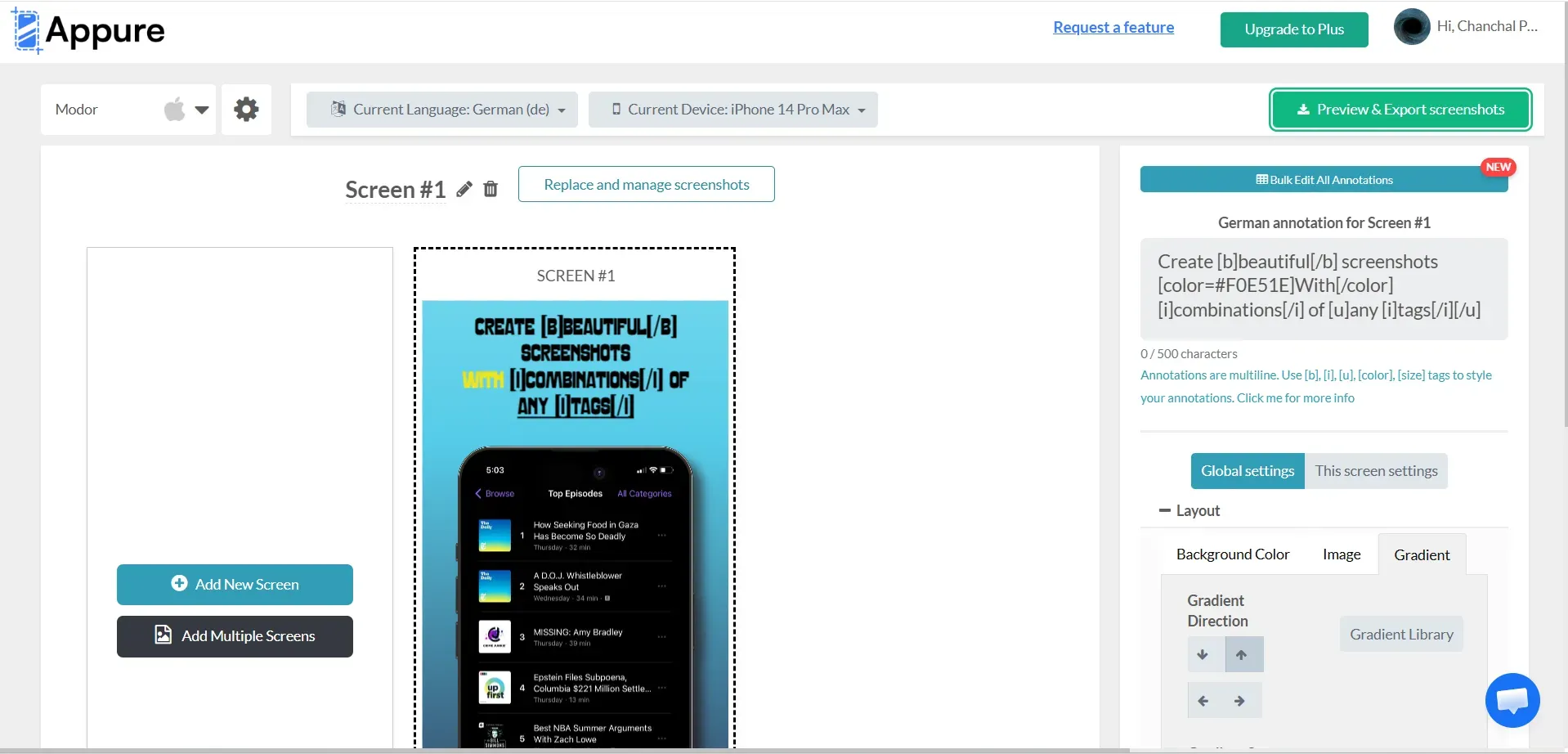
It provides a straightforward approach for building your screenshots and translating them easily to increase downloads across different regions.
Key Features
20+ device frames, each with four color options (Gray, Silver, Clay Gray, Clay Black).
30+ pre-made screenshot templates.
Supports custom screenshot generation and multiple projects.
Support for portrait and landscape screenshots.
Strong localization support across 26+ languages.
16+ fonts, plus the ability to upload custom fonts.
Pros of the tool
Pricing is very affordable compared to other monthly subscriptions.
Built-in localization across multiple languages is a huge plus.
Cons of the tool
The website's performance can feel slow and sluggish during use.
Does not always guarantee that the final exports perfectly match strict store compliance guidelines.
Pricing Comparison
| Plan | AppScreens | Appure |
|---|---|---|
| Basic | Free | Free |
| Pro / Paid | $25/month | Starts at $9/month |
My Honest Opinion
Appure is a solid budget option for developers who need to localize their screenshots without spending a lot of money, even if the tool itself isn't the most advanced or fastest on the market.
3. Previewed
Best for: Developers and teams who want a simple, web-based screenshot generator that offers both screenshots and promo videos.
Pricing: A free plan is available. Paid plans start at a $9.99 one-time fee.
Previewed is a web-based screenshot generator designed for quick device mockups and App Store screenshots.
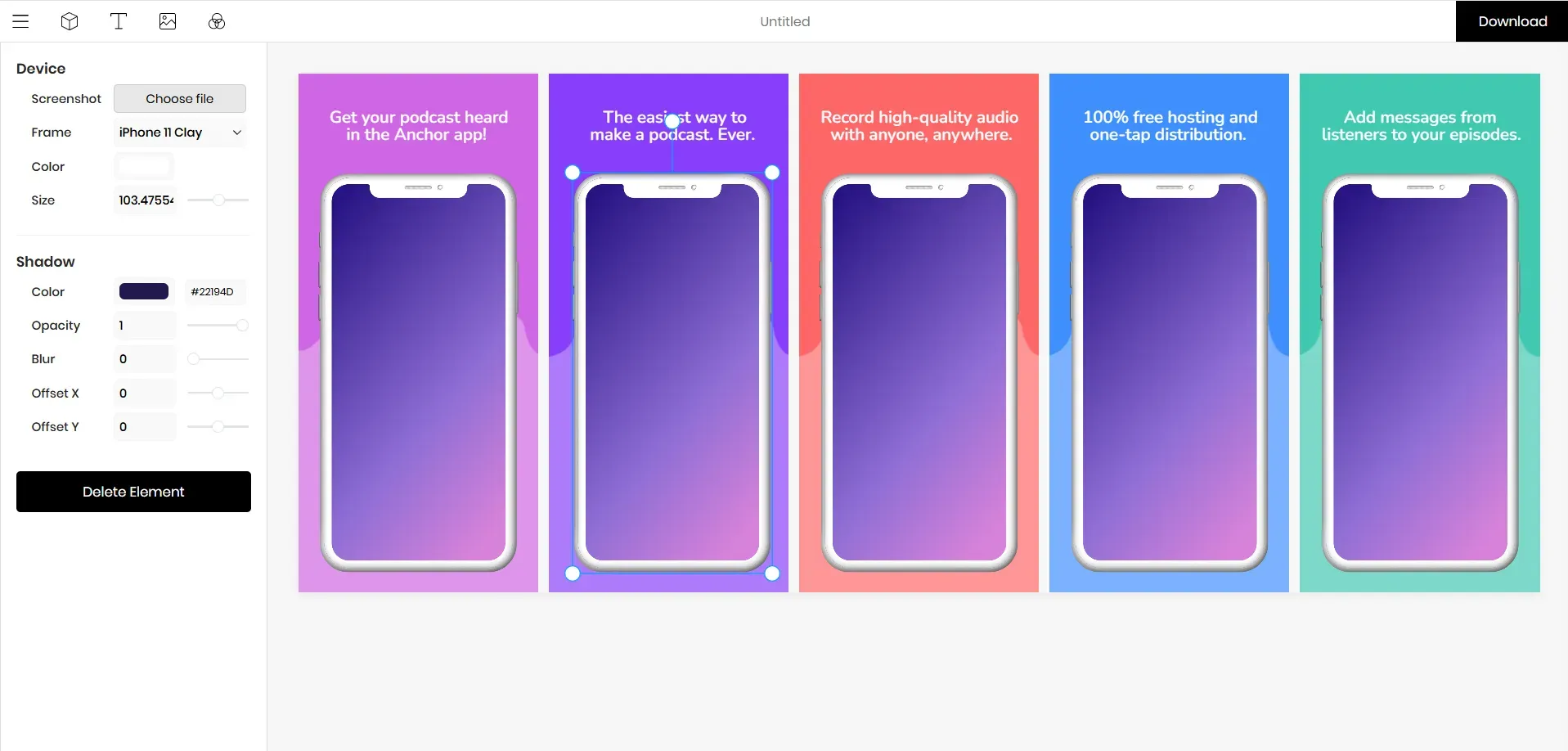
It lets you create store-compliant screenshots directly from the browser without any complex setup or installation. Moreover, you can also create 3D device mockups and app preview videos.
Key Features
Offers App Store screenshot maker and device mockup generator.
Supports App preview video generation.
Supports panoramic screenshots, 3D mockups, and animated promo videos.
Supports a wide range of device frames, including iPhones (4" and 6.5"), iPads (2nd and 3rd Gen), Android phones, tablets, and laptops, as well as clay-style variations.
Customizable text, dimensions, colors, and element positioning.
Cloud-saved templates and team collaboration support.
Export options in JPEG, PNG, or MP4.
Pros of the tool
Supports animated app promo videos.
Supports multiple devices, including iPhones, iPads, Android phones, tablets, laptops, and monitors.
Cloud storage integration makes it easy to return to old projects.
Cons of the tool
The screenshot templates feel quite generic and plain.
Design customization options, such as 3D devices, custom fonts, design elements, and illustrations, are often limited and missing.
Pricing Comparison
| Plan | AppScreens | Previewed |
|---|---|---|
| Basic | Free | Free |
| Paid/Pro | $25/month | $9.99 (One-time fee) |
My Honest Opinion
Previewed is a solid entry-level screenshot generator. It is perfect for developers who just want simple, fast visuals and basic promo videos without navigating a complicated design workflow.
4. Appstorescreenshot
Best for: Developers who want a completely free screenshot generator offering quick App Store screenshots without creating an account.
Pricing: Entirely free to use.
Appstorescreenshot is a lightweight, browser-based screenshot generator built for speed.
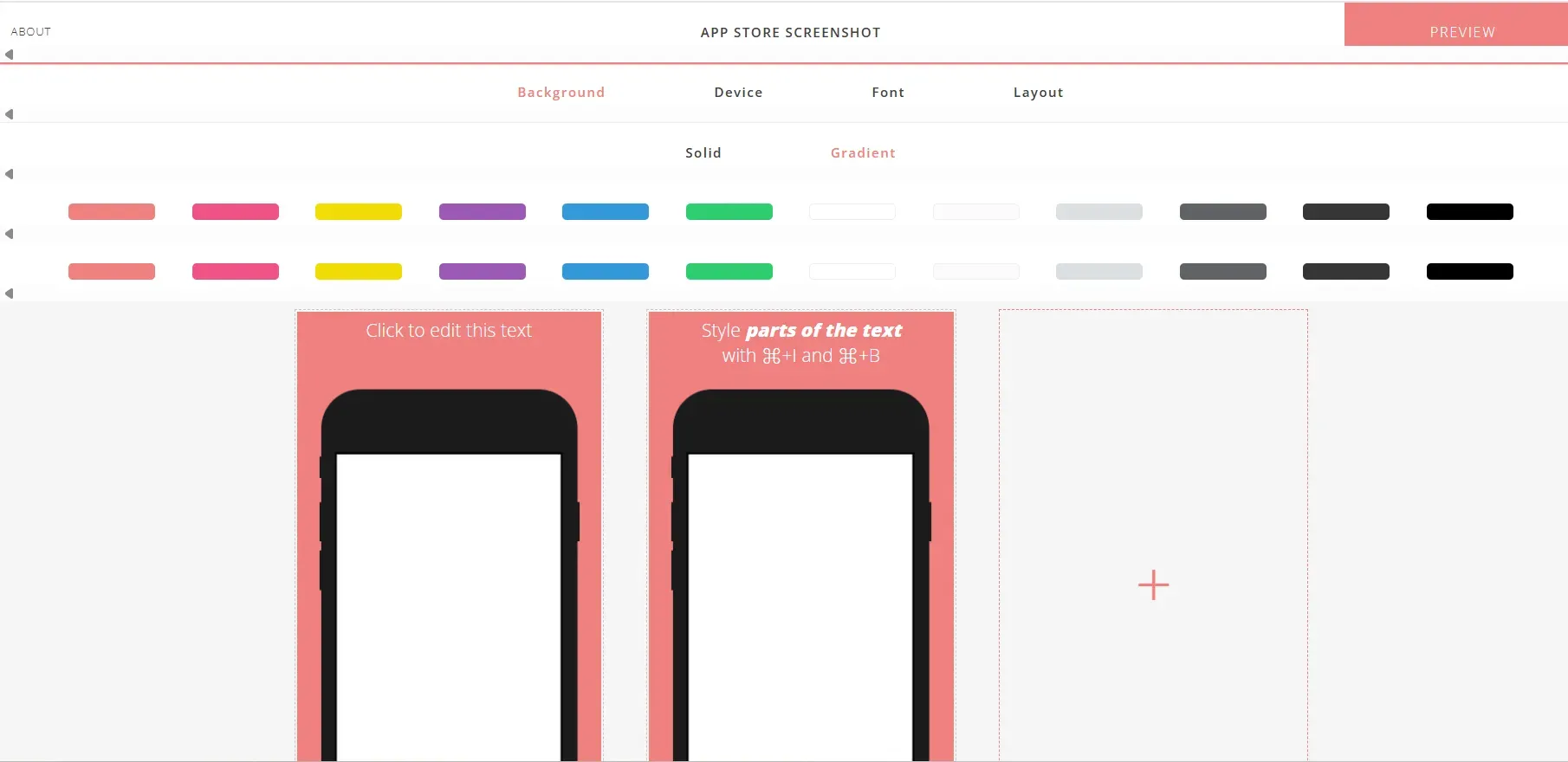
It skips advanced design features and focuses solely on turning your raw app screens into formatted, store-compliant screenshots as quickly as possible.
It does this without even asking for a sign-up.
Key Features
App Store and Google Play Store compliant screenshot templates.
No sign-up required, you can start designing screenshots as soon as you visit the website.
Fast preview of screenshots as you build them.
ZIP download option to grab all your grouped screenshots at once.
Covers iPhone, iPad, Android Phone, and tablet devices in multiple colors and styles.
Pros of the tool
The workflow is incredibly simple and fast.
No signup or onboarding is required to use the site.
Completely free.
Cons of the tool
Doesn’t offer screenshot templates, all work is custom.
Very limited customization features.
No localization options.
Not suitable for heavily branded, polished marketing screenshots.
Pricing Comparison
| Plan | AppScreens | Appstorescreenshot |
|---|---|---|
| Basic | Free | Free |
| Paid/Pro | $25/month | Completely free to use |
My Honest Opinion
Appstorescreenshot works well if you need a quick, free solution to generate basic screenshots. However, it lacks screenshot templates, offers limited design customization, and doesn’t support localization or 3D device frames, which makes it less suitable for polished app store listings.
5. Screenshots Pro
Best for: Developers who want automation and API integrations to speed up their screenshots workflow.
Pricing: A free plan is available. The standard paid plan starts at $19/month.
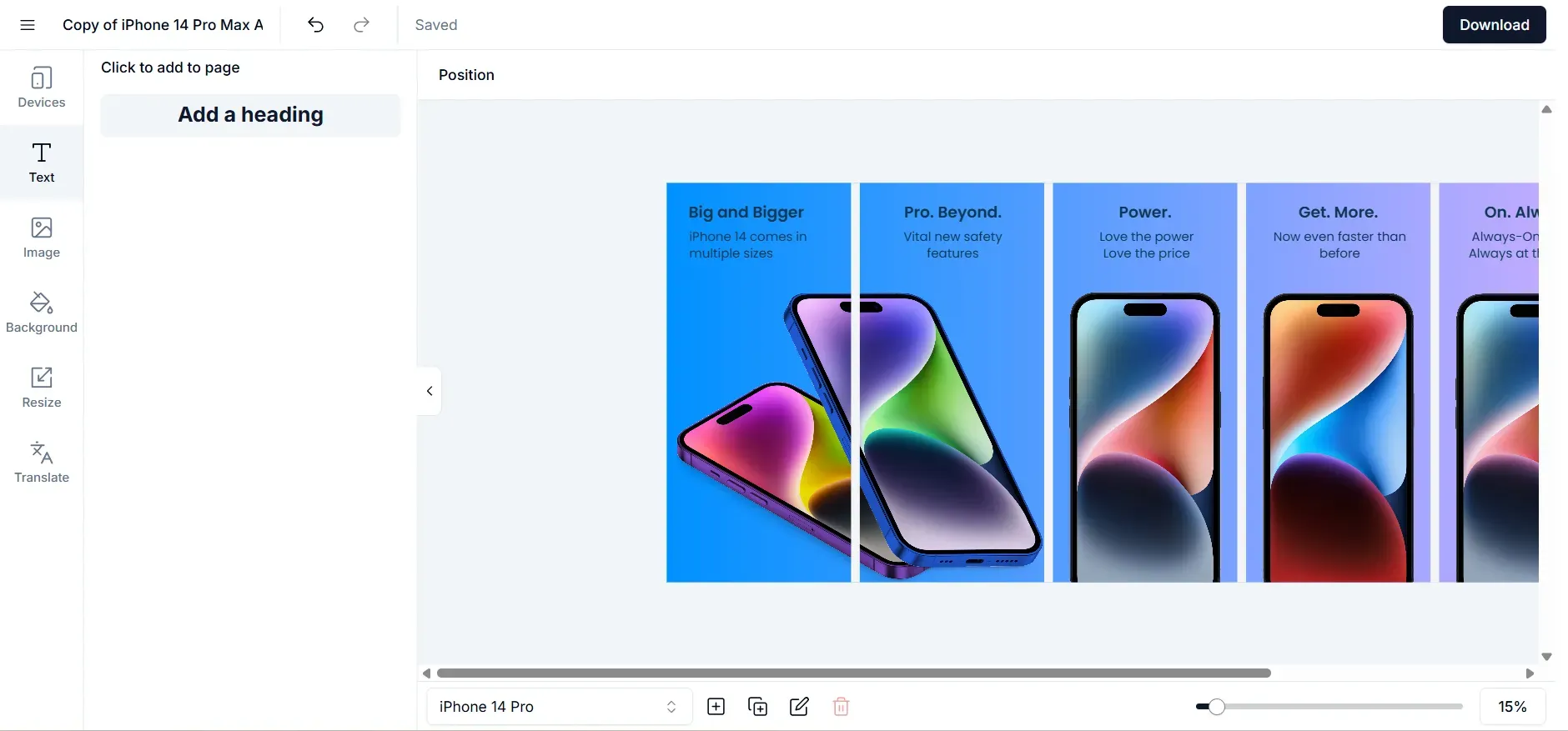
Screenshots Pro is a developer-friendly screenshot generator. It stands out by supporting automation workflows, allowing users to create panoramic, professional-looking screenshots and update them through API integrations.
Key Features
Offers App Store and Google Play Store screenshot templates.
Supports the latest iOS and Android devices, including iPhone 16 Pro Max and various Google Pixel and Samsung models.
Localization support for multiple languages.
3D device mockups and animated videos.
API integration for CI/CD pipelines to automate screenshot updates.
Automatic screenshot resizing for different store requirements.
Pros of the tool
Autosaves and syncs all projects to the cloud.
Ideal for developer-oriented workflows.
Offers API integration for CI/CD pipelines.
Cons of the tool
The screenshot templates are quite basic and generic.
Limited screenshot templates, in total, only 10.
Does not offer access to additional design assets, such as icons or illustrations.
Pricing Comparison
| Plan | AppScreens | Screenshots Pro |
|---|---|---|
| Basic | Free | Free |
| Paid/Pro | $25/month | Starts at $19/month |
My Honest Opinion
Screenshots Pro is the best choice for developers who prioritize automation and continuous integration over heavy, complex design customization.
6. AppMockUp
Best for: Developers who want highly customizable screenshot templates with features like batch screenshot exports.
Pricing: Free to use without signing up. Premium templates range from $7.97 to $14.97.
AppMockUp is a web-based screenshot generator designed to help you create compelling App Store and Google Play screenshots quickly.
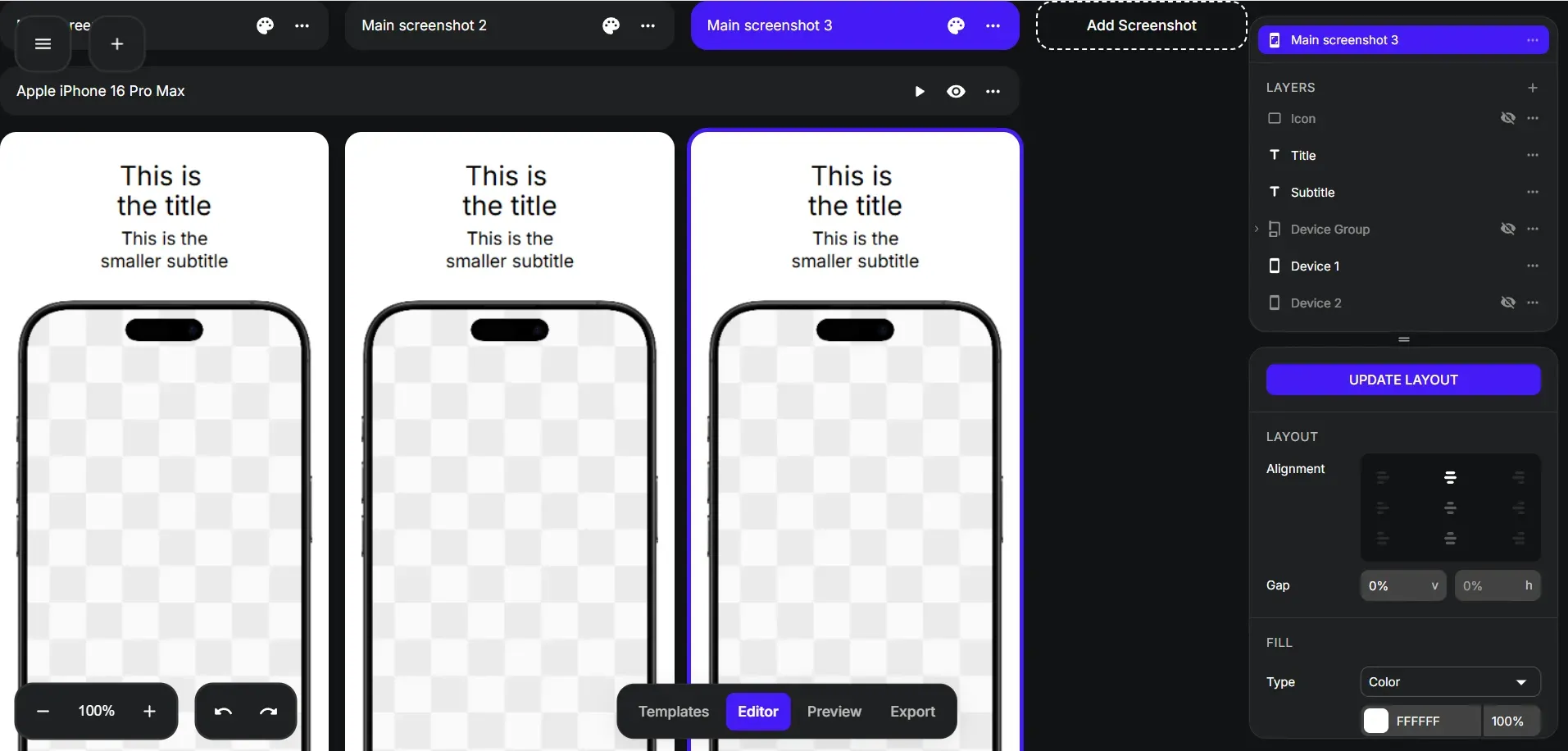
It provides a simple, easy-to-use screenshot editor for arranging your app screens, text, and backgrounds without a steep learning curve.
Key Features
Offers a total of 77 App Store and Google Play Store screenshot templates, including category-based designs for different app types.
Provide 3D devices, rich text editing with emojis, and instant localization in 38 languages.
Supports custom backgrounds and design elements.
Offers device frames for the latest iOS and Android devices.
Options to add brand logos, icons, and text highlights.
A real-time preview feature to see how screenshots will look directly in the store before publishing.
Pros of the tool
Free, browser-based tool.
Offers instant localization in 39 languages.
Cons of the tool
Does not support screenshot localization.
Category-based template packs, no monthly or yearly subscription.
Limited 3D devices.
Pricing Comparison
| Plan | AppScreens | AppMockUp |
|---|---|---|
| Basic | Free | Free |
| Paid/Pro | $25/month | Template-based pricing ($7.97 - $14.97) |
My Honest Opinion
AppMockUp is a decent screenshot generator that helps you create simple, clean screenshot designs. However, it lacks the automation and localization features needed for more professional work.
7. Launchmatic
Best for: Developers creating basic App Store screenshots quickly.
Pricing: $20 one-time plan for 30 days of access, or a $50 yearly unlimited plan.
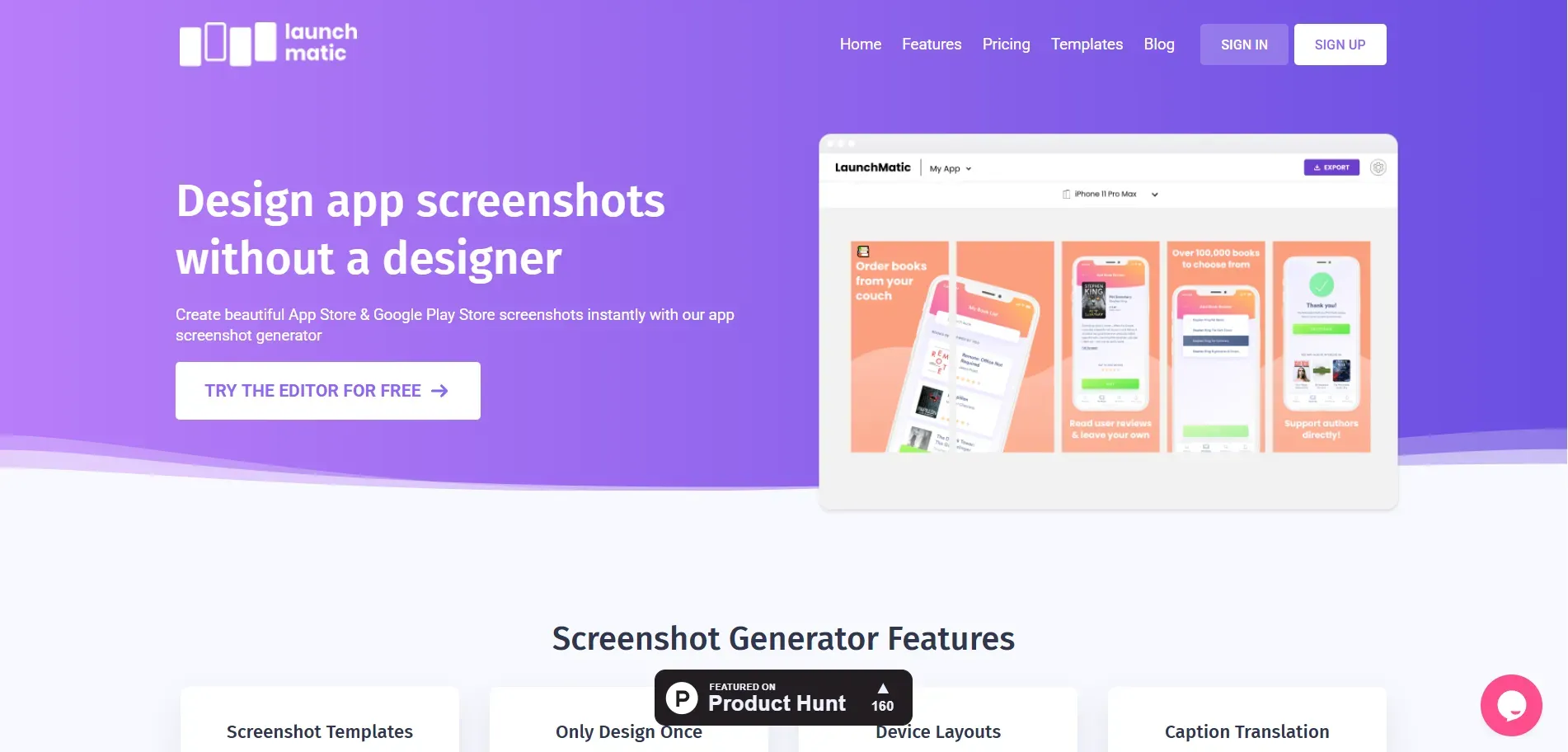
Launchmatic is a straightforward screenshot generator designed to help developers and marketers build store-ready visuals efficiently.
It offers a clean interface where you can start from scratch or use pre-made templates grouped by app categories.
Key Features
Offers a total of 18 screenshot templates for both Apple App Store and Google Play Store listings.
Operates on three device styles: Real, Clay, and Matte.
Support for both portrait and landscape orientations.
Offers basic customization features.
Offers automated cross-device edits across iOS and Android screenshots.
Pros of the tool
Beginner-friendly screenshot editor.
Supports both portrait and landscape screenshot layouts.
The Apply to all feature applies one design edit across all screenshots instantly
Cons of the tool
The number of templates is limited compared to other tools.
The device frames feel a bit outdated.
Screenshots can only be exported with the paid plan.
Export format is limited to PNG only.
Pricing Comparison
| Plan | AppScreens | Launchmatic |
|---|---|---|
| Basic | Free | No Free Plan |
| Paid/Pro | $25/month | $20 (One-time, 30-day duration) |
My Honest Opinion
Launchmatic is a basic screenshot generator, thanks mostly to its time-saving bulk-edit features. But it lacks the latest device frames and broad template variety found in other tools on the list.
8. Hotpot AI
Best for: Developers who want AI-assisted design tools like AI image editing, AI headshot generator, AI logo generator, and heavy customization.
Pricing: Flexible credit-based pricing for light users, or regular subscriptions for heavy users.
Hotpot AI offers a suite of AI-powered tools for generating graphics, including app store visuals.
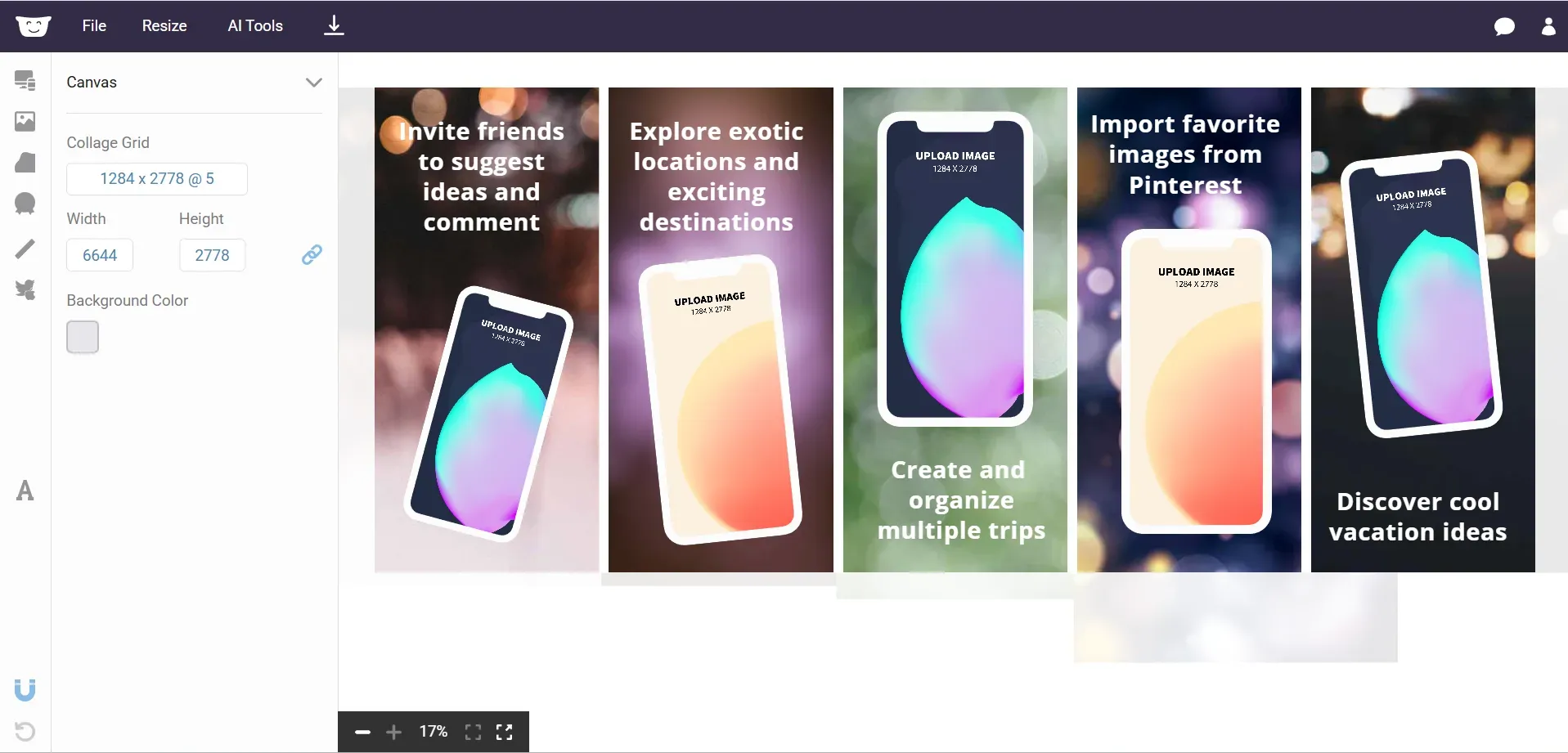
It provides a highly customizable, drag-and-drop screenshot editor that lets you tailor your screenshots to fit your specific brand message.
Key Features
Pre-designed screenshot templates for mobile, Mac, and web.
Offers built-in AI image editing tools.
Options to add custom icons, brand logos, and custom backgrounds.
Supports device mockups for social media and marketing use.
Real-time app store preview as you edit the screenshots.
Pros of the tool
Offers multiple AI design tools for image generation, logos, and other visuals.
Easy to import custom assets.
No signup is required to start designing.
Cons of the tool
Does not guarantee App Store and Play Store-compliant templates by default.
The device library is noticeably outdated (the latest iPhone available is the iPhone 12 Pro Max).
Lacks 3D device frames, relying mostly on colored, flat 2D device frames.
No localization feature.
Pricing Comparison
| Plan | AppScreens | Hotpot AI |
|---|---|---|
| Basic | Free | Free (Limited) |
| Paid/Pro | $25/month | Credit-based / Subscription |
My Honest Opinion
Hotpot AI is much better suited for general AI graphic design tasks. If you need a dedicated, up-to-date tool strictly for App Store screenshots, the outdated device frames hold this one back.
9. Placeit
Best for: Developers and marketing teams who want basic device mockups and promotional visuals rather than App Store screenshot templates.
Pricing: Monthly subscription starts at 14.95/month. You can also choose to purchase individual mockups ($7.95 to $39.95).
Placeit is a popular online design and mockup platform offering thousands of device mockups and marketing visuals.
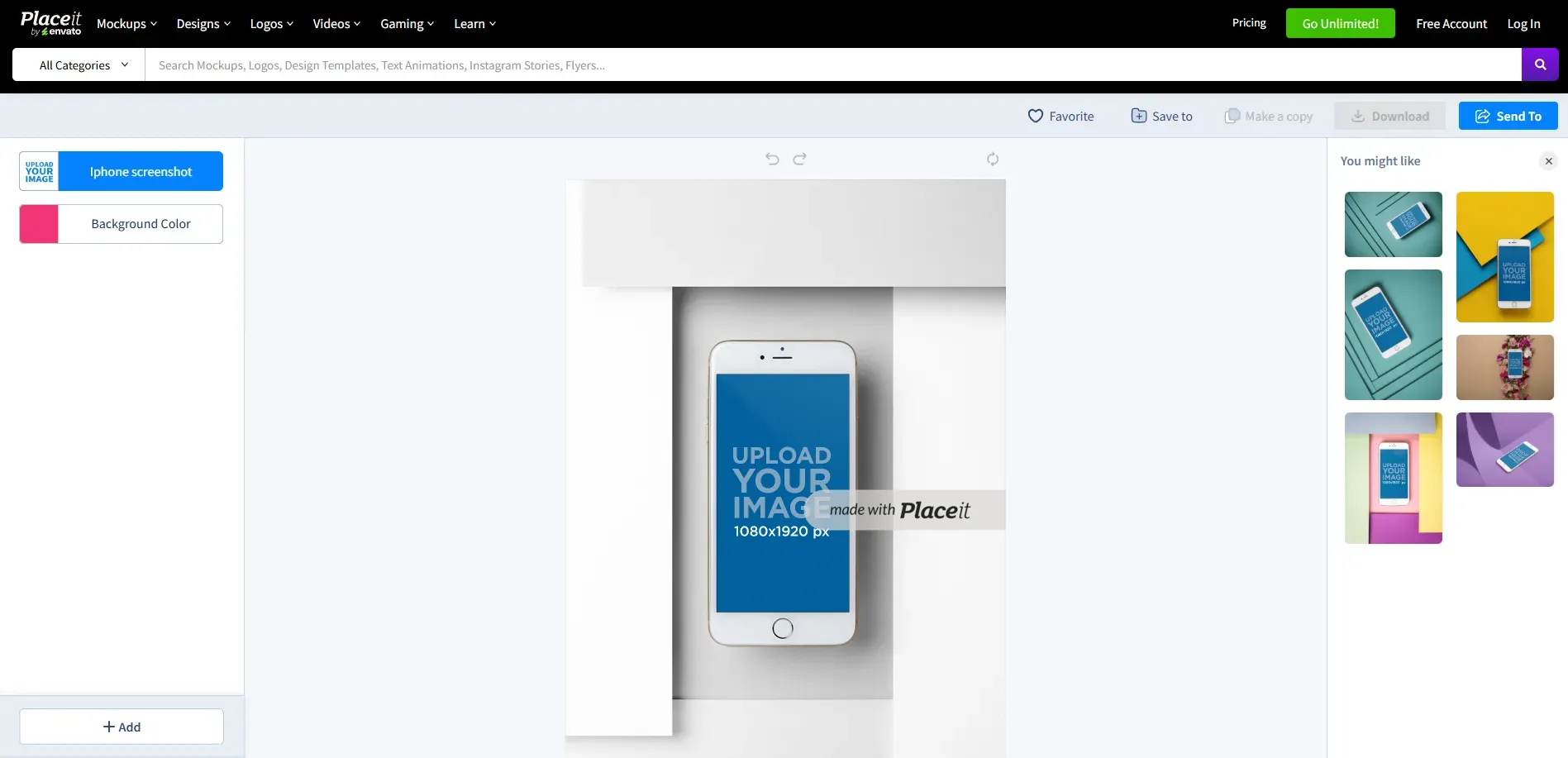
While it is not built exclusively for App Store listings and does not offer screenshot templates, many marketers and developers still use it to create clean device mockups featuring their app.
Key Features
Huge mockup library with over 1,420 iPhone mockups and 308 MacBook mockups.
Extensive device library, including mockups for iPhone, iPad, Android, MacBook, and iMac.
Simple drag-and-drop editor for adding screenshots, text, and brand logos.
Brand kit support to maintain consistent visuals.
Downloads available in standard JPG and PNG formats.
Pros of the tool
Massive mockup library with plenty of variety.
Extremely easy-to-use editor, even for non-designers.
Useful for creating a wide range of marketing visuals beyond app stores.
Cons of the tool
Does not offer app screenshot templates.
Device mockups are not compliant with the App Store and Google Play Store.
Device frames around older iOS and Android device models.
Free plan offers watermarked downloads.
No automated localization feature.
Pricing Comparison
| Plan | AppScreens | Placeit |
|---|---|---|
| Basic | Free | Free (Watermarked) |
| Paid/Pro | $25/month | $14.95/month or single mockup purchase option($7.95 to $39.95) |
My Honest Opinion
Placeit is a great mockup platform for a wide-range of marketing and social media visuals.
However, it often falls short if you need a dedicated App Store screenshot generator that handles store-compliant screenshots.
10. MockUphone
Best for: Developers who only need device mockups to showcase their app screens.
Pricing: Free to use tool.
MockUphone is a popular device mockup generator offering mockups for major mobile brands like Google Pixel, Samsung, Oppo, and more.
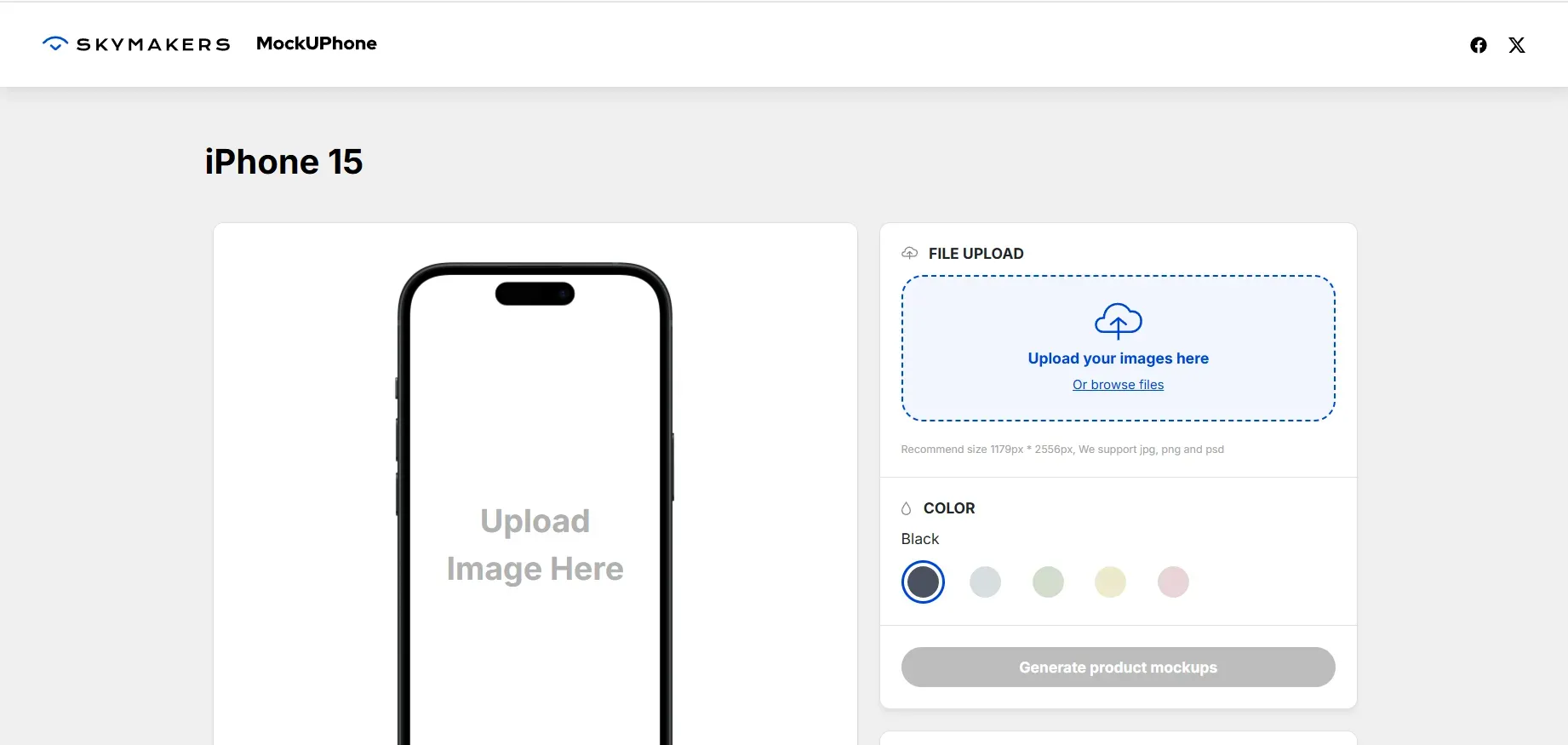
It lets you upload your raw app screens and quickly wrap them in realistic device frames for promotional and marketing visuals.
Key Features
Device mockups for iPhone, iPad, Android, and TVs.
Support for popular mobile brands like Google Pixel, Samsung, and Oppo devices.
Support for 3D device mockups.
Instant device mockup generation.
No sign-up or user account required.
Pros of the tool
Extremely simple workflow, no sign-up required.
Clean, high-quality device mockups and instant exports.
Cons of the tool
Does not offer app screenshot templates.
You cannot add text captions, background layouts, or localize the graphics.
Limited customization options.
Pricing Comparison
| Plan | AppScreens | MockUphone |
|---|---|---|
| Basic | Free | Free |
| Paid/Pro | $25/month | Completely free |
My Honest Opinion
MockUphone is excellent for showcasing your app screens in clean device mockups, but it doesn’t support screenshot templates and offers almost zero customization options.
Pick the Right AppScreens Alternative
When deciding which tool is right for you, keep these practical points in mind:
Update frequency: Choose a tool with strong automation features (like API access) if you update your app and screenshots frequently.
Global reach: If you target international users or plan to launch your app in international markets, prioritize tools with built-in localization support. Look for all 37 required locales in the App Store.
Marketing focus: Teams creating a wide range of marketing visuals often benefit from tools with extensive mockup libraries, such as Placeit.
Device accuracy: Make sure the tool’s device library includes the latest iPhone and Android models.
Budgeting: Match the pricing model to how often you actually need to generate new screenshots.
Test first: Try out a few free plans or trials before fully committing your workflow to one platform.
FAQs
1. What is the best AppScreens alternative for creating App Store screenshots?
AppLaunchpad is highly recommended for its massive template library (1000+), automatic resizing across devices, and trendy 3D and handheld device frames. Screenshots Pro is another strong choice for developers.
If you just need something quick and simple, Previewed and AppMockUp are great options.
2. Are there any free AppScreens alternatives available for generating App Store screenshots?
Yes, tools like Appscreenshot and MockUphone are completely free to use. AppLaunchpad also offers multiple free screenshot templates, while platforms like Appure and Screenshots Pro provide limited free plans.
3. Which AppScreens alternative supports multiple latest device frames?
AppLaunchpad, Screenshots Pro, and Appure automatically support multiple device sizes for both Apple and Google platforms. MockUphone also provides a wide variety of device frames if you only need mockups.
4. Do screenshot generators help improve App Store conversion rates?
Yes. Well-designed, professional screenshots can significantly increase your install rates. Using a screenshot generator helps communicate your app's core value much faster than plain, random app screens
5. What features should developers look for in a screenshot generator?
You should look for automatic resizing, App Store & Google Play Store compliant templates, a modern device frame library, flexible customization, and localization support if you plan to release your app in multiple languages.