
ASO Checklist for App Store: A Complete Guide
ASO Checklist for App Store: A Complete Guide
A complete ASO checklist to help you optimize your App Store listing, improve keyword rankings, and increase organic downloads.

Introduction
Mobile apps have become a fundamental aspect of our daily lives, mostly because of their mobility and on-the-go accessibility. From fashion and beauty to fitness and entertainment, there are apps for a wide range of needs, interests, and habits.
And when it comes to finding a new app, people head straight to the App Store on their device.
According to reports, nearly 60% of app downloads come from the App Store search results. So what does this mean?
It means that if your app does not show up in search results for the intent it was built for, users will never see it. And this is why App Store Optimization, or ASO, is necessary for your app's visibility.
But what exactly is ASO, and why is it so important?
This is what this guide is here to answer. We’ve created a complete ASO checklist to help you understand the key factors and App Store review guidelines, plan the right ASO strategies, and apply them step by step to scale your app's growth and retention.
Key Takeaways
Nearly 60% of app downloads come from app store search. If your app does not rank for relevant keywords, users will not discover it.
ASO works in two stages: ranking through optimized metadata and conversion through strong visuals and messaging.
The Apple App Store and Google Play Store use different ranking systems, metadata structures, and update processes. Your optimization strategy must adapt to each platform.
App titles, descriptions, keyword fields, ratings, reviews, and engagement signals all play a major role in how App Store algorithms rank your app.
Regular app testing, visual updates, keyword refinement, and data-driven decisions are necessary to stay competitive and grow organic installs over time.
Who is this Checklist for?
App founders who want to grow downloads without depending only on paid ads.
Marketers responsible for increasing installs and improving the app's visibility.
Product managers who oversee app growth and performance on a day-to-day basis.
Anyone looking to scale an app for steady, cost-effective user growth.
Learners who want to understand how app marketing works and the factors that are fundamental to an app's success and lifecycle.
What is ASO and Why it Matters for App Growth?
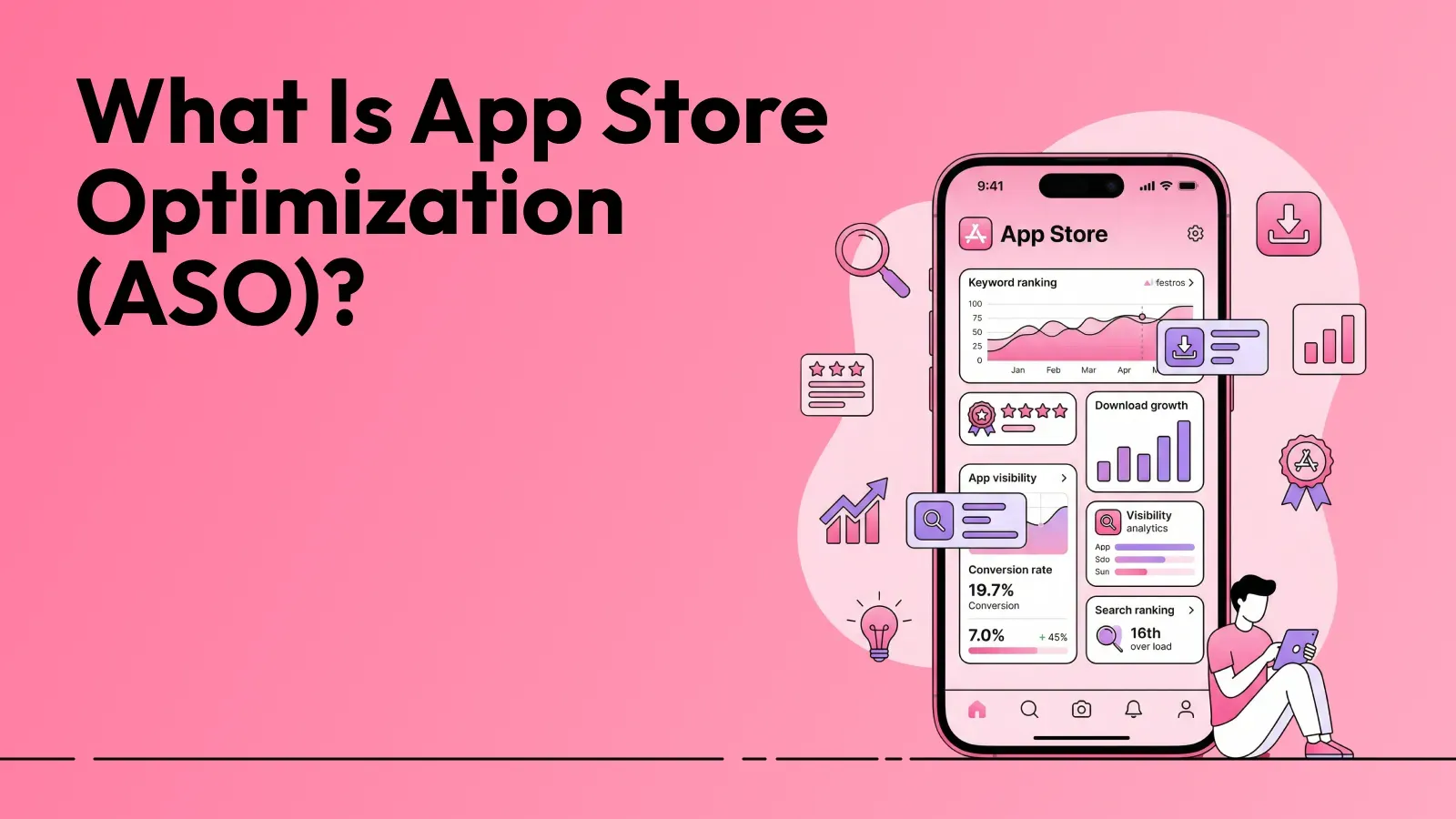
App Store Optimization, or ASO for short, is a set of tactics used to help your app rank higher in search results and gain more organic installs. It is a critical factor for an app's success and directly influences conversions and revenue, without depending on paid campaigns.
This is done by successfully optimizing the following.
Metadata keywords
Visuals (app screenshots, demo videos, and icons)
Localization for the core market, frequent updates
Overall page experience.
ASO matters because it directly impacts organic growth. It helps you push your app’s unique selling point and connect with the right users based on Life-Time Value (LVT).
When this happens, your app ranks higher. The higher the rank, the more conversions you get, thereby increasing the revenue. And more installs mean lower user acquisition (UA) costs. Over time, this reduces reliance on paid ads, builds steady, long-term growth, and eventually leads to higher revenue.
Note: Lifetime Value, or Customer Lifetime Value (CLV), is a metric that defines the net profit or revenue a customer generates over the entire time they use and engage with your app.
Key Benefits of ASO
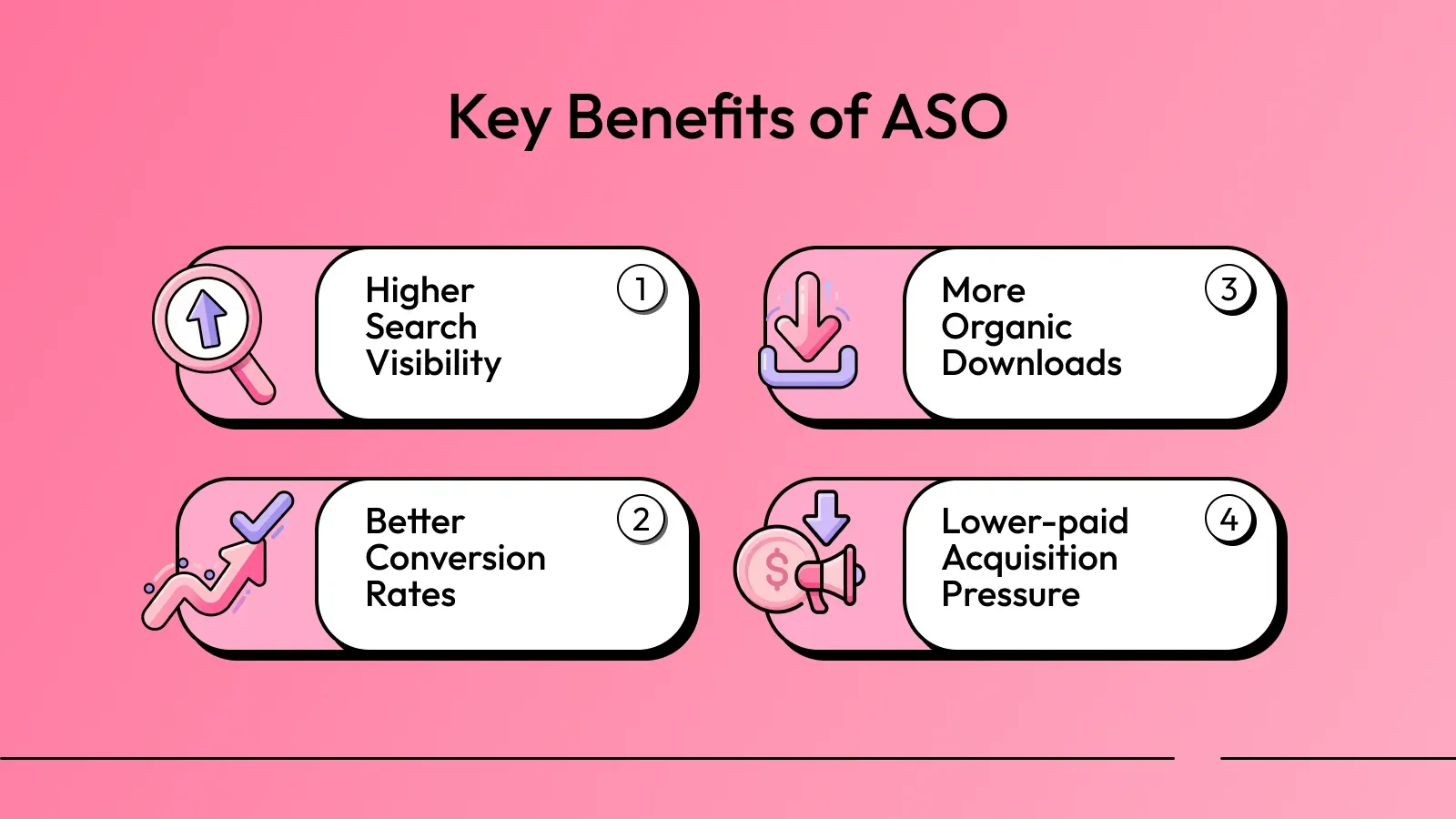
Below are some of the main benefits of App Store Optimization.
Higher search visibility: Your app appears closer to the top when users search for relevant keywords, increasing the chances of being seen and installed.
More organic downloads: You attract users directly from App Store search without paying for ads, helping you grow organically.
Better conversion rates: People are more likely to install your app as your listing clearly communicates your product's value.
Lower paid acquisition pressure: As organic installs increase, you can rely less on paid campaigns, which means that your marketing budget lasts longer and can be used more efficiently.
Key Ranking Factors in ASO
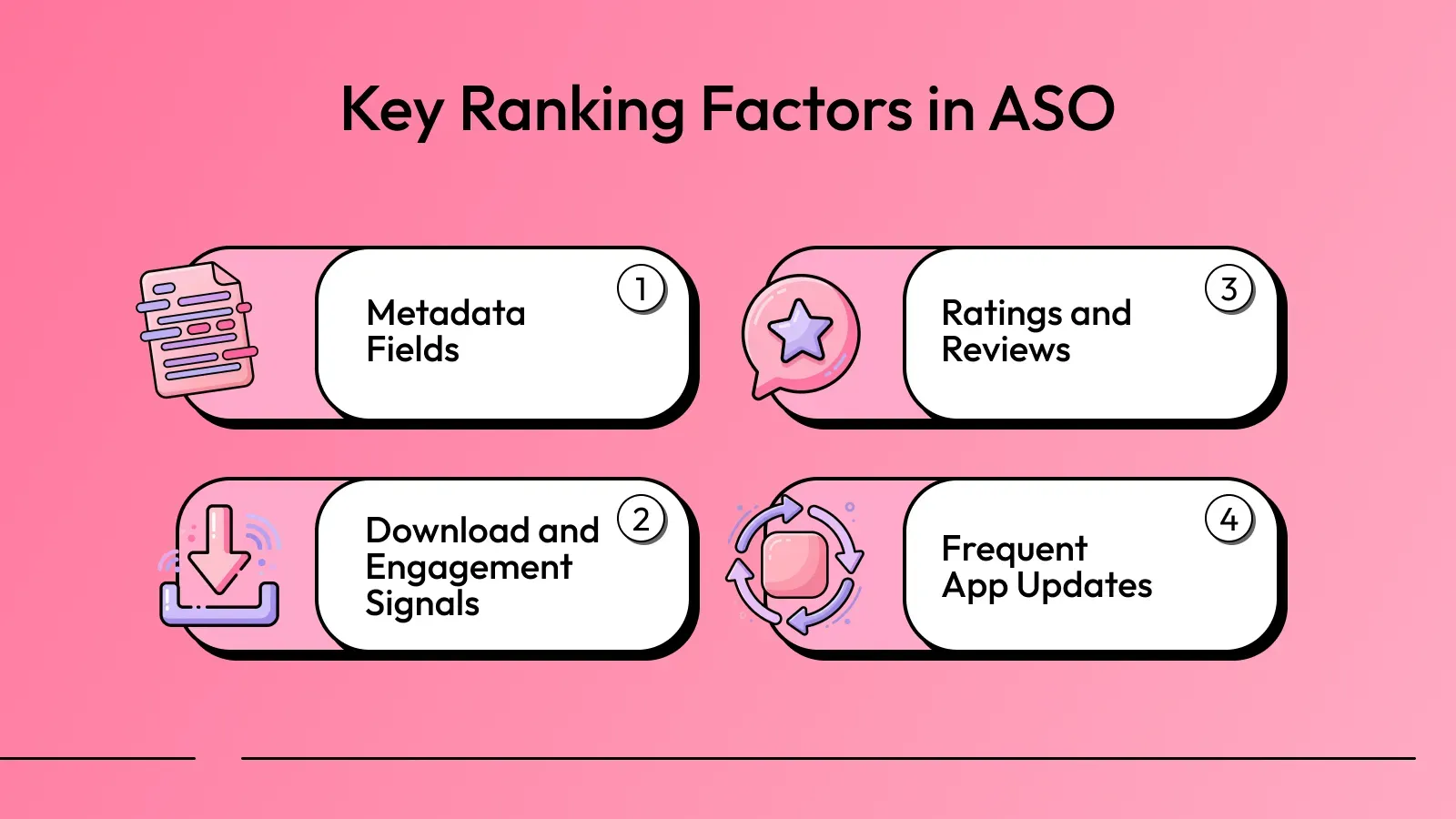
Both the Apple App Store has guidelines and criteria for deciding which apps to show when users search. While the exact strategy is not known, here are the main app ranking factors you can't ignore.
Metadata fields: Your app title, subtitle, description, and keyword fields are the most important ranking factors. These help the algorithm understand what your app is about and which searches it should appear for, and also help in user conversion.
Ratings and reviews: Higher ratings and positive reviews signal credibility and trust, and they also increase your rankings. People are most likely to download an app with a rating of 4.0 or higher. Likewise, an app with a large number of negative reviews is unlikely to be downloaded.
Download and engagement signals: The more app installs you have, the more trustworthy your app appears to the algorithm. Apart from downloads, active user engagement shows how much value users find in your app, which can positively impact rankings.
Frequent app updates: Regular updates signal that your app is being actively maintained. Instead of bigger, time-consuming updates, they can be smaller, such as updating in-app visuals, updating app screenshots, adding a new category, introducing seasonal offers, etc.
How does ASO work?
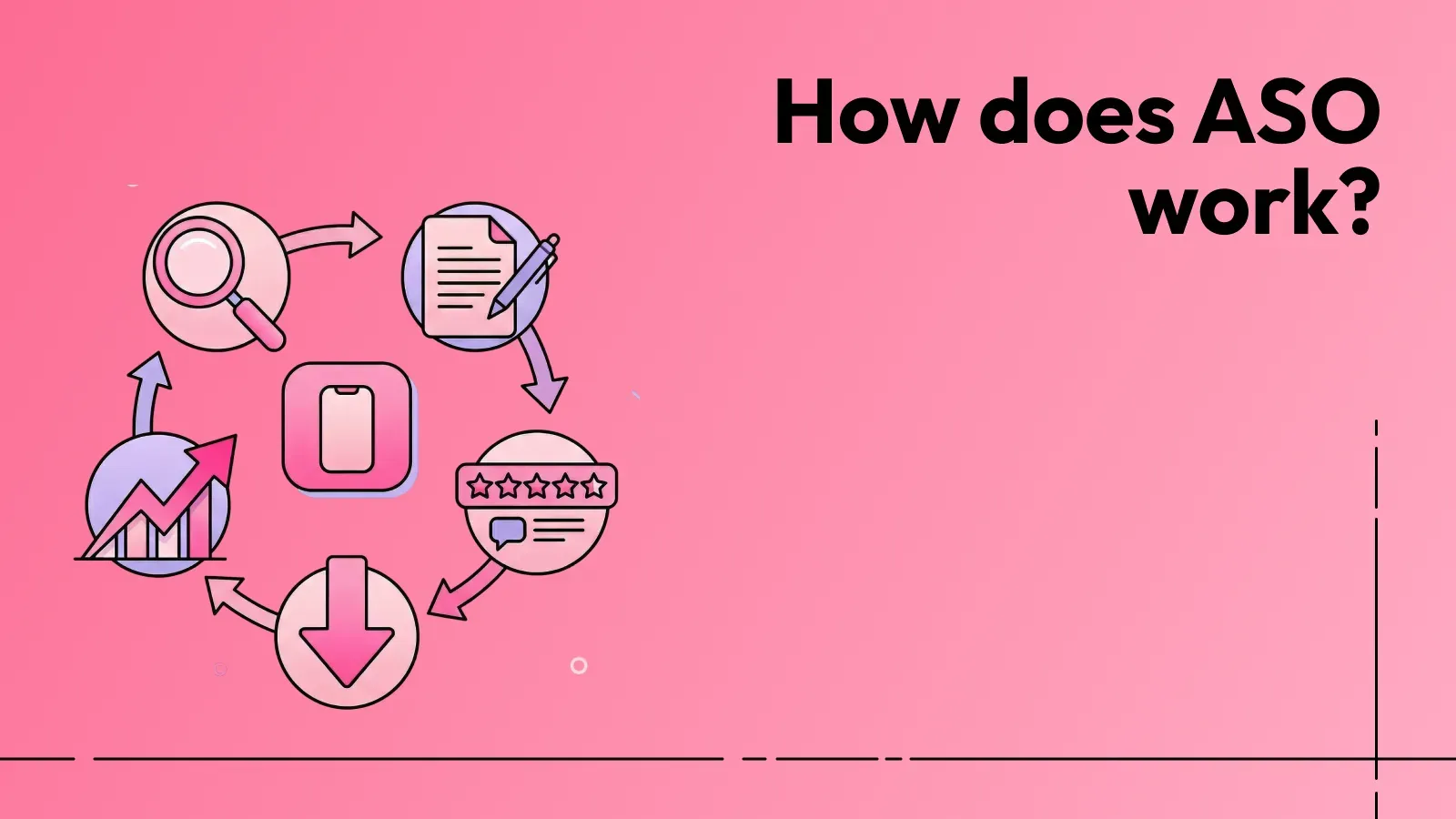
We’ve already discussed App Store Optimization and its importance. Now, let's understand how it’s done.
ASO basically works in two stages: ranking and conversion.
Ranking in ASO is mostly metadata-based. When a user searches in the App Store, the algorithm scans app titles, keywords, and descriptions to find relevant matches.
If your metadata aligns with the search intent, your app becomes eligible to appear in the results. From there, factors like downloads, ratings, reviews, and engagement influence where your app is placed.
Conversion, on the other hand, is more focused on App Store visuals. After users land on your app store page, visuals, such as screenshots, videos, and messaging, determine whether they install or scroll past. Even if you rank well, but your visuals are not convincing, the listing quality will limit results.
When both ranking and conversion improve together, visibility grows, installs increase, and performance strengthens over time.
ASO vs SEO: Which to Focus on for App Store Success?
ASO is often described as SEO for apps, likely because both focus on optimizing the ranking and visibility of apps and websites. Conversely, although the two processes share similarities, they also differ, as we've discussed below.
Key Similarities between ASO and SEO
ASO and SEO may focus on different platforms, but the core idea is the same. One targets app stores. The other targets search engines. Here are the main similarities.
1. Keyword Research and Search Intent
Both ASO and SEO begin with keyword research.
In SEO, you identify the keywords people type into search engines like Google, Bing, Baidu, etc. Similarly, in ASO, the focus shifts to users entering keywords in the App Store or Google Play search bar.
In both cases, the goal is to find high-volume, relevant keywords that reflect user demand and intent.
For example:
A user searching for ‘best app screenshot generator’ wants a simple app screenshot tool.
A user searching ‘how to invest in app marketing’is likely looking for marketing content.
So, if your app or webpage does not match the user’s goal, rankings and conversions will suffer. Therefore, in both optimization processes, keywords must align with real user problems and expectations to achieve impactful results.
2. On-Page Content Optimization
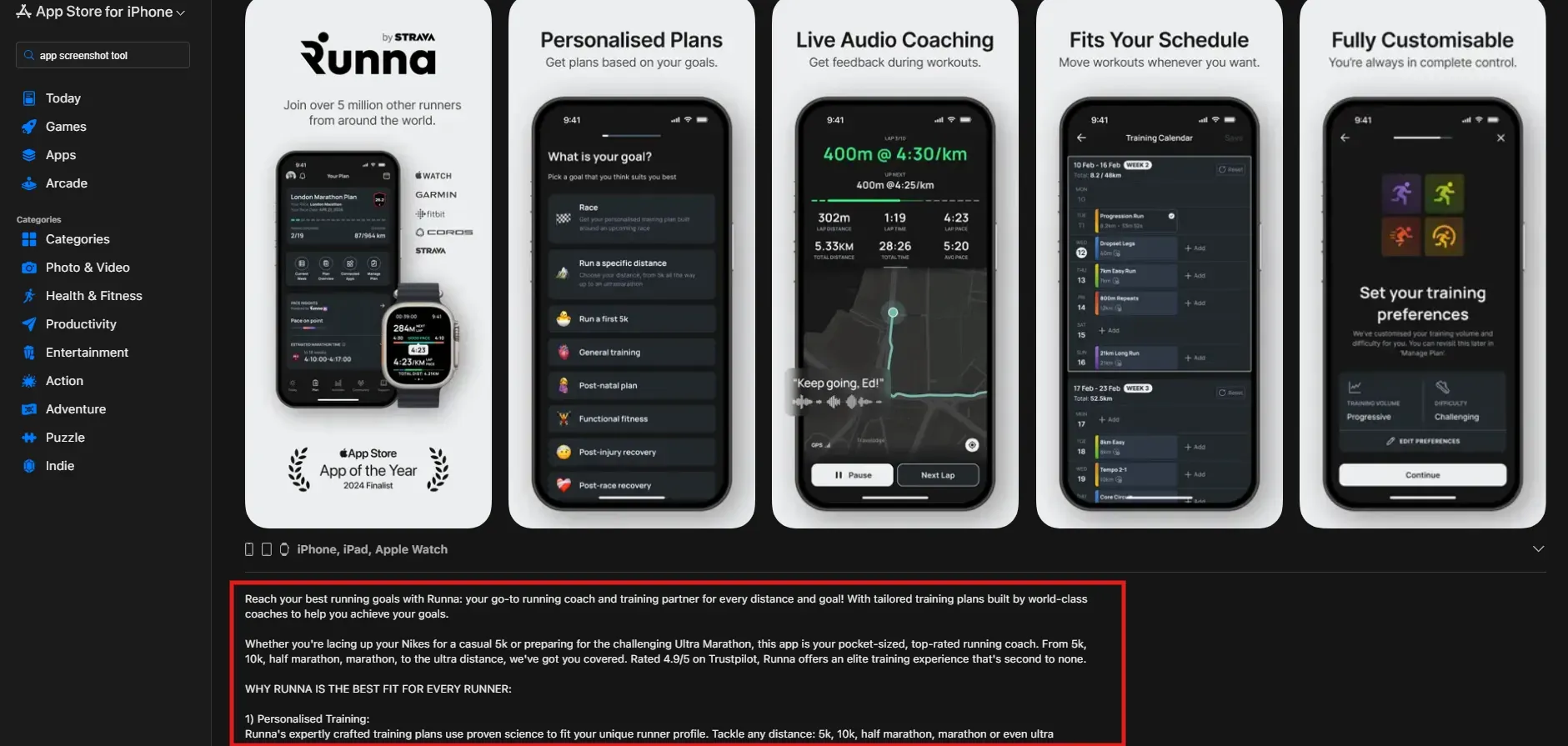
Content optimization is the process of improving content on a website or app page to increase search visibility and search engine rankings. And both ASO and SEO heavily depend on on-page content to present information.
In ASO, you optimize:
App title and subtitle
App description
Keyword fields
App store screenshots and visuals
In SEO, you optimize:
Page titles
Meta descriptions
Headings
Content structure
In both cases, content must clearly convey the product's value. Users decide quickly whether to click or install in a fraction of a second. If your messaging is unclear, you lose that opportunity.
Additionally, structure also matters. Websites use headings and well-organized sections. App listings use clean formatting, short paragraphs, and easy-to-scan visuals.
3. Technical and Performance Factor
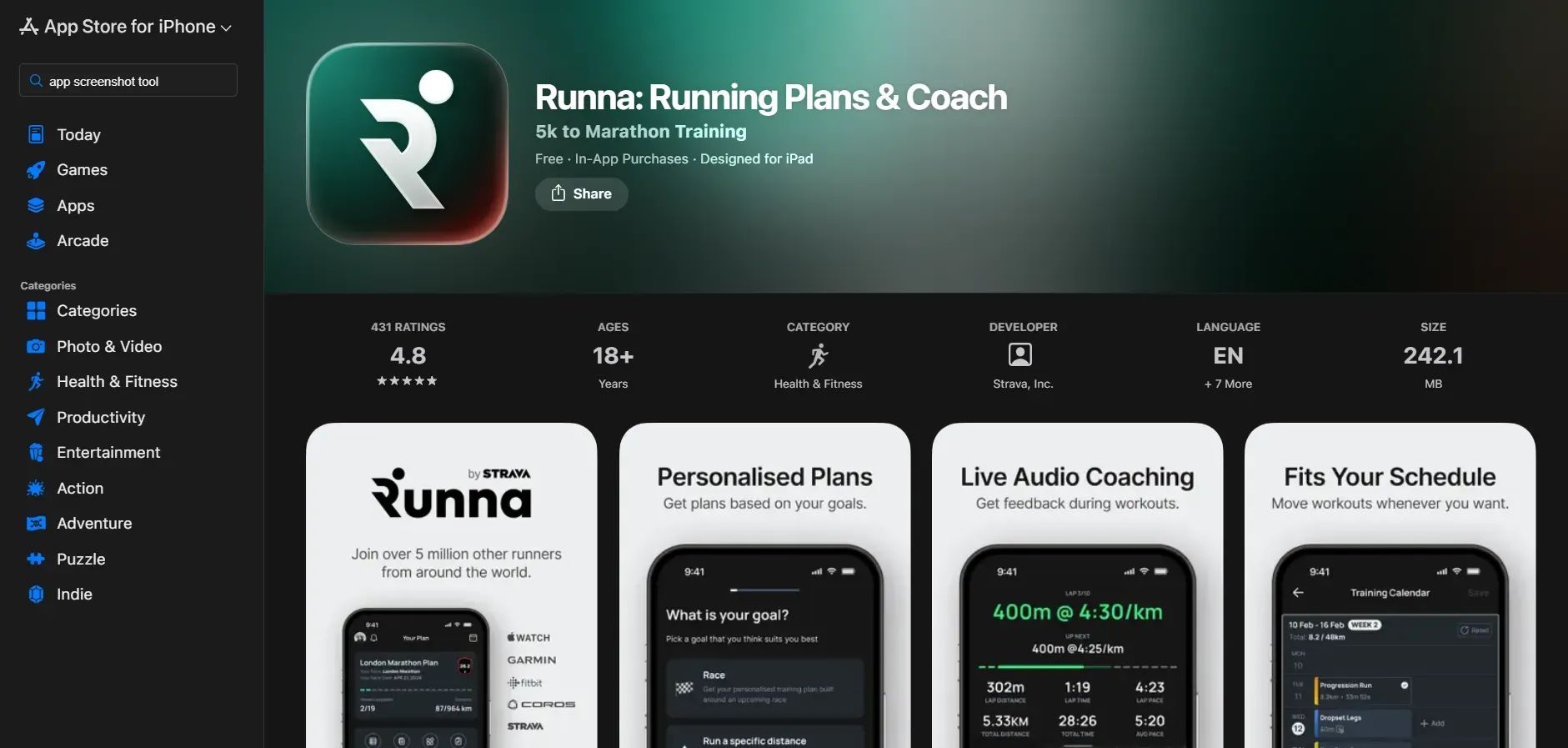
Performance and user experience are other critical ranking factors in both ASO and SEO.
For websites, search engines consider factors like:
Page load speed (under 3 seconds)
Mobile friendliness
Bounce rate
The time users spend on your app or website
For apps, the App Store looks at:
Download volume
User retention rate
User engagement
Ratings and reviews
Technical optimization is also critical in both. Proper metadata, indexing, and structured information help the algorithm understand what your content or app is about. The clearer the signals, the more accurately the algorithm will rank you.
Key Differences Between ASO and SEO
Now that we've learned the similarities between ASO and SEO, let's look at the main differences.
1. Platform and Target Audience
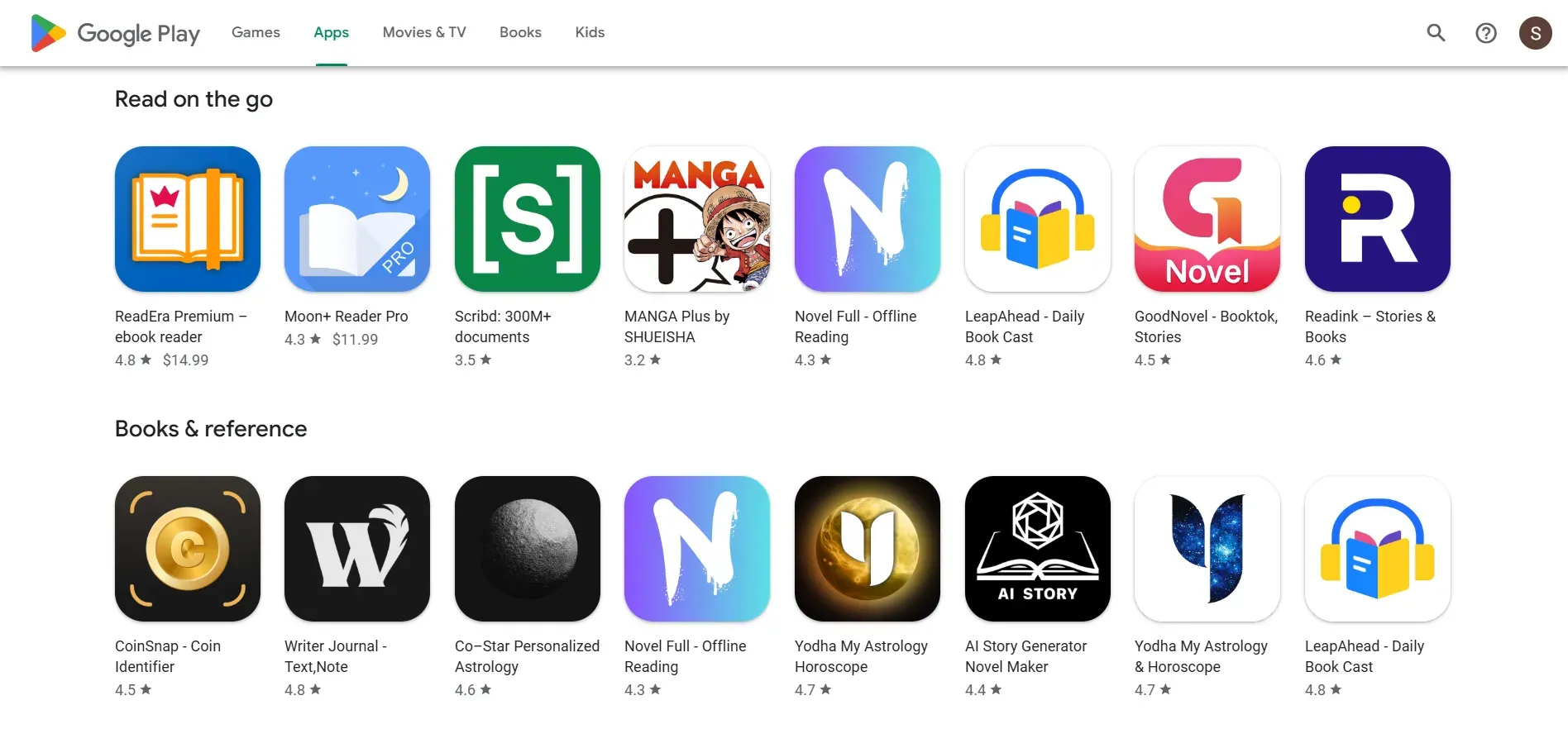
The main and most obvious difference is where users are searching.
ASO focuses on app stores like the Apple App Store and Google Play Store. On app stores, users are mostly scrolling on mobile devices and are ready to install an app. The intent here is often action-driven and quick.
SEO focuses on search engines like Google. Users may be on mobile or desktop devices, and their intent can range from research to comparison to purchase.
2. SERP Features
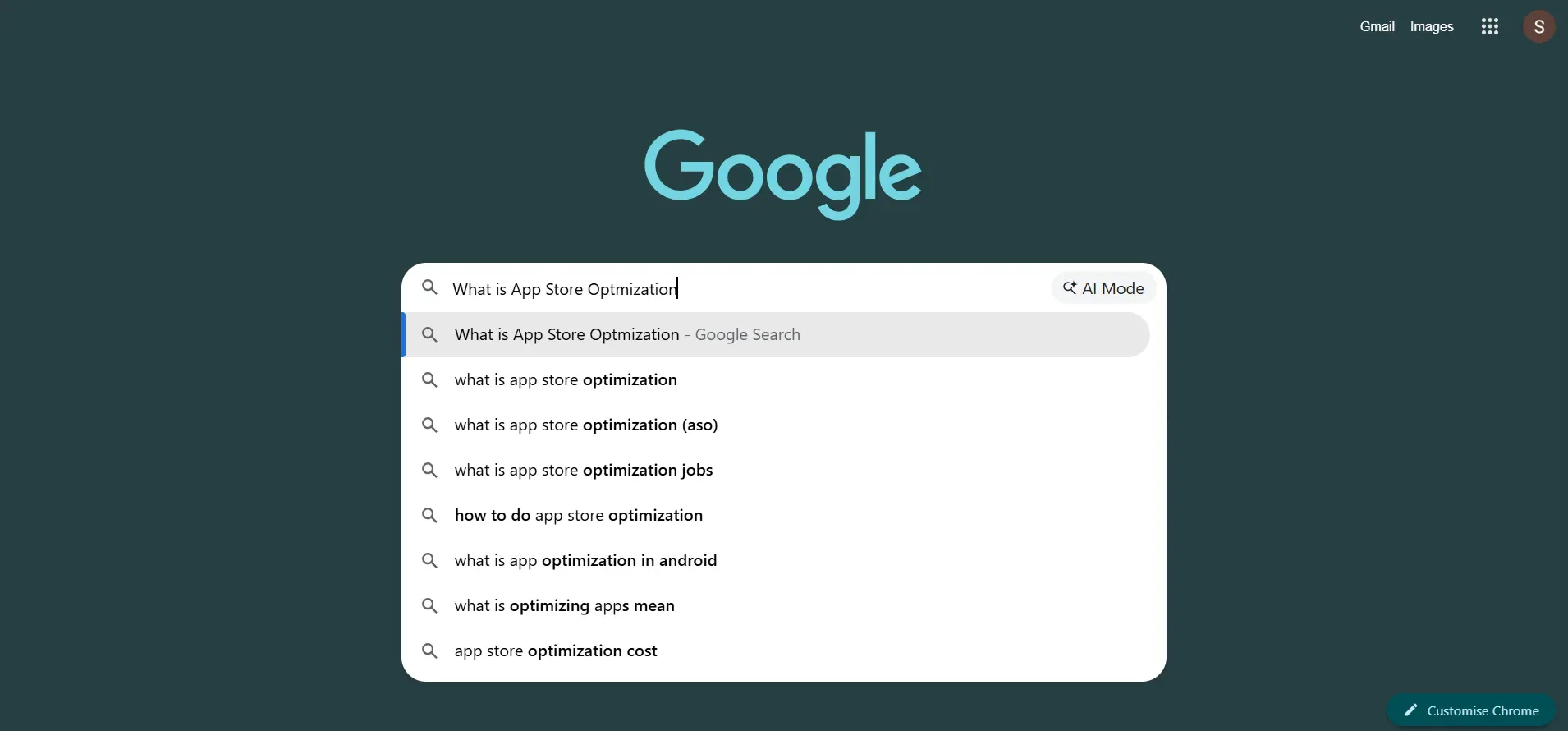
Search result layouts differ significantly between search engines and app stores.
In SEO, Google’s search results include features like AI Overviews, People Also Ask, Featured Snippets, and image and video search results. Website owners can optimize their content to improve their chances of appearing there, but they cannot directly control the placements or rankings.
Google decides what comes on the first page, second page, etc.
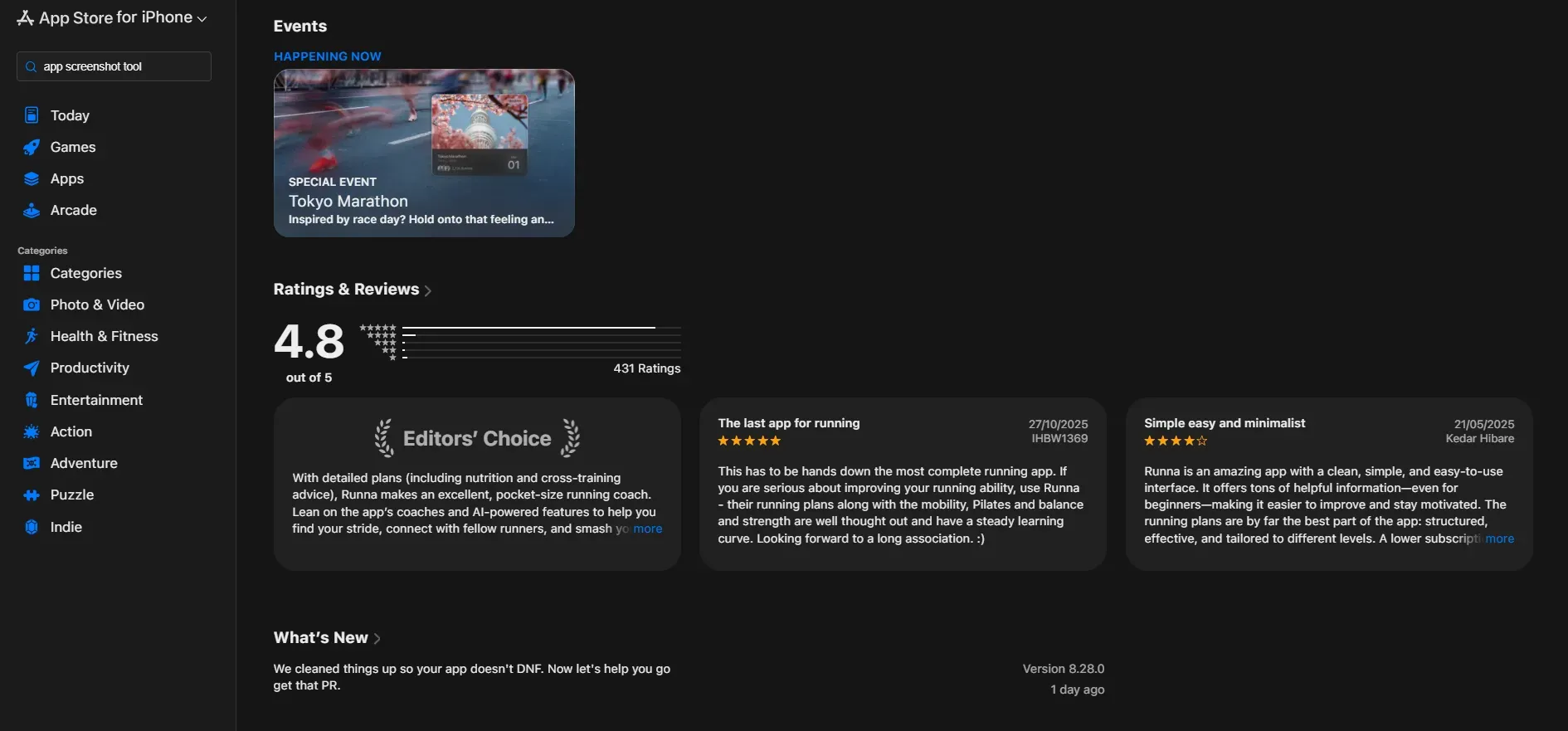
In ASO, search results are simpler. One notable feature is in-app events, which allow app owners to promote specific updates, seasonal campaigns, or new content directly within search results. For example, a streaming platform can highlight a new show release through an app event.
Unlike Google’s SERP features, app events are created and managed by the app owner. While they may not be relevant for every app, they offer more direct control over how your app appears in certain search scenarios.
3. Ranking Signal and Algorithm Factors
Ranking factors differ across app stores. App store algorithms usually look at installs, ratings and reviews, user retention, engagement, and how relevant your keywords are in the app metadata.
Metadata updates are typically performed regularly, every 4 to 6 weeks, based on performance data. Teams also run A/B tests on titles, descriptions, icons, and screenshots to see which versions bring more installs.
In SEO, search engines focus more on content depth, backlinks, domain authority, technical structure, page speed, and overall user experience. While both systems evaluate product quality, app store algorithms rely more heavily on direct user behavior signals, whereas search engines prioritize content authority and technical strength across the web.
Results often take longer to reflect in rankings, as search engines evaluate long-term signals such as content depth and domain authority.
4. Data and Performance Tracking
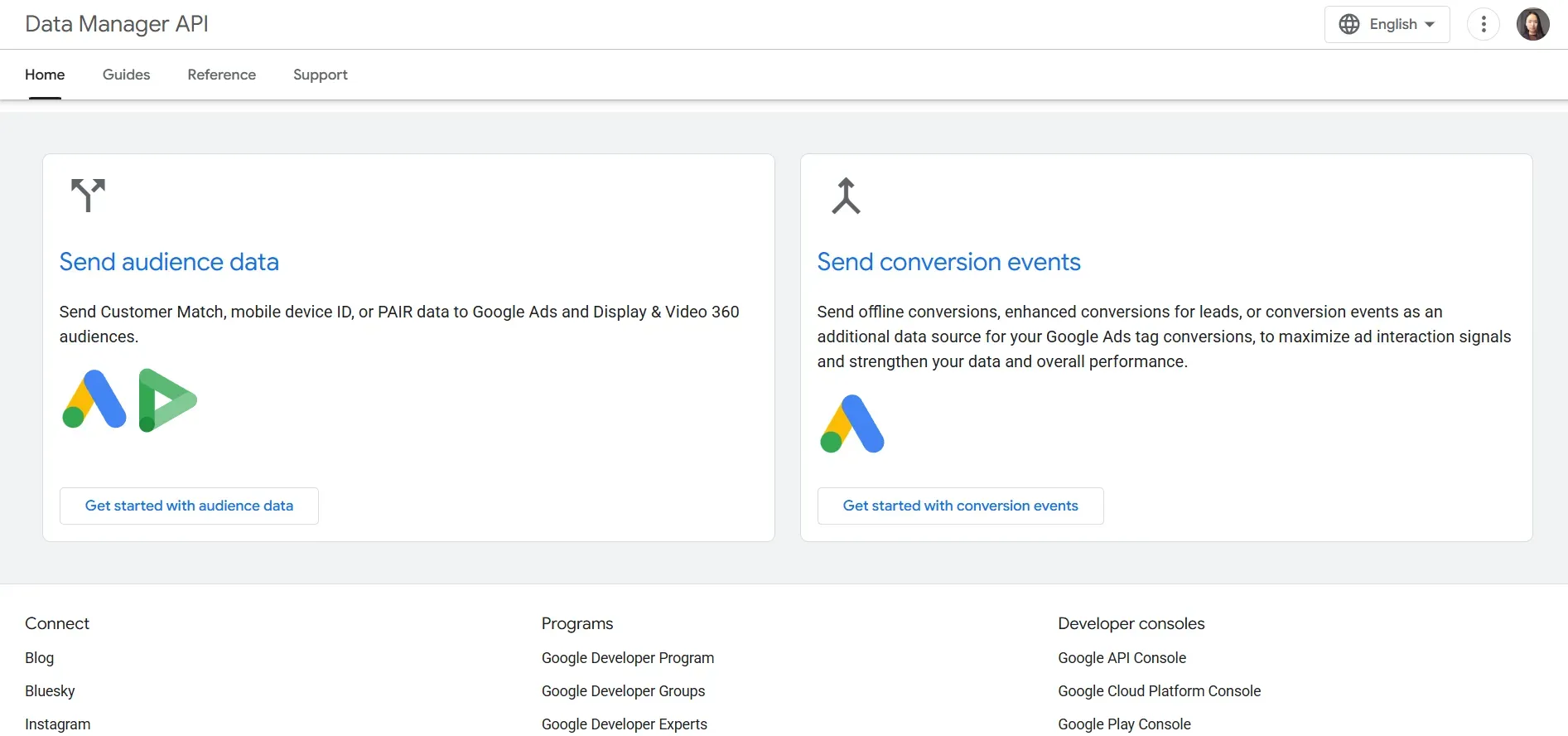
App stores display data such as downloads, conversion rates, retention, and revenue. You can also track what users do inside the app, such as actions they take or purchases they make. However, ASO has a key limitation: you do not get specific keyword-level performance data directly from the store.
While you can segment traffic by country, language, or device, you cannot clearly see which specific keywords are driving the most downloads. This makes it harder to measure the exact impact of each keyword on app growth.
In contrast, SEO platforms offer detailed keyword data, including average monthly search volume, impressions, bounce rate, and traffic.
Tools like Google Search Console and Google Analytics let you analyze how individual keywords perform and adjust your strategies accordingly. This level of visibility gives SEO a bigger approach to keyword tracking and optimization.
ASO for App Store vs Play Store
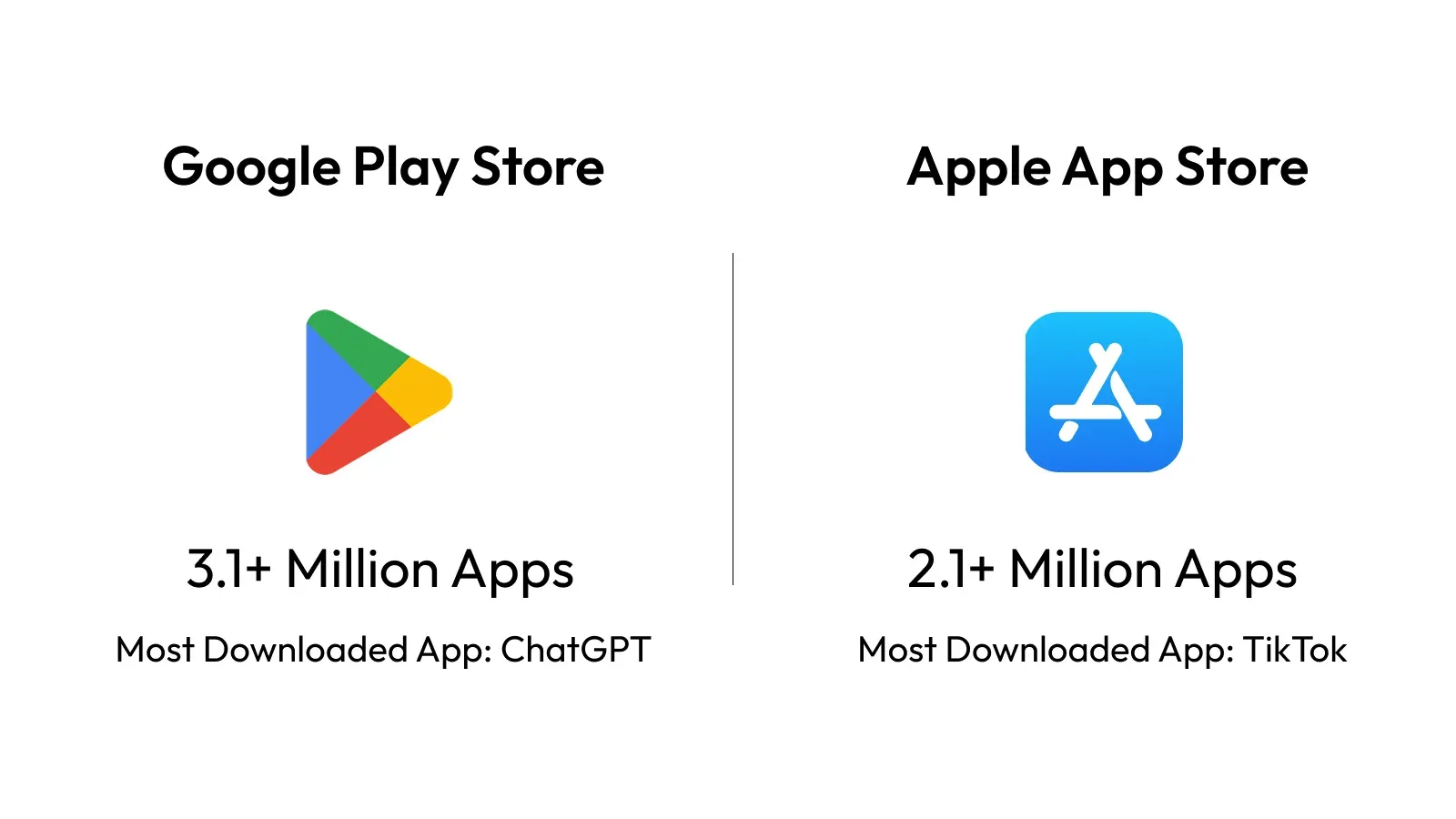
ASO in app stores is not one-size-fits-all. The rules differ between iOS and Android, and each platform has its own ranking logic.
Currently, the Apple App Store hosts over 2.1 million apps, while the Google Play Store has more than 3.1 million apps available worldwide. With that level of competition, understanding how each store works is very important.
How ASO Works on the Apple App Store
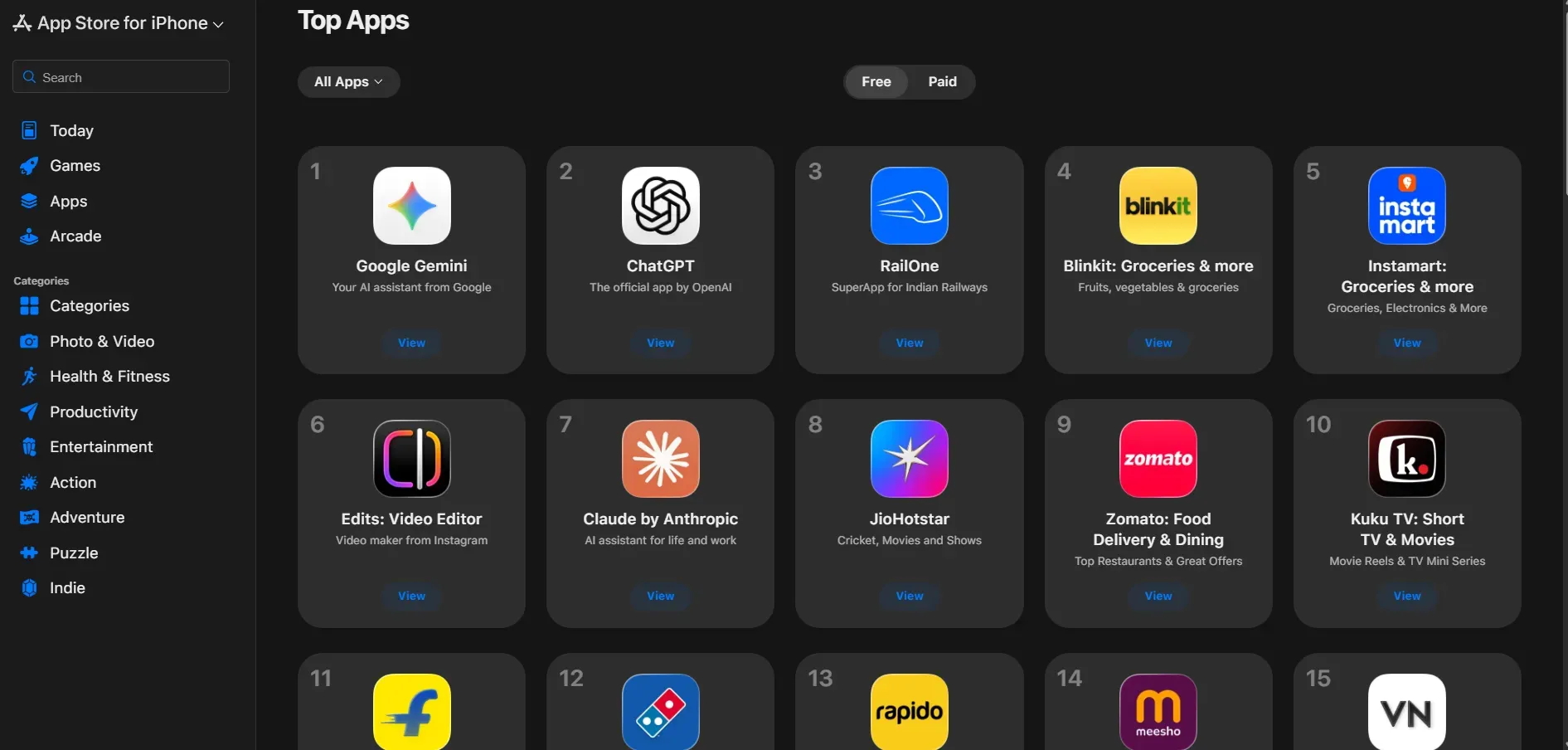
The Apple App Store runs apps on iOS devices and uses a structured metadata system. Keywords in the keyword field directly affect how your app ranks in search.
Apple also has strict character limits. The title and subtitle can each have 30 characters, and the keyword field can have 100 characters. Because space is limited, choosing the right keywords is important.
This is why rankings in the App Store depend heavily on metadata, so accuracy matters more than using many keywords.
How ASO Works on the Google Play Store
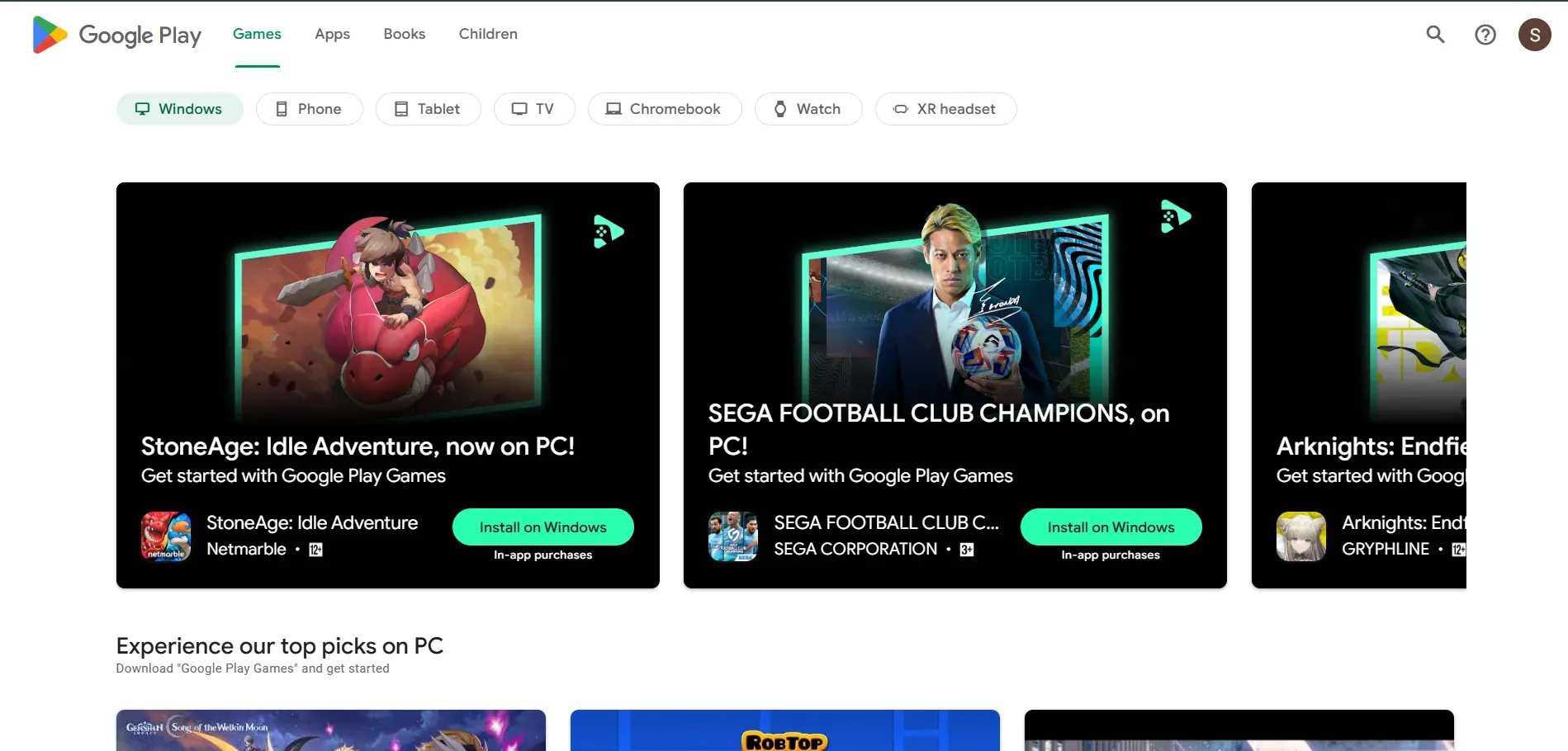
The Google Play Store serves Android users and operates more like a search engine.
There is no separate keyword field. Instead, Google looks at the app title, short description, and full description to understand what the app is about. Keywords written in these sections can help improve rankings. The system also considers user signals like installs, engagement, ratings, and overall app performance.
On the Google Play Store, writing a clear, correct app description matters more than fitting keywords into metadata fields.
Review and Update Approval Process
On the Apple App Store, most updates go through a manual review process. Changes to metadata, app screenshots, or features often require approval before they go live.
On the Google Play Store, updates are usually processed faster and rely more on automated systems. This allows apps to make changes and updates more quickly.
Custom Product Pages vs Store Listings
Apple allows Custom Product Pages, which let you create multiple versions of your app listing for different audiences or campaigns.
Google Play offers Custom Store Listings and supports deeper integration with Google Ads campaigns. Both support personalization, but they differ in how flexible their setups are and how precisely you can target users.
The Complete ASO Checklist
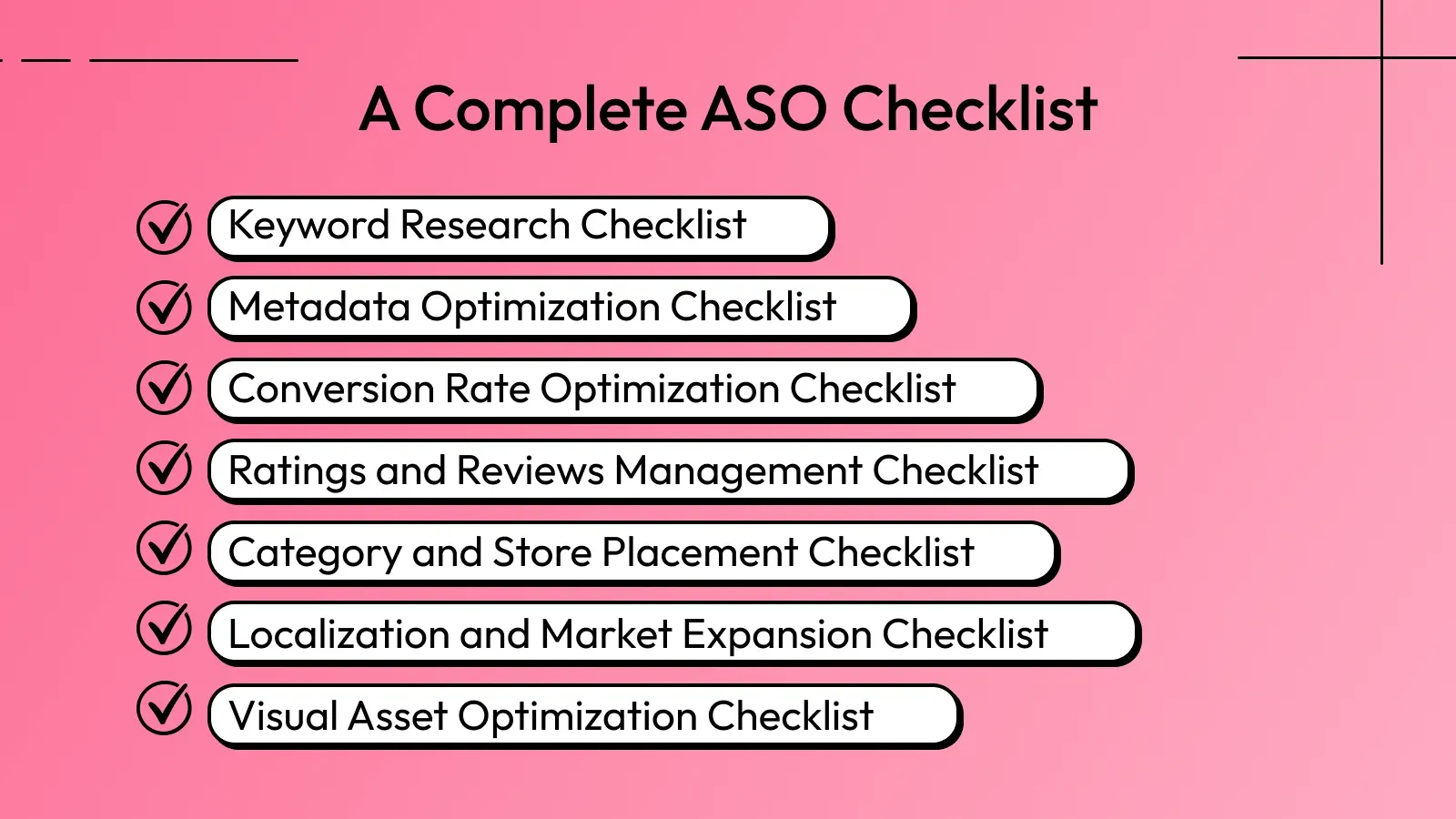
The following ASO checklist outlines every key step to improve your app’s performance in terms of conversion and visibility.
Keyword Research Checklist
Keyword research is the base of ASO. It helps you find and choose keywords based on relevance, search volume, competition, and user intent.
A structured keyword research process ensures you target keywords that drive both visibility and successful installs.
Defining Core Keywords
Identify the main keywords that clearly describe your app’s primary function. These are usually high-volume terms directly connected to what your app does and the value it offers. For example, a budgeting app might target an expense tracker or a keyword budget planner, which clearly states its core feature.
Long-Tail vs Short-Tail Keywords
Apart from primary and secondary keywords, there's also another category for keywords: long-tail and short-tail. As their name suggests, short-tail keywords are short and highly competitive, such as 'fitness app'.
Long-tail keywords are longer and more specific, such as ‘home workout app for beginners.’ While long-tail keywords may have lower search volume, they often bring more qualified users with clearer intent.
Competitor Keyword Analysis
Even before entering the market, you should clearly know who your competitors are and how they position themselves.
Look at the keywords they rank for, how they structure their titles and descriptions, and which keywords appear repeatedly. Then evaluate where demand is high, but competition is low. It's easier to rank for lower competitive keywords than for highly competitive ones.
You can also track the top apps to see how their rankings change over time and identify gaps where your app could gain visibility.
Metadata Optimization Checklist
Metadata directly affects both rankings and installs. Therefore, your title, subtitle, and description should not only include the right keywords but also clearly explain what the app does.
Optimizing App Title and Short Description
Your app title carries strong ranking weight, so place your priority keyword there whenever possible. It should clearly describe the app’s main function while remaining easy to read. Try to avoid vague brand-only titles that do not explain what the app does.
Example:
If your app helps users track expenses, use the following as your title.
Weak title: Spendwise (App's name)
Strong title: SpendWise - An Expense Tracker & Budget Planner App
The second version includes the core keyword and clearly describes the app’s purpose.
Next, your short description should support the main feature in one sentence.
Example:
Weak: Manage your money better.
Strong: Track daily expenses, set budgets, and control monthly spending with one app.
Avoiding Keyword Cannibalization
Avoid repeating the same keywords unnecessarily across fields. Overlapping and stuffing similar terms does not improve rankings and can waste valuable character space.
Instead, distribute keywords strategically. Use different but related variations where possible to expand visibility without redundancy.
Aligning Metadata with Search Intent
Make sure your metadata reflects what users expect when they search. If someone searches for a specific feature or solution, your title and description should clearly address that need.
Ranking for a keyword is not just enough. The content and text must match user expectations. When search intent and messaging align, installs are more likely to increase.
Conversion Rate Optimization Checklist
Getting visibility is only half the job. The next step is turning impressions into installs. Conversion Rate Optimization (CRO) focuses on increasing the number of users who install your app after viewing your store listing.
Here’s what to focus on.
Improving Impression-to-Install Rate
Your main focus is to convert store impressions into actual downloads. This depends heavily on your app's visual assets and overall app positioning.
Make sure to follow these points.
Your app icon is simple and recognizable.
App screenshots clearly show the main benefit in the first two images.
Your headline conveys the app's function in just a few seconds.
For example, if your app is a language learning tool, the first screenshot should highlight something like: ‘Learn Spanish in 10 Minutes a Day.’
Instead of showing a feature-based screenshot with heavy content. The faster users understand the value of your app, the higher your install rate will be.
Reducing Friction in Store Listings
Make the process easy for people to install your app. Keep the visuals clean and the text short, punchy, and on point. Avoid long explanations or complicated terms. The aim is to present your app clearly.
When users do not have to think too hard to understand the value, they are far more likely to install.
Ratings and Reviews Management Checklist
Ratings and reviews directly influence both rankings and credibility. A strong review profile can improve visibility and conversion, while poor ratings can reduce installs even if your app ranks well.
Triggering Review Prompts Strategically
Ask for reviews at the right moment. The best time is after a positive user experience, such as a new product purchase or a milestone has been reached. Avoid sending frequent feedback review requests, as they may be annoying. When users feel satisfied, they are more likely to leave higher ratings.
Responding to Negative Reviews
Do not ignore negative feedback. Respond calmly and professionally, even if the comment feels unfair. A clear and respectful reply shows that your team is active and accountable.
It also signals to potential users that issues are taken seriously. In many cases, users may even update their rating if their concern is resolved.
Using Feedback to Improve App Store Optimization
Reviews are not just public opinions; they are direct insights into what users like and dislike.
Look for recurring topics in feedback. If users frequently mention a specific feature, problem, or benefit, consider refining your content to highlight that.
Feedback can also highlight gaps in the user experience or reveal features that deserve greater visibility or improvement.
Category and Store Placement Checklist
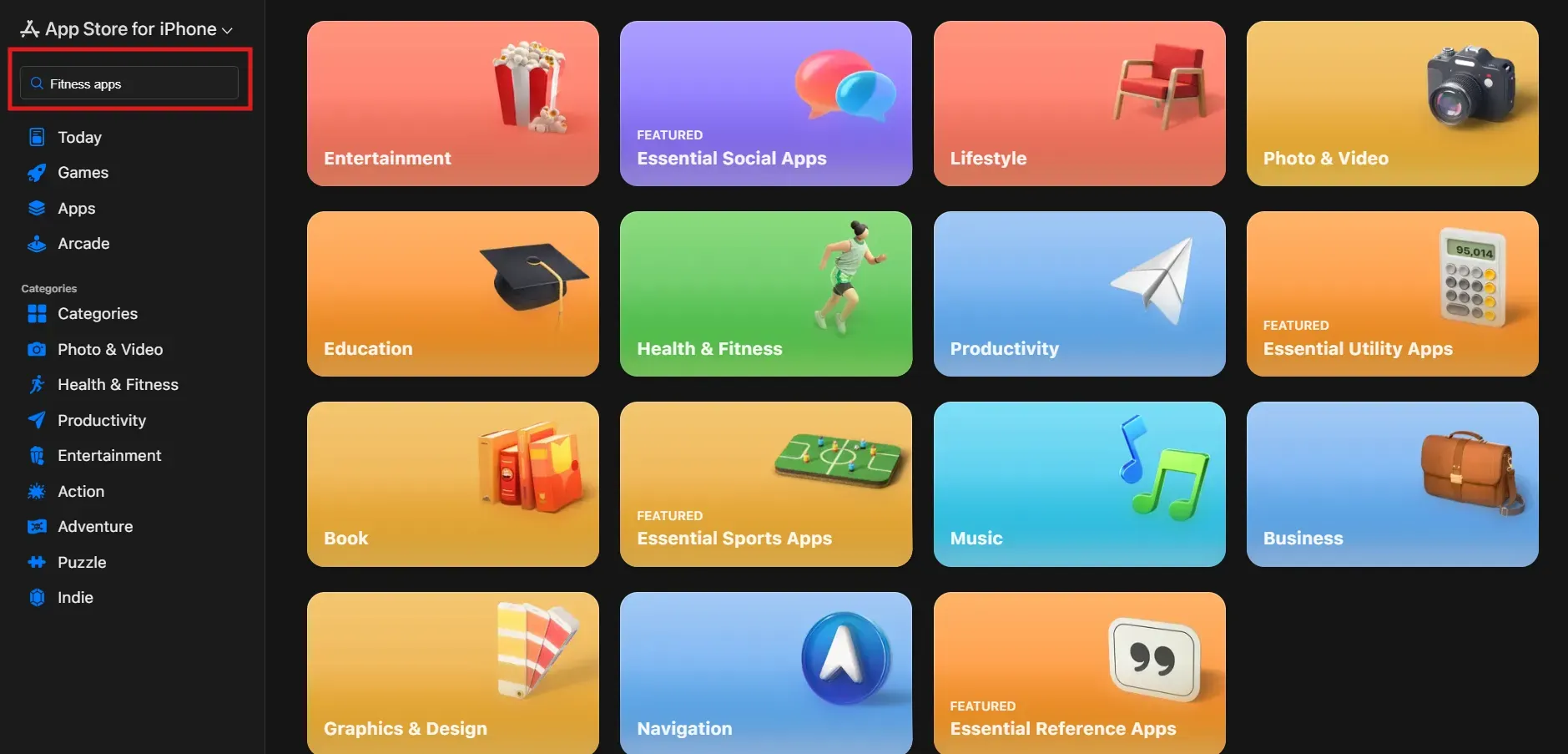
Your app category affects who discovers your app and how easily you can rank. Choosing the right placement is not just a formality. It directly impacts visibility, competition level, and audience quality.
Selecting the Right Primary Category
Choose the category that clearly matches your app’s main niche. Do not pick a category just because it looks less competitive if it does not reflect what your app actually does. When the category aligns with your core purpose, you reach users who are actively browsing for that type of solution.
Check Category Competition
Before choosing a category, see how competitive it is. Look at the top apps in that category, and check their downloads, ratings, and overall quality.
If the category is filled with apps that have millions of downloads, it can be harder for a new app to rank. In some cases, choosing a similar but less crowded category can make it easier to grow.
Leveraging Secondary Categories
If the platform allows secondary categories, use them strategically. This can expand your visibility beyond your primary audience and help you capture additional relevant traffic. However, make sure the secondary category still makes sense for your app.
Localization and Market Expansion Checklist
Expanding into new markets is not just about translating your app listing. Each region has different search habits, competition levels, and user expectations.
A strong localization strategy includes adapting keywords, updating screenshots and content for local users, and understanding how people in that region search for apps. This helps your app appear in more relevant searches and improves the chances of getting installs.
Identifying High-Potential Markets
Do not choose markets based on assumptions. Evaluate regions based on search demand, user behavior, competition strength, and revenue potential.
Look at factors such as:
Download trend
Category competition
Purchasing behavior
Device usage preference
A market with lower competition but steady demand can sometimes offer better growth opportunities than a highly saturated one.
Localizing Keywords and Metadata

Translation means adapting your keywords into other languages so users in different regions can find your app. Keywords must tell how users in that specific country actually search.
Direct translations often miss local phrasing. For example, users in China may use different terms for the same feature compared to users in Japan. Instead of translating word-for-word, study local search behavior and adjust your title, subtitle, and description to match the language users naturally use.
Adapting Creatives for Local Markets
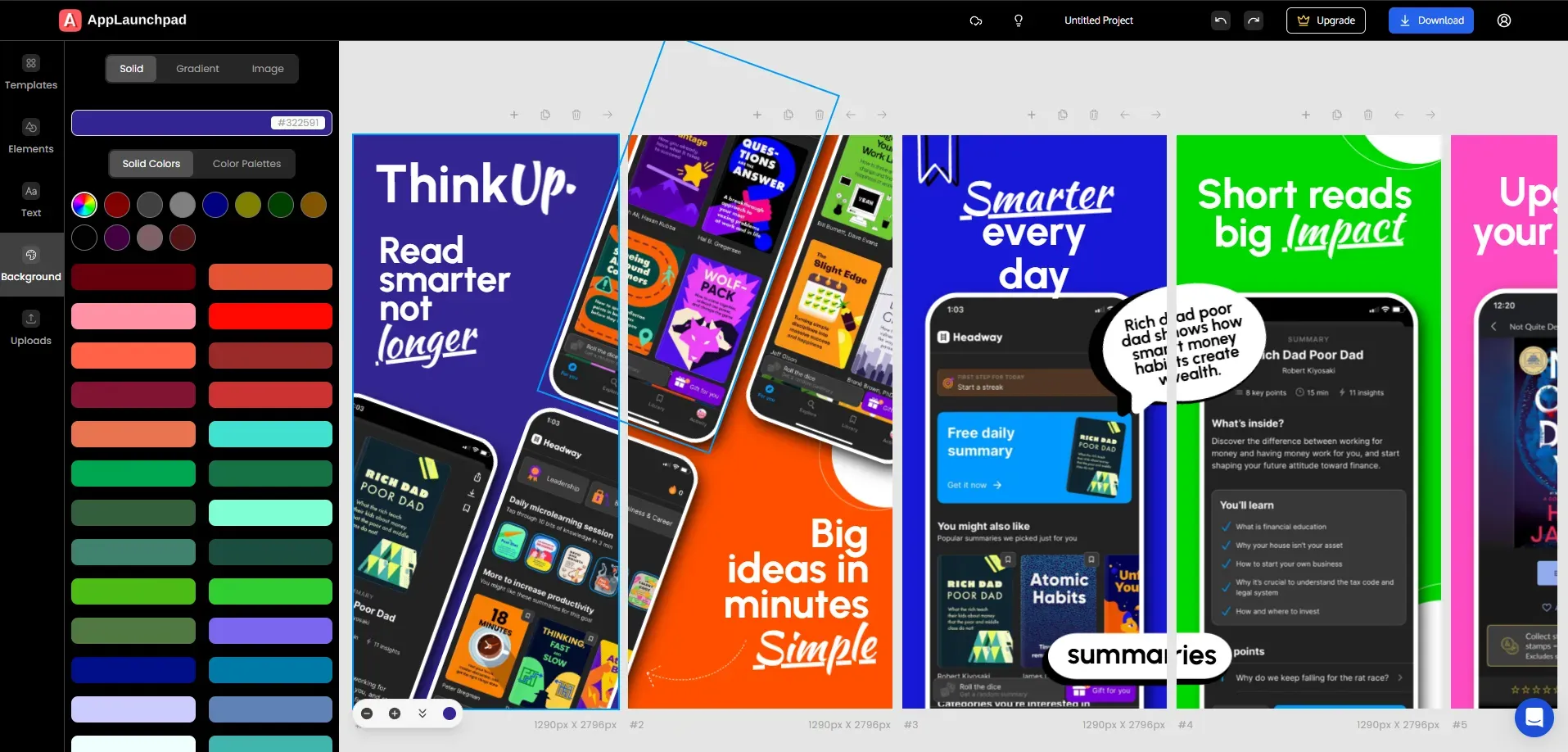
Visuals and messaging should match local expectations, not just the language. Users in different regions may respond to different colors, layouts, tones, and feature highlights. Even small design elements can influence how trustworthy or relevant your app feels.
Instead of redesigning everything from scratch for each market, you can use AppLaunchpad to easily customize screenshots. It allows you to adjust text, layout, background colors, and design elements for different regions while keeping your core structure consistent.
This makes it simpler to create localized visuals that feel tailored to each audience. And when your creatives reflect local preferences, users are more likely to connect with the app and install it.
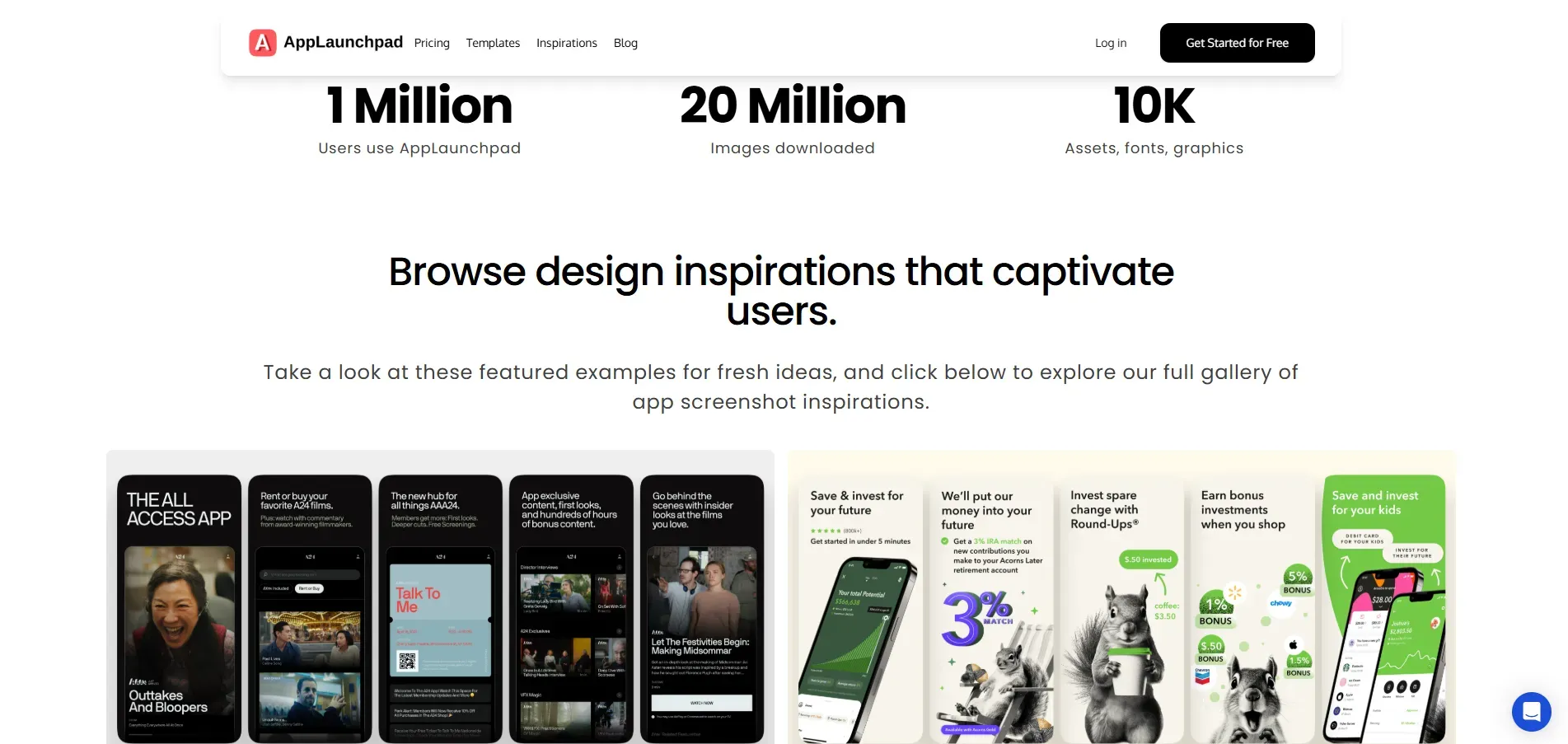
AppLaunchpad also offers a Screenshot Inspiration section, where you can explore examples of high-performing screenshot designs and messaging styles used across different apps. This can help you understand what visuals and layouts work best before creating your own screenshots.
Visual Asset Optimization Checklist
Visual assets often determine whether a user installs your app or moves on to the next option. Since most users scan screenshots before reading detailed descriptions, your visuals must clearly communicate value and guide attention in a structured way.
Crafting a Strong First Screenshot
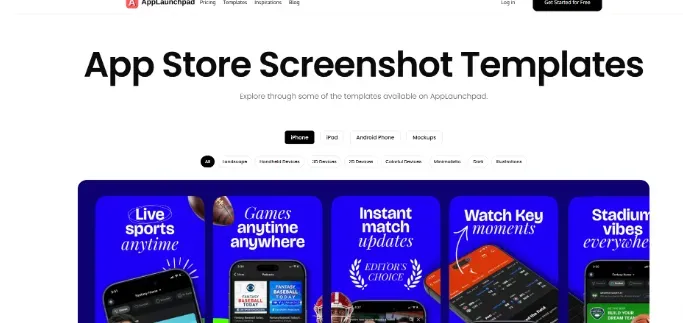
The first screenshot should immediately convey your app’s primary benefit, as it often has the biggest influence on install decisions. Instead of simply displaying the interface, clearly highlight the main pain point your app solves and what users can expect after downloading it.
Visual hierarchy plays an important role in this. Your screenshots should follow a clear hierarchy of information so that users naturally focus on the most important message first.
The primary headline should stand out clearly, followed by supporting details, and then the visual demonstration of the feature itself.
Optimizing App Preview Videos
As mentioned, an app preview video should demonstrate value within the first few seconds, as many users do not watch the entire clip. The opening moments should clearly show the app in action and highlight its most important features or use cases.
Instead of long introductions or heavy branding, focus on short, but practical demonstrations that show how the app works. A clear and concise video builds interest quickly and supports higher conversion rates.
A/B Testing of App Screenshots
Testing different versions of your screenshots is essential to understanding what actually improves your conversion rate. Rather than assuming which design will perform better, compare multiple creative variations and measure user responses.
You can test differences in headlines, layout structure, feature order, background colors, and messaging tone. Even small design adjustments can significantly impact installation decisions.
Continuous testing allows you to refine your visual strategy based on real user behavior rather than personal preference.
Optimizing App Store Screenshots with AppLaunchpad
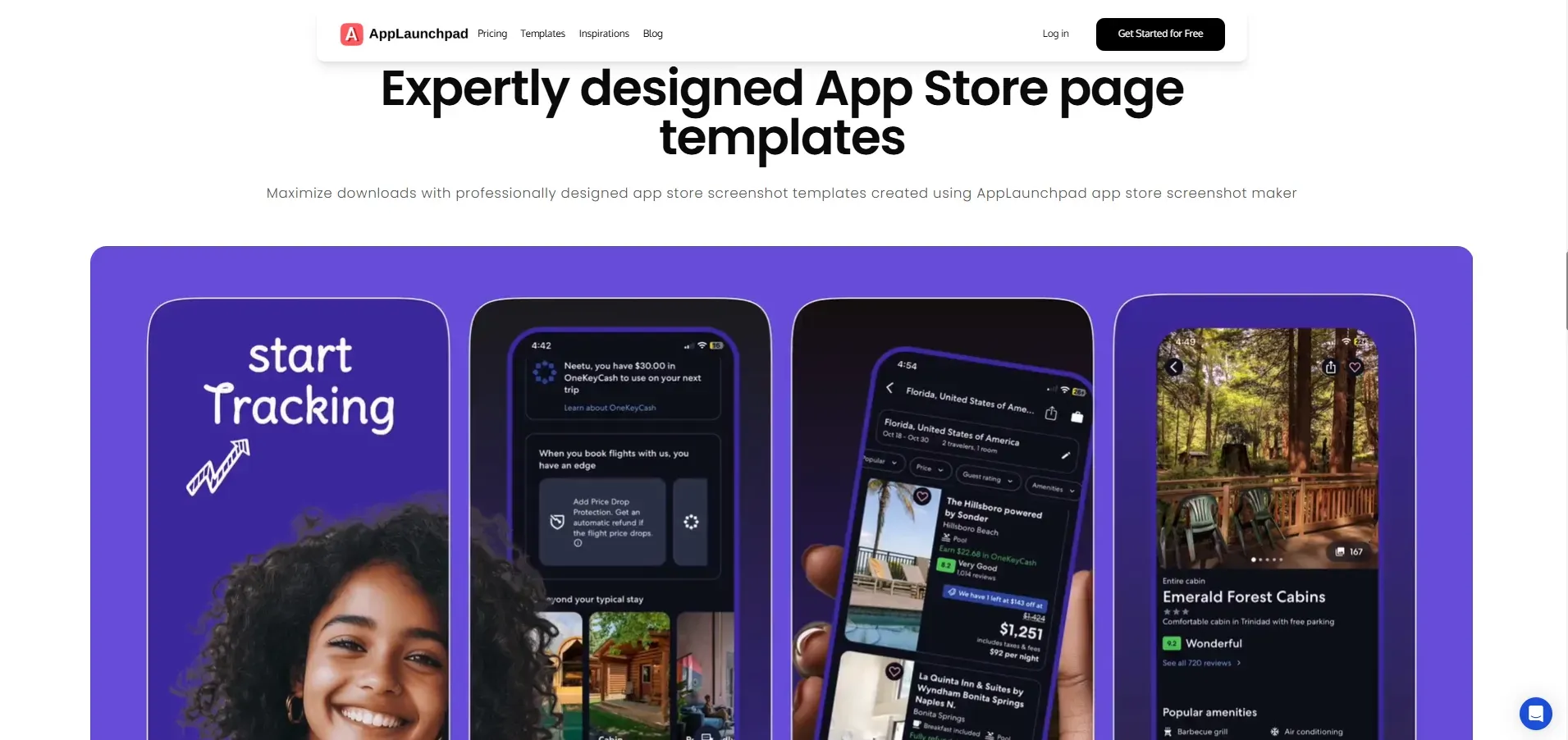
Creating ASO-optimized screenshots does not require complex design tools or rebuilding creatives from scratch. AppLaunchpad helps simplify the process by allowing you to design, edit, and update screenshots in a structured way that supports ASO goals.
This makes it easier to align visuals with keyword strategy, target audience, and regional preferences.
Managing Screenshot Localization in AppLaunchpad
AppLaunchpad makes it easier to handle localization at scale. Instead of redesigning creatives for every region, you can duplicate existing layouts and adjust only the elements that need to change.
You can localize your app screenshots for different languages and regions to effectively market your app globally, while also maintaining your apps branding.
How to Create ASO Optimized App Screenshots in AppLaunchpad
Follow these simple steps to create app store screenshots using the AppLaunchpad Screenshot Builder.
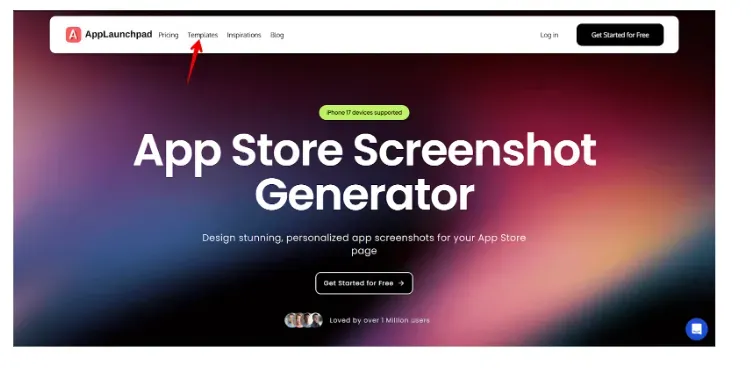
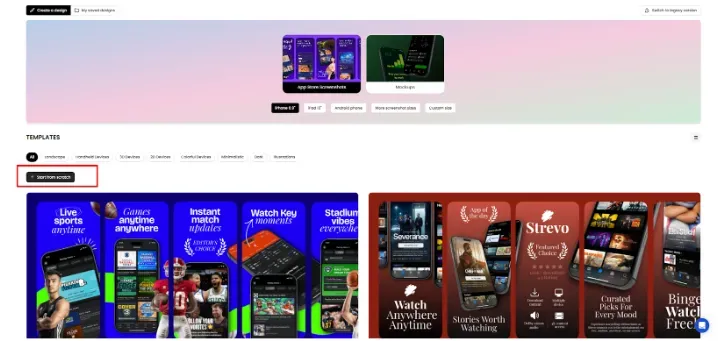
Step-1: Go to AppLaunchpad and from the top navigation bar, select Templates.
Step-2: Choose the correct device type, such as iPhone, iPad, or Android. Then filter by template style based on your preference.
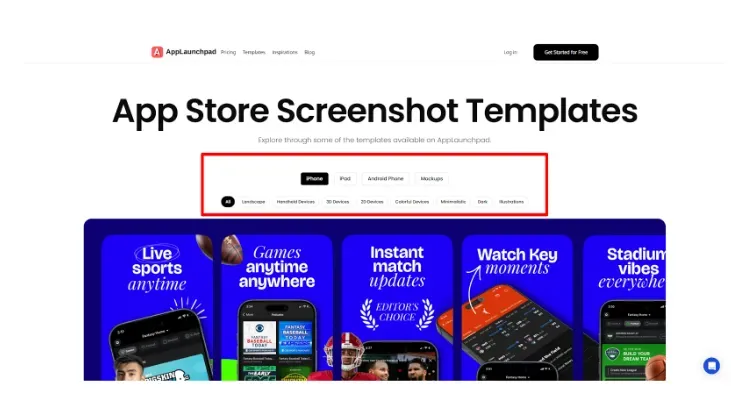
Step-3: You can either pick a ready-made template or click Start from scratch to design your own layout.
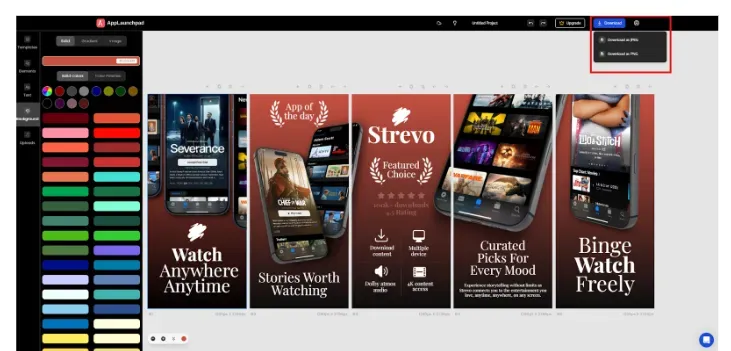
Step-4: Edit the text, adjust colors, change backgrounds, and modify design elements to match your app branding and messaging.
Step-5: Once you are done editing, click Download. You can export the screenshots as PNG or JPEG files.
Conclusion
App Store Optimization needs ongoing work to stay effective. Search trends change and new apps enter the market, so your strategy should be updated regularly.
Improving your app’s ranking is important, but it’s not enough on its own. If users see your app but don’t install it, visibility doesn't help.
That’s why both ranking and conversion should be improved together.
Use real data and user feedback to guide changes, and update keywords, metadata, and visuals based on what actually works. When decisions are based on real user behavior, ASO becomes a steady, ongoing process rather than a one-time task.
FAQs
1. What are the basics of ASO?
ASO focuses on improving app visibility and increasing installs through keyword optimization, metadata improvements, creative enhancements, and review management.
2. What are ASO tools?
ASO tools are tools that help improve an app’s visibility and installs in the App Store and Google Play. They help with tasks like keyword research, ranking tracking, competitor analysis, and review monitoring, such as AppTweak and App Radar.
3. What is ASO in marketing?
ASO is a part of app marketing that focuses on driving organic growth by improving an app's ranking and conversion rates in app stores.
4. Is ASO similar to SEO?
No, they’re not similar. ASO and SEO share similar principles, such as keyword research and optimization, but they operate on different platforms with different ranking factors and user behaviors.
5. How long does it take to see results from ASO?
Results can vary depending on competition and app category. Small changes in metadata or visuals may show impact within a few weeks, while bigger improvements in rankings often take longer.
Related Blog