


AppLaunchpad vs Placeit: Detailed Comparison
AppLaunchpad vs Placeit comparison for app screenshots. Learn which tool fits App Store and Play Store needs, workflows, and scaling best.
Published Mar 20, 2026
19 min
AppLaunchpad is one of the best AppScreens alternatives, offering a wider template selection, stronger automation, and built-in localization that AppScreens currently lacks.
While AppScreens works well for basic screenshot creation, many users look for tools similar to AppScreens when they need more template variety, better design control, and the ability to scale screenshots across multiple devices and regions without extra effort.
This limitation is the main reason why users start exploring AppScreens alternatives that offer more control and scalability.
To make that choice easier, we compare the best alternatives to AppScreens, including Previewed, Placeit, AppMockUp, Screenshots Pro, and more. We evaluate each tool across key features, pricing, customization, compliance, automation, and ease of use, so you can choose the right fit as per your needs.
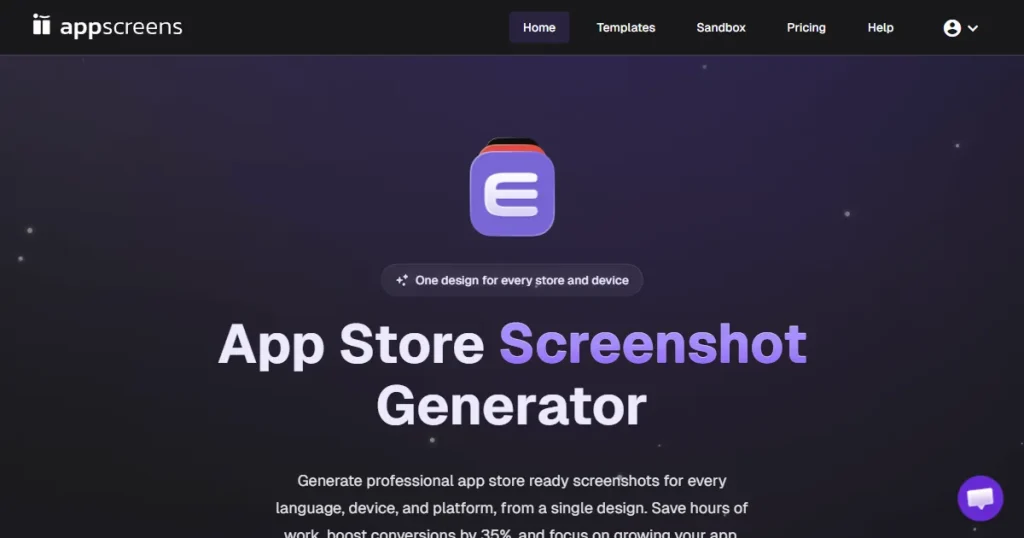
AppScreens is a web-based screenshot generator used by app developers for creating screenshots for app store listings. It provides screenshot templates and device mockups that can be directly uploaded to the App Store and Google Play Store.
While it simplifies screenshot creation, many developers look for an AppScreens alternative once they hit the free-trial limit or run out of templates. This is why many developers start exploring tools similar to AppScreens that offer better flexibility and scalability.
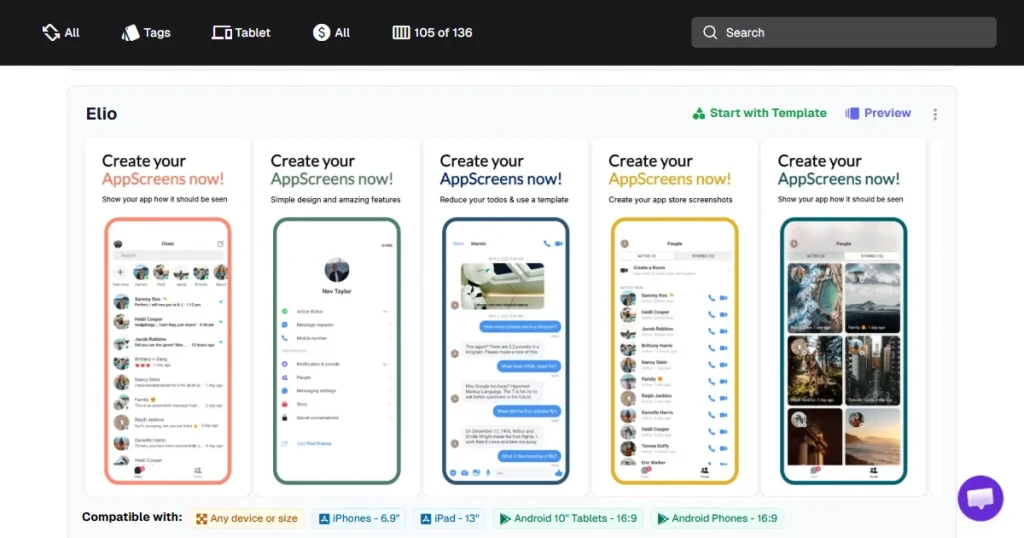
Below are the biggest limitations of AppScreens, which might make you look for an alternative:
Because of these limitations, users often look for other best alternatives to AppScreens, especially when scaling app listings.
To create this list of the top 10 AppScreens alternatives, I focused on these criteria:
This helped identify both premium tools and Free AppScreens alternative options that provide real value.
This list includes both paid and free AppScreens alternatives depending on your needs.
| AppScreens alternative | Best Feature | Free trial | Starting Price |
| AppLaunchpad | Trendy designer templates, intuitive UI/UX, and AI-automated screenshot cloning. | Yes | $19/month with code APPLOVE |
| Placeit | Huge device library covering iPhone, iPad, Android, MacBook, and iMac devices. | Yes (watermarked) | $14.95/month or purchase individual mockups($7.95 to $39.95) |
| Previewed | Promo video generation | Yes (Free plan) | $9.99 (one-time) |
| Appstorescreenshot | No-signup instant screenshot exports | Yes (Free tool) | Free |
| MockUphone | High-quality device mockups covering major mobile brands | Yes (Free tool) | Free |
| Screenshots Pro | API & CI/CD pipeline integration | Yes (Free plan) | $19/month |
| AppMockUp | Real-time App Store preview | Yes (Free tool) | $7.97 – $14.97 per template |
| Launchmatic | Cross-device edits across iOS and Android screenshots | No | $20 (one-time) |
| Hotpot AI | Custom icons and badges for the App Store and Google Play Store | Yes (Free plan) | Credit-based |
| Appure | Batch screenshot exports and multiple projects. | Yes (Free plan) | $9/month |
Best for: Developers and startups creating App Store and Google Play Store screenshots at scale, teams that need automated screenshot resizing and localization targeting multiple international markets.
Pricing: A free plan is available. Paid plans start at $19/month with code APPLOVE.
AppLaunchpad is a leading App Store and Google Play Store screenshot generator built specifically for app developers and product teams.
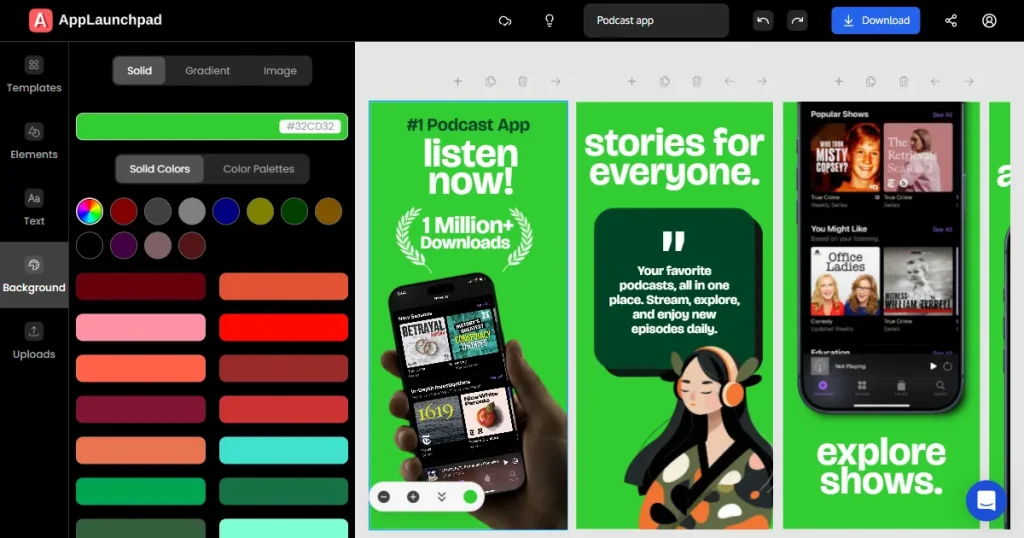
It helps you create professional, store-ready screenshots by combining app store-compliant templates, the latest device frames, and highly customizable layouts.
The platform focuses heavily on automation with features like AI-powered one-click localization and screenshot cloning, making it much easier to generate and scale screenshots across multiple device sizes for both Apple and Google Play using a single workflow.
Key Features
Pros of the tool
Cons of the tool
Pricing Comparison
| Plan | AppScreens | AppLaunchpad |
| Basic | Free | Free Trial |
| Pro / Paid | $25/month | $19/month with code APPLOVE |
Our Honest Opinion
AppLaunchpad clearly has an edge over AppScreens with its 1000+ templates, 10K+ graphics, automatic scaling across device sizes, and one-click localization. It’s built for speed and scale, making it a strong choice for teams managing multiple apps or handling frequent app updates.
Best for: Developers looking for an affordable screenshot generator with strong localization features.
Pricing: A free plan is available. Paid plans start at $9/month.
Appure is a simple screenshot generator designed to help you create store visuals quickly.
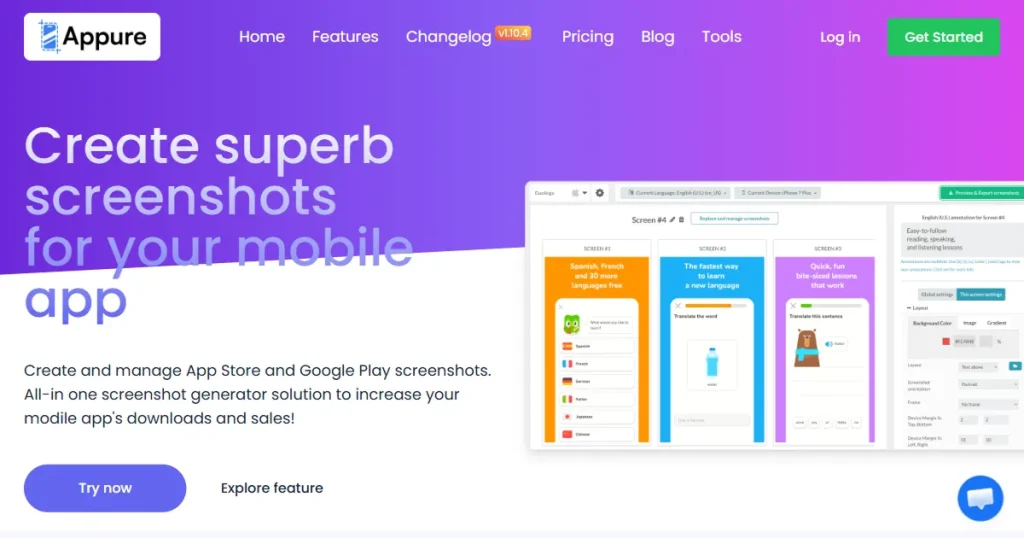
It provides a straightforward approach for building your screenshots and translating them easily to increase downloads across different regions.
Key Features
Pros of the tool
Cons of the tool
Pricing Comparison
| Plan | AppScreens | Appure |
| Basic | Free | Free |
| Pro / Paid | $25/month | Starts at $9/month |
Our Honest Opinion
Appure is a solid budget option for developers who need to localize their screenshots without spending a lot of money, even if the tool itself isn’t the most advanced or fastest on the market.
Best for: Developers and teams who want a simple, web-based screenshot generator that offers both screenshots and promo videos.
Pricing: A free plan is available. Paid plans start at a $9.99 one-time fee.
Previewed is a web-based screenshot generator designed for quick device mockups and App Store screenshots.
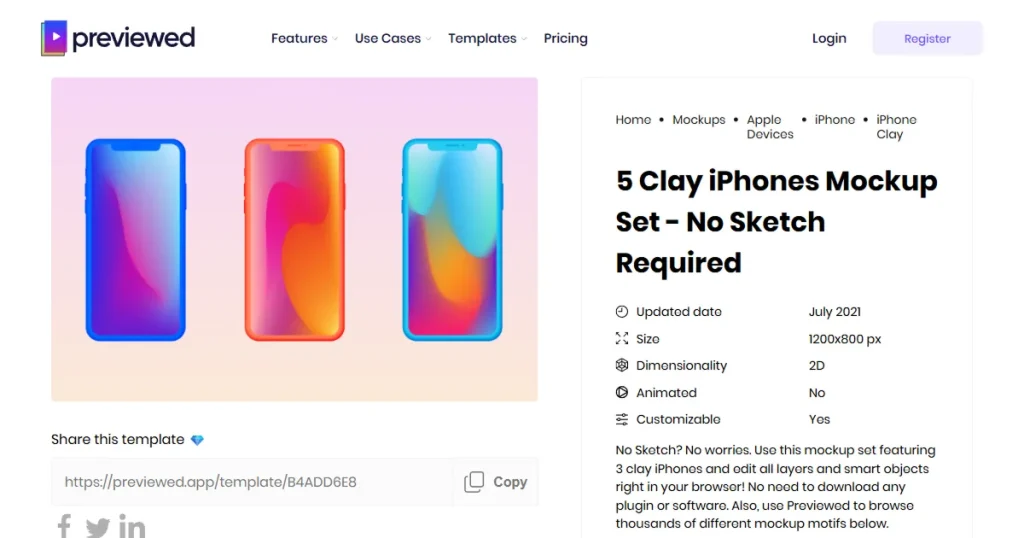
It lets you create store-compliant screenshots directly from the browser without any complex setup or installation. Moreover, you can also create 3D device mockups and app preview videos.
Key Features
Pros of the tool
Cons of the tool
Pricing Comparison
| Plan | AppScreens | Previewed |
| Basic | Free | Free |
| Pro / Paid | $25/month | $9.99 (One-time fee) |
Our Honest Opinion:
Previewed is a solid entry-level screenshot generator. It is perfect for developers who just want simple, fast visuals and basic promo videos without navigating a complicated design workflow.
Best for: Developers who want a completely free screenshot generator offering quick App Store screenshots without creating an account.
Pricing: Entirely free to use.
Appstorescreenshot is a lightweight, browser-based screenshot generator built for speed.
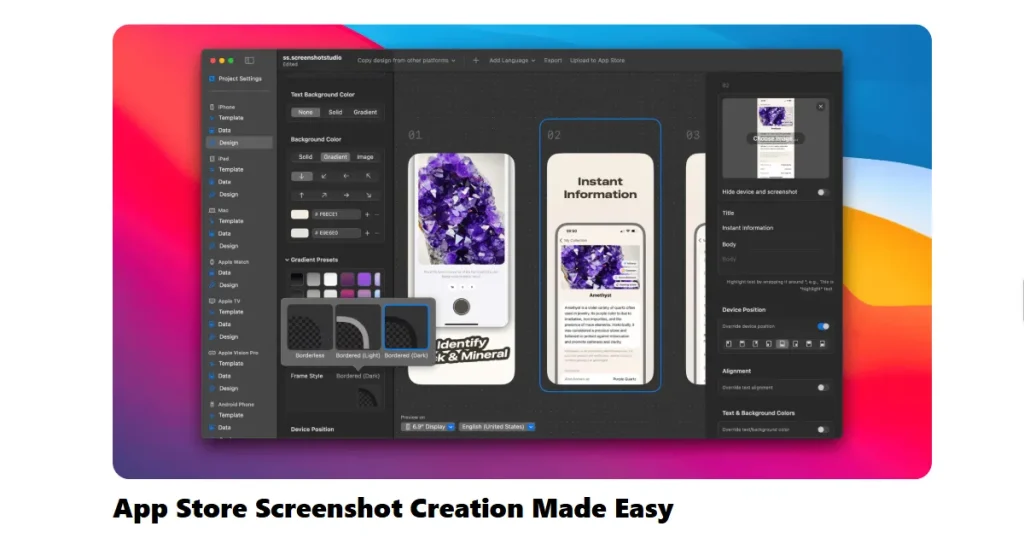
It skips advanced design features and focuses solely on turning your raw app screens into formatted, store-compliant screenshots as quickly as possible.
It does this without even asking for a sign-up.
Key Features
Pros of the tool
Cons of the tool
Pricing Comparison
| Plan | AppScreens | Appscreenshot |
| Basic | Free | Free |
| Pro / Paid | $25/month | Completely free to use |
My Honest Opinion
Appstorescreenshot works well if you need a quick, free solution to generate basic screenshots. However, it lacks screenshot templates, offers limited design customization, and doesn’t support localization or 3D device frames, which makes it less suitable for polished app store listings.
Best for: Developers who want automation and API integrations to speed up their screenshot workflow.
Pricing: A free plan is available. The standard paid plan starts at $19/month.
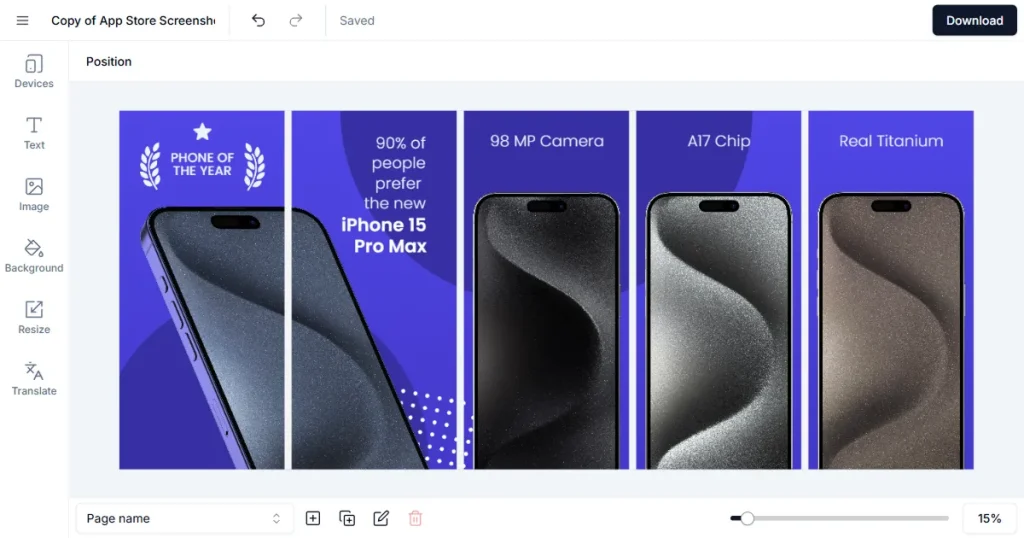
Screenshots Pro is a developer-friendly screenshot generator. It stands out by supporting automation workflows, allowing users to create panoramic, professional-looking screenshots and update them through API integrations.
Key Features
Pros of the tool
Cons of the tool
Pricing Comparison
| Plan | AppScreens | Screenshots Pro |
| Basic | Free | Free |
| Pro / Paid | $25/month | Starts at $19/month |
Our Honest Opinion
Screenshots Pro is the best choice for developers who prioritize automation and continuous integration over heavy, complex design customization.
Best for: Developers who want highly customizable screenshot templates with features like batch screenshot exports.
Pricing: Free to use without signing up. Premium templates range from $7.97 to $14.97.
AppMockUp is a web-based screenshot generator designed to help you create compelling App Store and Google Play screenshots quickly.
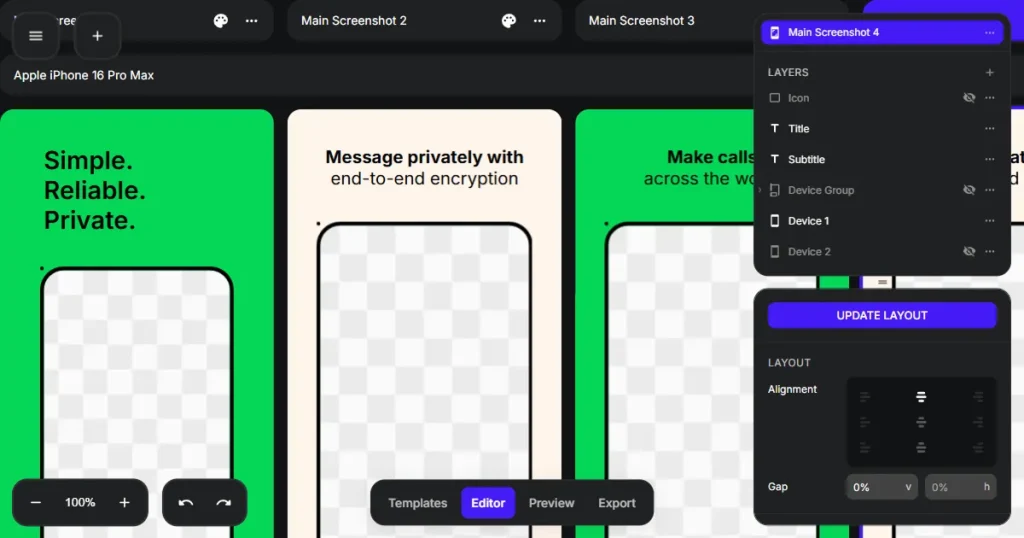
It provides a simple, easy-to-use screenshot editor for arranging your app screens, text, and backgrounds without a steep learning curve.
Key Features
Pros of the tool
Cons of the tool
Pricing Comparison
| Plan | AppScreens | AppMockUp |
| Basic | Free | Free |
| Pro / Paid | $25/month | Template-based pricing ($7.97 – $14.97) |
Our Honest Opinion
AppMockUp is a decent screenshot generator that helps you create simple, clean screenshot designs. However, it lacks the automation and localization features needed for more professional work.
Best for: Developers creating basic App Store screenshots quickly.
Pricing: $20 one-time plan for 30 days of access, or a $50 yearly unlimited plan.
Launchmatic is a straightforward screenshot generator designed to help developers and marketers build store-ready visuals efficiently.
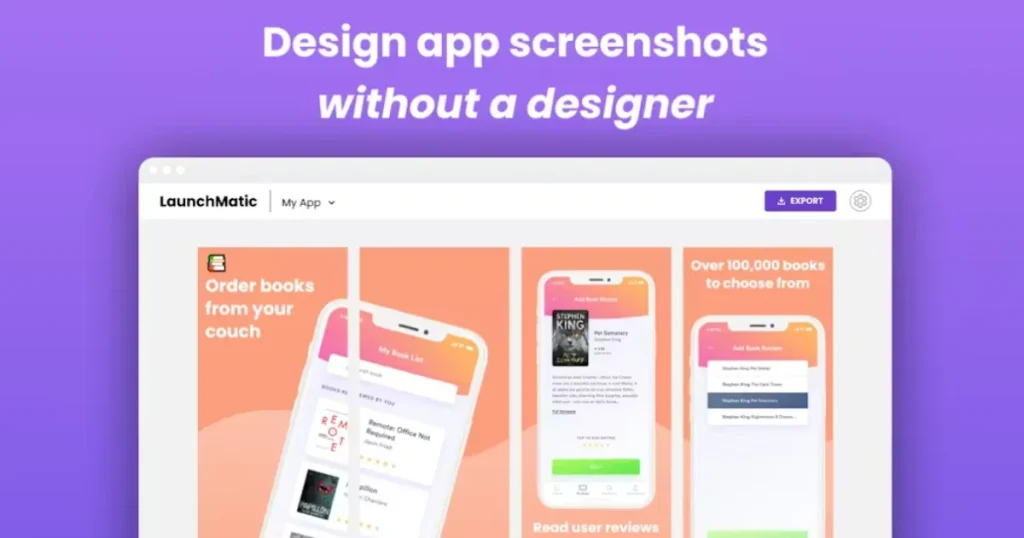
It offers a clean interface where you can start from scratch or use pre-made templates grouped by app categories.
Key Features
Pros of the tool
Cons of the tool
Pricing Comparison
| Plan | AppScreens | Launchmatic |
| Basic | Free | No Free Plan |
| Pro / Paid | $25/month | $20 (One-time, 30-day duration) |
Our Honest Opinion
Launchmatic is a basic screenshot generator, thanks mostly to its time-saving bulk-edit features. But it lacks the latest device frames and broad template variety found in other tools on the list.
Best for: Developers who want AI-assisted design tools like AI image editing, AI headshot generator, AI logo generator, and heavy customization.
Pricing: Flexible credit-based pricing for light users or regular subscriptions for heavy users.
Hotpot AI offers a suite of AI-powered tools for generating graphics, including app store visuals.
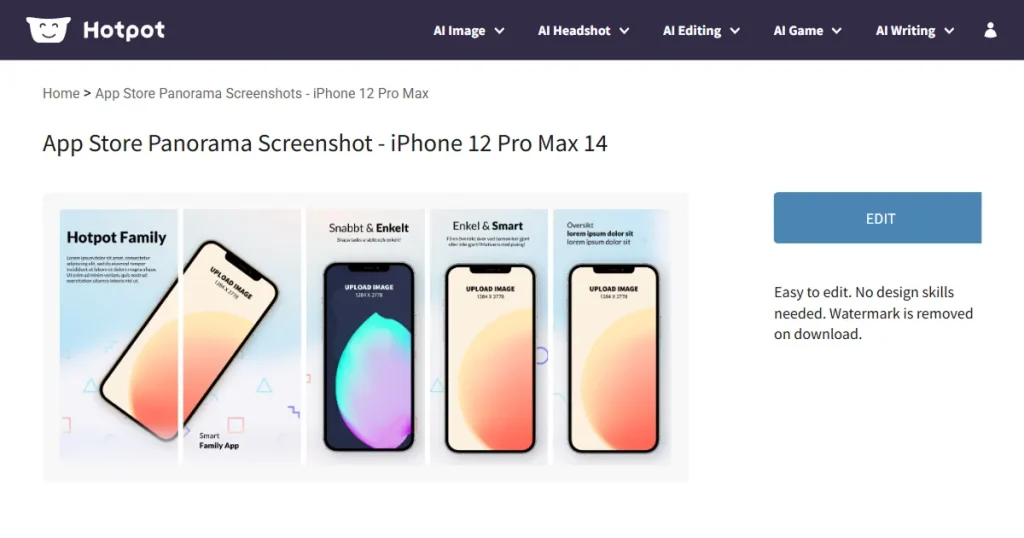
It provides a highly customizable, drag-and-drop screenshot editor that lets you tailor your screenshots to fit your specific brand message.
Key Features
Pros of the tool
Cons of the tool
Pricing Comparison
| Plan | AppScreens | Hotpot AI |
| Basic | Free | Free (Limited) |
| Pro / Paid | $25/month | Credit-based / Subscription |
Our Honest Opinion
Hotpot AI is much better suited for general AI graphic design tasks. If you need a dedicated, up-to-date tool strictly for App Store screenshots, the outdated device frames hold this one back.
Best for: Developers and marketing teams who want basic device mockups and promotional visuals rather than App Store screenshot templates.
Pricing: Monthly subscription starts at 14.95/month. You can also choose to purchase individual mockups ($7.95 to $39.95).
Placeit is a popular online design and mockup platform offering thousands of device mockups and marketing visuals.
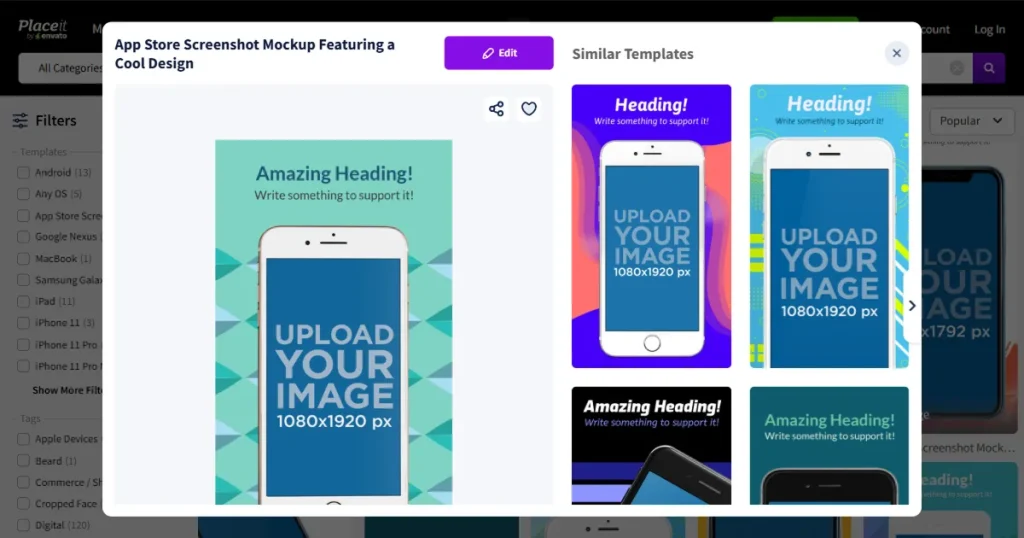
While it is not built exclusively for App Store listings and does not offer screenshot templates, many marketers and developers still use it to create clean device mockups featuring their app.
Key Features
Pros of the tool
Cons of the tool
Pricing Comparison
| Plan | AppScreens | Placeit |
| Basic | Free | Free (Watermarked) |
| Pro / Paid | $25/month | $14.95/month or single mockup purchase option($7.95 to $39.95) |
Our Honest Opinion
Placeit is a great mockup platform for a wide range of marketing and social media visuals.
However, it often falls short if you need a dedicated App Store screenshot generator that handles store-compliant screenshots.
Best for: Developers who only need device mockups to showcase their app screens.
Pricing: Free to use tool.
MockUphone is a popular device mockup generator offering mockups for major mobile brands like Google Pixel, Samsung, Oppo, and more. It lets you upload your raw app screens and quickly wrap them in realistic device frames for promotional and marketing visuals.
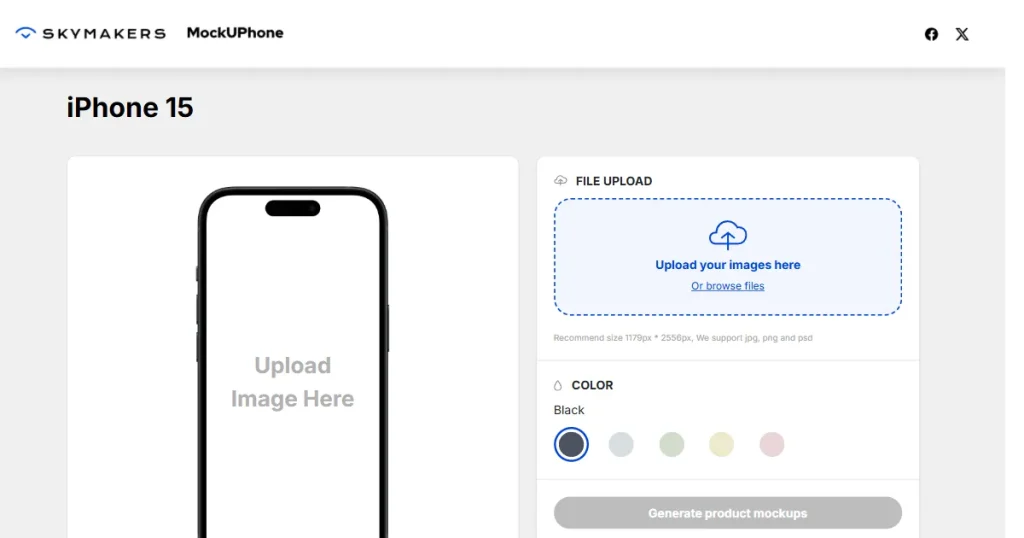
Key Features
Pros of the tool
Cons of the tool
Pricing Comparison
| Plan | AppScreens | MockUphone |
| Basic | Free | Free |
| Pro / Paid | $25/month | Completely free |
Our Honest Opinion
MockUphone is excellent for showcasing your app screens in clean device mockups, but it doesn’t support screenshot templates and offers almost zero customization options.
When deciding which tools similar to AppScreens is right for you, keep these practical points in mind:
AppLaunchpad is highly recommended for its massive template library (1000+), automatic resizing across devices, and trendy 3D and handheld device frames. Screenshots Pro is another strong choice for developers.
Yes, AppLaunchpad also offers multiple free screenshot templates, while platforms like Appure and Screenshots Pro provide limited free plans.
Choosing between alternatives to AppScreens depends on your needs. If you want automation and scaling, tools like AppLaunchpad or Screenshots Pro work well. If you want something simple, a Free AppScreens alternative may be enough.
Yes. Well-designed, professional screenshots can significantly increase your install rates. Using a screenshot generator helps communicate your app’s core value much faster than plain, random app screens
Tools similar to AppScreens, like AppLaunchpad, Previewed, AppMockUp, and AppstoreScreenshot, are beginner-friendly. They offer simple interfaces and quick setup, making them ideal for users without design experience.


