App Store Connect Guidelines for App Developers and…
App Store Connect is the platform that lets you upload your app and manage all updates, including metadata, revenue details, […]
Published Jul 31, 2026
10 min
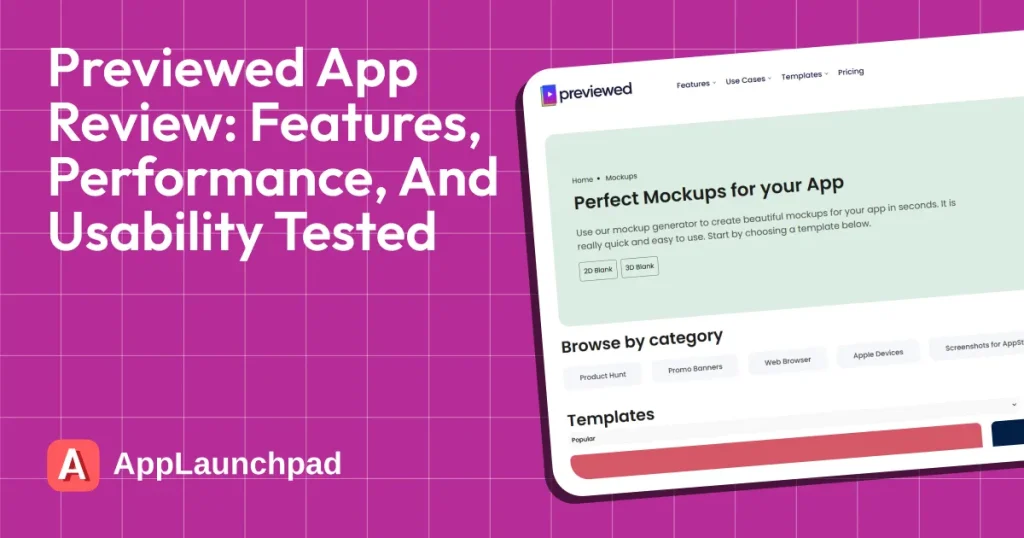
Previewed App is an online, browser-based mockup generator built to create app screenshots, promotional graphics, and animated videos for the App Store and Google Play. However, it offers only generic app screenshot templates and lacks robust customization features.
That’s why in this Previewed app review, we will dive deeper into the tool, discuss the pros and cons, share our experience, and highlight the best Previewed App alternative for app store screenshots, AppLaunchpad.
AppLaunchpad offers 1000+ store-compliant app screenshot templates, one-click localization, support for brand assets, and one-click cloning to resize templates for different devices.
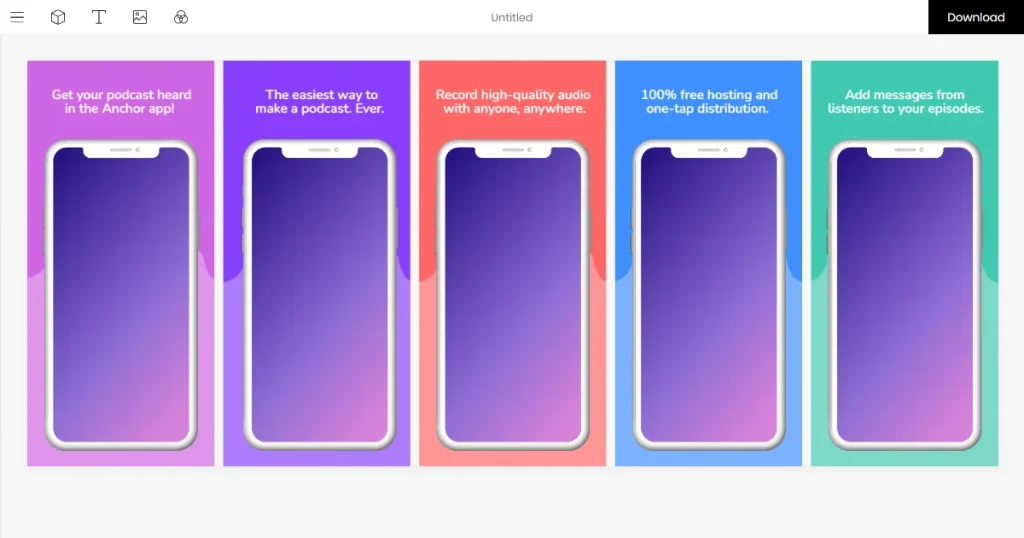
Previewed App is a web-based tool designed specifically for the screenshot and mockup needs of indie developers. It offers a device mockup tool, an app store screenshot generator, and an app preview video generator, allowing users to create professional visuals to promote their app.
The best part of the tool is that it’s a completely browser-based tool and doesn’t require you to download any software. While the tool remains easy to use, its template library feels outdated and lacks the visual polish of many newer screenshot generators, such as AppLaunchpad.
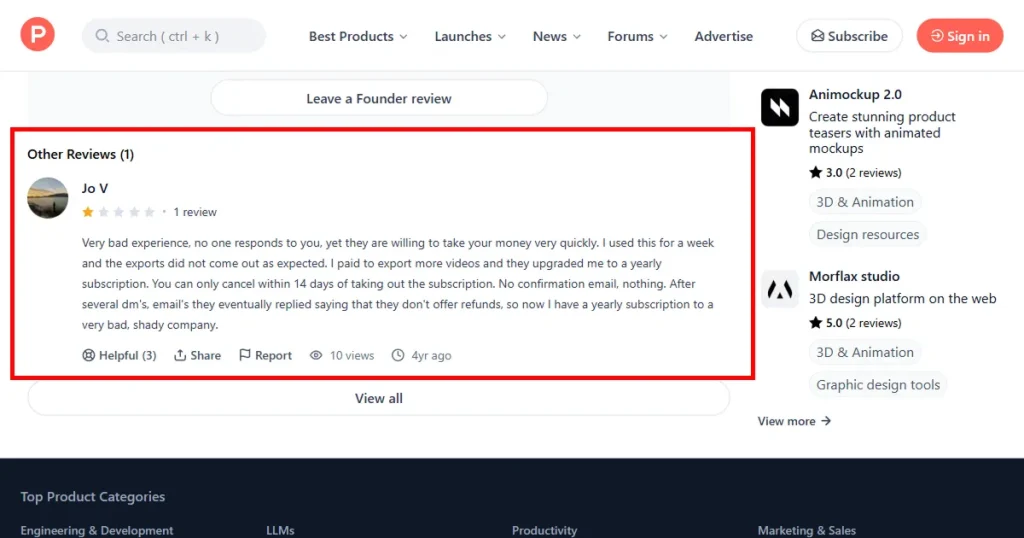
On Product Hunt, the Previewed App has a rating of 3.7 out of 5, with most Previewed App reviews being negative and users complaining about a poor customer experience because they received no response from the team.
Several reviewers mentioned subscription-related concerns, including unexpected annual charges and difficulties with cancellation requests, despite their 14-day refund policy.
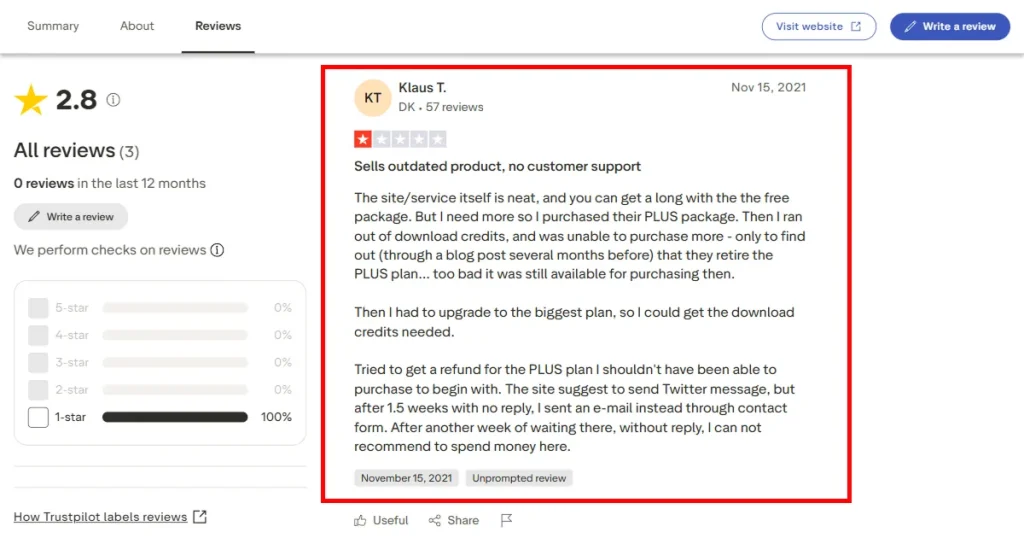
On Trustpilot, the Previewed App has a rating of 2.8 out of 5, with most Previewed App reviews being negative. User’s main concern is the lack of download credits in their Plus plan, which prevents them from downloading all the designs they create in the tool.
To download your own designs, you need the Pro subscription, which costs $29/month.
Another major concern was the lack of customer support, which made the user experience very difficult.
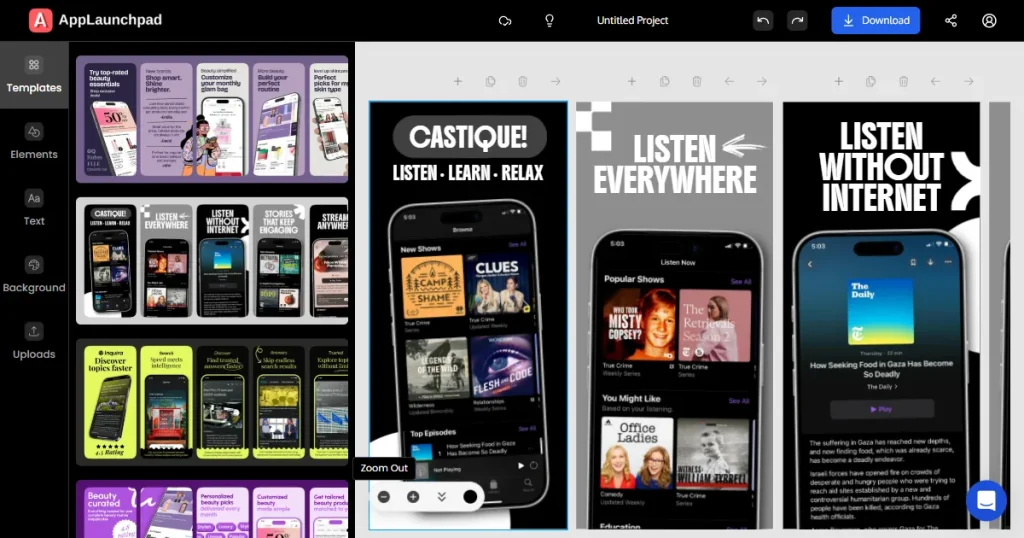
Before diving deeper into this Previewed review, it’s worth looking at AppLaunchpad, an alternative designed specifically for app store screenshot creation.
AppLaunchpad is a browser-based design tool that lets developers and marketers quickly create professional App Store and Google Play screenshots without advanced design software like Photoshop or Figma.
It is the best Previewed App alternative as it does everything that the Previewed App does, but better. It is one of the best app store screenshot generator with over 1,000 store-compliant App screenshot templates, a mockup tool for creating professional-looking device mockups, and Google Play feature graphics that make your app look polished.
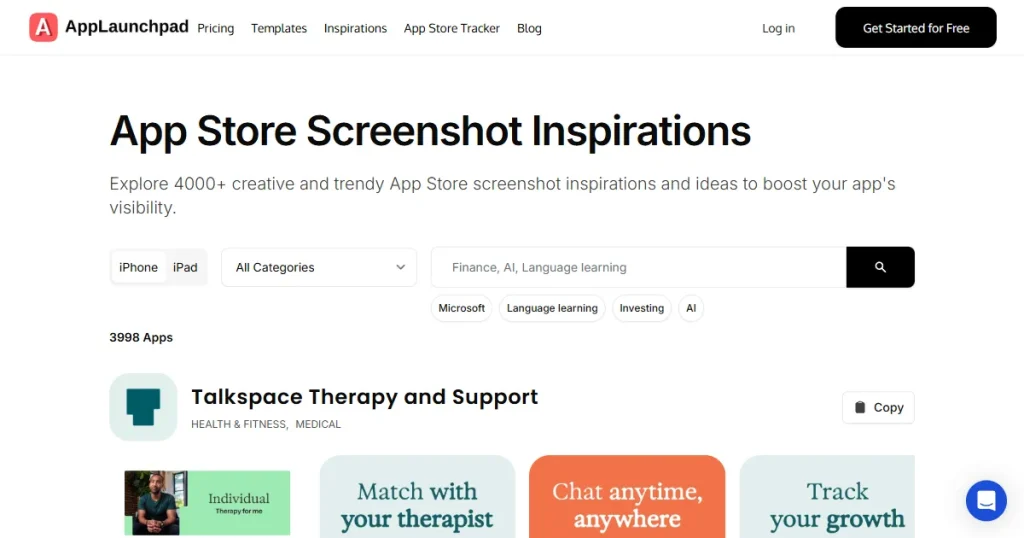
Before concluding this Previewed App review, let’s look at how AppLaunchpad and the Previewed App compare.
| Feature | AppLaunchpad | Previewed App |
| App Store Screenshot Generation | Built specifically for creating App Store and Play Store screenshots with optimized layouts | Supports screenshot creation but offers fewer customization options |
| Drag and Drop Editor Support | Yes | Yes |
| Template Library | 1000+ store-compliant templates | Limited number of generic-looking templates |
| 3D and Custom Device Support | 50+ device support with iPhone 17 Pro Max being the latest addition | Limited number of devices supported with iPhone 14 Pro Max being the most updated device |
| Localization Support | Support over 80+ language localization features | Localization is not supported in the free plan |
| Design Customization | Greater control over text placement, layouts, backgrounds, and branding | More template-dependent with less advanced customization |
| Best For | App developers, startup founders, agencies, and teams focused on app growth | Solo creators looking for simple mockup generation |
| Pricing Value | $19/month if you use the code APPLOVE at checkout | $29/month |
Before diving deeper into this Previewed App review, let’s first look at what the Previewed App offers.
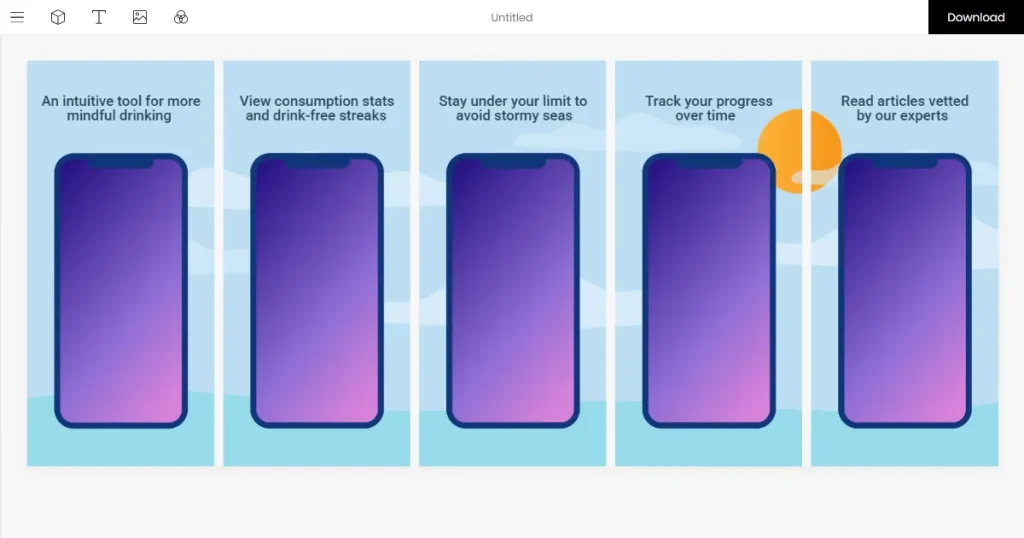
With Previewed, you can quickly create app store screenshots for your app listing on the Apple App Store and Google Play Store, without any design skills.
However, many of its app screenshot templates look basic and lack the visual polish needed to make your app stand out.
Moreover, the Previewed app screenshot generator offers only a limited number of templates, giving you fewer design options and making it harder to justify the price.
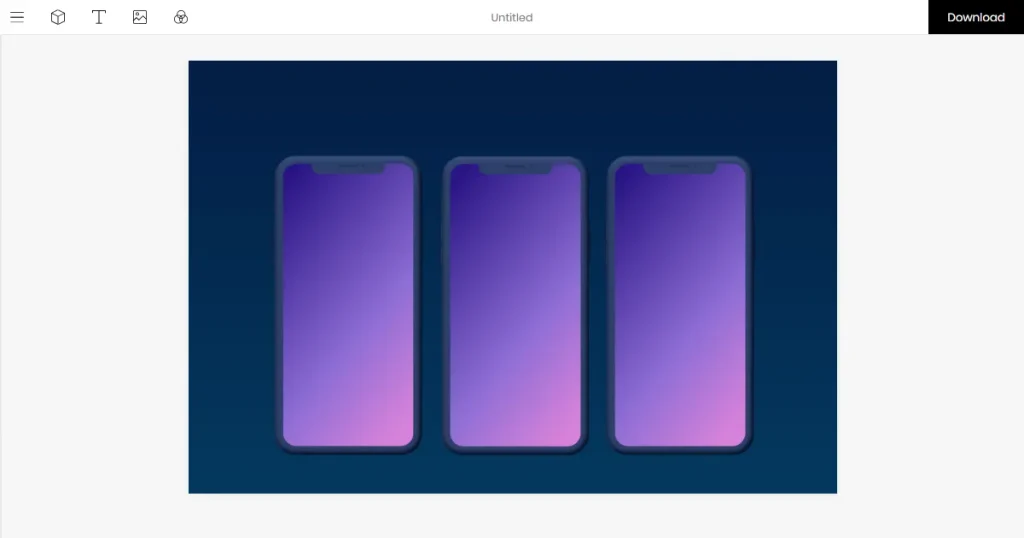
The Previewed App mockup generator has a good collection of iPhone mockup templates that let you showcase your app in realistic Apple device frames.
However, many of the designs feel generic and look like device frames placed on simple backgrounds, and support only goes up to the iPhone 14 Pro Max.
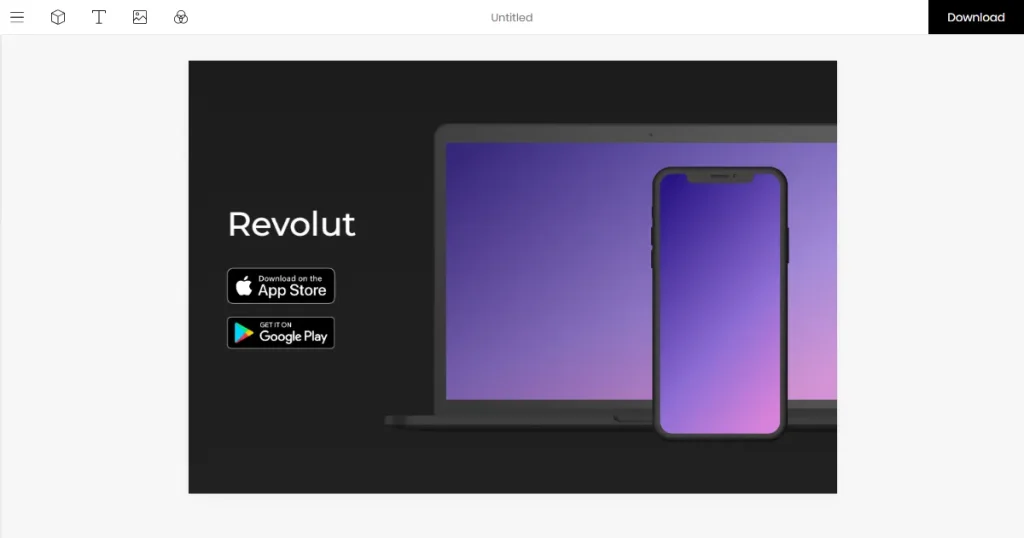
Previewed App also lets you create app promo banners that you can use for Google Play Feature Graphics, social media posts, blog posts, and product launches. However, many of the design templates feel generic and lack the visual impact needed to help your app stand out in a crowded market.
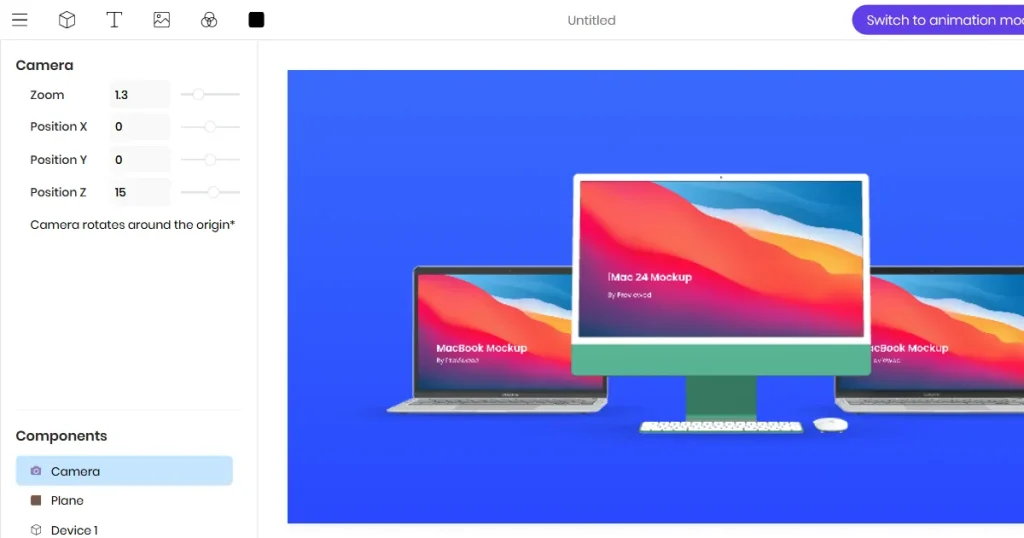
Beyond mobile devices, Previewed offers Mac device mockups, including MacBook and desktop-style templates for showcasing desktop apps, SaaS products, or web applications.
However, like their iPhone mockup templates, their Mac Device templates also lack unique designs.
Now that we have looked into what the Previewed App offers, for a more balanced Previewed App review, let’s look at where the Previewed App falls short.
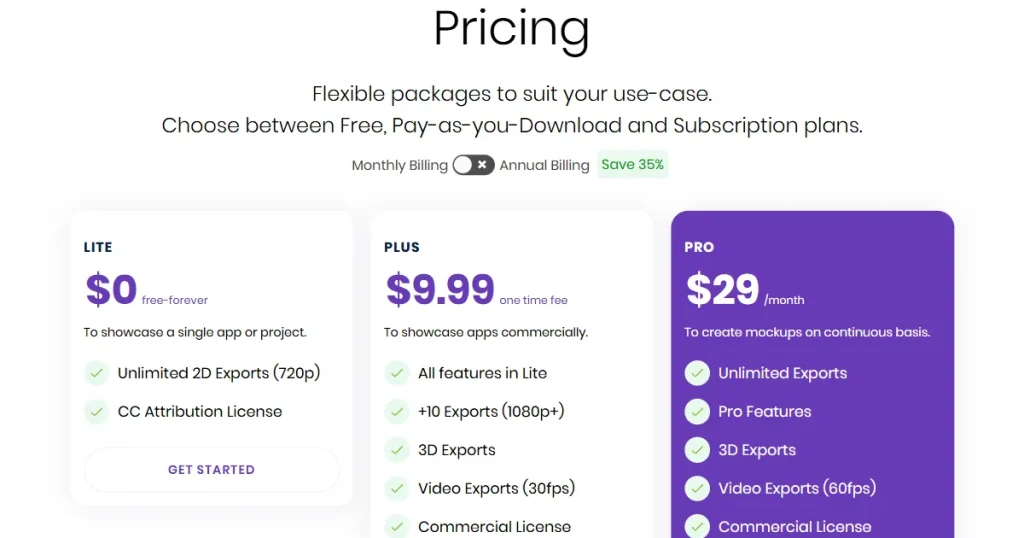
During our Previewed app review, we looked through its pricing structure and found the following details.
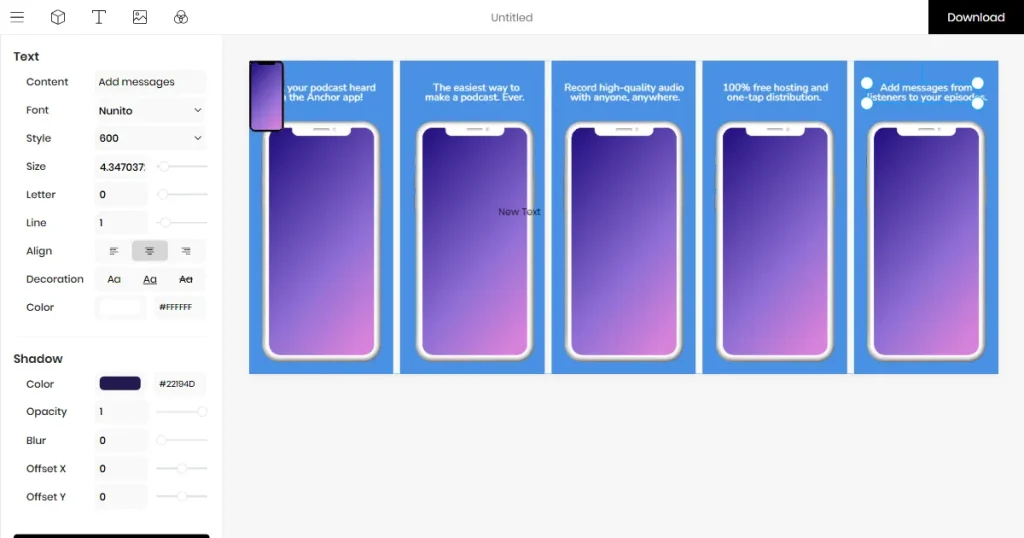
For this Previewed app review article, we tried and tested all the features, including the app store screenshot generator, iPhone mockup generator, and other tools.
The biggest issue came during editing, as the editor often failed to detect clicks, making it difficult to add designs or resize device frames. We tried a few more times, but it was very frustrating, so we moved to download the design.
Unfortunately, we then discovered that high-resolution downloads aren’t available, which limited how we could use the final design.
Overall, the templates look like basic PowerPoint presentations. Given these limitations, the $29/month Pro plan may be difficult to justify for users looking for premium-quality mockups and templates.
From this Previewed app review, it’s clear that while Previewed was once a useful tool for creating device mockups and app store screenshots, it has struggled to keep pace with modern design tools. Its limited customization options, dated app store screenshot and mockup templates, and lack of advanced features make it less competitive in today’s market.
Unlike Previewed, AppLaunchpad combines a large library of more than 1000 store-ready app store screenshot templates, advanced localization features, and everything needed to create high-converting app store visuals in one place.
No, Previewed App is not a good tool for creating professional app screenshots and mockups quickly, since it doesn’t offer high-quality templates or customization options.
You can create an app mockup by using AppLaunchpad’s device mockup tool, where you can choose a device template, upload app screens, customize the design, and export the final image.
No, most Previewed app reviews are negative because the tool lacks premium templates, advanced customization options, and customer support.
The Previewed app mockup generator lets users upload screenshots and automatically place them inside customizable device frames.
Yes, the Previewed app screenshot generator can create high-quality app screenshots suitable for App Store and Google Play listings if you are on their premium plan. If you use the free plan, it limits download resolution, making it unusable for app store screenshots.
AppLaunchpad is one of the best Previewed App alternatives in 2026 because it offers 1000+ app store screenshot templates, better customization options, one-click localization, and app store optimization features.