ASO Checklist for App Store: A Complete Guide
App Store Optimization (ASO) is the process of improving your…
Published Aug 4, 2026
19 min
Google Play Store Optimization is the process of optimizing your app listing to improve its visibility on the Google Play Store, helping it rank higher in search results and drive more app downloads.
But simply understanding what Google Play Store ASO is isn’t enough. You need to know the exact process behind optimizing your app, and the right Play Store optimization tools to use that would help your app rank higher in search results.
To cover all of these, we’ll walk you through a step-by-step guide to Google Play Store Optimization, covering the exact strategies you need to implement to improve your app’s discoverability, attract the right users, and maximize downloads.
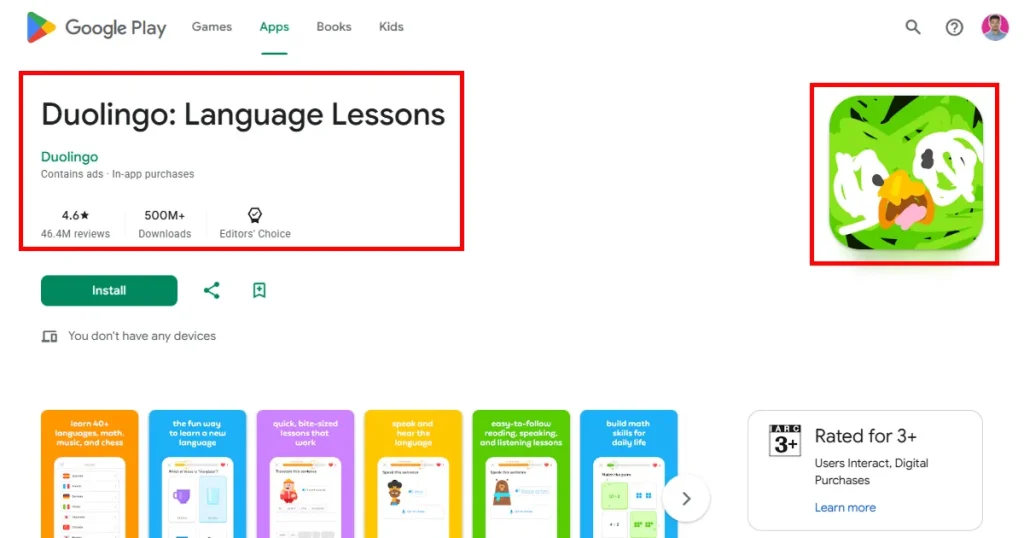
Google Play Store Optimization is the process of improving your Android app’s visibility within the Google Play Store. The primary goals of Play Store Optimization are to rank higher in search results, drive more organic downloads, and convert more app store visitors into active users.
Google Play Store ASO primarily focuses on two main components, i.e., discovery and conversion. Discovery helps your app appear in search results when users search for a keyword related to your app. Conversion focuses on convincing users to install your app by optimizing store assets such as your app title, description, screenshots, icon, and preview video.
Let’s look at the key differences between Google Play Store ASO and SEO.
| Element | ASO | SEO |
| Main Platform | Google Play Store | Google and other search engines |
| Primary Objective | Increase app downloads | Drive website visitors |
| Ranking Factors | Keywords, ratings, retention | Content, backlinks, relevance |
| Content Type | App titles, descriptions, visuals | Blogs, landing pages, web content |
| Trust Signals | Reviews and install activity | Domain authority and backlinks |
| Conversion Drivers | Screenshots and app previews | Meta titles and descriptions |
| Competition Level | Competing against other apps | Competing against web pages |
| Best Tools | AppTweak, Sensor Tower | SE Ranking, Google Search Console |
| User Intent | Users looking to install apps | Users searching for information |
Before we dive into the exact Google Play Store Optimization process, let’s learn why optimizing your app on the Google Play Store matters.
Optimizing your app listing helps your app rank higher in Google Play search results, making it easier for potential users to discover your app.
A well-optimized app store listing will drive organic app downloads, reducing your reliance on paid advertising to acquire users.
Since better visibility leads to more organic app installs, effective Google Play Store Optimization helps reduce customer acquisition costs in the long run.
In highly competitive app categories like meditation or fitness, proper app optimization helps your app stand out and increases the likelihood that users will find it over similar alternatives.
High ratings and positive reviews can increase user confidence in your app and boost visibility on the Google Play Store.
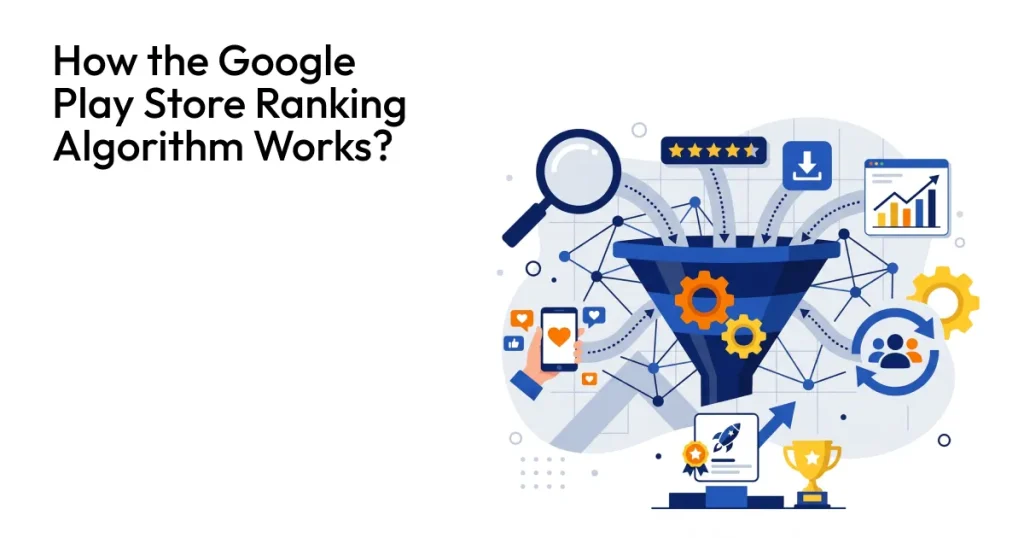
Before optimizing your app listing, you need to understand how the Google Play ranking system determines which apps appear in search results.
Let’s dive deep and learn the exact step-by-step process of how to do Google Play Store Optimization for your Android apps.
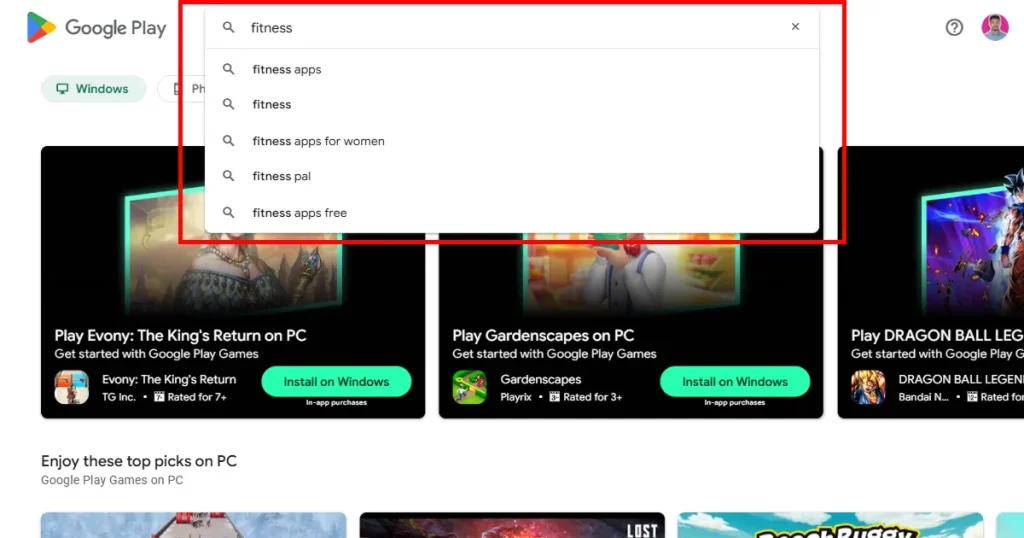
Keyword research is the foundation of any successful ASO strategy. By identifying the search terms your target audience uses, you can optimize your app listing for better visibility. ASO tools like AppTweak and AppRadar can help you discover high-value keywords and improve your app’s discoverability on Google Play.
Here are a few Play Store optimization tips you can follow to do proper keyword research.
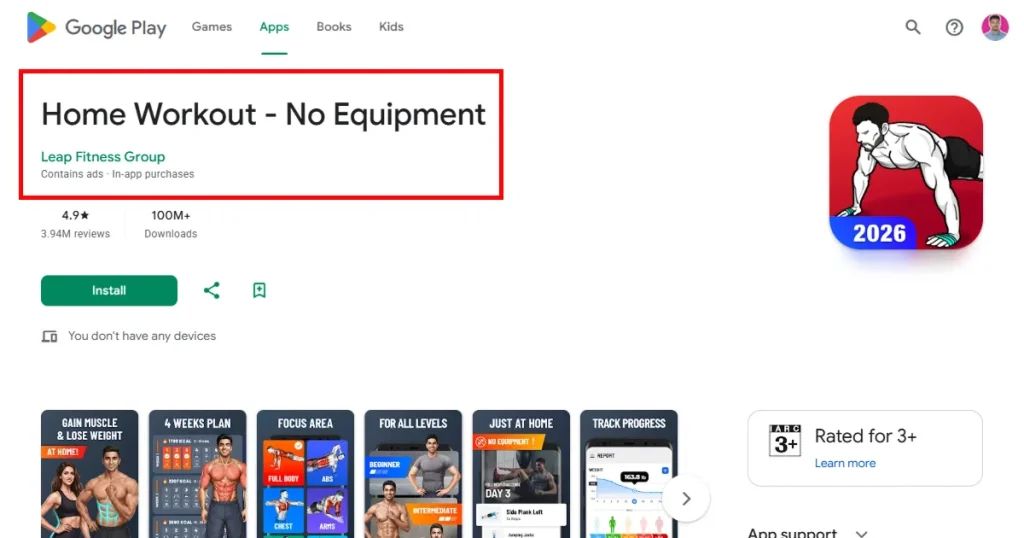
App metadata consists of app title, App short description, and App long description. For the app title, you can try adding high-search-volume keywords alongside your app name to help the algorithm better understand your app.
For your app’s short description, focus on clearly communicating its core value rather than stuffing it with multiple keywords, since this is the first thing users see to understand what your app does and why they should download it.
When it comes to long descriptions, make it easy to scan by using short paragraphs and bullet points. and naturally repeating the most relevant keywords, so the Google Play algorithm can index your app for those keywords and rank your app in the search results.
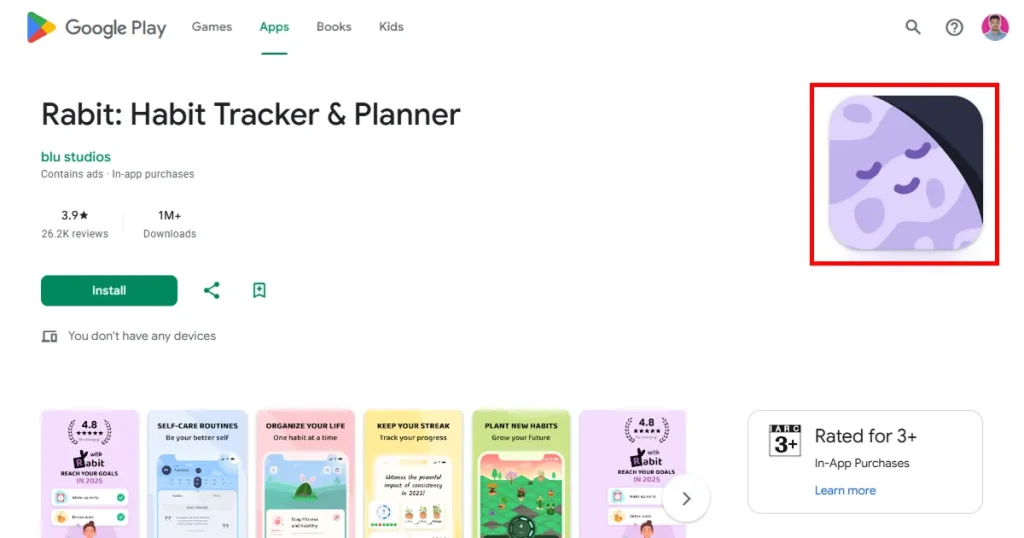
Your App Icon is the first thing a potential user would see when they search for your app on the Play Store. That’s why it’s crucial to design an app icon that not only tells users exactly what your app does but also makes them curious about your app.
Here are a few Play Store Optimization tips you need to keep in mind.
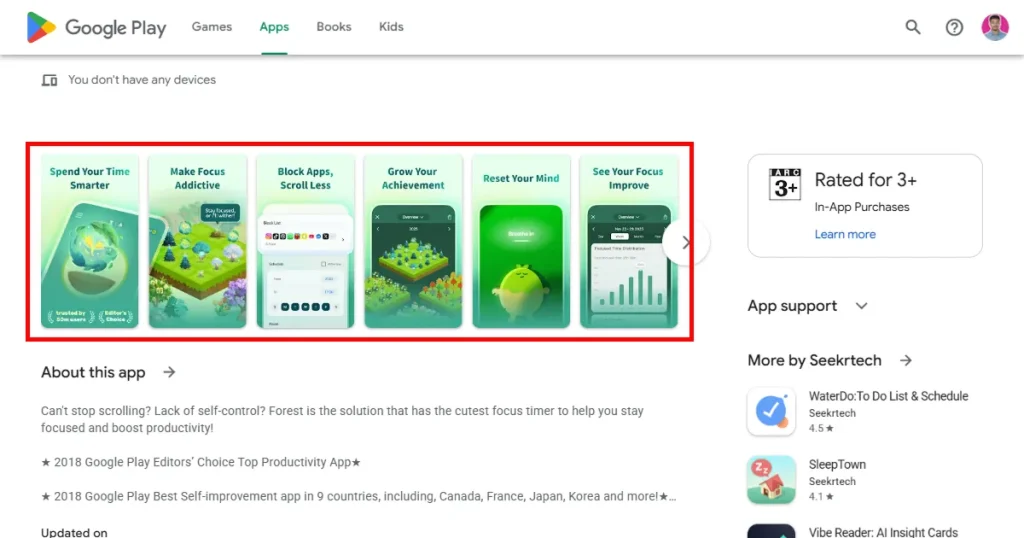
Your app screenshots are another major factor that affects your app downloads, as they are the first thing a user sees when they open your app listing. If your app screenshots look professional and are properly designed, there is a high chance people will download your app.
Here are a few Play Store Optimization tips to keep in mind when designing your Google Play Store screenshots
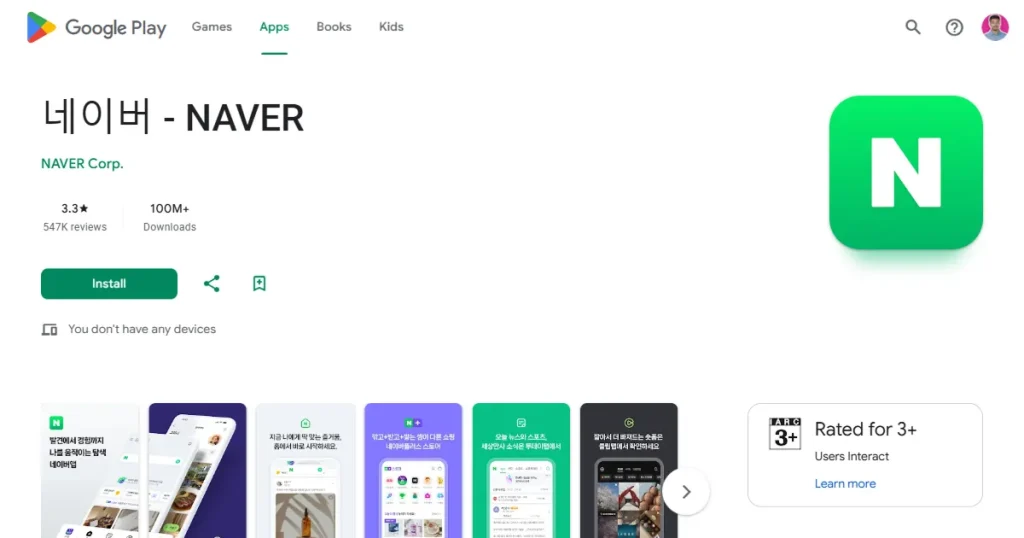
App Localization is crucial for entering new markets and appealing to local users. And localization should go beyond just translating your app’s text or screenshots. Here is the process you can follow to localize your app store listing.
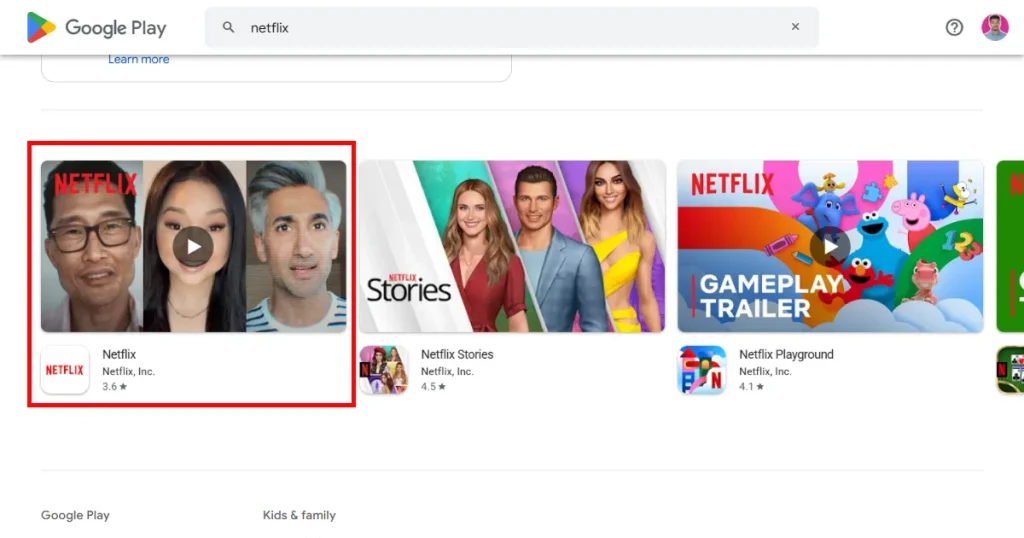
It has been observed that apps with a high-quality preview video are more likely to be downloaded than those without one. That’s why we use tools like Rotato to create premium-looking app preview videos that convey your app’s value in less than 30 seconds and help you convert more onlookers into downloads.
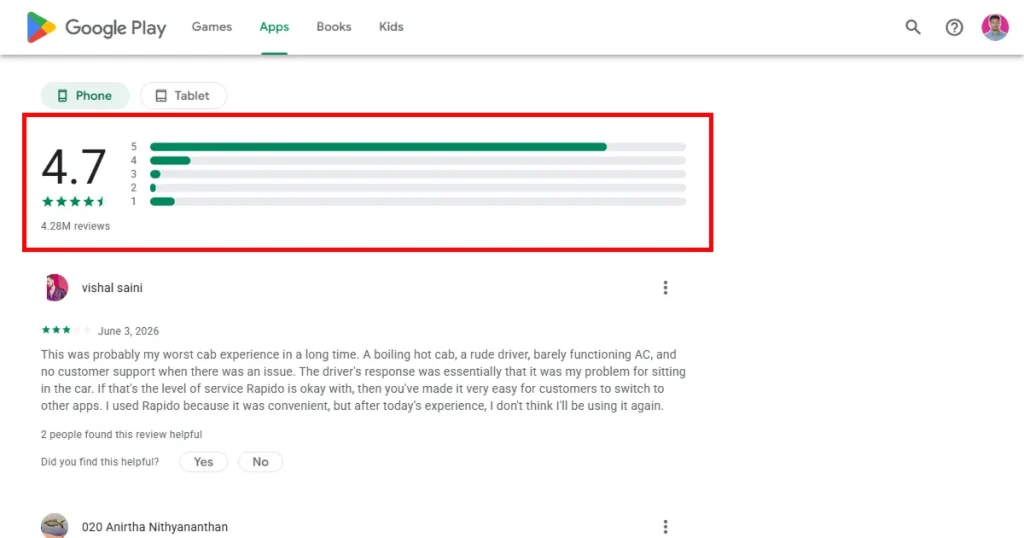
App reviews play a crucial role in your app’s visibility. If your review rating drops below 3, the Play Store gradually reduces your reach and ranking in search results.
That’s why it’s crucial to monitor reviews on your app, respond to negative reviews appropriately, address their needs, and provide clear in-app prompts during emotional high points so users give your app a good rating.
A good rating signals a higher quality app, so find ways to improve your rating and reduce negative reviews. And the Google Play Store will reward you with a higher ranking in search results.
Google Play simply doesn’t focus on the number of downloads of your app. It also focuses on the time a user spends in the app, how many times they open it, and the uninstall rate. If you want to stay relevant on the Play Store, you need to optimize your app to boost engagement.
Here are a few ways to improve retention and engagement.
Google Play Store Optimization is not a one-time process. After optimizing your app listing, you need to continuously track performance and make improvements based on data. Regular monitoring helps you understand what is working and what areas need further optimization.
There are several key performance indicators you should track regularly.
You can use Google Play Console or use the best ASO tools like AppTweak and AppFollow to track performance data, test improvements, and continuously refine your Google Play Store Optimization strategy.
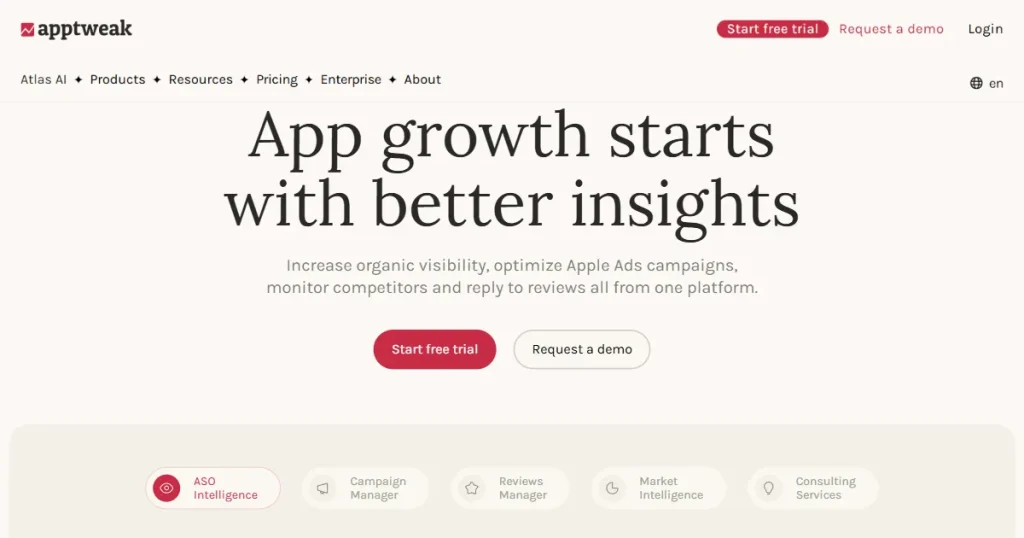
AppTweak is a comprehensive Google Play Store Optimization tool that helps users find the right keywords to rank for, optimize their Play Store listing, track their Google Play Store ASO efforts, and improve their visibility in search results.
Pros:
Cons:
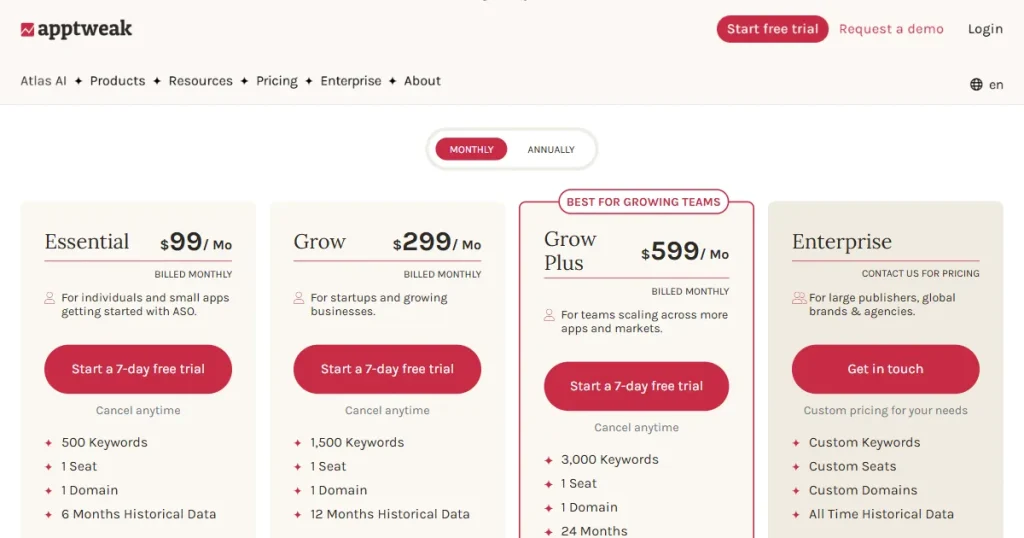
Pricing: $99/month
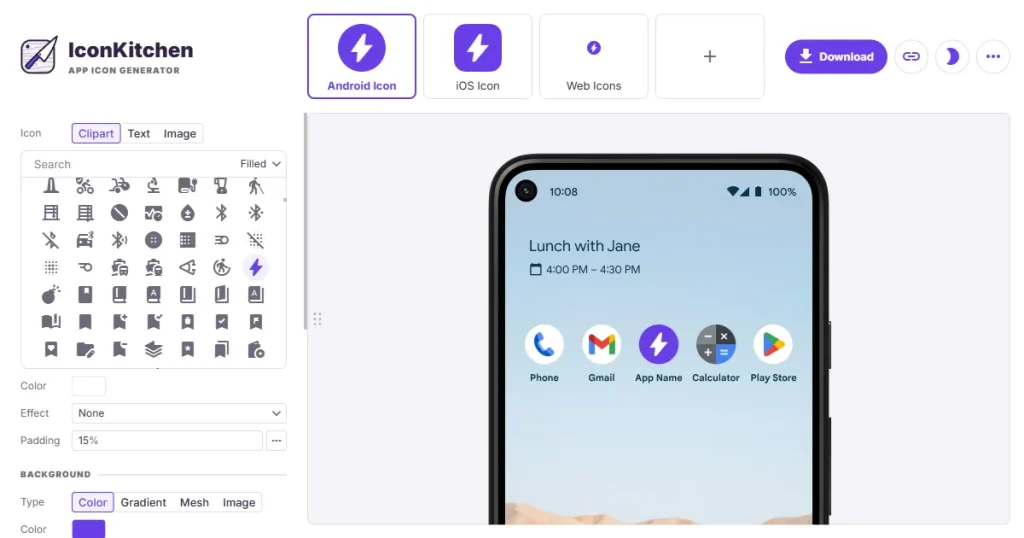
Icon Kitchen is a free app icon generator that helps you design store-ready icons fast, with an easy-to-use editor and quick previews to create multiple app icon variants. It is one of the best Google Play Store optimization tools, as you can easily create unique app icons that will help your app stand out.
Pros:
Cons:
Pricing: Free
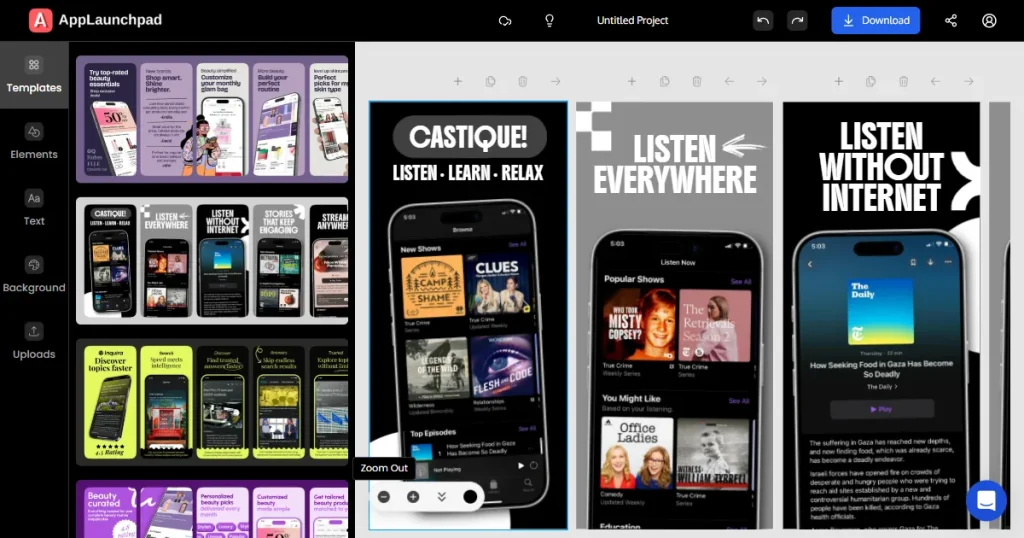
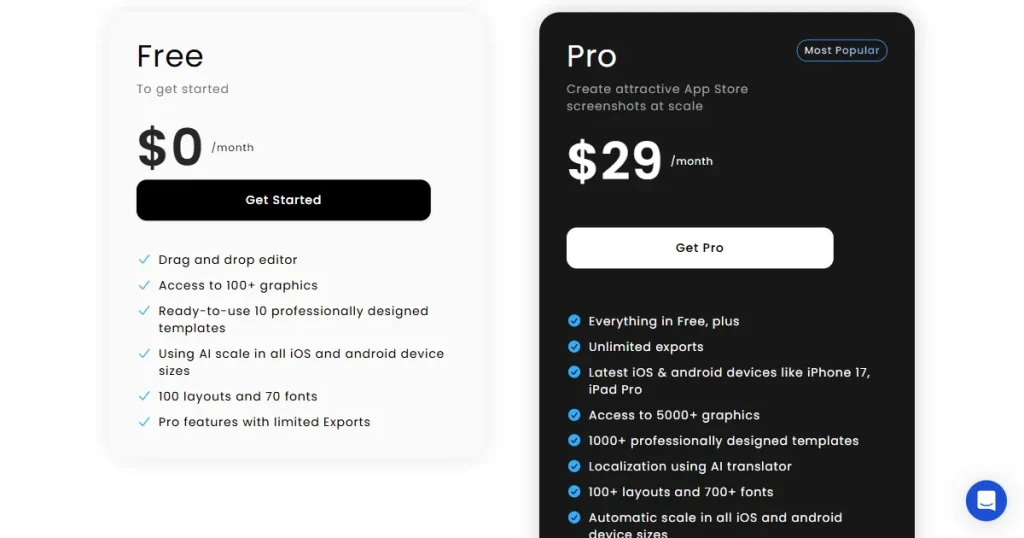
AppLaunchpad is an online design tool that helps developers and creators generate professional, high-converting screenshots for the Apple App Store and Google Play Store.
It is one of the best Google Play Store optimization tools, as it allows you to create app screenshots quickly using its library of 1000+ store-compliant templates and also localize them into 80+ languages.
Pros:
Cons:
Pricing: $29/month
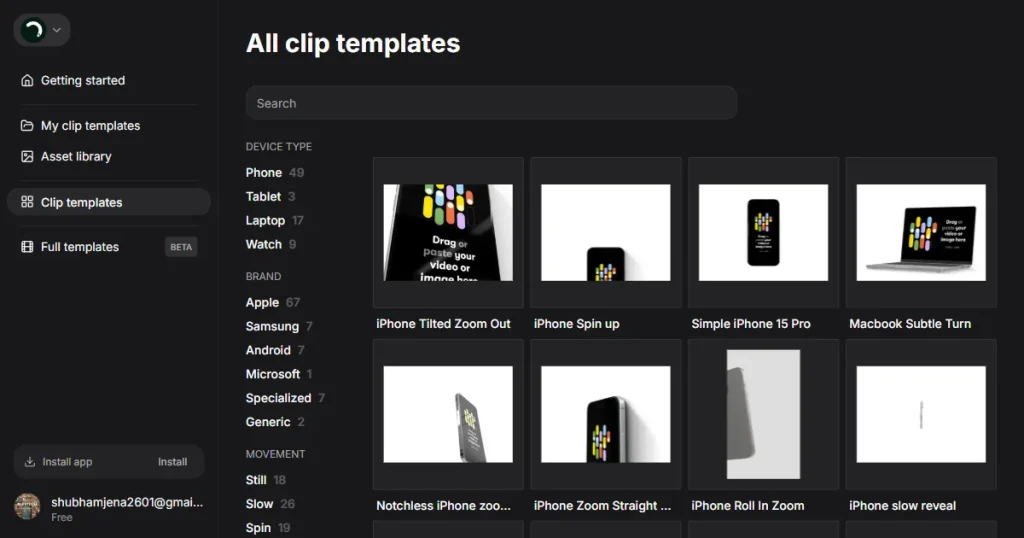
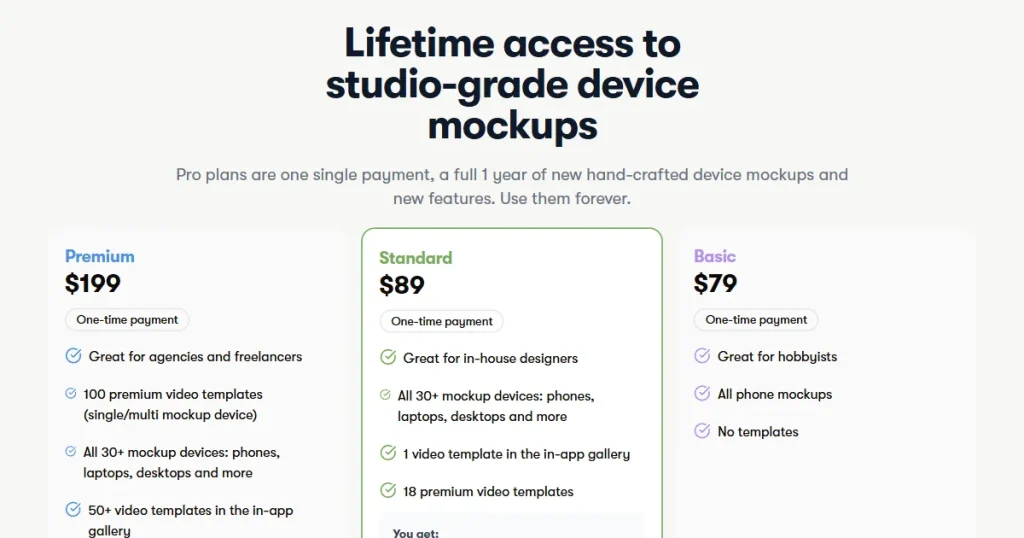
Rotato is a macOS application that lets you create high-quality app preview videos for your Play Store listing by using the multiple templates available within the tool. Apps with good-quality preview videos have a much higher chance of converting onlookers into app downloads.
Pros:
Cons:
Pricing: $79
Using the right Play Store optimization tools and optimizing your app listing is just the first step. Once your Google Play Store page is properly optimized, the next focus should be on driving more visibility and downloads. To do that, you need to track a few Key Performance Indicators (KPIs) to determine whether your ASO efforts were in the right direction.
Below are a few KPIs you can track.
You can either use the Google Play Console to monitor these key performance indicators or dedicated ASO tools like AppTweak and AppFollow to make it easier to monitor, iterate, and improve your app store listing.
A strong Google Play ASO strategy depends on real data, not guesswork. The Google Play Store offers Store Listing Experiments, a built-in feature that lets you A/B test different versions of your app listing with real users. You can test assets like app icons, screenshots, promo videos, feature graphics, and even localized text.
For accurate results, test only one element at a time. For example, if you are testing a new app icon, keep your screenshots and other visuals unchanged. Changing multiple elements together makes it difficult to know what actually improved or hurt performance.
Keep in mind that A/B testing works best when your app gets enough traffic. If your app has low impressions or installs, the results may not be reliable. In that case, focus on improving your Google Play Store Optimization first before running experiments.
To make your Google Play Store optimization strategy successful, avoid these mistakes that prevent your app from reaching its full growth potential.
Google Play Store Optimization is not a one-time process, it is an ever-evolving process that requires you to constantly iterate and improve. Continuous testing, regular updates, and data-driven improvements are key to maintaining strong app rankings over time.
So, remember to follow the exact Play Store Optimization tips and strategies to improve your app ranking and continuously monitor and iterate to keep ranking for the right keywords.
You can optimize the Google Play Store by improving your app metadata, visuals, reviews, keywords, and overall app performance to increase visibility and downloads.
To optimize your Android app for Google Play, focus on keyword research, app screenshots, metadata optimization, ratings management, and user engagement.
Tools like AppTweak, IconKitchen, AppLaunchpad, and Rotato help improve app visibility by optimizing keywords, visuals, and store listing assets.
The best Play Store optimization tips include targeting the right keywords, improving app ratings, optimizing screenshots, and maintaining strong app performance.
The best Google Play Store optimization strategies for new apps include thorough keyword research, compelling visual assets, A/B testing, and continuous data-driven listing optimization.
Yes, you can use Google Play Console to track your Google Play Store ASO efforts.