AppFollow is one of the best review management tools, but it fails when users look for deeper keyword research and competitive intelligence.
That’s why in this guide, we will cover the 6 best AppFollow alternatives, including AppTweak, App Radar, and ASO Desk. Each app store optimization tool in this list is evaluated based on keyword intelligence, market data accuracy, and overall usability.
Whether you need deeper market insights or more precise ranking data, there is an AppFollow alternative on this list that will actually fit your workflow.
Key Takeaways
AppFollow is strong for review management, but its keyword research and competitive intelligence are more limited.
The right alternative depends on your goals, budget, team size, and the depth of data you need.
Some platforms focus heavily on ASO and keyword research, while others offer broader market intelligence, attribution, or review management.
ASOdesk stands out for keyword research, competitor tracking, and balanced ASO features.
Sensor Tower is better suited to enterprises that need deeper market, revenue, and competitor intelligence.
Comparing features, data accuracy, integrations, ease of use, and pricing is more useful than choosing an alternative based on features alone.
Aso.dev is a budget-friendly option for iOS teams that need unlimited keyword tracking.
Smaller teams may prefer a focused and affordable tool, while larger teams often need deeper competitor and market data.
Switching tools only makes sense when the alternative solves a specific gap in your current workflow or offers better value for your needs.
What is AppFollow?
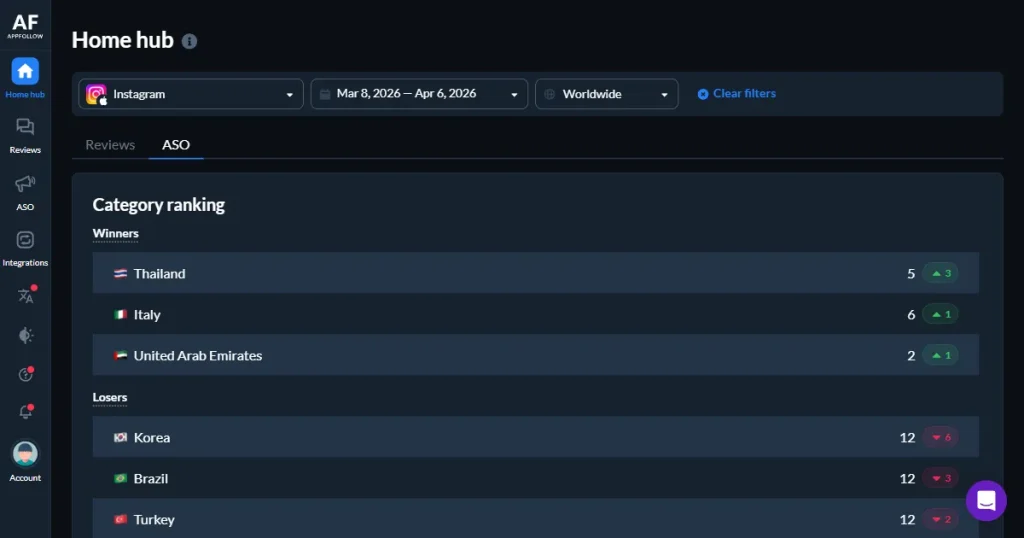
AppFollow is an ASO tool designed to help app teams manage reviews, track keywords, and monitor their app’s public reputation. Teams use it to bring App Store and Google Play reviews into a single dashboard and to reply to users more efficiently.
It connects with Slack, Zendesk, and other support tools, so it works well if your main focus is handling user feedback quickly and keeping your support team in sync.
For deeper ASO tasks such as estimating competitor revenue or benchmarking against similar apps, its data and analysis features are more limited. That makes it strong for review management, but not the best app store optimization tool for teams focused on competitive growth.
Why Consider an Alternative to AppFollow?
AppFollow works well for review management, but once your focus shifts to competitive growth, some limitations become apparent, and that’s where you might consider an AppFollow alternative.
Keyword intelligence: The keyword insights are fairly surface-level. If you need deeper difficulty scores, broader keyword suggestions, or clearer visibility into competitor rankings, you may find it limited.
No revenue estimates: There’s no built-in revenue estimation or category share data, which makes it harder to benchmark your app against others in your category.
Weak ad integration: Apple Search Ads integration exists, but it is more limited than what you get from the best ASO tools built specifically around ad performance analysis.
Thin historical data: AppFollow does not always provide long-term keyword ranking history (for example, 12–24 months), so it’s hard to see trends or changes over time
Scaling issues: If you manage several apps across multiple countries, the dashboard can become crowded and harder to use.
No attribution: It does not show where installs come from (ads vs organic). You need a separate tool to measure campaign and paid performance.
What to Look for in an AppFollow Alternative?
The best AppFollow alternative depends on how mature your app strategy is, but a few capabilities matter in almost every case.
Keyword database size: The best ASO tool should offer a large keyword database with reliable volume and difficulty estimates.
Platform coverage: The best app store optimization tool should track daily keyword rankings on both the App Store and Google Play, across multiple countries, so you can track results and act fast.
Competitor intelligence: Download and revenue estimates matter. Ranking comparisons alone do not tell the full story.
Paid search alignment: If you run paid campaigns, the ASO tool should let you view paid and organic performance side by side.
Review automation: Automatic sentiment tagging and bulk reply options can save time if reviews are central to your workflow.
Localization support: Make sure the ASO tool supports the countries and languages you plan to target.
Top 6 AppFollow Alternatives: Quick Comparison
To help you find the best AppFollow alternative for your use case, here’s a quick side-by-side breakdown.
AppFollow Alternative
Best For
Starting Price
Free Trial
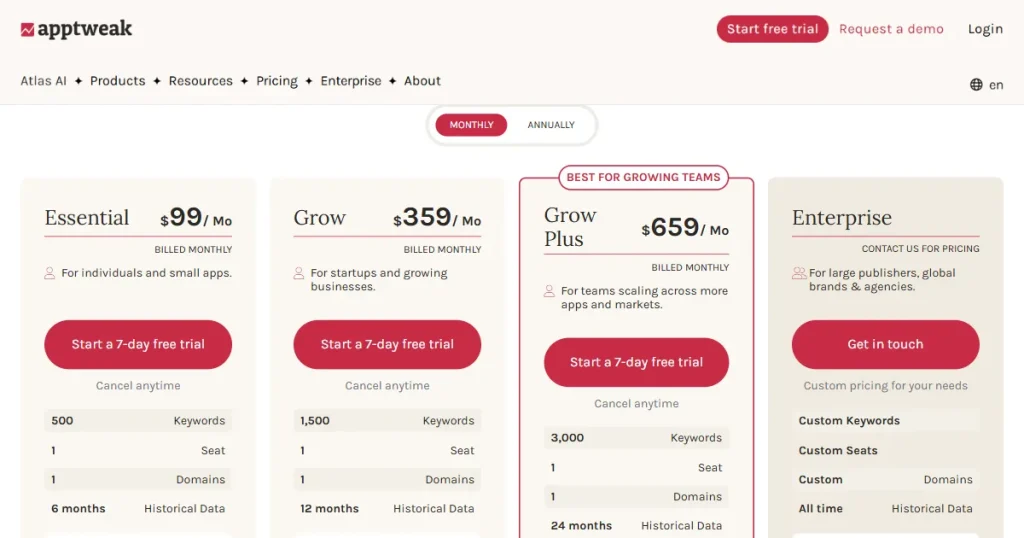
AppTweak
AI-powered ASO + Apple Search Ads
$79/month
No
ASOdesk
Keyword research + competitor tracking
$59/month
Yes
Sensor Tower
Enterprise market intelligence
Custom pricing
No
App Radar
Workflow-driven ASO optimization
€69/month
Yes
Aso.dev
Unlimited keyword tracking, iOS-focused
$15/month
No
Adjust
Mobile attribution + paid acquisition
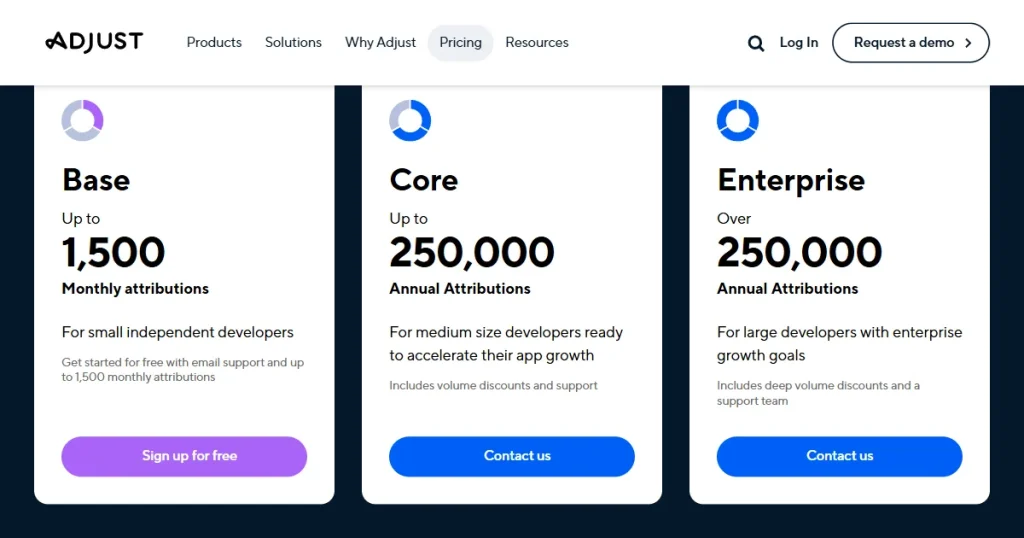
Custom pricing
Yes
6 Best AppFollow Alternatives for ASO & App Growth in 2026
1. AppTweak (App Store Marketing & Intelligence Platform)
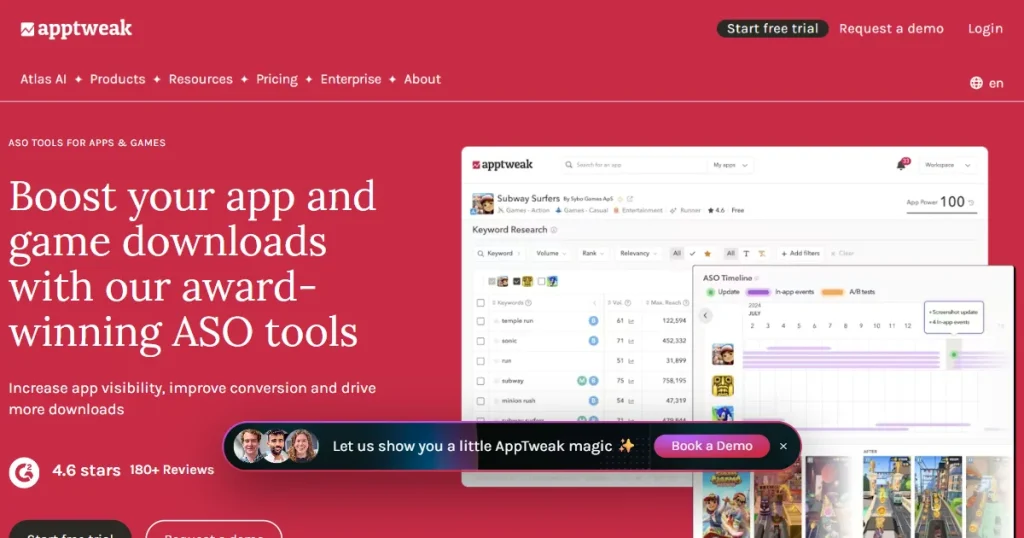
AppTweak has gathered over 10 years of App Store data to power Atlas AI, its advanced artificial intelligence engine. Atlas AI detects keyword trends, ranking patterns, and market shifts by analyzing long-term performance. This helps teams make smarter, more reliable decisions.
It is also one of the few ASO tools that let you manage Apple Search Ads campaigns and organic keyword research in one place. If you are currently switching between separate ASO and ad dashboards, having both in one place can simplify analysis.
Key Features
ASO intelligence tools: This AppFollow alternative offers built-in ASO tools to increase visibility, conversions, and downloads
Apple Search Ads Management: AppTweak lets you manage Apple Search Ads in one place. You can check paid keywords, monitor results, and adjust campaigns without switching tools.
Review automation: This AppFollow alternative consolidates all your app reviews into a single dashboard and sorts them by tags or sentiment (positive, negative, neutral).
App trend discovery: Spot emerging keyword opportunities before they peak
Atlas AI: Powered by 10+ years of historical App Store data
Pros
Clean, intuitive interface with organized features
Granular keyword and competitor insights
Exceptional customer support
Atlas AI is among the strongest intelligence tools in ASO
Cons
Some ranking inaccuracies were reported by users
Limited app analytics depth
Missing certain historical rating datasets
Pricing: No free plan. Essential plan starts at $79/month.
2. Asodesk (All-in-One Solution to Grow Your App on the App Store & Google Play Store)
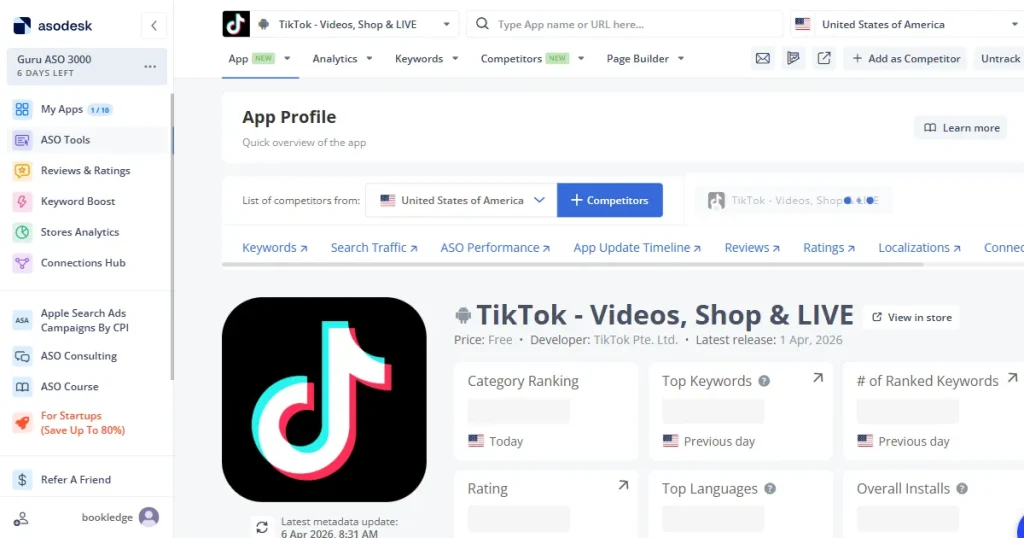
ASOdesk began as a keyword research ASO tool and later expanded to include competitor tracking, review management, and metadata optimization. Keyword research remains its strongest area and the main reason many teams choose it.
This AppFollow alternative relies on its own internal data models rather than relying heavily on shared third-party data sources. Many teams cite data accuracy as a key reason for sticking with it, especially when analyzing download source data by keyword. This helps identify which keywords are truly driving installs, not just generating impressions.
Key Features
Proprietary keyword algorithm: This AppFollow alternative provides accurate tracking built on its own data model
Live ASO analytics: Real-time ranking and performance data across both the App Store and the Google Play Store
Competitor analysis: Understand competitor strategy and find gaps worth targeting
ASO Dashboard: Track ASO performance impact for every metadata change
Localization tools: Track and improve keywords for different countries and languages to adapt your app listings for each market.
Built-in keyword suggestions: Get automatic keyword ideas based on your app and competitors, so you can find new opportunities quickly.
Pros
Highly accurate data
Strong keyword research and competitor analysis
User-friendly interface that is easy to navigate
Cons
Can get slow when handling large datasets
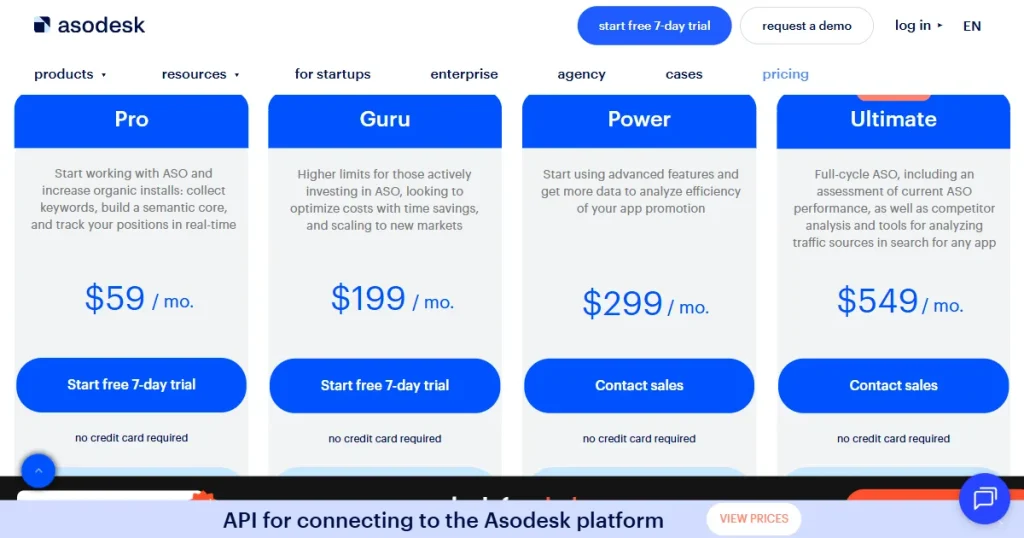
Pricing: Three pricing models available. Pro plan starts at $59/month and covers 5 apps and 500 competitor apps.
3. Sensor Tower (Measure the Complete Consumer Journey)
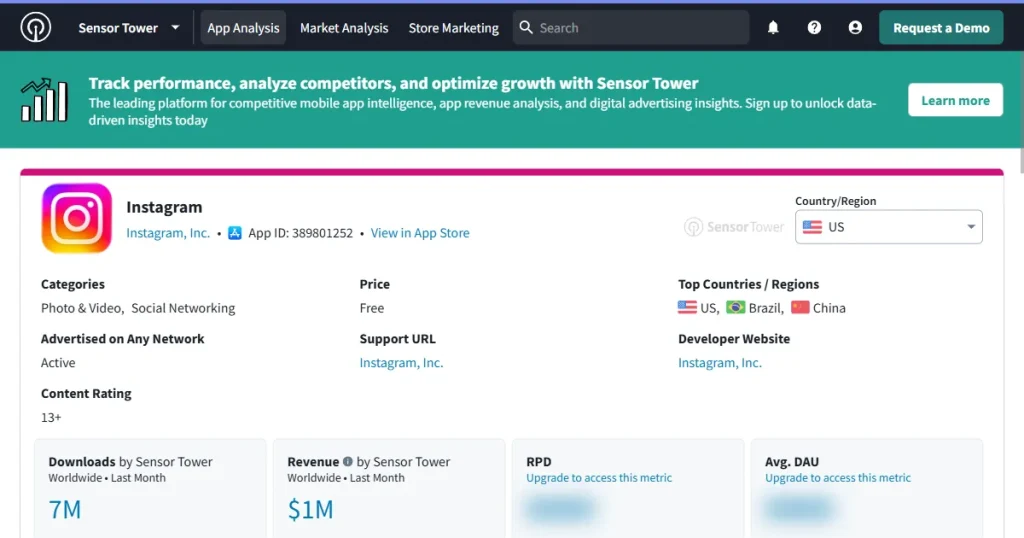
Sensor Tower goes beyond being just the best ASO tool, it positions itself more as a full market intelligence platform. Its focus is broader market analysis, looking at categories, competitors, and revenue trends instead of just optimizing one app listing.
Founded in 2013, this AppFollow alternative provides download and revenue estimates, active user metrics, ad network insights, and audience behavior data across devices. The data spans more than ten years, and it is priced accordingly.
Key Features
Full performance tracking: Track downloads, revenue, active users, sessions, keyword rankings, and Search Ads data
Global ad intelligence: Ad network, advertiser, publisher, and creative performance by region
Retention and engagement data: Sessions per user, time spent, new vs retained users, and churn trends
Audience comparison: This AppFollow alternative compares your audience profile against competitors
Cross-device monitoring: Website visits and user activity across desktop and mobile
Pros
Extremely comprehensive dataset
Real-time data updates
Enterprise-level intelligence depth
Detailed and reliable performance reporting
Cons:
High pricing that puts it out of reach for smaller teams
Pricing: No public pricing plans. Custom enterprise pricing upon request.
4. App Radar (The Leading ASO Platform to Simplify App Store Listing Optimization)
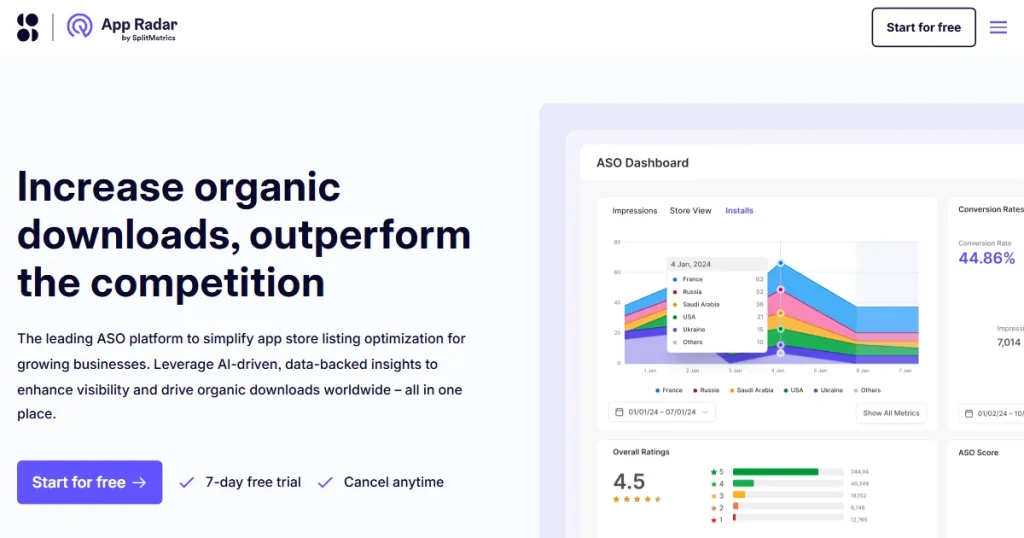
App Radar is designed to keep most ASO tasks in one continuous workflow. You can research keywords, edit your listing inside the platform, track ranking changes, and manage reviews in one place.
Key Features
Market insights: Analyze Competitor data to understand your position and spot ranking opportunities
Keyword discovery: Find top-ranking keywords for your specific app
Metadata editing: This AppFollow alternative helps in updating app store listings directly within the platform
Review management: Respond to reviews and ratings from one dashboard
Performance Trend Insights: Shows changes in app rankings, visibility, and competitor movement over time, helping you spot rising keywords or new growth opportunities before they become obvious.
Pros
Intuitive dashboard with minimal onboarding friction
Reliable customer support
Solid visibility and performance insights
Cons
Higher pricing for small teams, given the app and competitor limits
Occasional bugs reported by users
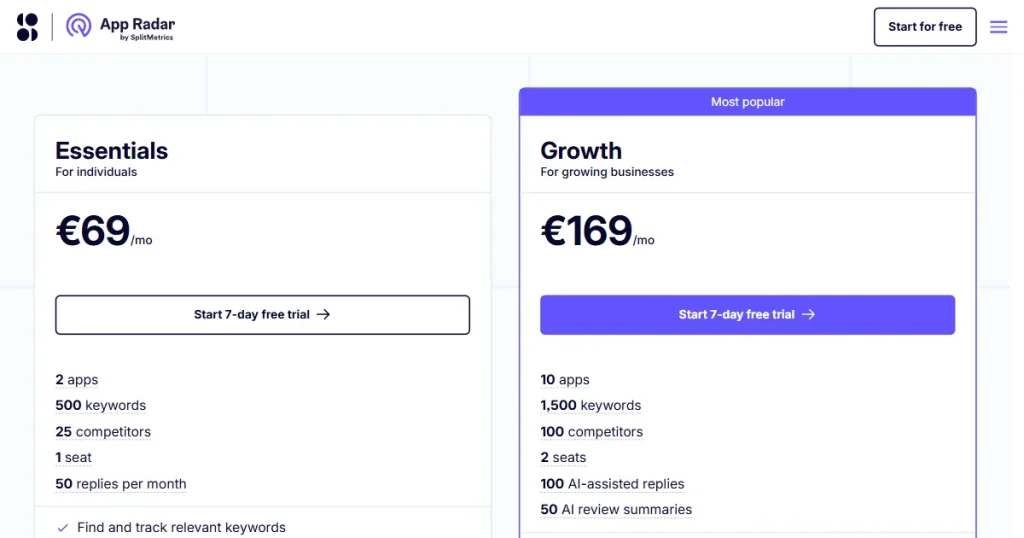
Pricing: No free plan. The Essential plan starts at €69/month and covers 2 apps and 25 competitors.
5. Aso.dev (Limitless App Store Optimization, Powered by Automation)
Most ASO tools limit you to keyword quotas. Aso.dev takes a different approach. It allows unlimited keyword tracking across 4.4 million terms in 60 countries, without tier-based keyword limits. Its App Store Connect API integration lets you submit metadata changes directly from the platform. It also includes a screenshot creator, a Figma localization plugin, and a locale switcher.
Key Features
Unlimited keyword tracking: No keyword caps across 60 countries
4.4M+ unique keywords: This AppFollow alternative is one of the largest iOS keyword databases available
App Store Connect integration: Edit metadata directly without switching platforms
Competitor ad tracking: See what competitors are running in paid campaigns
Custom product page testing: A/B test multiple page versions across 39 locales
Smart metadata editor with App Store Connect integration
Strong competitor tracking at a very low price point
Cons
iOS only, no Android support
UI and navigation issues flagged by users
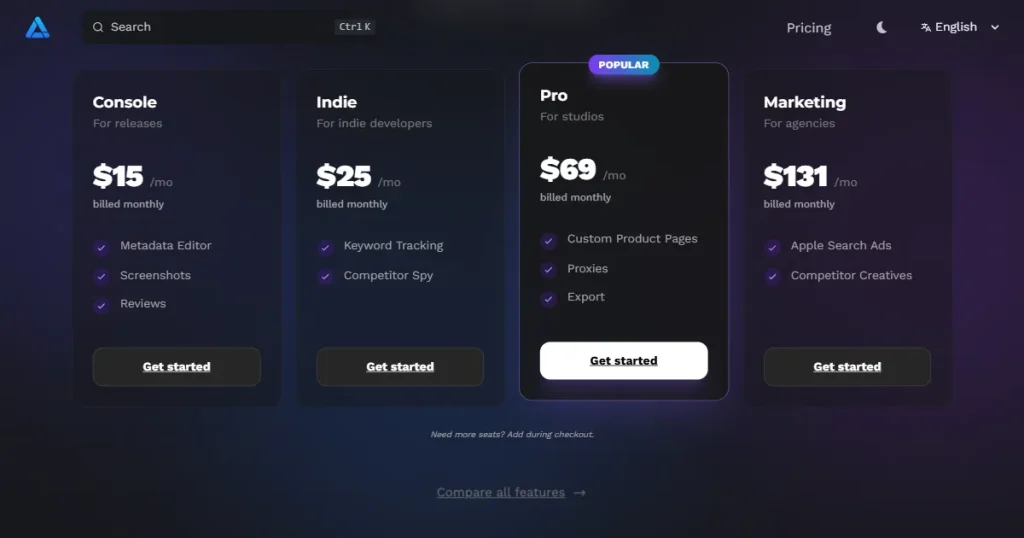
Pricing: No free plan. Console plan starts at $15/month.
6. Adjust (Your End-to-End Solution for Every Stage of App Marketing)
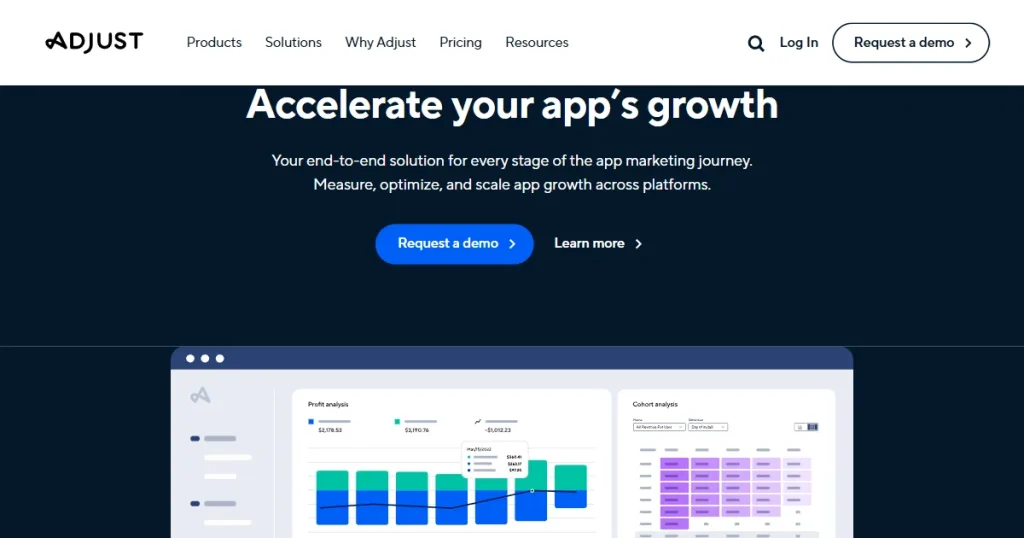
Adjust focuses on attribution, tracking where users come from across channels, and identifying which campaigns bring in higher-quality installs. It also includes fraud detection to help reduce wasted ad spend.
It includes some ASO-related features, but they are not the primary reason teams choose it. This AppFollow alternative is best suited for teams where paid acquisition plays a significant role in growth. It works better alongside a dedicated ASO tool than as a replacement for one.
Key Features
Keyword optimization: Metadata suggestions and performance analysis for iOS and Android
Cross-channel attribution: Track user acquisition across every paid and organic channel
AI performance predictions: This AppFollow alternative forecast app performance and shape optimization strategy
Platform integrations: Works with Google Analytics, Facebook Ads, and more
Fraud detection: Protection against ad fraud eating into paid acquisition budgets
Pros
Tracks where installs come from and shows which campaigns bring the best users.
App Store Screenshot Optimization: Tips, Best Practices, and Tools
Why Screenshots Matter for App Installs?
For many apps, those first three App Store screenshots shape the entire first impression. Studies and industry benchmarks suggest that 65-75% of users make a decision within seconds, either tapping install or scrolling past.
Well-designed app store screenshots can boost conversion rates by15-30%, especially when the value proposition is clear without extra explanation. They also tend to influence browse traffic conversion even more than search traffic, since users are comparing multiple apps side by side.
How to Write Better Screenshot Text?
Check out the tips given below to understand how you can write a high-converting text copy.
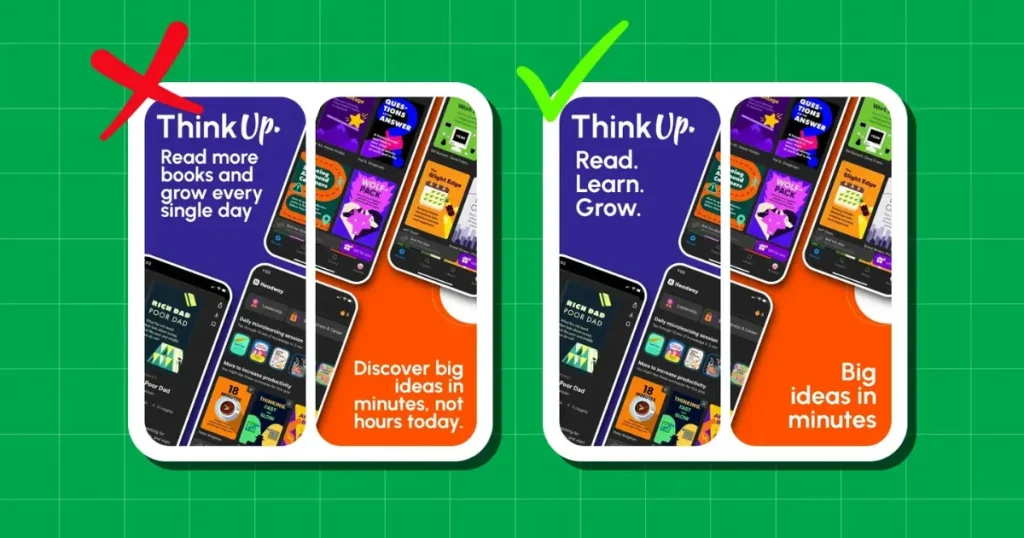
Lead with what the user gets, not what the feature is called. ‘Track Expenses in Seconds’ is clearer and more compelling than ‘Expense Dashboard.’
Focus on one benefit per screen. Do not stack multiple messages into a single visual.
Keep the headline short and bold. Aim for 4 to 8 words so it is readable at a glance.
How to Design Clear and Clean Screenshots?
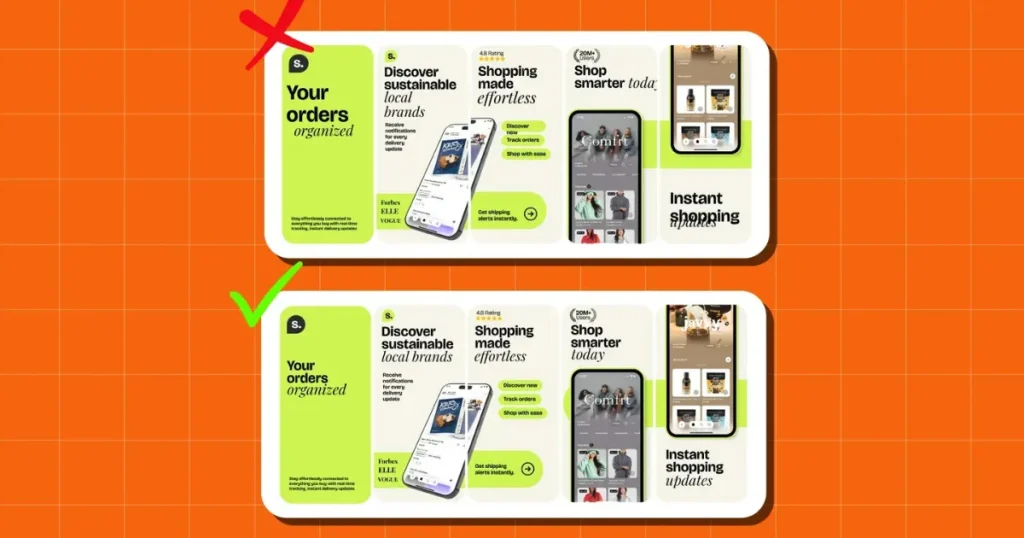
Keep brand colors and typography consistent across every frame so the App Store screenshots feel cohesive, not stitched together.
Leave safe margins around text and UI elements on App Store screenshots to avoid awkward cropping on different device sizes.
The first App Store screenshot should communicate the core value in under two seconds. No explanation required.
How to Improve App Store Screenshots with Testing and Localization?
Translation and localization are not the same. Messaging that works in the US can feel off in Germany or Japan because tone and user expectations differ.
Test different headlines using App Store product page testing ASO tools to see what actually improves conversion.
Align screenshot messaging with your localized metadata so the keywords and visuals support each other.
Top Tools to Create High-Converting Screenshots
AppLaunchpad
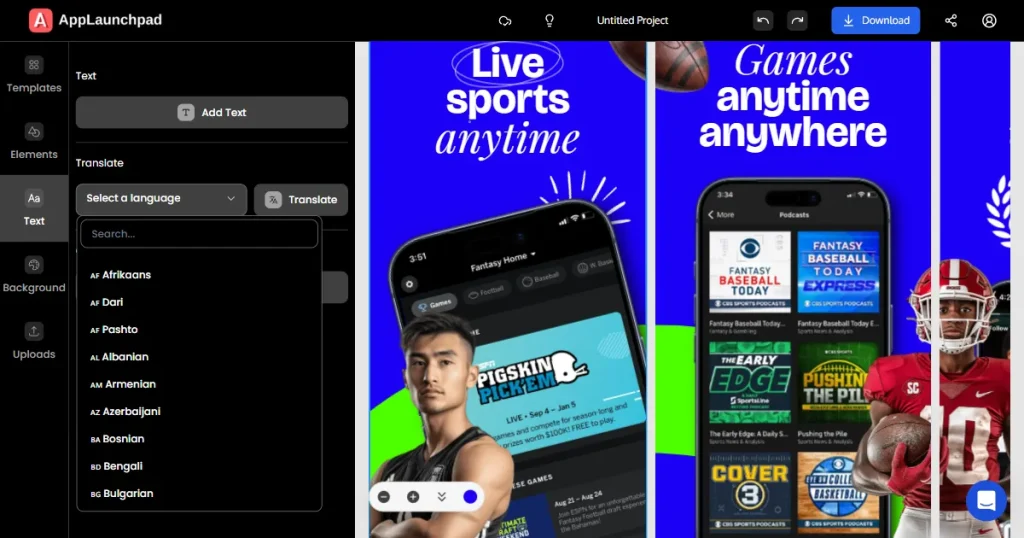
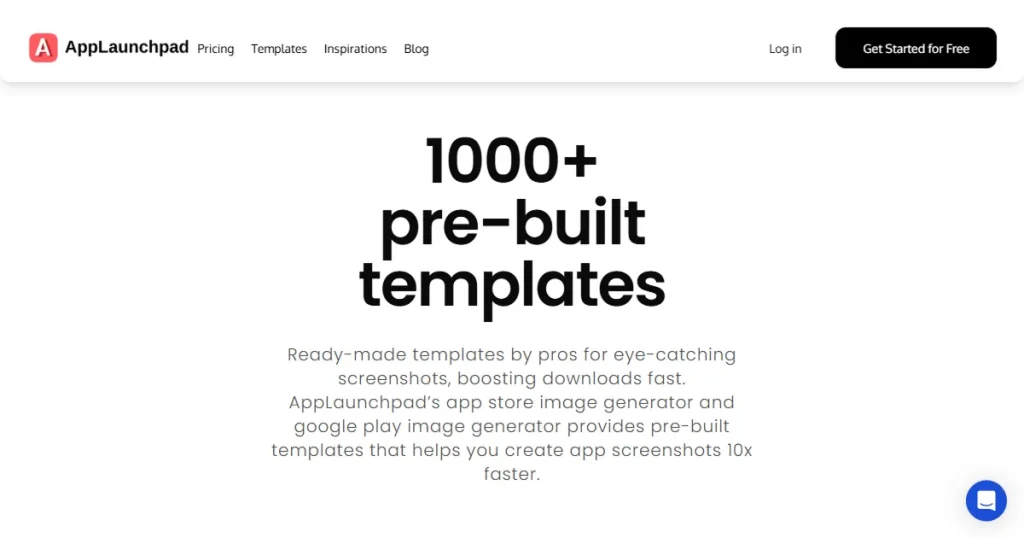
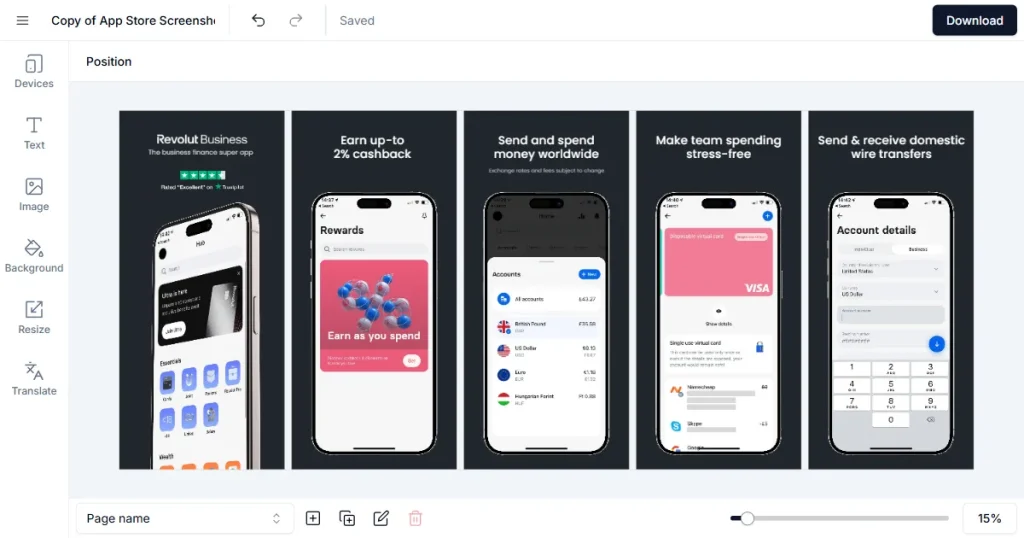
This App Store screenshot generator is designed for both App Store and Google Play listings, with more than 1,000 templates across iPhone, iPad, and Android devices. The drag-and-drop editor includes over 10,000 built-in assets and supports the latest device sizes, including iPhone 16 Pro Max and iPhone 17 models.
Benefits
Automatic resizing to all required App Store and Play Store dimensions
Built-in localization tool to generate multi-language screenshot sets
Device mockup generator with customizable device art
Cloud storage with project saving and cloning across devices
Screenshot inspiration gallery across multiple app categories
Screenshots.pro
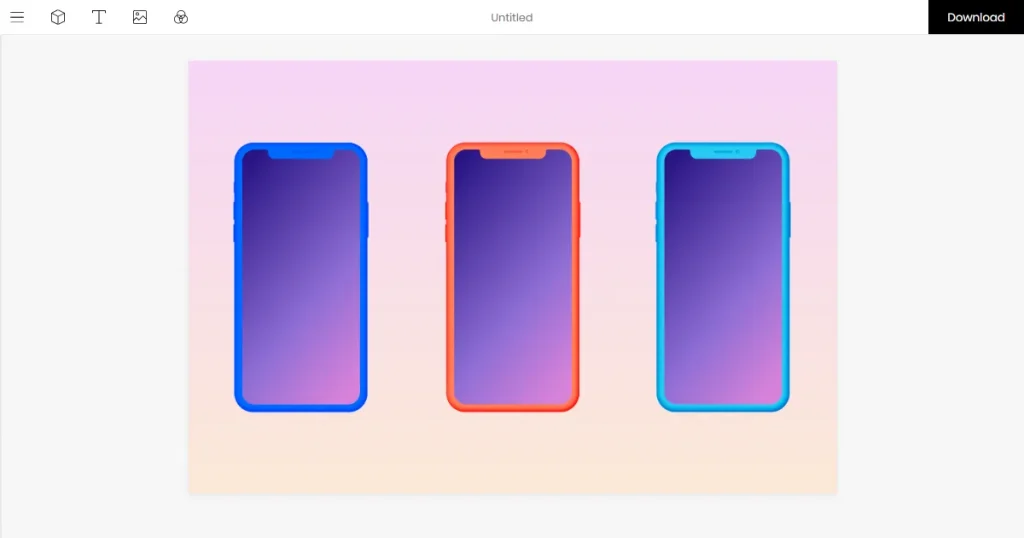
Screenshots.pro is a template-based screenshot generator for App Store screenshots and Google Play listings. It supports 3D device mockups, animated video exports, and API access for automated screenshot updates in CI workflows. The design asset library is smaller than that of higher-end tools.
Previewed
Previewed is a straightforward screenshot maker that supports both the App Store and Google Play. It allows exports in JPEG, PNG, and MP4 formats, with team collaboration features and cloud backup. It offers fewer templates overall, and some users feel the designs can look generic.
Final Verdict: Which AppFollow Alternative Is Best for You in 2026?
There’s no single best AppFollow alternative that works for every team. The right choice depends on how your team operates and what part of growth you care about most. Some ASO tools go deeper into keyword intelligence. Others focus on attribution or broader market data.
If you are clear about your priority, the decision becomes easier.
Best for advanced ASO teams: AppTweak is the best ASO tool for structured keyword intelligence and Apple Search Ads management. Sensor Tower for deeper competitive and revenue analysis across global markets.
Best for data-driven growth marketers: Adjust for attribution and cross-channel tracking. Pair it with ASOdesk or App Radar for combined paid and organic visibility.
Best for budget-conscious startups: Aso.dev is the best AppFollow alternative for low-cost unlimited keyword tracking on iOS. ASOdesk for balanced features at a moderate price.
Best for enterprise app intelligence: Sensor Tower for broad market and revenue insights. AppTweak for organized ASO workflows at scale.
FAQs
What is AppFollow, and how does it help with app store review management?
AppFollow brings all your app reviews into one dashboard and lets teams automate replies when needed across the App Store and Google Play. It helps track ratings, understand review sentiment, and stay on top of public feedback. It also connects with Slack, Zendesk, and other support tools.
What is the best AppFollow alternative for startups?
Aso.dev is usually the most cost-effective choice, especially if your app is focused only on iOS and you want unlimited keyword tracking. If you need broader coverage, ASOdesk offers a more comprehensive feature set, with reliable data and competitor tracking across iOS and Android.
Do these app store optimization tools support both the App Store and Google Play?
Yes, most of them do. ASO Tools like AppTweak, ASOdesk, Sensor Tower, App Radar, and Adjust support both the App Store and Google Play. Aso.dev is the main exception, as it currently supports only iOS.
Are there any AppFollow alternatives that are free or offer a free trial?
Yes, some of these AppFollow alternatives offer trials, though fully free plans are rare. Adjust provides a free trial, and ASOdesk and App Radar offer trial or demo access before requiring a subscription.
What should I look for in the best ASO tool?
The best ASO tool should offer accurate keyword data, daily ranking updates, and competitor insights, with optional revenue data and localization support for faster growth.
Boost app growth with the 20 best AI marketing tools of 2026. Master ASO, automate retention, and scale faster with expert picks for indie devs and growth teams
Explore the 6 best App Radar alternatives for ASO in 2026. Compare features, pricing, pros, and cons to boost your app store rankings and organic installs.
Learn the Apple App Store ranking factors in 2026. Discover how keywords, installs, screenshots, ratings, and engagement influence your app’s search rankings.