App Store Connect Guidelines for App Developers and…
App Store Connect is the platform that lets you upload your app and manage all updates, including metadata, revenue details, […]
Published May 29, 2026
Hit an app growth plateau? Learn how App Store localization multiplies global downloads. Get step-by-step strategies, best practices, and top ASO tools.
14 min
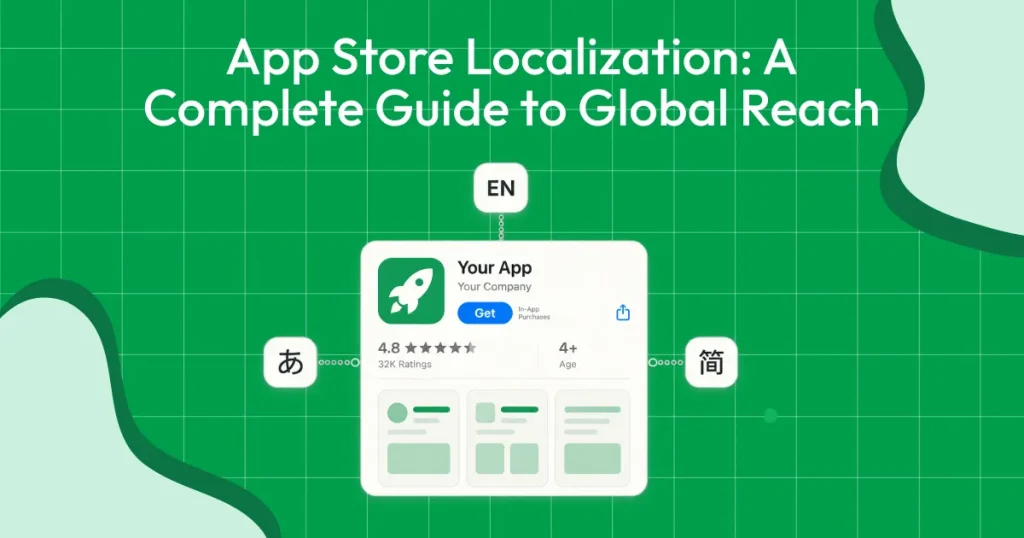
App Store localization is the process of adapting your app listing and content for different countries and languages to improve visibility and conversions. It’s done to reach global users, rank for local keywords, and increase downloads.
The App localization process involves multiple steps, including selecting target markets, conducting country-specific keyword research, localizing app metadata, translating in-app content, testing, and continuous iteration.
The process also highlights key App localization best practices, including cross-localization, where apps use both primary and secondary App localization languages per country to expand keyword reach and improve performance across markets.
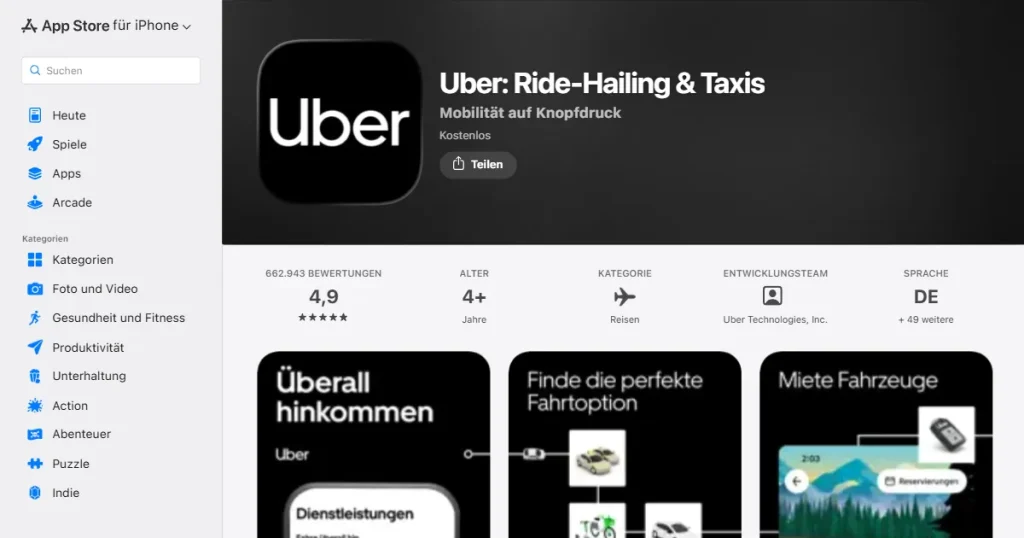
App Store localization means adapting your app and store listing for different languages and countries. This includes updating keywords, app descriptions, screenshots, and sometimes the in-app experience too.
Good localization focuses on how people search and what messaging feels natural to them. When done correctly, it improves your app’s search visibility and increases conversion rates in targeted regions.
Minimum Viable Localization means localizing only the most important elements in your app listing. This type of localization is usually done to test the demand for your app in a new market before you invest further. You localize the app title, subtitle, keyword field, description, and App Store screenshots, while keeping the in-app experience in the original language.
This approach is fast, cost-effective, and ideal for small teams that want to test search demand before investing more.
Real-life App Example
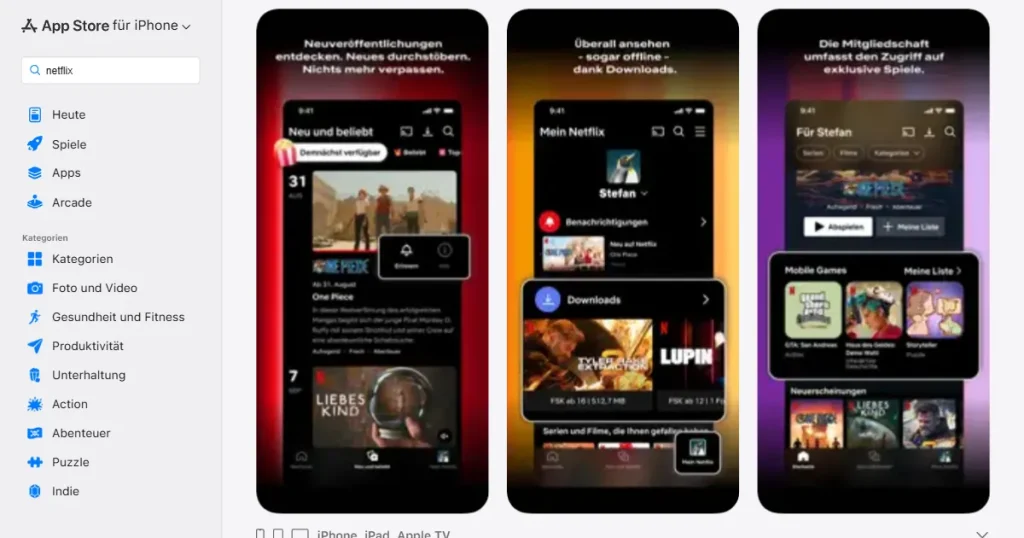
An example of success through Minimum Viable Localization is the leading entertainment app, Netflix.
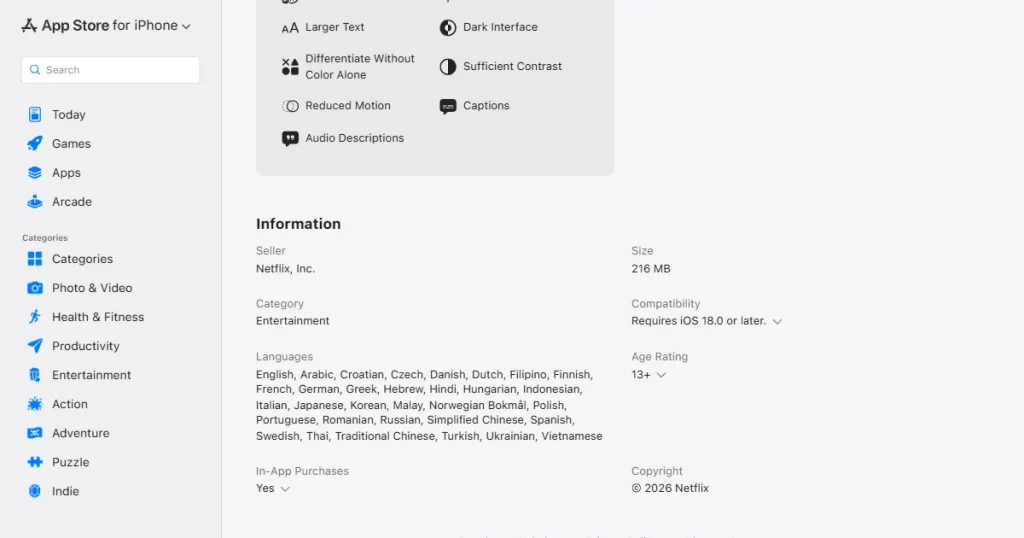
Netflix localized its app in multiple languages, focusing on key store elements, and achieved strong international traction as a result. MVL works especially well for social networking and entertainment apps where the core interface is easy to understand without full translation.
Full localization covers everything, including both App Store visuals and in-app elements. You localize app metadata, screenshots, and in-app elements such as UI text, onboarding messages, and error messages, along with local currencies and payment methods.
It takes a lot of time and is usually done by bigger teams. But it builds strong brand trust and offers a much better user experience.
Real-life App Example
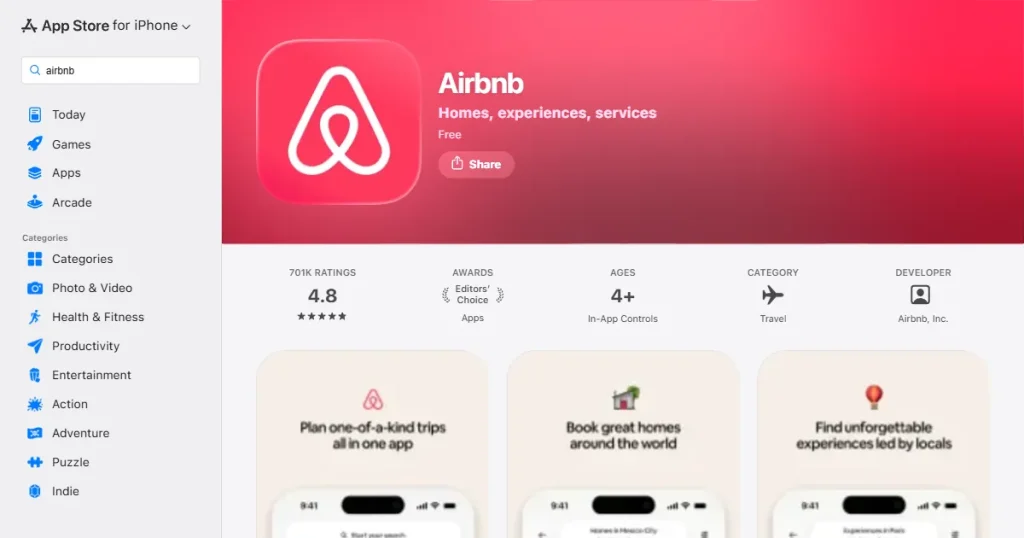
Airbnb is a great example of FAL, having adapted its platform for over 220 countries and 60+ languages.
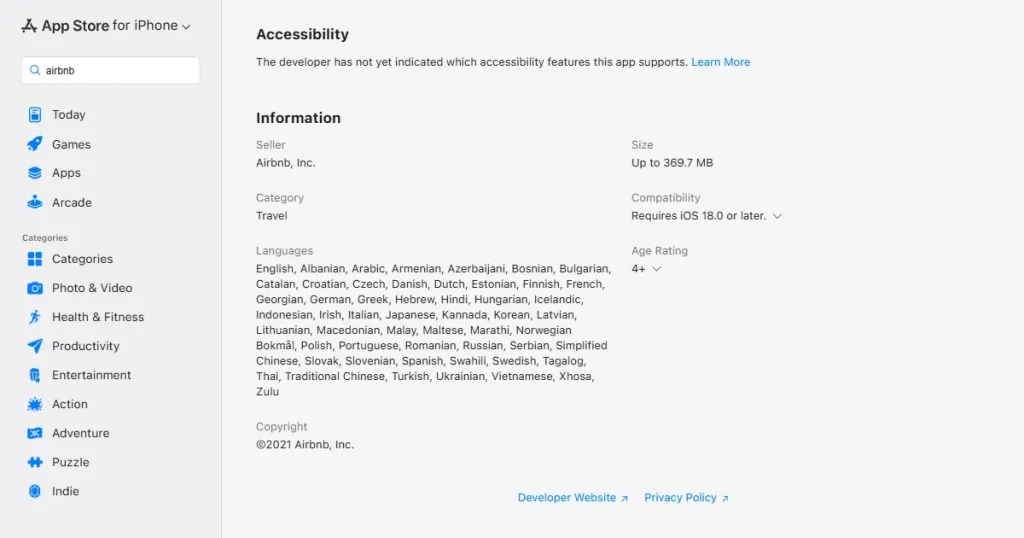
To support this global reach, the company localizes text, UI layouts, maps, and even adds regional payment methods like Alipay and WeChat Pay in China to lead global markets.
When you localize your app, you must update both metadata and visual assets. Always refer to Apple’s official documentation on required localizable properties to ensure nothing is missed. Focus on the following areas in your app localization process:
Every App Store storefront has primary app localization languages that serve as the default metadata language for that country. In most regions, Apple also allows secondary app localization languages, meaning your app can be indexed for more than two app localization languages per market. This strategy is called cross-localization.
Cross-localization means using secondary app localization languages to target more keywords. This approach gives you an additional keyword-indexing advantage, you can rank for more than one language in your targeted market.
Always review Apple’s official App Store localization table to confirm which primary and secondary app localization languages are covered in each country.
| Country | Primary App Localization Language | Secondary App Localization Languages |
| Afghanistan | English (U.K.) | — |
| Albania | English (U.K.) | — |
| Algeria | English (U.K.) | Arabic, French |
| Angola | English (U.K.) | — |
| Anguilla | English (U.K.) | — |
| Antigua and Barbuda | English (U.K.) | — |
| Argentina | Spanish (Mexico) | English (U.K.) |
| Armenia | English (U.K.) | — |
| Australia | English (Australia) | English (U.K.) |
| Austria | German | English (U.K.) |
| Azerbaijan | English (U.K.) | — |
| Bahamas | English (U.K.) | — |
| Bahrain | English (U.K.) | Arabic |
| Barbados | English (U.K.) | — |
| Belarus | English (U.K.) | — |
| Belgium | English (U.K.) | Dutch, French |
| Belize | English (U.K.) | Spanish (Mexico) |
| Benin | English (U.K.) | French |
| Bermuda | English (U.K.) | — |
| Bhutan | English (U.K.) | — |
| Bolivia | Spanish (Mexico) | English (U.K.) |
| Bosnia and Herzegovina | English (U.K.) | Croatian |
| Botswana | English (U.K.) | — |
| Brazil | Portuguese (Brazil) | English (U.K.) |
| British Virgin Islands | English (U.K.) | — |
| Brunei | English (U.K.) | — |
| Bulgaria | English (U.K.) | — |
| Burkina Faso | English (U.K.) | French |
| Cambodia | English (U.K.) | French |
| Cameroon | French | English (U.K.) |
| Canada | English (Canada) | French (Canada) |
| Cape Verde | English (U.K.) | — |
| Cayman Islands | English (U.K.) | — |
| Chad | English (U.K.) | French |
| Chile | Spanish (Mexico) | English (U.K.) |
| China mainland | Simplified Chinese | English (U.K.) |
| Colombia | Spanish (Mexico) | English (U.K.) |
| Congo, Democratic Republic of the | English (U.K.) | French |
| Congo, Republic of the | English (U.K.) | French |
| Costa Rica | Spanish (Mexico) | English (U.K.) |
| Cote d’Ivoire | French | English (U.K.) |
| Croatia | English (U.K.) | Croatian |
| Cyprus | English (U.K |
You need a clear plan to execute App Store localization without overwhelming your team. Expanding into new markets without proper research often wastes resources and delivers little to no measurable growth. Follow the App localization process below:
Step 1: Select the Target Market
Start the App localization process by analyzing total downloads and revenue for your exact app category in each country. For example, if you have a meditation app, review the health and fitness category performance by country.
Look closely at the competition density in those regions. Check whether your competitors have already saturated the market or if there is an opportunity to compete with a stronger localization strategy.
Step 2: Keyword Research for Each Country and Language
Do not translate your English keywords directly. Instead, rebuild your keyword list from scratch for each country to reflect how users actually search in that language.
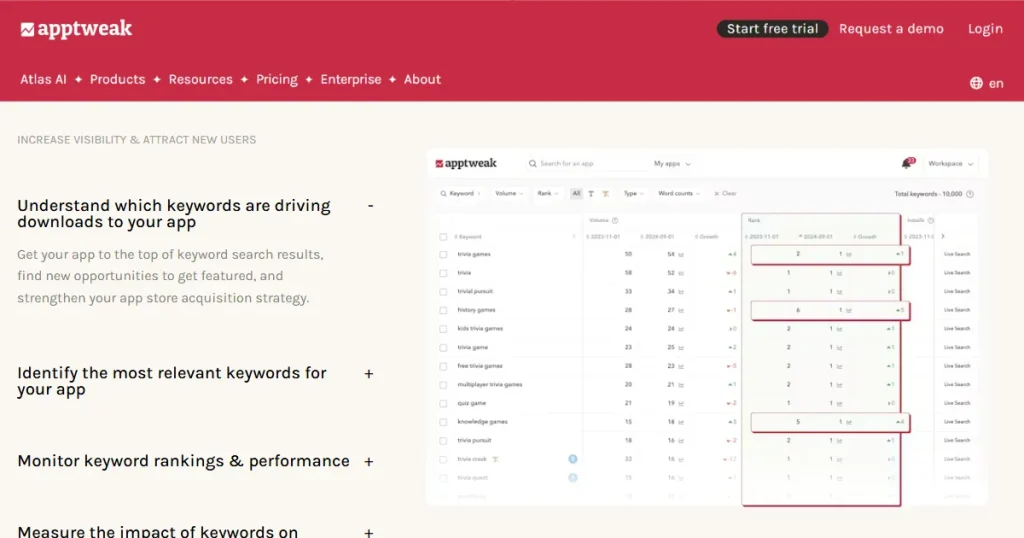
Use AppTweak to analyze competitor app listings across different countries and identify high-volume local keywords they rank for. This helps you understand how competitors structure their localized metadata before you enter the market.
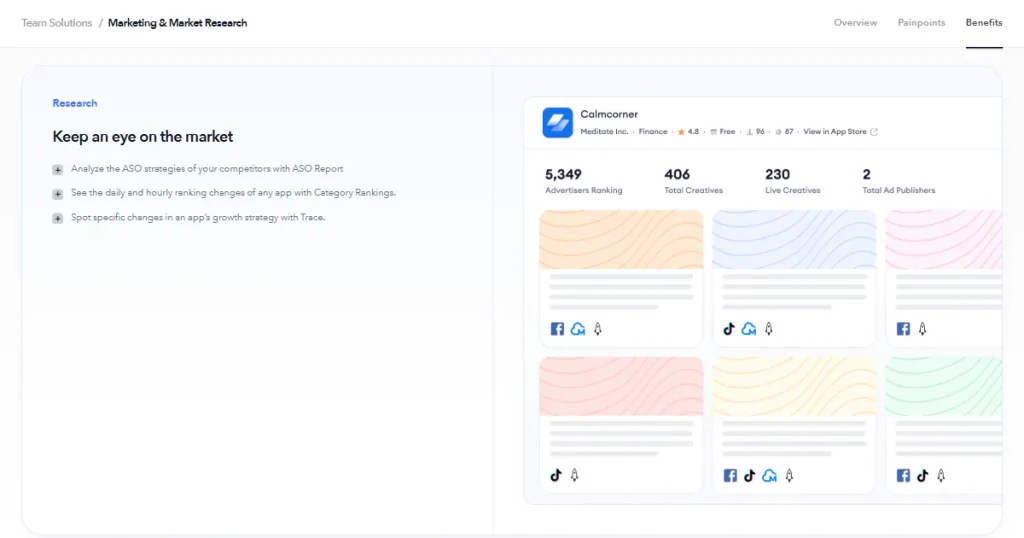
Use Mobile Action to run competitor keyword gap analysis. It shows which local keywords your competitors rank for that you are missing, helping you discover high-ranking keywords and build a stronger keyword strategy.
Step 3: App Metadata Localization
This is the most important part of the whole App localization process. Rewrite your app title and subtitle using high-volume keywords for the target market. Update the App Store description to be more culturally relevant and better aligned with end users.
Managing metadata across 37 locales manually is tedious and error-prone.
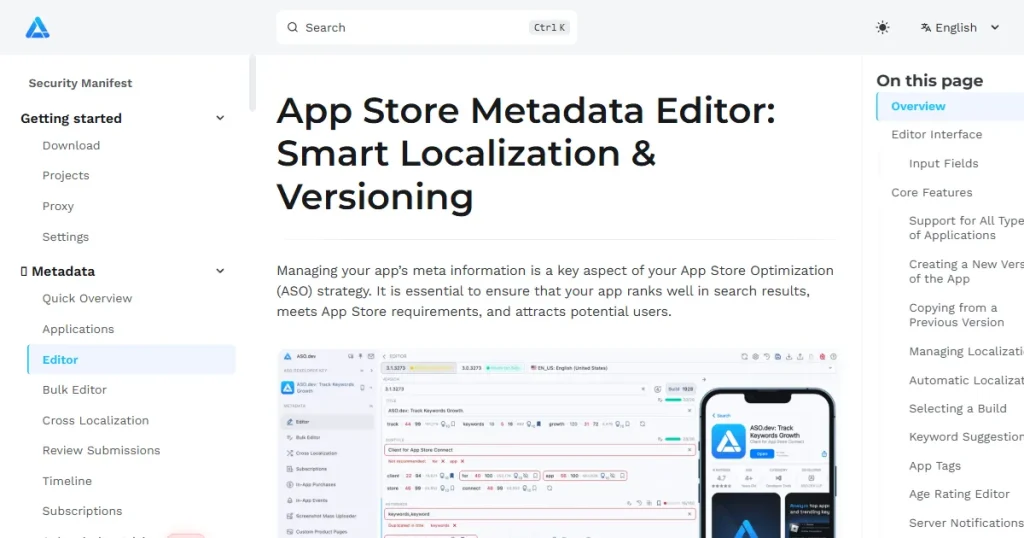
Use the App Store Metadata Editor by ASO.dev to edit titles, subtitles, keywords, and descriptions across all locales from one dashboard.
You also get version control to track changes or roll back if a new update doesn’t perform well.
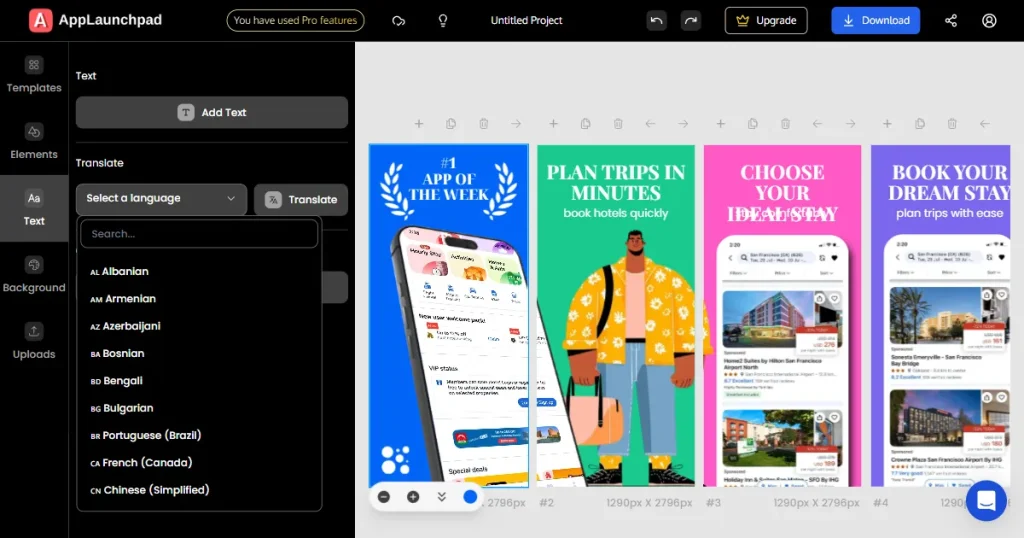
For visuals, use AppLaunchpad to efficiently localize App Store screenshots. It lets you translate screenshot text overlays for 80+ languages, including Spanish, Japanese, Korean, and more. without manually redesigning each asset.
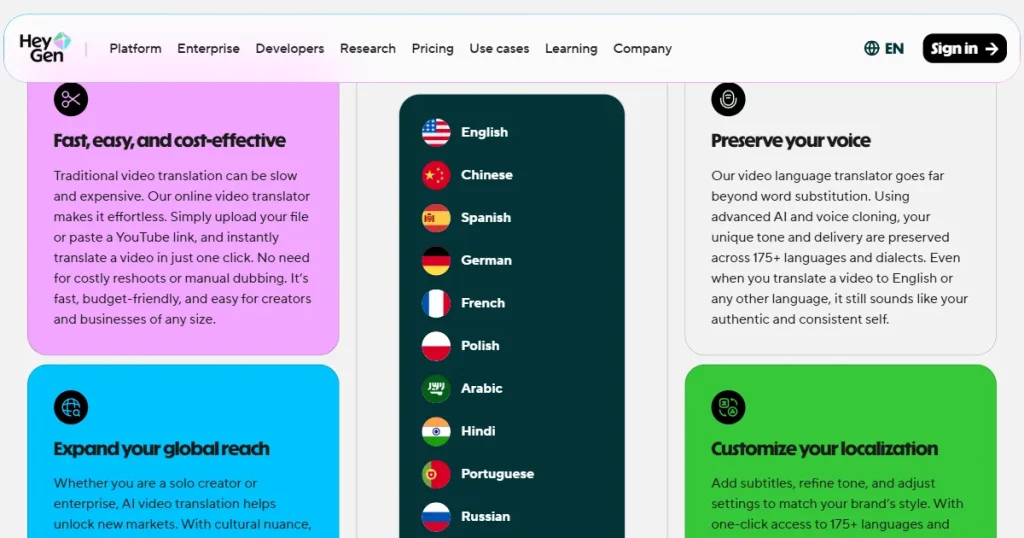
Video localization used to be expensive, but HeyGen changes that for app previews. Use HeyGen to localize your App Store preview videos.
It enables video translation with voice cloning and natural lip-syncing in over 175 languages, eliminating the need for separate recording sessions and voice actors.
Step 4: In-App Localization
If you move beyond MVL, translate your in-app UI strings using structured App Store localization files, such as .strings or JSON. You must also adjust layouts for right-to-left languages such as Arabic or Hebrew to prevent alignment issues.
Update currency, date, and time formats, as well as measurement units, to match local standards. Make sure you include the most commonly used payment methods in the target market. For example, UPI is a common payment gateway for the Indian app market.
Step 5: QA Testing and Linguistic Review
Always run a linguistic review with native speakers rather than relying solely on machine translation. Translated text often expands, which can easily break your UI layouts if you aren’t careful.
Validate that all in-app purchase displays show the correct local pricing. Review your metadata one last time to ensure it aligns with your app’s functionality.
Step 6: App Release Strategy
Roll out your localized updates gradually rather than releasing them globally all at once. This allows you to track ranking and conversion changes in a controlled manner.
Avoid updating metadata across all locales simultaneously. If search visibility drops, you want to know exactly which update caused it.
Step 7: Iteration and Continuous Optimization
The app localization process is continuous and shouldn’t be treated as a one-time task. Keep a close eye on your keyword rankings by country and track conversion rate differences between locales.
Review your user retention and revenue metrics for each region over the first 90 days. Regularly update keywords, descriptions, and creative assets based on actual performance data.
App Store localization delivers long-term growth benefits when implemented correctly. Over time, it reduces your dependence on paid acquisition by strengthening organic visibility.
Doing App Store localization well takes discipline. Knowing what to avoid is just as important as knowing what to do. Check the App localization best practices below to improve your localization strategy.
App screenshots are almost always the highest-impact conversion element on your App Store listing page. Users rarely read the full description, but they will scroll through your visual gallery to decide if the app is worth their time.
You should heavily emphasize localized text overlays that explain core features rather than just leaving raw, untranslated UI screens.
Cultural imagery, background colors, and the overall mood of the captions significantly influence user perception, so adapting them to each region is required.
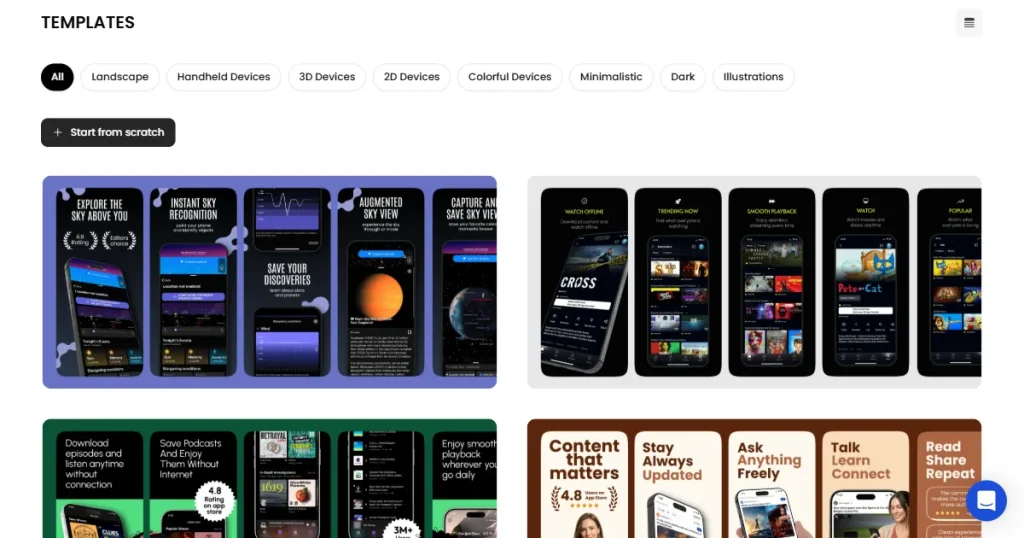
AppLaunchpad is an AI-powered screenshot generator designed for App Store optimization. It supports one-click text localization across all required App Store locales (all 80+), making multi-language screenshot creation faster and easier to scale.
Follow these steps to localize your App Store screenshots using its AI localization feature:
Step 1: Create an account on AppLaunchpad using Google or email sign-up. If you already have an account, log in with your saved credentials.
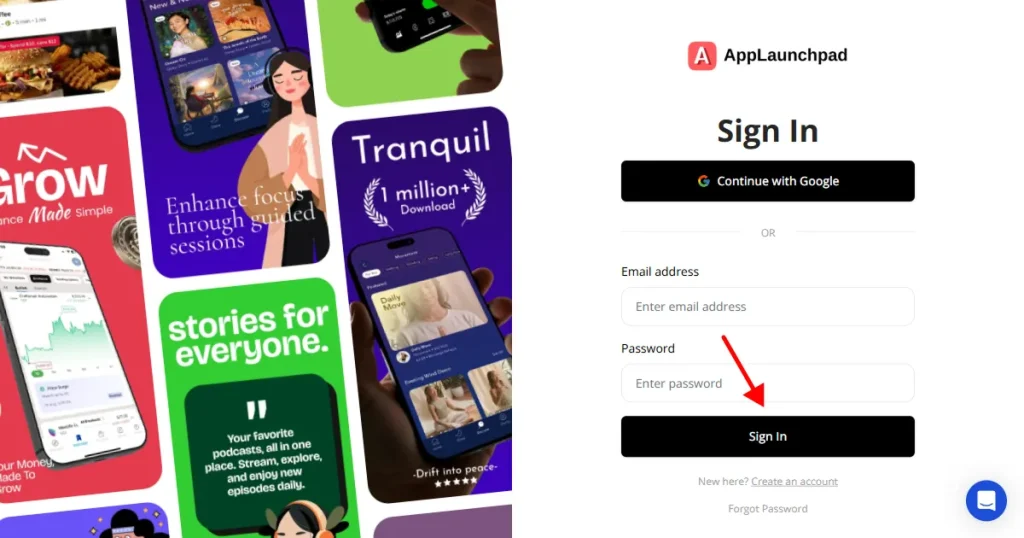
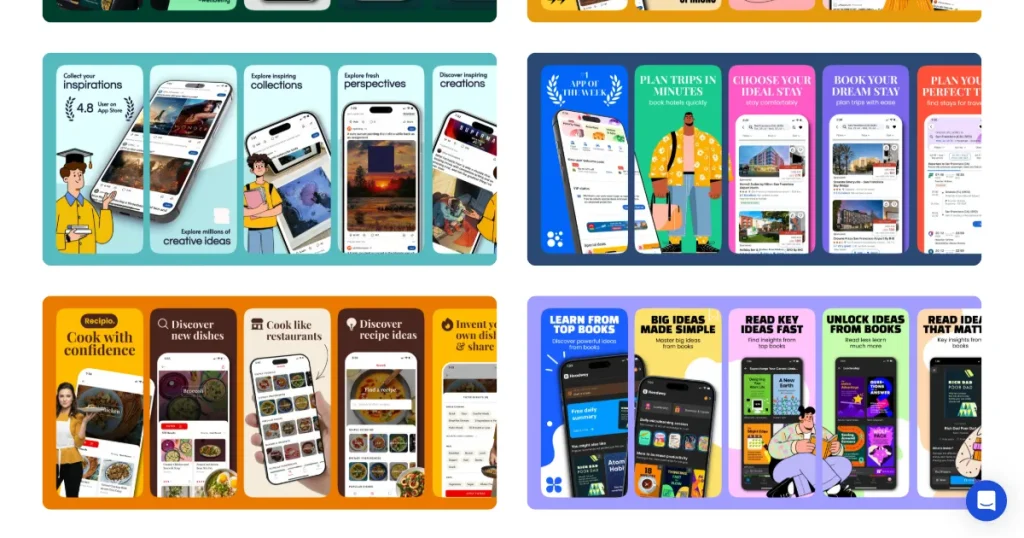
Step 2: Select a screenshot template that matches your app’s branding.
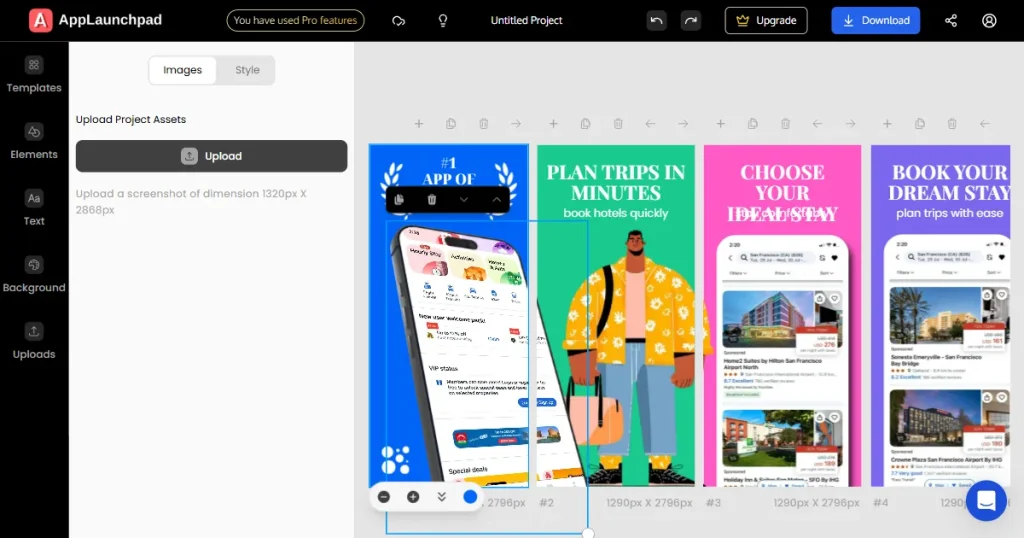
Step 3: Upload your app UI screens and add base text captions in your primary language.
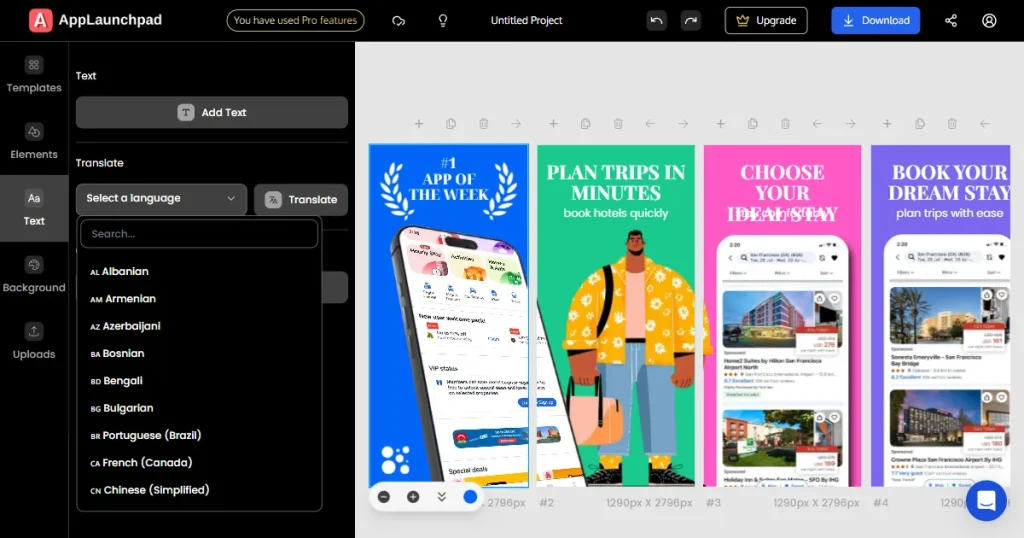
Step 4: Open the Text section, choose your target language from the dropdown, and click Translate.
Step 5: Review the translated text and adjust the layout if needed.
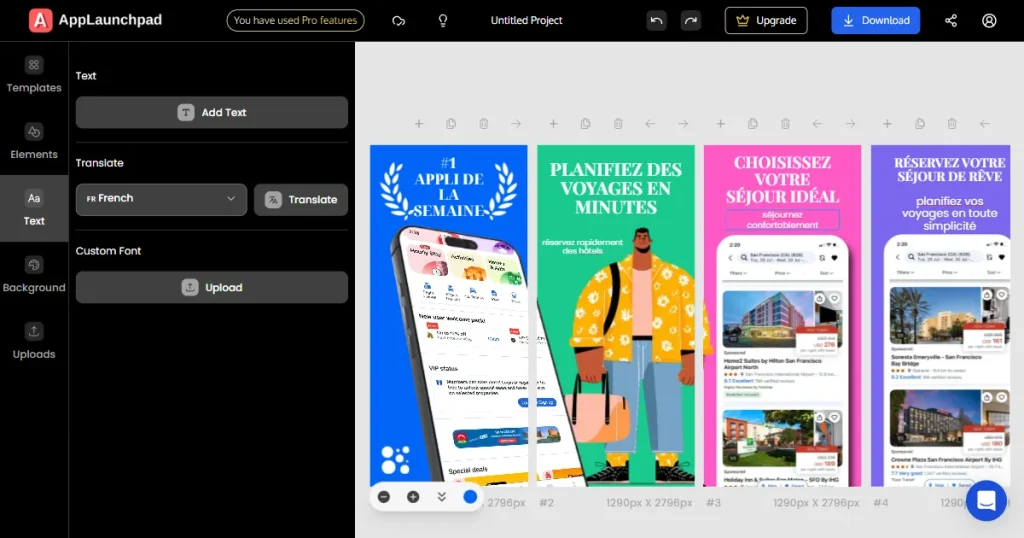
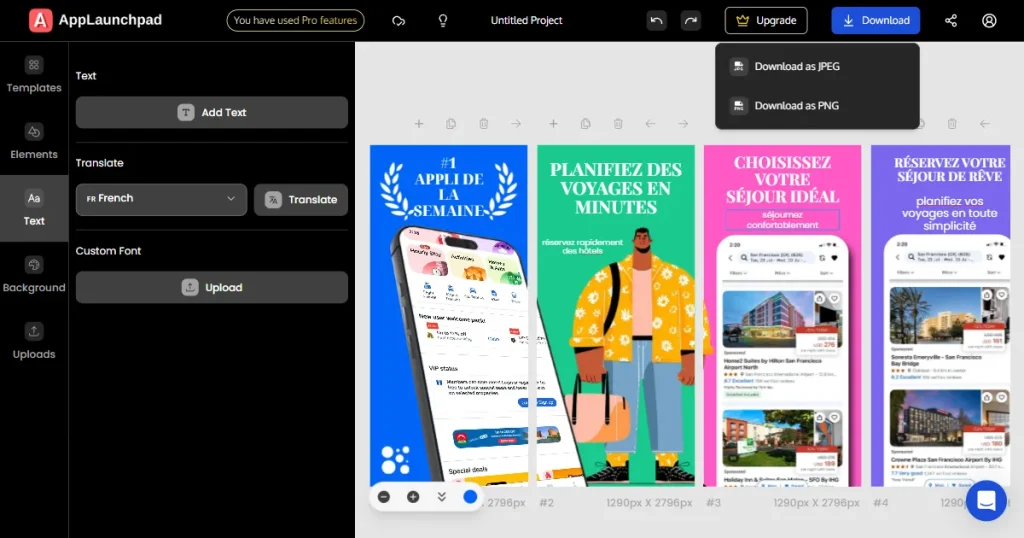
Step 6: Download the final screenshots in JPG or PNG format.
Step 7: Upload the localized screenshots to App Store Connect.
App Store localization is no longer optional if you want to compete in a global app market. Doing it boosts your search volume across multiple storefronts and builds user trust.
Metadata localization alone will greatly improve your discoverability, but deep in-app localization is what really boosts long-term user retention. You don’t have to do it all at once. Start with Minimum Viable Localization to test the waters, then scale up as your app revenue grows.
Use the quick checklist below to stay updated with your App Store localization workflow
| App Localization Process | Status |
| Target market validated with download and revenue data | ☐ |
| Keyword research completed for each country and language | ☐ |
| App title, subtitle, keyword field, and description localized | ☐ |
| Screenshots updated with localized text overlays | ☐ |
| App preview video localized (if applicable) | ☐ |
| In app UI strings and system formats localized (if applicable) | ☐ |
| Local payment methods and currency formats verified | ☐ |
| Native linguistic QA completed | ☐ |
| Keyword rankings and conversion tracking set up per locale | ☐ |
The App Store localization timeline depends heavily on your ASO strategy and the complexity of your app. Minimum Viable Localization usually takes 1–2 weeks since you are only touching metadata and visuals. Full localization can easily take 4–8 weeks, including string translation, QA cycles, and layout testing.
MVL covers only the App Store metadata and screenshots, enabling you to test new markets with minimum investment. Full app localization goes much deeper, adapting the actual in-app user experience, native systems, and payment gateways for long-term user retention.
Yes. App Store localization helps improve conversion rates, while in-app localization ensures users stay engaged over time. If you’re targeting competitive markets, both are essential for long-term growth and retention.
AppTweak is excellent for checking keyword difficulty and analyzing localization viability across territories. MobileAction is highly effective for competitor gap research, and utilizing Apple Search Ads is the best way to validate real user query intent directly from the source.
You should start with 1–3 high-opportunity markets where your app already shows organic traction. Do in-depth keyword research and optimize your app store listing for both primary and secondary App Localization languages for the targeted markets. Evaluate your ROI over a 60-90 day period to ensure the metrics make sense. From there, grow steadily.
The App localization process involves selecting target markets, conducting country-specific keyword research, updating app metadata, translating in-app content, testing with native speakers, and continually improving based on performance in each region.
Strong App localization best practices include researching local keywords instead of translating, localizing screenshots early, using native reviews for accuracy, tracking performance regularly, and using both primary and secondary app localization languages to reach more users effectively.