Refero vs Screensdesign: Which Design Research Tool…
Refero vs Screensdesign comes down to a simple difference. Refero focuses on UI/UX design research, while Screensdesign combines app research […]
Published Sep 29, 2026
16 min
Mobbin vs Screensdesign are two platforms that help app designers and developers research real-world app designs, user flows, and design patterns.
However, users are often confused about which is the better tool between Mobbin vs Screensdesign because Mobbin focuses on app design research, while Screensdesign focuses on creating app designs using AI for smooth app designs.
Not just one difference let us compare Mobbin vs Screensdesign and look at all the core differences between their core features, pricing, and what they offer so you can decide which tool is best for your use case.
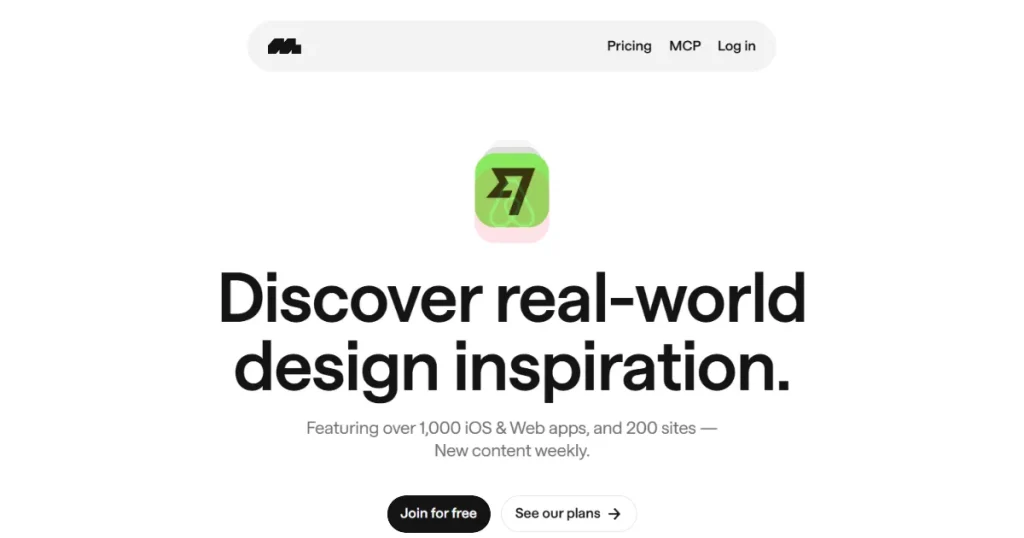
Mobbin is a UI/UX research platform that provides a massive library of real app screens, user flows, and UI elements so app designers and developers can study how top-performing apps design their user experience.
Mobbin not only provides design inspiration it also offers a Figma plugin that allows you to bulk transfer your saved UI elements or app screens into Figma so you don’t have to start from scratch while designing your app.
For a more comprehensive comparison of Mobbin vs Screensdesign, let’s have a look at the core features of Mobbin.
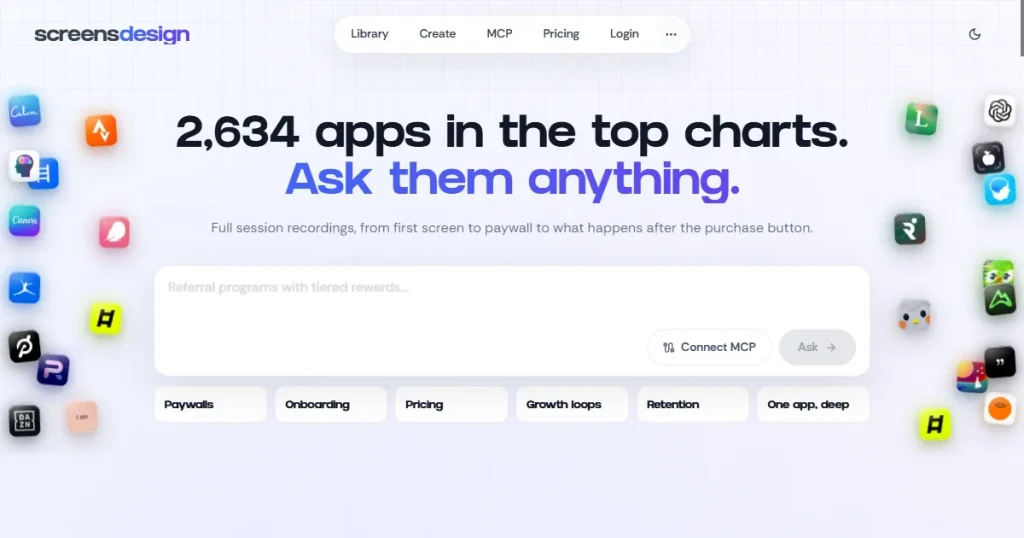
Screensdesign is a UI/UX design inspiration platform that covers app screens, user flow videos, app revenue, and app store screenshots.
Similar to design inspiration platforms like Refero, Screensdesign offers a design research hub where you can ask its AI what kind of design would work best for your app or understand the psychology behind popular app designs.
To better understand the differences between Mobbin vs Screensdesign, let’s take a closer look at the core features Screensdesign offers for app design research and creation.
The best choice between Mobbin vs Screensdesign ultimately depends on what you want to accomplish, so here’s how each platform performs across its strongest use cases.
Understanding the limitations of both platforms is just as important as comparing their features, so here’s where Mobbin and Screensdesign fall short in this Mobbin vs Screensdesign comparison.
Let’s have a look at how Mobbin vs Screensdesign compare against each other across various factors.
| Feature | Mobbin | Screensdesign |
| Primary Focus | UI/UX research and app design inspiration | App design inspiration, AI-powered design, and app research |
| App Design Library | Large library of app screens, UI elements, and user flows | App screens, user flows, and design inspiration |
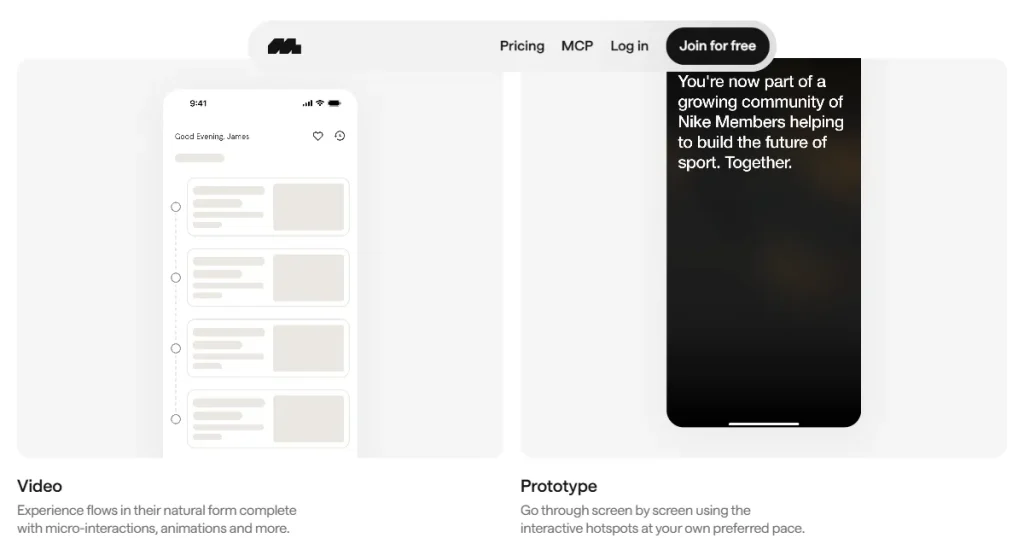
| User Flow Research | Detailed user flows with animated interactions and microinteractions | Detailed user flow videos |
| Prototyping | Yes, with interactive and animated user flows | No dedicated prototyping feature |
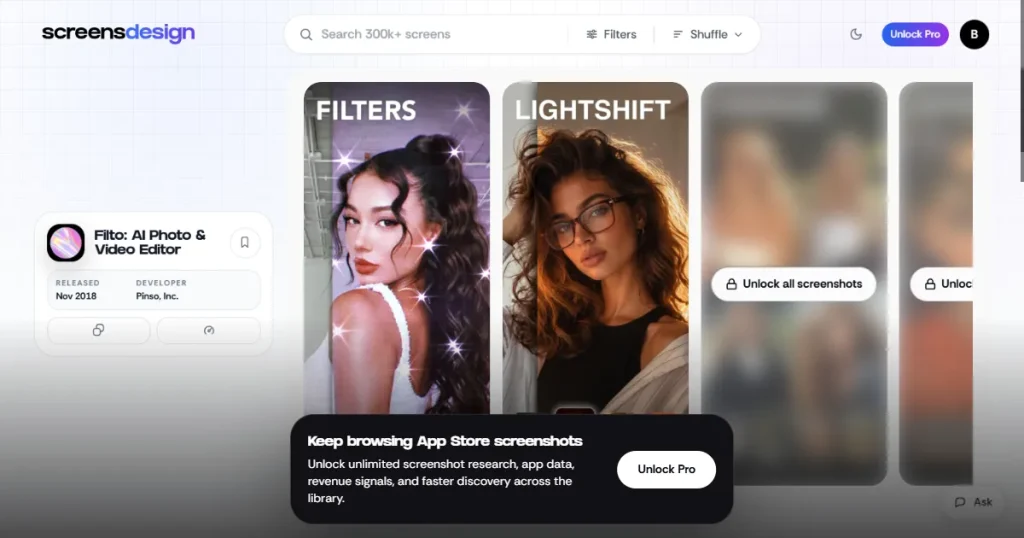
| App Store Screenshots | Not available | Available |
| App Revenue Insights | Not available | Available for researching high-performing apps |
| AI Research | Through MCP integration | Built-in AI research capabilities |
| AI App Design Generation | No | Yes |
| Figma Integration | Figma plugin for importing screenshots | Generated designs can be copied to Figma for editing |
| MCP Integration | Yes | Yes |
| iOS App Research | Yes | Yes |
| Web UI Research | Yes | No, primarily focused on mobile apps |
| Design Inspiration | Strong for UI/UX and app interfaces | Strong for app interfaces and App Store creatives |
| Best For | Deep UI/UX research, user flows, and design inspiration | App research, monetization insights, App Store research, and AI-powered design |
| Free Access | Limited access | Limited access |
| Pricing Flexibility | Primarily annual plans | Weekly, monthly, and annual plans |
| Ideal User | UI/UX designers, developers, and product teams | App designers, founders, marketers, and product teams |
Now that we have covered how Mobbin vs Screensdesign compare at a glance, let’s dive deeper into the platforms and understand their differences.
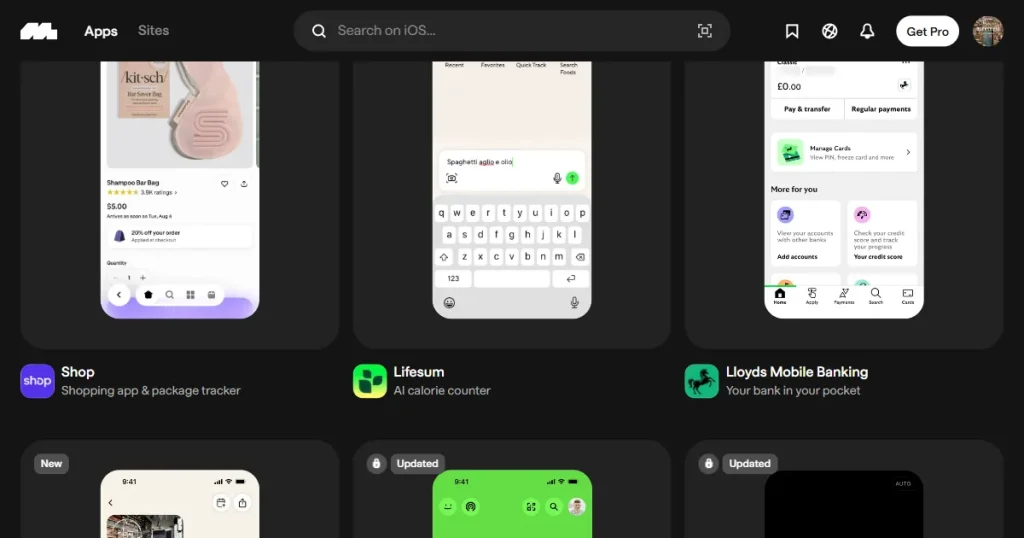
When comparing Mobbin vs Screens design libraries, Mobbin design library offers real app animated user flows with microinteractions and complete app screens, so users have the references and information they need to design their app.
Screensdesign also provides detailed user flow videos and app screens, but it doesn’t offer detailed UI element research or prototyping like Mobbin.
Verdict: So, Mobbin wins when it comes to detailed app design inspiration coverage.
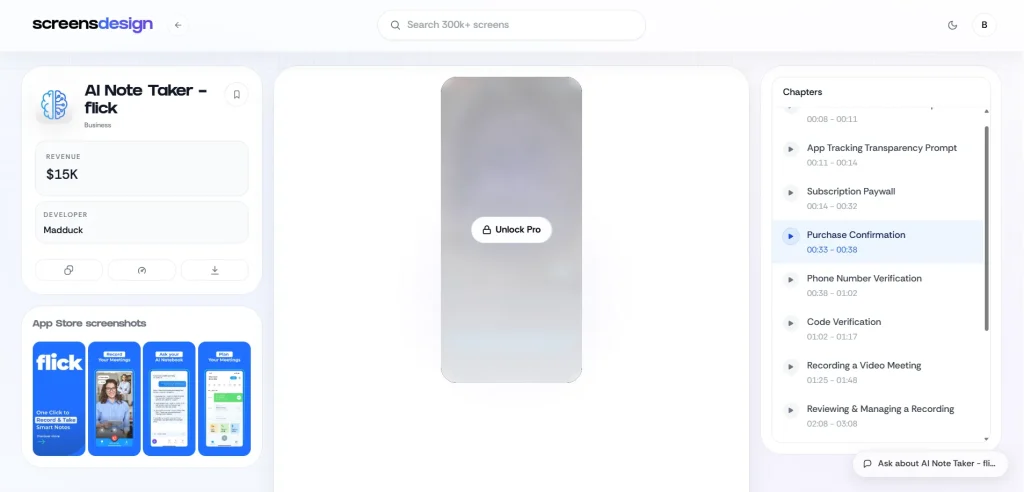
If we compare the library size of Mobbin vs Screens design, Mobbin design library offers more than 1000+ app designs for design inspiration and UI/UX research. However, it doesn’t include app store screenshots, prompting users to look for other tools for app store screenshot design inspiration.
On the other hand, the Screensdesign app design library covers 2600+ real apps and provides every type of app design inspiration, including app UI screens, animated user flows, and app store screenshots.
Verdict: Screensdesign wins this round because it provides real app UI screens and app store screenshot inspiration, showing users how different apps present themselves in the app store.
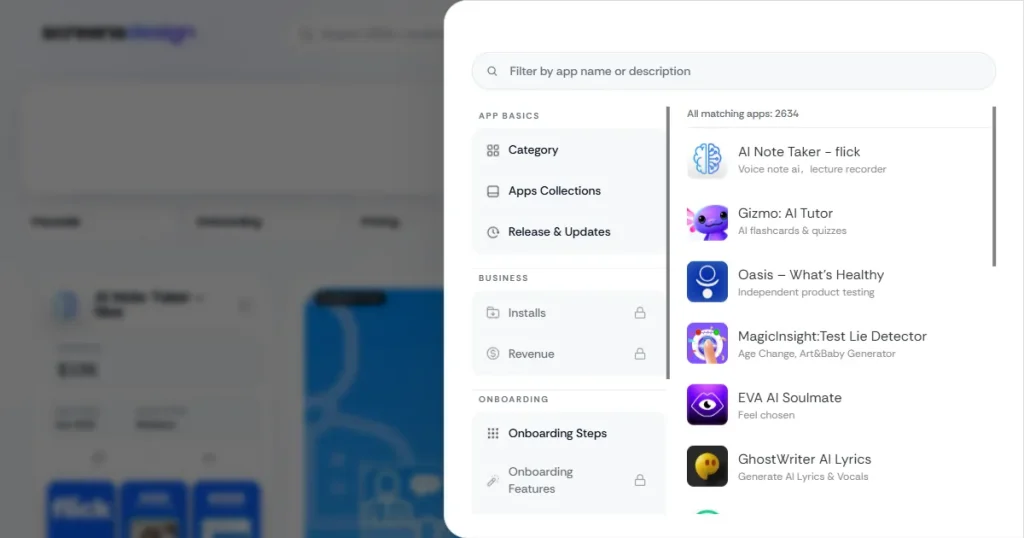
When it comes to advanced filtering between Mobbin vs Screensdesign, Screensdesign takes the lead because Mobbin only allows searching for apps by text and filtering app inspiration by categories, app screens, UI elements, user flows, and text on screens.
However, Screensdesign lets users filter apps by categories, installs, revenue, release dates, onboarding screens, and paywalls, making it easier to pinpoint the exact design inspiration you are looking for.
Verdict: Screensdesign comes out on top when it comes to filtering and search as it provides multiple filters that help in narrowing down the exact kind of design inspiration you need.
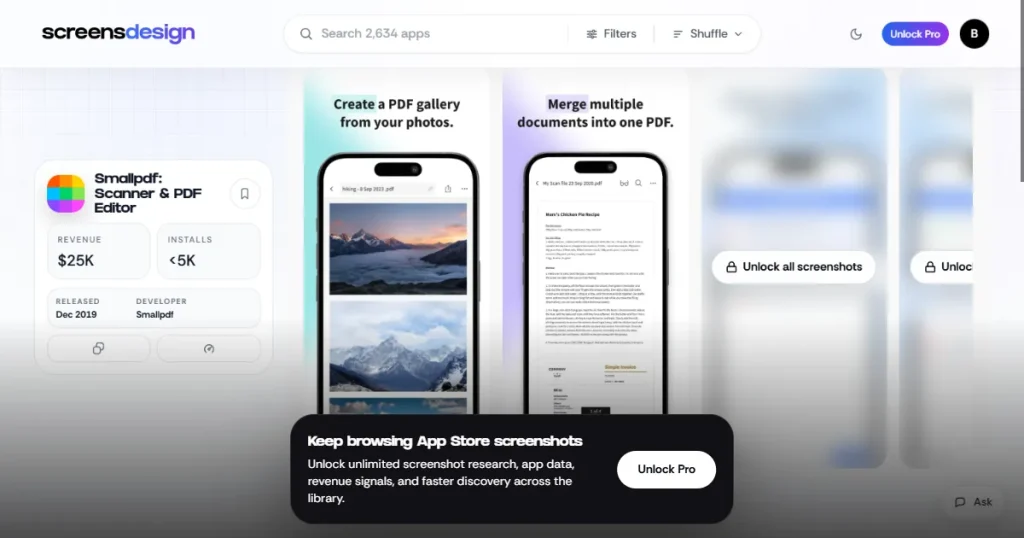
The major difference between Mobbin vs Screensdesign is that Mobbin doesn’t cover app store screenshots, so users have to manually search for the app in the App Store to see how the apps present themselves.
Meanwhile, Screensdesign covers App Store screenshots, so users know exactly how successful apps present themselves on the Apple App Store and can copy their strategy and designs.
Verdict: Screensdesign wins this round as it provides real App Store screenshots of popular apps, giving insight into how they present themselves in the Apple App Store.
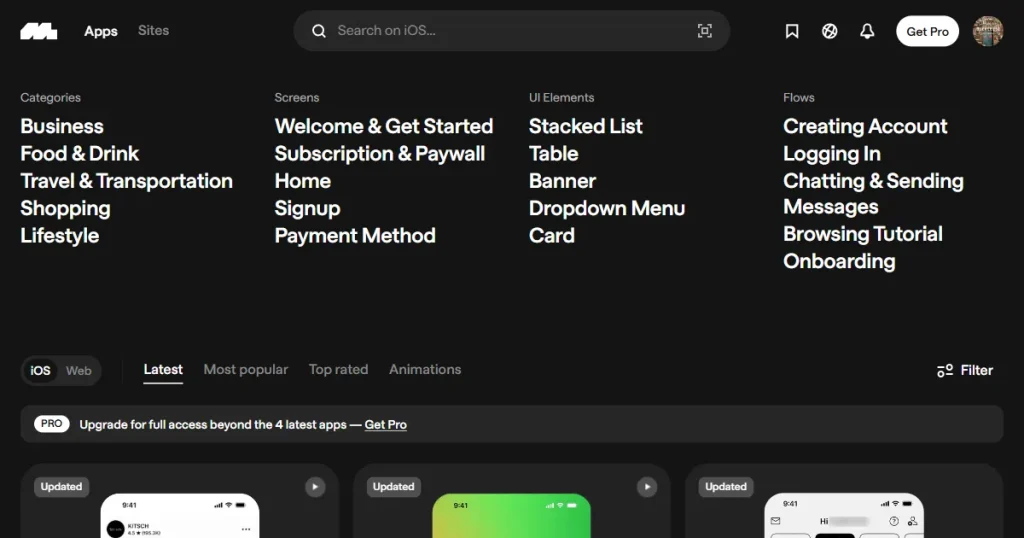
When it comes to platform coverage between Mobbin vs Screensdesign, Mobbin takes the lead as it not only covers the top iOS apps but also the best web apps and websites available on the internet. This makes Mobbin a useful resource not only for app developers but also for web designers and developers looking for design inspiration for their next project.
Screensdesign focuses only on iOS apps and does not cover Android apps, web apps, or websites.
Verdict: Mobbin turns out to be a better choice if you want more than iOS app design inspiration, as it also covers web apps.
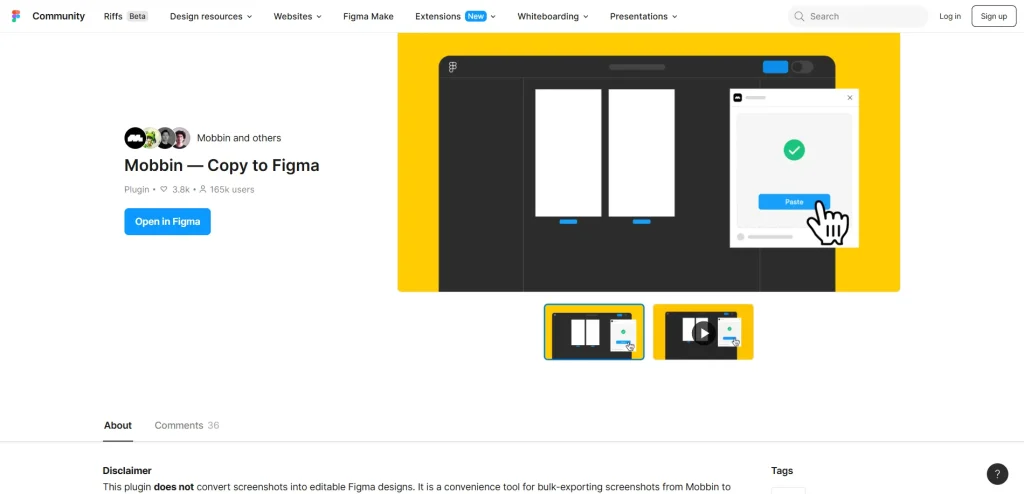
Figma integration is another important area of difference between Mobbin vs Screensdesign. Mobbin offers a Figma plugin that makes it easy to bulk-transfer all app screens from Mobbin to Figma, removing the headache of transferring designs one by one.
While Screensdesign doesn’t offer a Figma plugin, it lets users copy the app UI screens generated with its create feature and edit them in Figma.
Verdict: While the Mobbin Figma plugin is good for design inspiration, you can’t edit the screens in Figma itself. However, the Screensdesign Figma plugin allows users to import and edit app screens in Figma, making it the winner of this round.
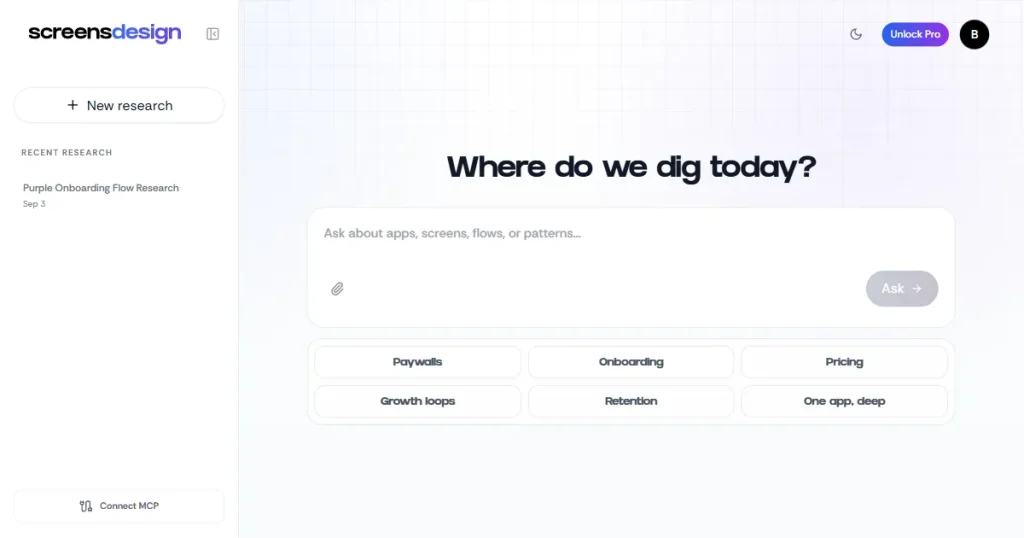
Mobbin vs Screensdesign differ significantly in how they approach AI-powered research. Mobbin offers an MCP that can connect to AI tools like Cursor, Codex, and Claude to access its library and break down app designs, but it doesn’t have a built-in AI research tool.
However, Screensdesign offers an AI ask feature where you can ask its AI any questions, and it will use the Screensdesign app design library to answer.
Verdict: Screensdesign takes the lead as an AI-powered app design inspiration tool with a built-in AI where you can ask any question, and it will find relevant app design inspiration for you.
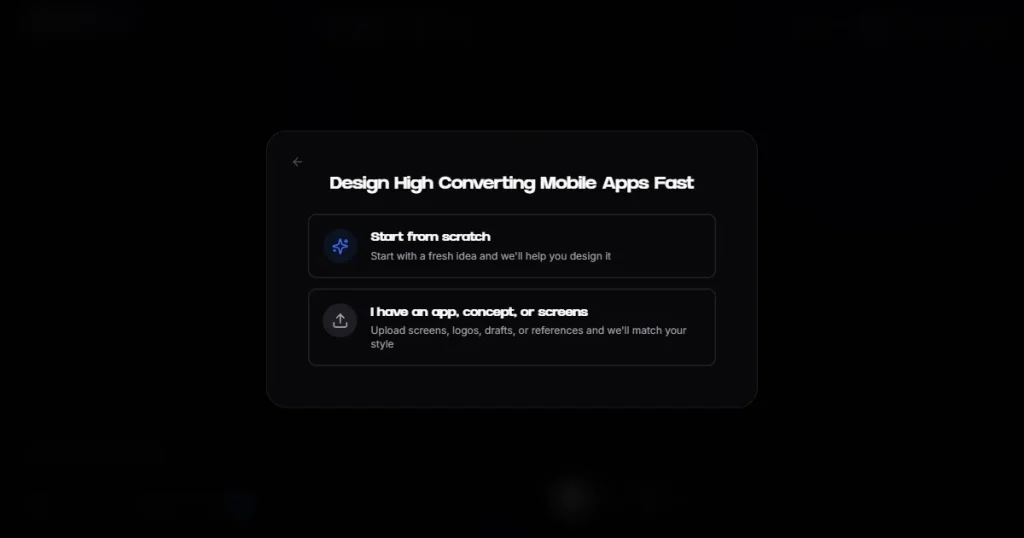
Another big difference between Mobbin vs Screensdesign is that Mobbin doesn’t offer any AI tool to create app UI screens within the tool. You need to use the MCP server and connect it to AI tools like Cursor to create app UI screens.
However, Screensdesign has a separate Create feature that allows you to create app UI screens for your mobile app idea using proven designs that already work. The best part is you don’t need any design skills to use the Create feature to generate app UI screens.
Verdict: Screensdesign wins this round because of its AI Create feature that allows users to generate premium-looking app UI designs with just text prompts.
Let’s have a look at how Mobbin vs Screensdesign compare when it comes to their pricing and plans.
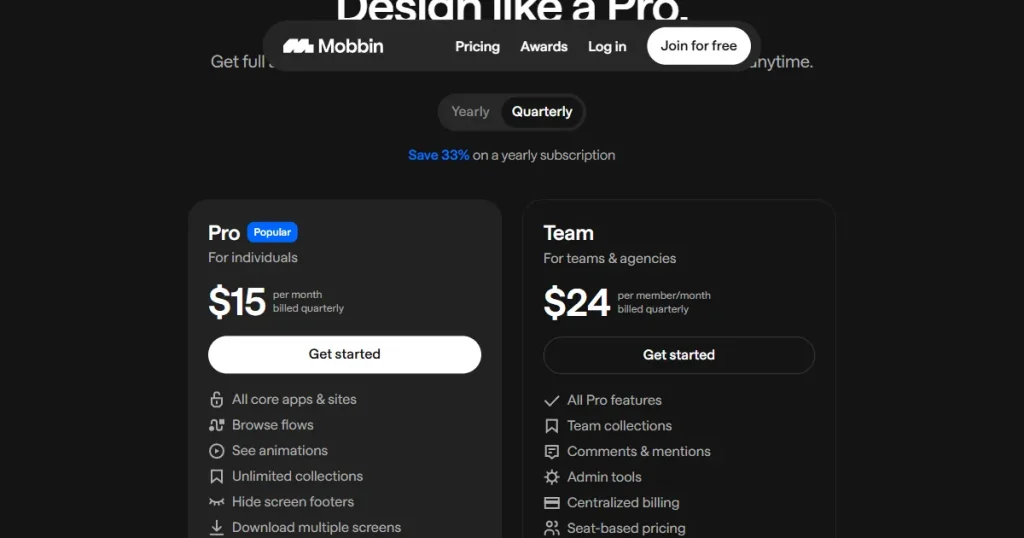
Mobbin has a limited free tier that lets you view the app screens of only the four most recent apps. Next is the quarterly plan, which starts at $15/month for individuals and $24/month for team, and provides full access to all apps and sites in the tool, plus MCP and team management tools for the team plan.
Mobbin also offers a yearly plan that starts at $10/month billed yearly for individuals and $16/month billed yearly for teams. It offers access to all apps and sites on the platform without restrictions, plus Deep Research Mode and MCP access.
However, Mobbin pricing plan doesn’t offer a monthly plan, which makes it difficult for beginners and casual users to decide whether to subscribe, since they may not know whether they’ll use the tool long term.
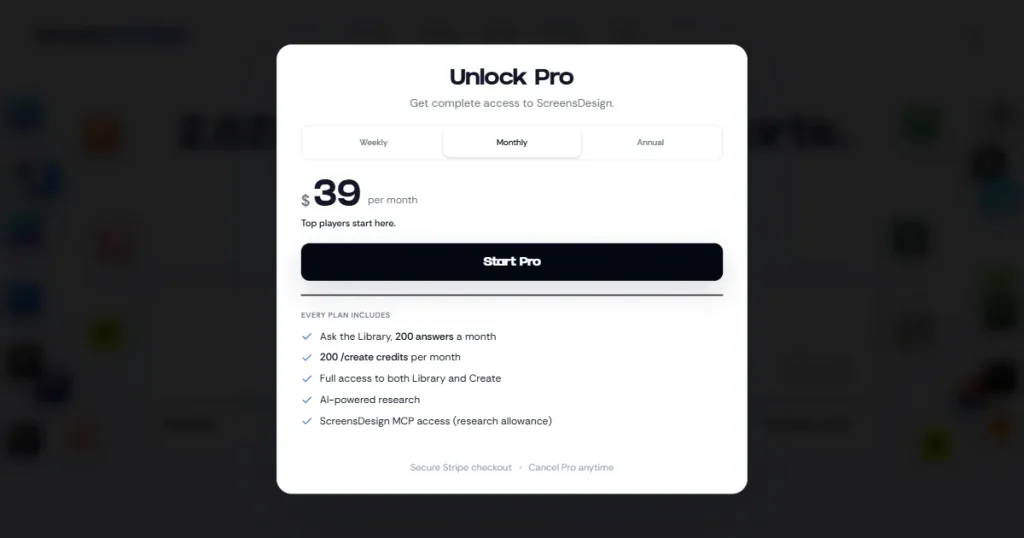
Screensdesign pricing has five different tiers. The first tier is the free tier, where you can view only the first four onboarding screens, and the rest of the features are locked.
Next are the weekly, monthly, and yearly plans, starting at $29/month, $39/month, and $24.92/month, respectively. With these plans, you get access to the complete library of app designs, user flows, app store screenshots, MCP, and AI ask and create features.
The only difference is the number of create credits each Screensdesign pricing plan includes. Create credits are used when you use the Create feature on Screensdesign to create app UI designs using AI. With the weekly plan, you get 50 credits per week. With the monthly plan, you get 200 credits/month, and with the yearly plan, you get 2400 create credits for the whole year.
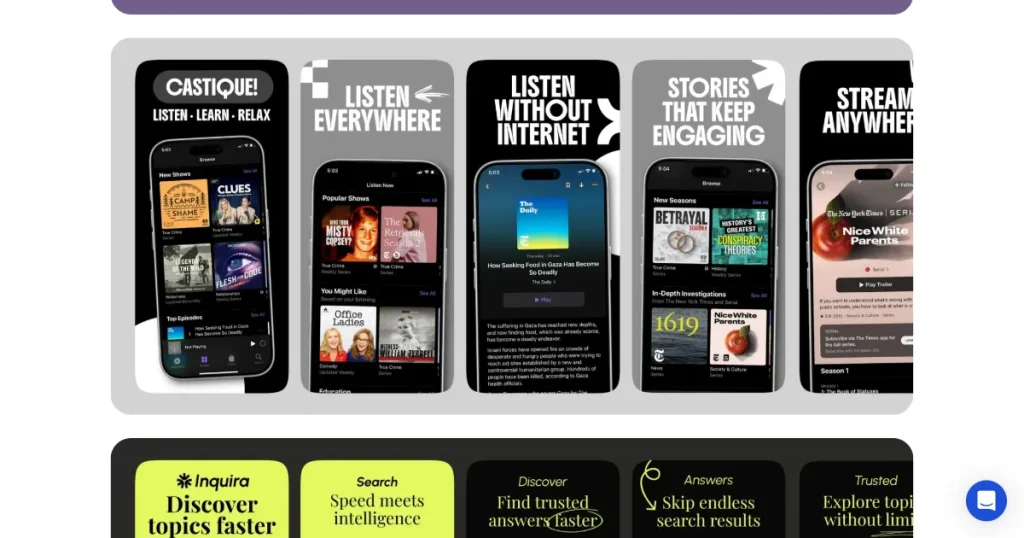
AppLaunchpad is an app store screenshot generator tool that helps apps present their user interface professionally and attractively on the Apple App Store and Google Play Store.
However, AppLaunchpad also offers an app UI/UX design research tool with a massive library of real app user flows, app screens, and UI elements, making it easy for app designers and developers to find relevant design inspiration, study user journeys, and create better app experiences faster.
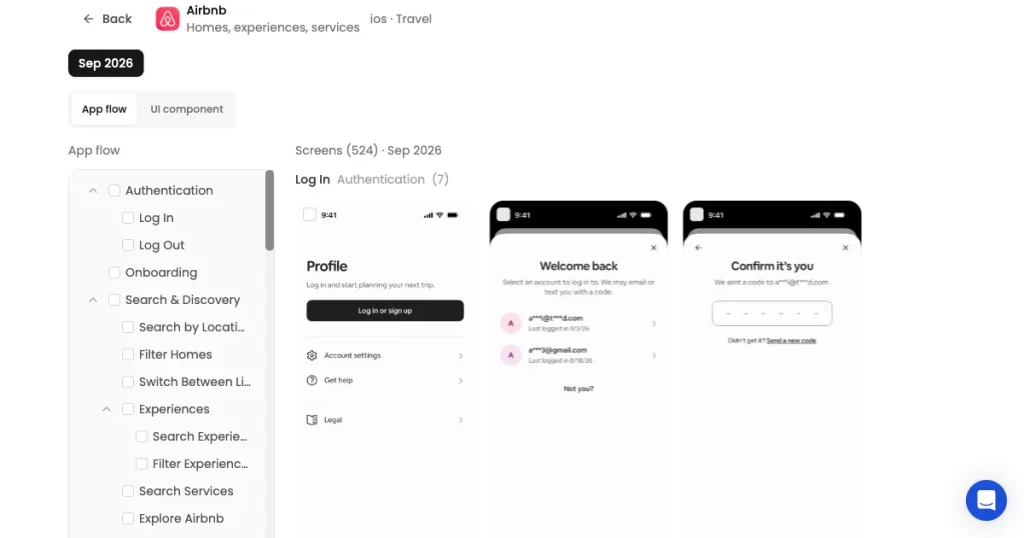
If we compare Mobbin vs Screensdesign, neither is the right tool for every use case; Mobbin shines in deep research and UI element research. Whereas for AI research capabilities and app UI screen creation, Screensdesign takes the lead.
That’s why choose Mobbin if your priority is deep UI/UX research, detailed app screens, complete user flows, prototyping, and advanced research through Figma and MCP integrations.
And go for Screensdesign if you want a mix of UI inspiration, app revenue insights, App Store screenshots, AI-powered research, and AI-generated app designs that can be taken into Figma.
However, if you want app UI/UX research and app store screenshot inspirations in one platform, go for AppLaunchpad, as it not only offers a detailed app UI library but also allows you to create app store screenshots to present your app in a professional manner.
Yes, Mobbin is worth it for designers and product teams that need deep UI/UX research and detailed app user flows.
Yes, AppLaunchpad offers a free way to explore app UI/UX inspiration along with its App Store screenshot inspiration library.
If we compare Mobbin vs Screensdesign, Mobbin is better for researching complete app user flows because it offers detailed flows and prototyping capabilities.
Screensdesign pricing can be worthwhile if you need access to its complete app design library, user flows, App Store screenshots, MCP, and AI Ask and Create features. However, users who need extensive AI design generation might find the credit limits included with each plan limiting.
The Screensdesign app design library is useful for analyzing competitor interfaces, user flows, App Store screenshots, and design patterns in popular apps.
If you compare Mobbin vs Screens design, Mobbin is stronger for detailed UI/UX research and interactive user flows, while Screensdesign offers a broader mix of app screens, user flow videos, App Store screenshots, and AI-powered design creation.