Mobbin vs Screensdesign: Comparing Features,…
Mobbin vs Screensdesign are two platforms that help app designers and developers research real-world app designs, user flows, and design […]
Published Oct 6, 2026
16 min
Refero vs Screensdesign comes down to a simple difference. Refero focuses on UI/UX design research, while Screensdesign combines app research with App Store screenshots and AI-powered tools.
However, if we compare Refero vs Screensdesign, neither covers the complete journey from app design research to App Store presentation.
That doesn’t mean Refero or Screensdesign are not useful, they have their own strengths and weaknesses, which we will explore in this blog so you can decide which is a better tool for your specific use case.
App UI/UX design research platforms are tools that provide collections of real-world app screens, user flows, and UI design elements that let developers and designers study how top-performing apps design their user experience.
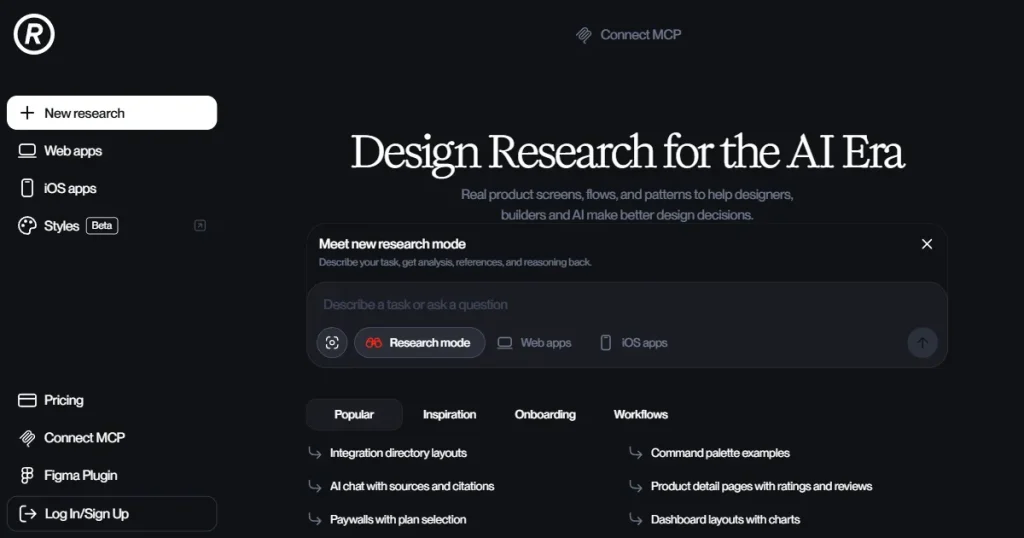
Refero is an AI-powered UI/UX design inspiration tool that provides a wide range of app screens and user flows so app developers and designers can see proven design examples before they start designing.
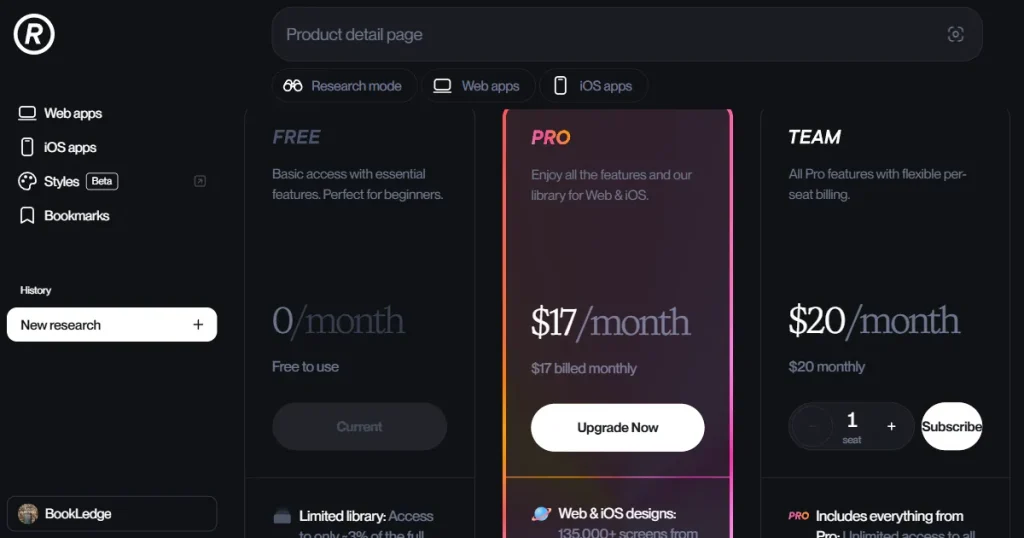
Pros of Refero:
Cons of Refero:
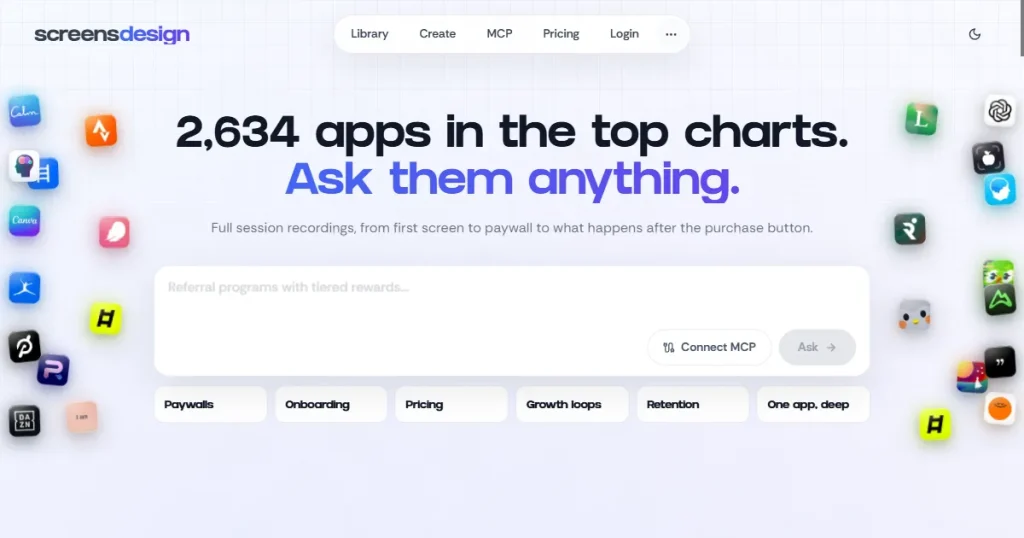
Screensdesign is a UI/UX design inspiration and research platform that helps app developers, designers, and founders access real app screens, user flows, onboarding sequences, paywall strategies, and app store screenshots, so they can study how top apps design their user experiences.
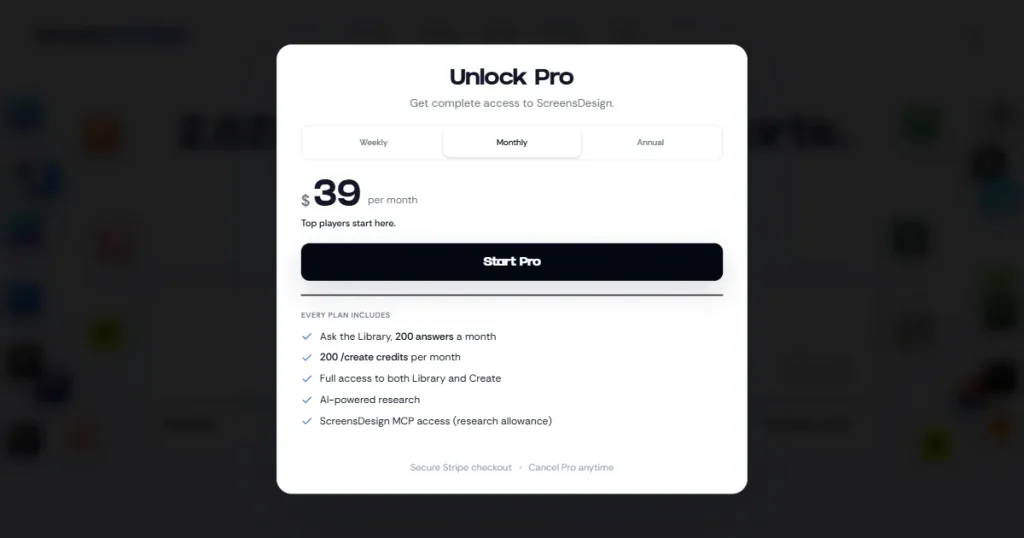
Pros of Screensdesign:
Cons of Screensdesign:
The Refero vs Screensdesign comparison below puts their core features side by side, making their strengths and limitations easier to compare.
| Feature | Refero | Screensdesign |
| App design library | 142,000+ app screens and 12,000+ user flows | 2,600+ real iOS apps with screens and animated user flows |
| Filtering | 35+ categories, multiple filters, and screenshot-based search | Filters for installs, revenue, release/update dates, onboarding, and paywalls |
| Platform coverage | iOS and web apps | Primarily iOS apps |
| AI capabilities | AI research mode and MCP integrations | AI research, AI Create, and MCP integration |
| Figma integration | Figma plugin for searching and inserting UI references | Export AI-generated layouts and flows as editable Figma layers |
| App Store screenshots | Not available | Dedicated App Store screenshot library |
| Design MD files | Refero Styles | Not available |
| Rating & review analysis | Not available | AI-powered rating and review analysis |
To understand the key differences, this Refero vs Screensdesign comparison takes a closer look at the features that set both platforms apart.
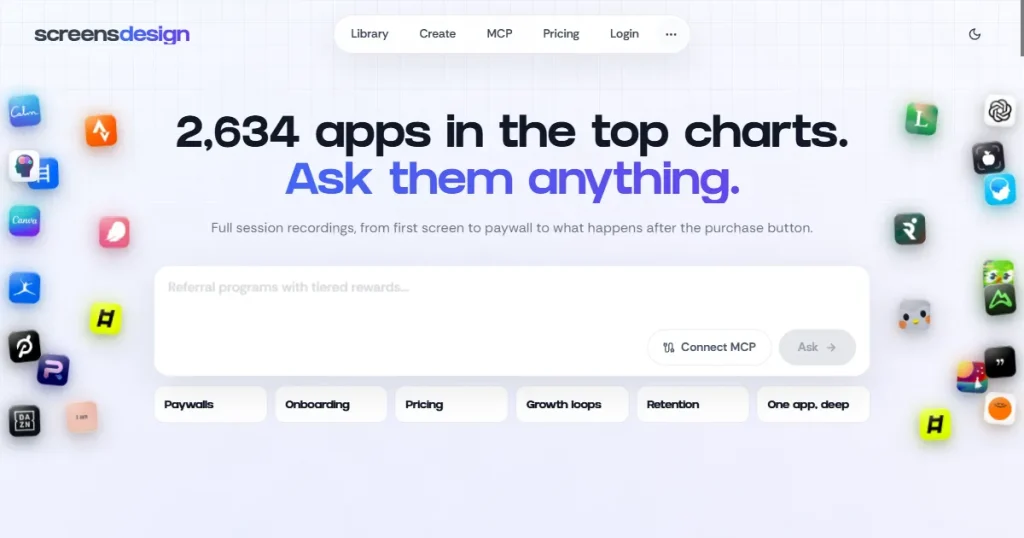
When comparing Refero vs Screensdesign, Refero has a massive collection of 142,000+ app screens and 12,000+ user flows, making it one of the largest UI/UX design libraries.
At the same time, Screensdesign covers 2600+ real iOS apps in full, with app screens, animated user flows, revenue insights, and App Store screenshots.
Verdict: Refero takes the lead on library size, offering a much larger app design library than Screensdesign.
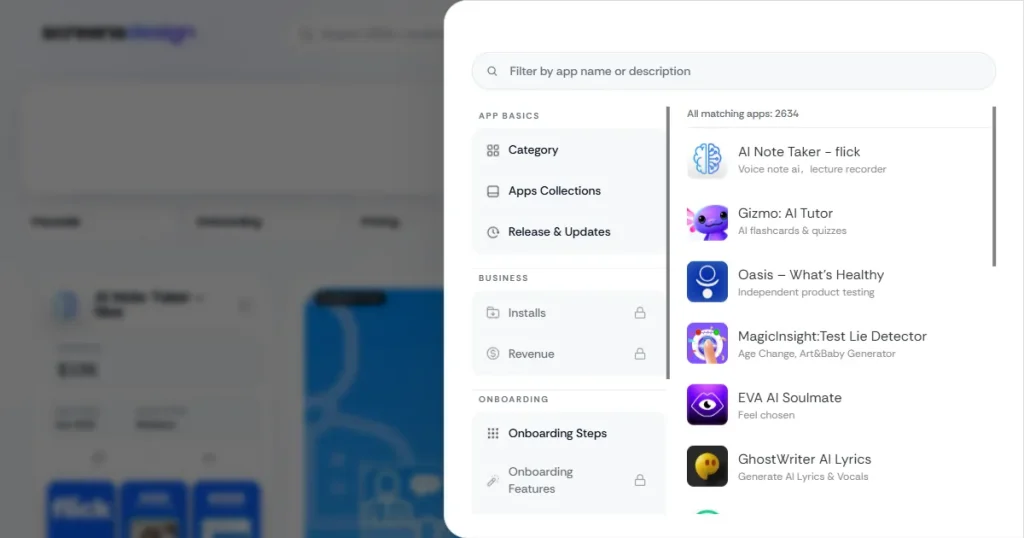
If you compare Refero vs Screensdesign, Refero easily comes out on top for filtering apps for specific use cases, with 35+ categories. Moreover, you can add multiple filters in one search to narrow the results, and you can even drag and drop a screenshot of a design you found online to get a similar design.
Although Screensdesign offers other filters like revenue details, app installs, onboarding screens, and paywalls, it doesn’t provide the ease of use and flexibility of Refero’s filtering.
Verdict: Refero offers more flexible filtering and makes it easier to find specific types of design references.
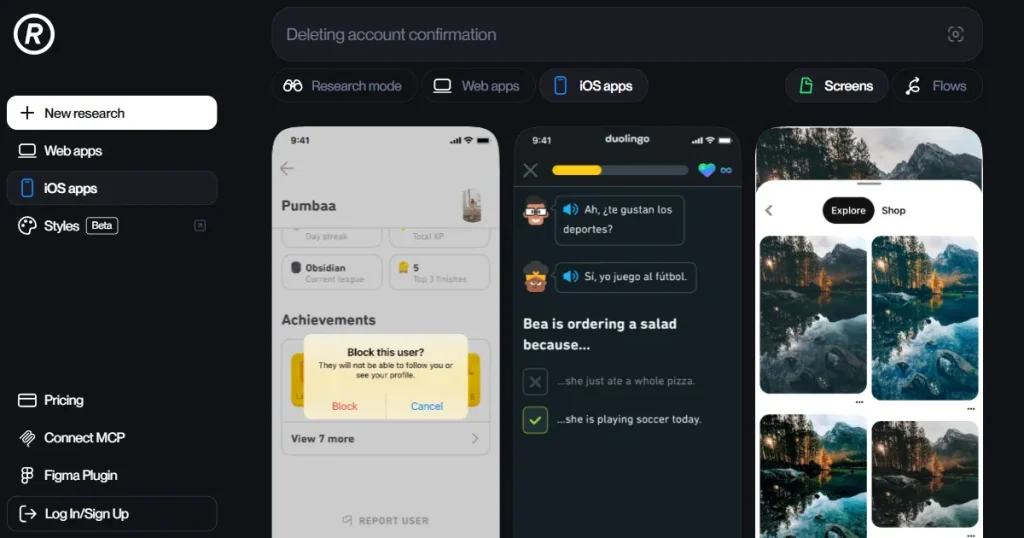
When comparing platform coverage between Refero vs Screensdesign, Refero again takes the lead, offering design inspiration not just for iOS apps but also for top web apps.
At the same time, Screensdesign has a very narrow focus, providing design inspiration only for the best-performing iOS apps.
Verdict: When it comes to platform coverage, Refero beats Screensdesign by offering not just iOS app design inspiration but also offering web app design inspiration.
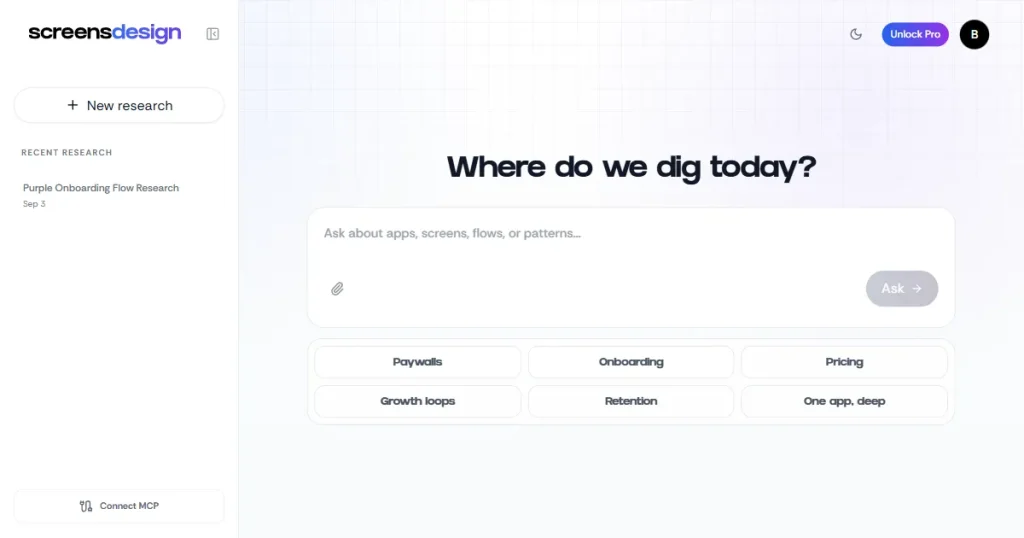
However, when it comes to AI-powered design capabilities between Refero vs Screensdesign, Screensdesign takes the lead as, apart from an AI research hub and MCP integration, it provides an inbuilt AI that allows users to generate professional app UI designs without any design skills.
At the same time, Refero offers an AI research mode where users can ask questions about different apps, along with native and MCP integrations that connect to various AI tools, so they can access the Refero design library and use it for design research and inspiration.
Verdict: Screensdesign comes out on top when it comes to AI capabilities because of the AI create feature, which allows users to design app UI screens from scratch without any design skills.
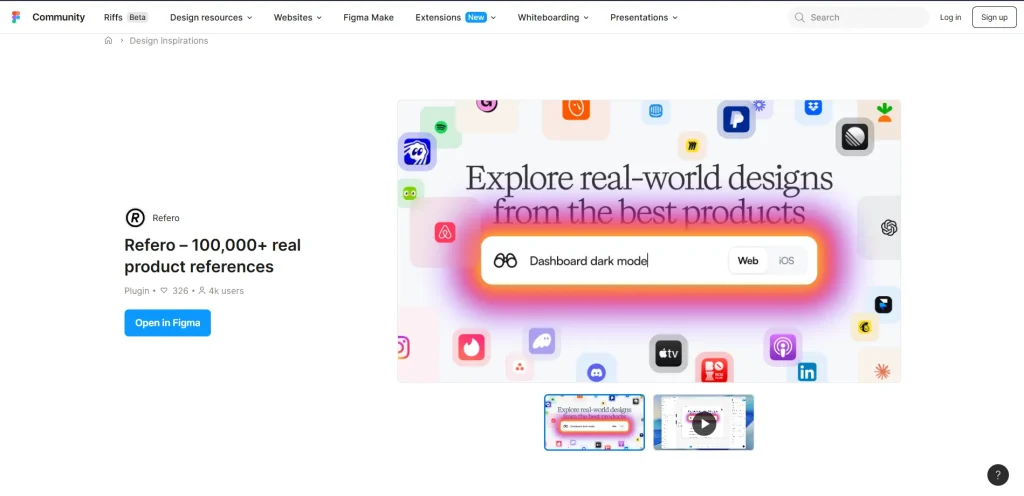
When it comes to Figma integration of Refero vs Screensdesign, they function in different ways. Refero offers a Figma plugin with in-Figma search for real UI designs, 100,000+ production screens updated weekly, and one-click reference insertion into a page.
However, Screensdesign integrates directly with Figma, letting you export AI-generated mobile UI layouts and application flows into your Figma workspace as fully editable layers.
Verdict: Screensdesign also turns out to be a better tool when it comes to Figma plugin offering completely editable Figma files that users can edit.
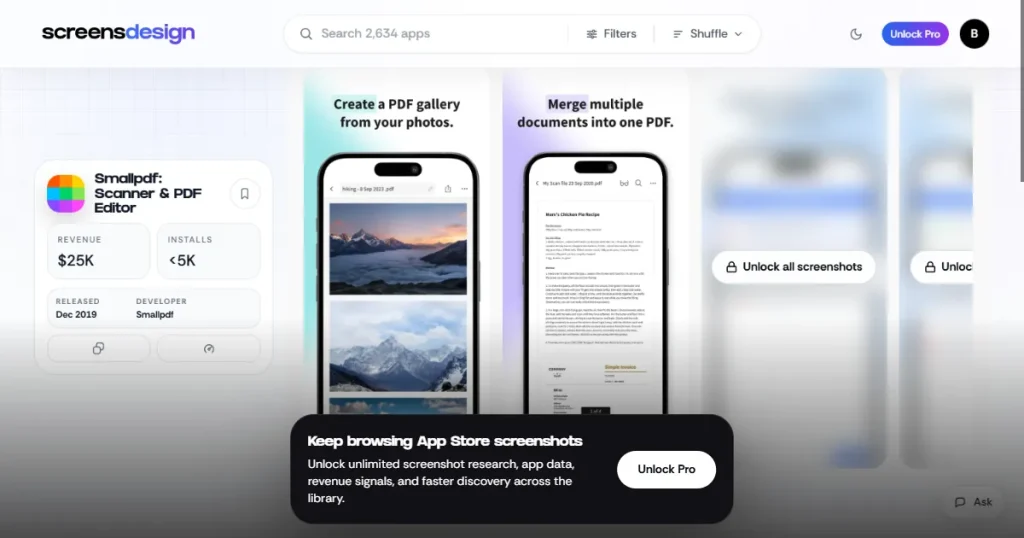
This is where Screensdesign wins in the Refero vs Screensdesign comparison, Screensdesign offers a dedicated library of app store screenshots from top-performing iOS apps, so designers and developers can get inspired on how to present their app on the app stores.
At the same time, Refero focuses only on app UI screen design and doesn’t cover app store screenshots.
Verdict: Screensdesign wins this round as it offers App Store Screenshots design inspiration and Refero doesn’t cover it.
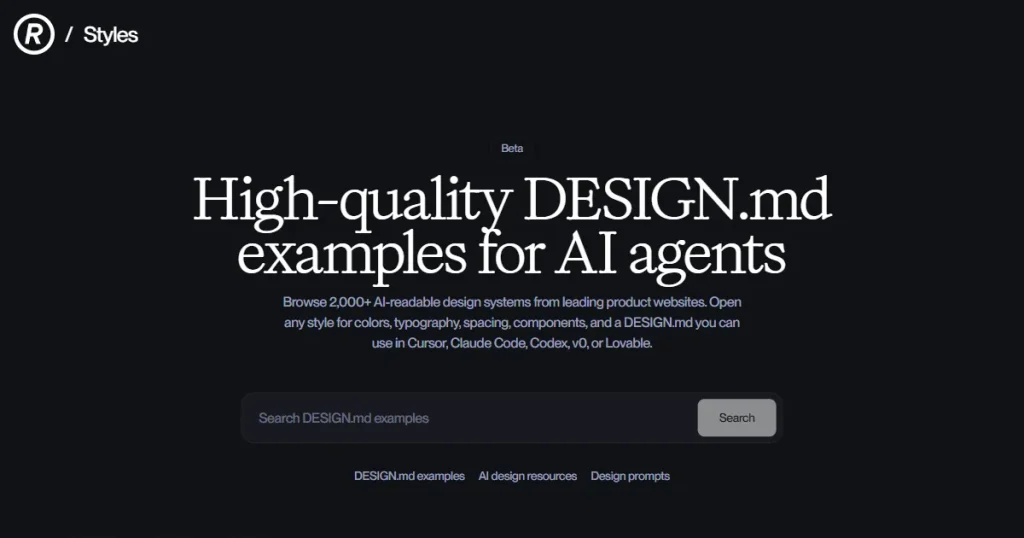
Refero styles are one of the best features that help Refero lead this Refero vs Screensdesign comparison. Refero styles are a collection of Design MD files that instruct AI tools like Claude Code on how to design a website, allowing users to generate highly designed websites without complicated design or coding skills.
At the same time, Screensdesign completely skips web design as it focuses solely on iOS app designs.
Verdict: Refero takes the lead when it comes to AI-assisted web design, particularly for users working with AI coding tools such as Claude Code.
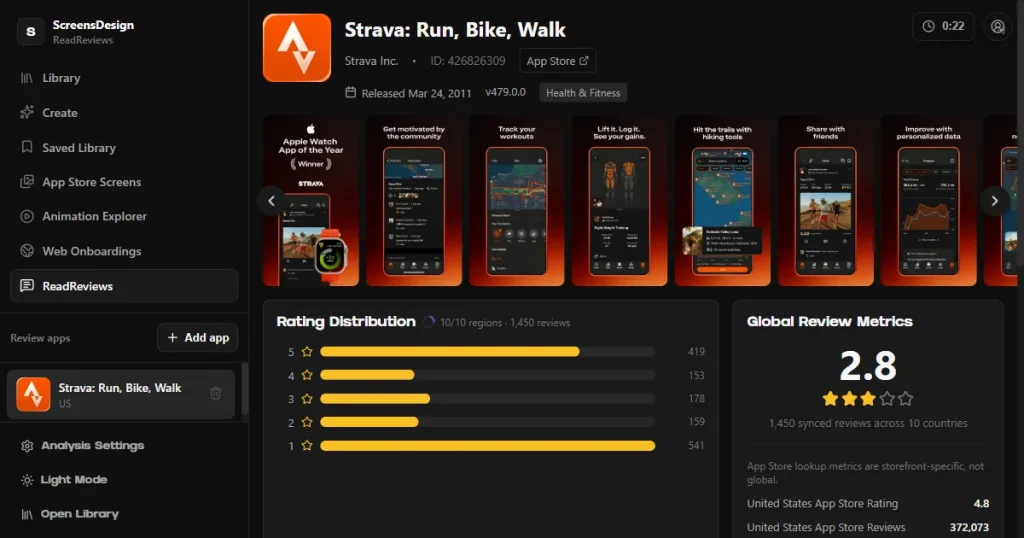
If you compare Refero vs Screensdesign, Screensdesign gets an edge because of its built-in rating and review analysis feature, which uses AI to analyze an app’s reviews and ratings and show where it falls short in design.
Refero doesn’t offer any such rating or review analysis feature in its toolset.
Verdict: Screensdesign is the better fit for combining design research with app rating and review analysis.
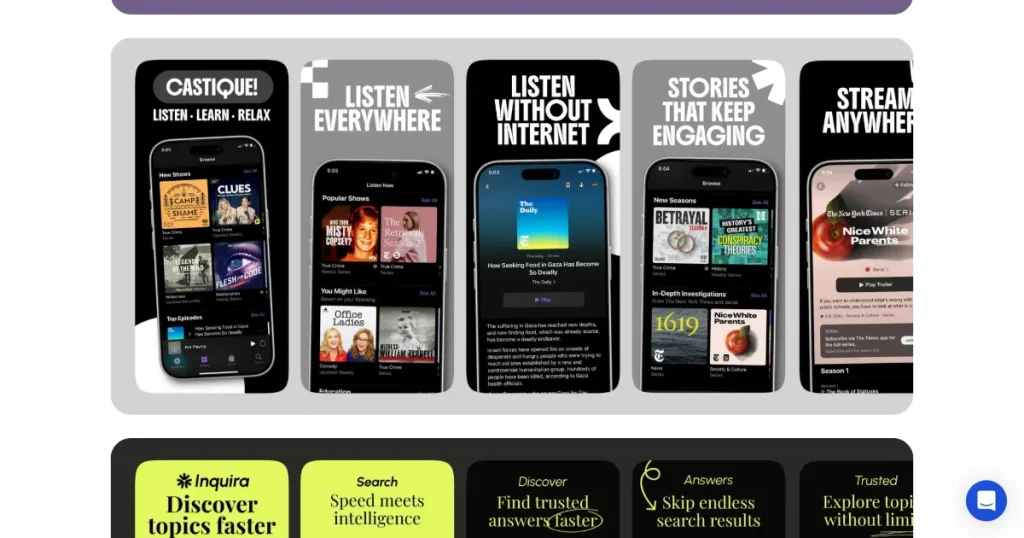
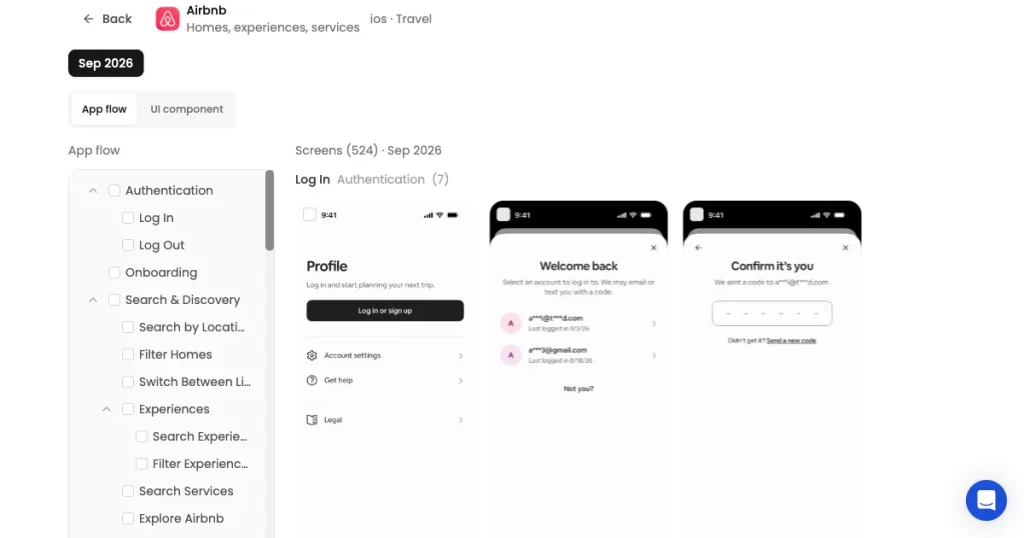
AppLaunchpad offers an app UI design research tool that brings real app clips, user flows, and app screens into one searchable UI library. Its references are organized by app features, making it easier to find relevant design examples.
You can search screens by UI components, explore complete user flows, and view detailed coverage of individual apps. This makes it easier to research how different products structure their interfaces.
AppLaunchpad also lets you save and download screens and flows for later reference. Similar design recommendations help you discover related UI examples based on the screen you’re viewing.
For designers moving from research to execution, AppLaunchpad offers a Figma plugin that lets you access app UI references directly in your design workflow.
Now that we have compared Refero vs Screensdesign, and seen what AppLaunchpad is capable of, let’s have a look at why AppLaunchpad is a better choice that Refero and Screensdesign.
AppLaunchpad is a strong alternative to Refero for designers and developers who want to research both app UI research and App Store presentation in one place. While Refero focuses mainly on UI/UX design inspiration and research, AppLaunchpad lets you explore real app screens and user flows while also giving you access to 4,000+ App Store screenshot examples for inspiration.
AppLaunchpad also lets you explore Clips, Screens, and Flows organized by app features, search screens by specific UI components, and search complete app flows to find relevant references faster.
Once you find useful references, AppLaunchpad lets you save and download screens and flows, while similar recommendations help you discover related designs based on the screen you’re viewing.
Screensdesign offers features like animated user flows, AI research, AI-generated UI designs, revenue insights, and App Store screenshot inspiration. However, its focus is primarily on researching iOS apps rather than helping users create and adapt ready-to-publish screenshots.
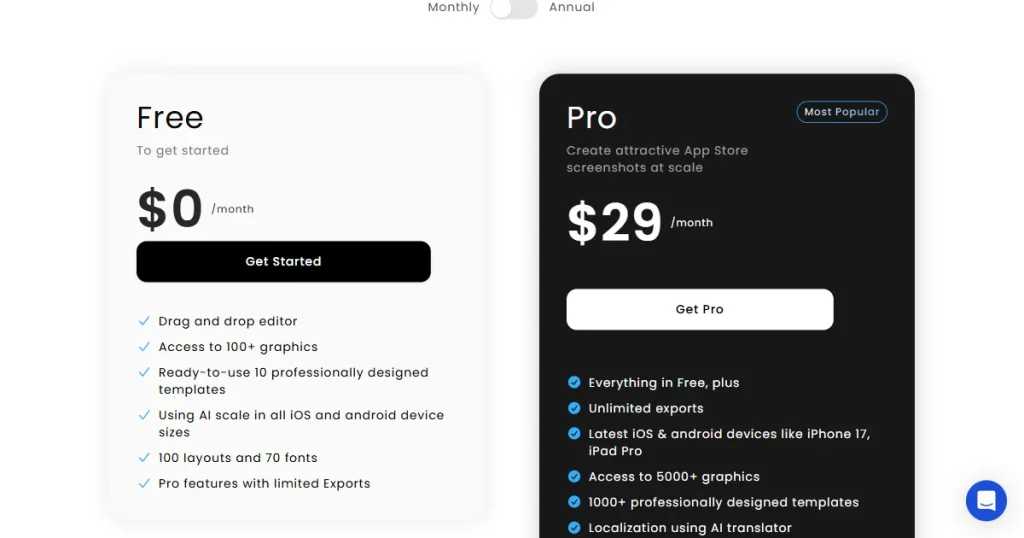
AppLaunchpad combines a real app UI library with App Store screenshot inspiration, letting you research app screens, flows, and UI components alongside researching app screenshot examples. You can then use its screenshot tools to create, adapt, and localize your own App Store screenshots.
Therefore, Screensdesign may be better for users who prioritize AI-powered research and iOS app analysis. AppLaunchpad is a better alternative for developers who want app UI research, App Store inspiration, and screenshot creation in one platform.
From our Refero vs Screensdesign comparison, it’s clear that both Refero and Screensdesign are useful for app UI/UX research, but they serve slightly different needs.
Refero is a good choice for its large design library, flexible filtering, and web app coverage, while Screensdesign stands out with AI-powered research, app revenue insights, and rating and review analysis.
However, AppLaunchpad is a better alternative for developers who want to go beyond design research and create App Store screenshots from the same platform.
With its app design library, 4,000+ screenshot inspirations, app store screenshot templates, multi-device support, and localization features, AppLaunchpad offers a more complete workflow from app design research to app store presentation.
Refero is an AI-powered design research platform with a large library of real product screens and user flows.
Yes. Refero pricing plan does offer a free tier, but it only provides limited app screens and locks user flows behind a paywall.
If you compare Refero vs Screensdesign, Screensdesign is better for iOS app research, while Refero offers broader coverage across iOS and web apps.
Refero Styles are Design MD files based on top websites that can be uploaded to AI tools to recreate similar designs or combine them with your own ideas.
Yes, Refero can be used to study how competitors and successful products design their interfaces, onboarding flows, layouts, and other user experiences.
Screensdesign provides an extensive collection of app designs, but the platform does not specify a fixed library update frequency.
The Screensdesign pricing monthly plan starts at $39/month and includes the complete library, animated user flows, App Store screenshots, and 200 AI Create credits.