App Store Connect Guidelines for App Developers and…
App Store Connect is the platform that lets you upload your app and manage all updates, including metadata, revenue details, […]
Published Jan 16, 2026
Compare the top 7 app store screenshot generator tools in 2026. Explore features, pricing, pros, cons, and trends to improve app listings.
14 min
App store screenshots show your app’s interface and define the value of your app, which directly impacts the final installs. An app store screenshot generator helps you generate app screenshots quickly using App Store screenshot templates.
This guide covers7 best App Store screenshot generators in 2026. AppLaunchpad stands out as the best app store screenshot generator with 1000+ App Store screenshot templates, an easy interface, and automated screenshot localization, making it a strong choice for teams that update often.
Alongside AppLaunchpad, we have also covered other tools, including free app store screenshot generators like AppstoreScreenshot.com and AppMockUp.
Before a user reads a single line of your app description, they see your app store screenshots. In many cases, these app store screenshots determine whether someone stays on your listing. Below are a few reasons why App store screenshots are more than just decoration:
Not every app store screenshot generator is built for the same purpose. Some app store screenshot generator tools are great for quick visuals, while others are designed for frequent updates. Knowing what to look for helps you avoid switching app store screenshot generator tools later on.
| Best App Store Screenshot Generator | Best For | Key Strengths | Pricing Overview | Limitations |
| AppLaunchpad | All-in-one screenshot workflow | Large template & asset library, auto-resizing, localization, cloud projects | Free trial; Pro $29/mo | Full access requires a paid plan |
| Rotato | Premium 3D visuals & promos | High-end 3D mockups, advanced lighting, animated videos | $79–$199 one-time | Mac-only, steep learning curve |
| Previewed | Simple visuals & small teams | Easy editor, cloud collaboration, image + video exports | Free–$29/mo Pro plan | Generic templates, limited customization |
| Appstorescreenshot.com | Quick one-off screenshots | Fast browser access, no signup, compliant templates | Free | Limited customization, basic UI |
| MockUPhone | Simple device mockups | Instant mockups, wide device support | Free | No full screenshot sets, no text tools |
| Screenshots.pro | Automated updates & dev workflows | Auto resize, localization, CI/CD API | Free–$49/mo for Extended plan | Limited design assets, utilitarian visuals |
| AppMockUp | Beginners & early testing | Browser-based editor, fast previews | Free | No localization, limited features |
Below are the most reliable app store screenshot generator tools available in 2026, each designed for different workflows and team sizes.
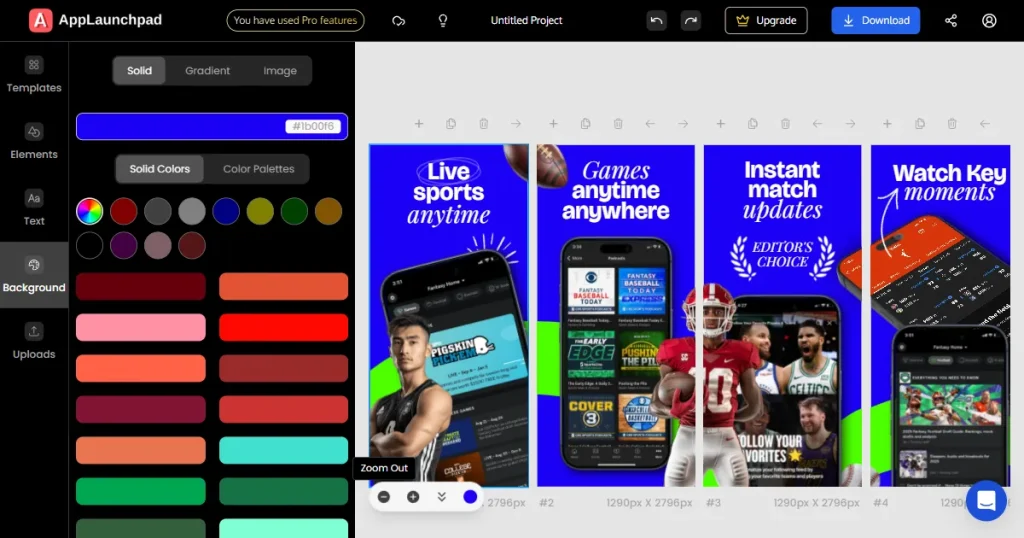
AppLaunchpad app store screenshot generator is built for modern teams. It covers screenshot design, resizing, localization, and device mockups without relying on external tools.
Among all other app store screenshot generator tools, AppLaunchpad is designed for speed and scale. It works exceptionally well for apps that update often or target multiple markets.
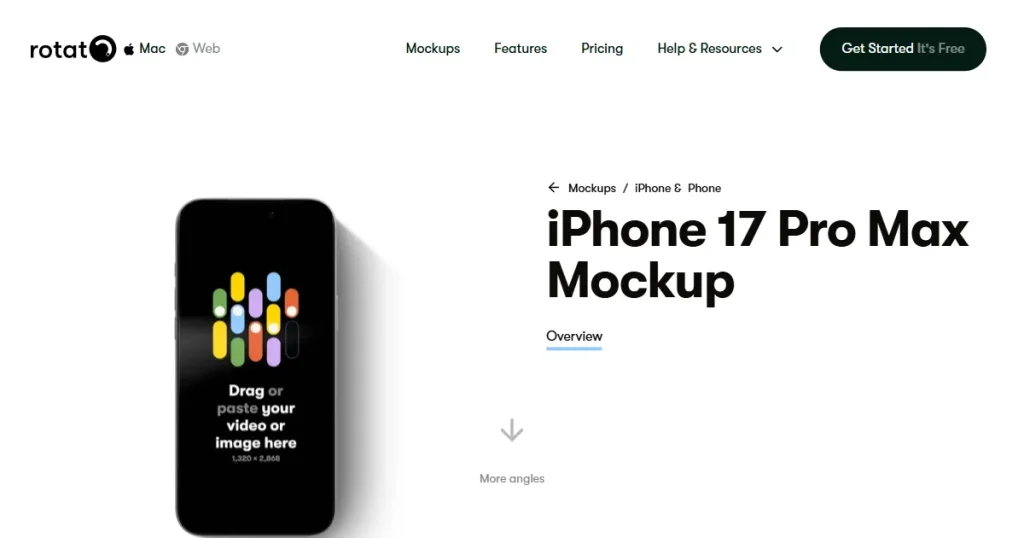
Rotato is a design-focused app store screenshot generator built for premium visuals. It is not a traditional app store screenshot generator, but many teams use it alongside other app store screenshot generator tools for marketing assets and landing pages. The level of control is high, but so is the learning curve.
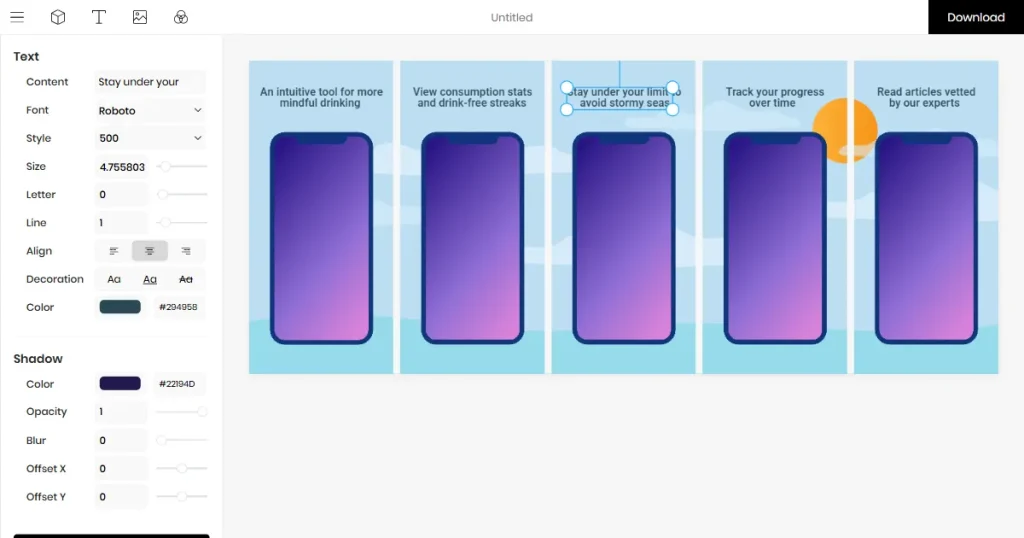
Previewed is one of the best app store screenshot generators for beginners. Among lightweight app store screenshot generator tools, it focuses on simplicity over deep customization. It works well for early-stage apps that need quick results.
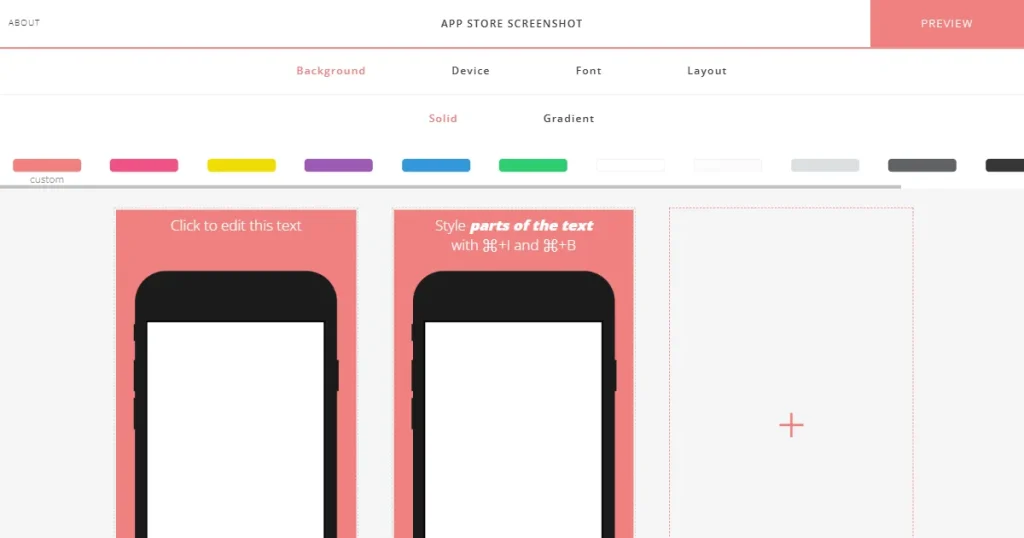
This browser-based free app store screenshot generator focuses only on App Store screenshot templates. It is designed for speed and simplicity and is often used for quick, one-off needs. Among other app store screenshot generator tools, Appstorescreenshot has the lowest learning curve.
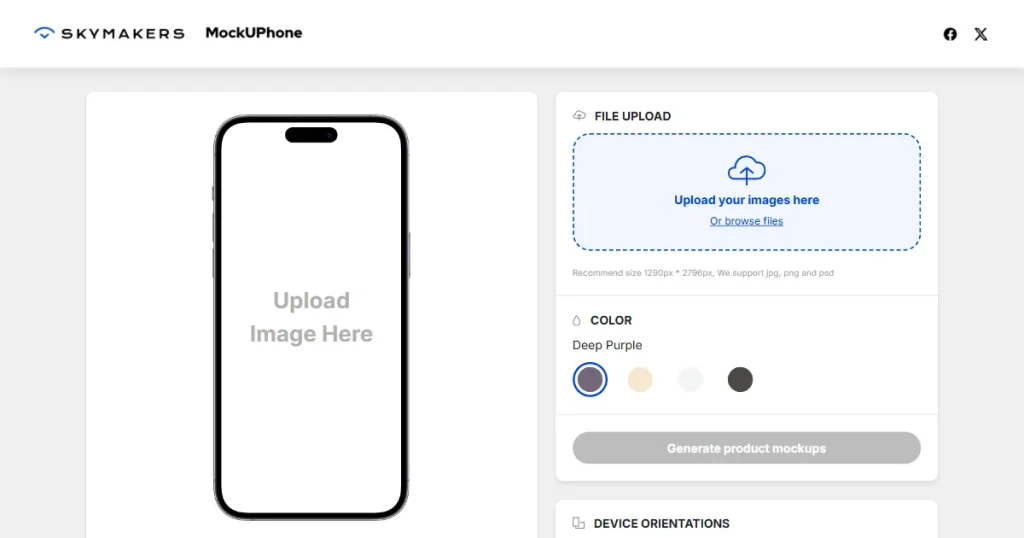
MockUPhone is more of a device mockup tool than an actual App Store screenshot generator. It focuses only on placing screens inside device frames. Many teams use it alongside other app store screenshot generator tools to achieve desired results.
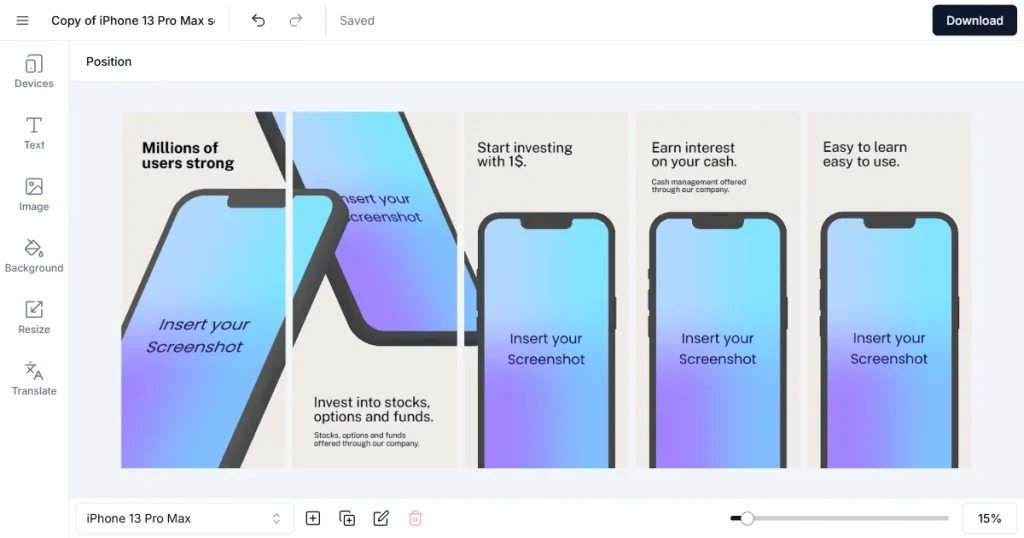
Screenshots.pro stands out as the best app store screenshot generator built for developer workflows. It stands out among all app store screenshot generator tools for its CI/CD integration. Visual creativity is limited, but efficiency is high.
AppMockUp is a free, web-based free app store screenshot generator aimed at beginners. It allows basic customization and live previews. This app store screenshot generator works best for testing ideas early on.
AppLaunchpad is one of the best App store screenshot generators in 2026. One of its key features is an easy design workflow and no design-skill prerequisites. Follow the steps below to create app screenshots using AppLaunchpad.
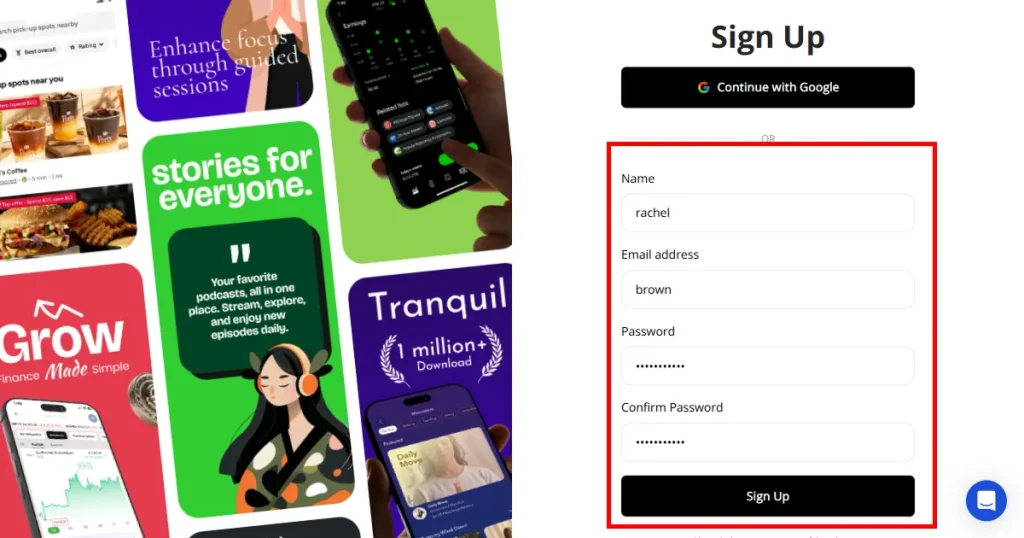
Step 1: Create an account or log in to AppLaunchpad.
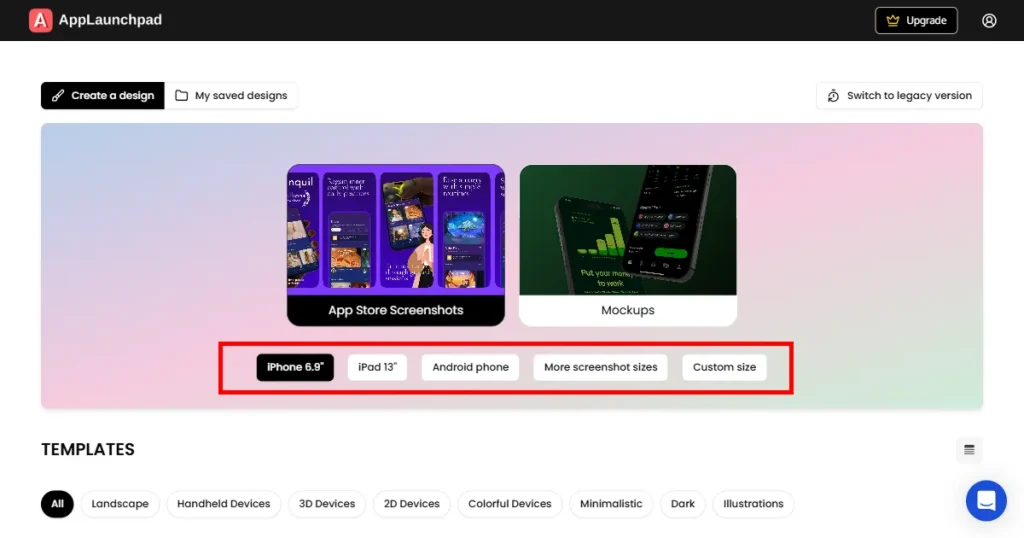
Step 2: Select a device such as an iPhone, iPad, or Android.
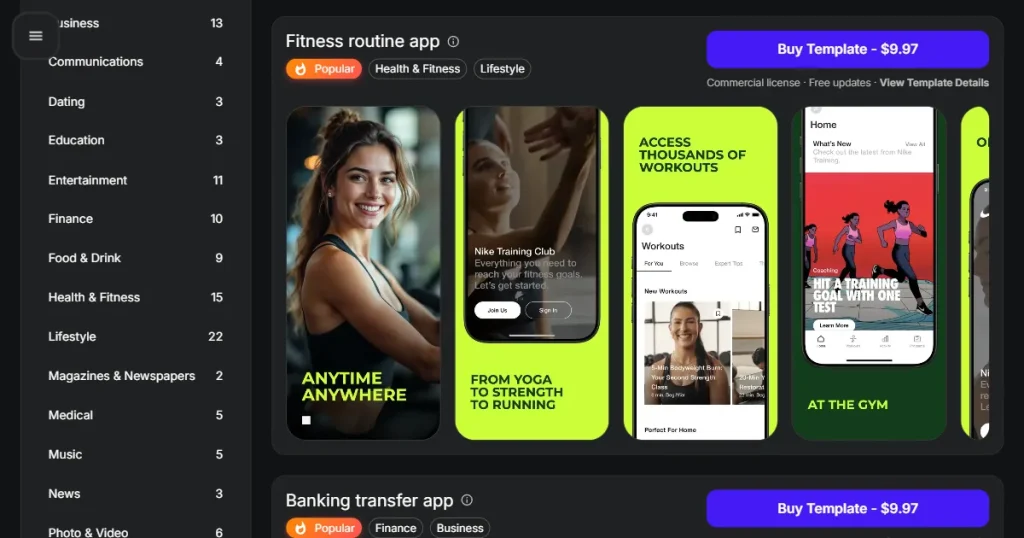
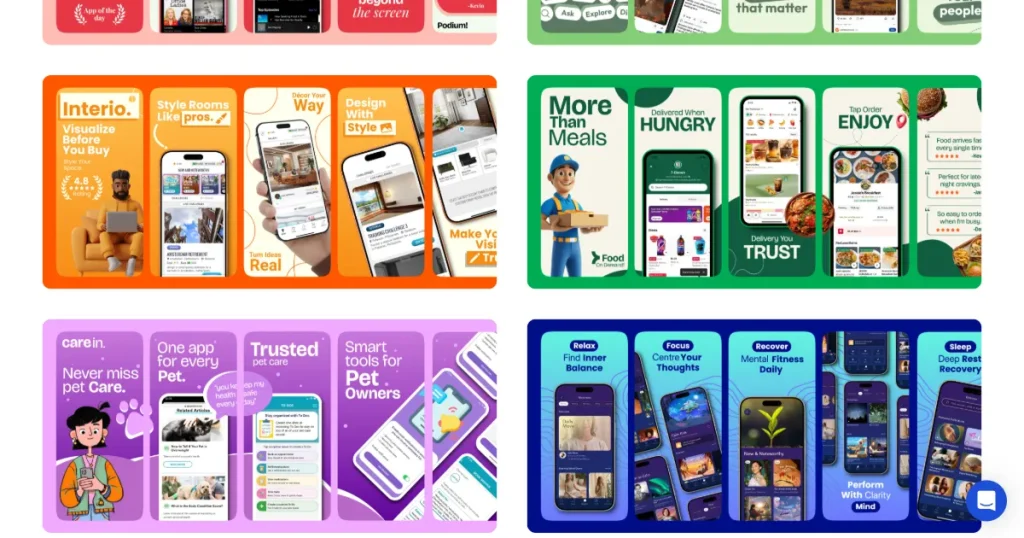
Step 3: Choose an App Store screenshot template that fits your app niche. This is the first step to generate app screenshots.
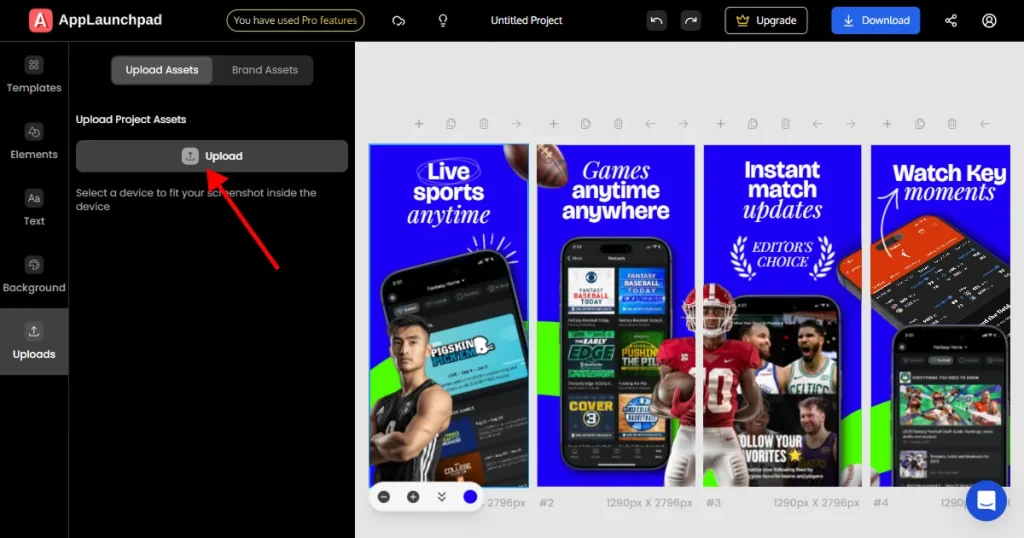
Step 4: Start editing the App Store screenshot template by uploading your app UI inside the device frame.
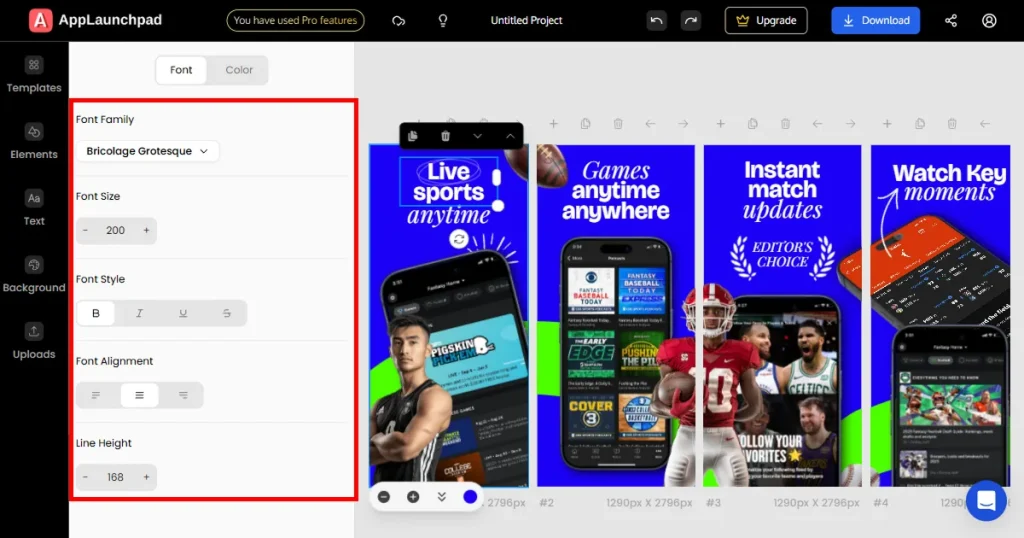
Step 5: Edit text, fonts, and layout to match your message.
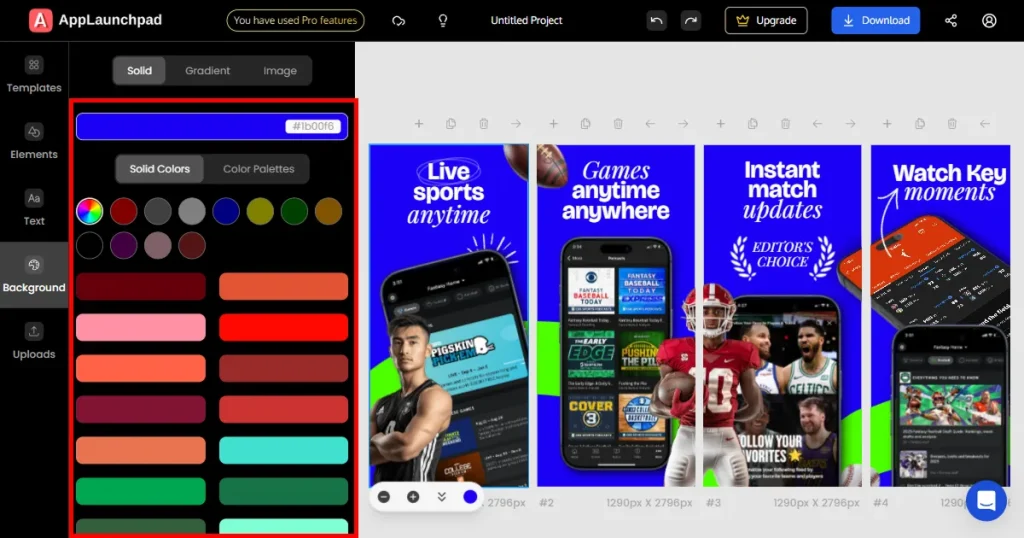
Step 6: Change backgrounds and colors if needed.
Step 7: Add icons, illustrations, or design elements.
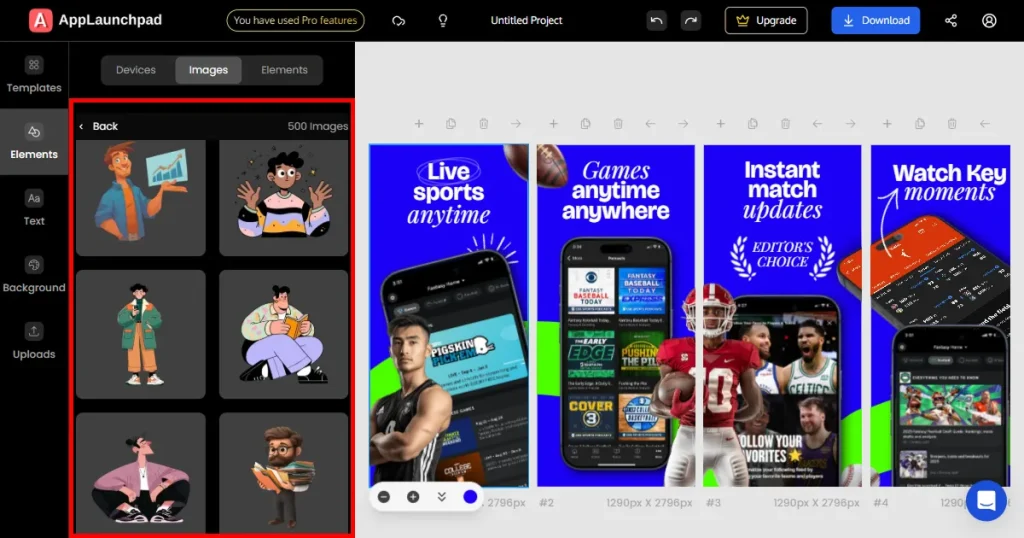
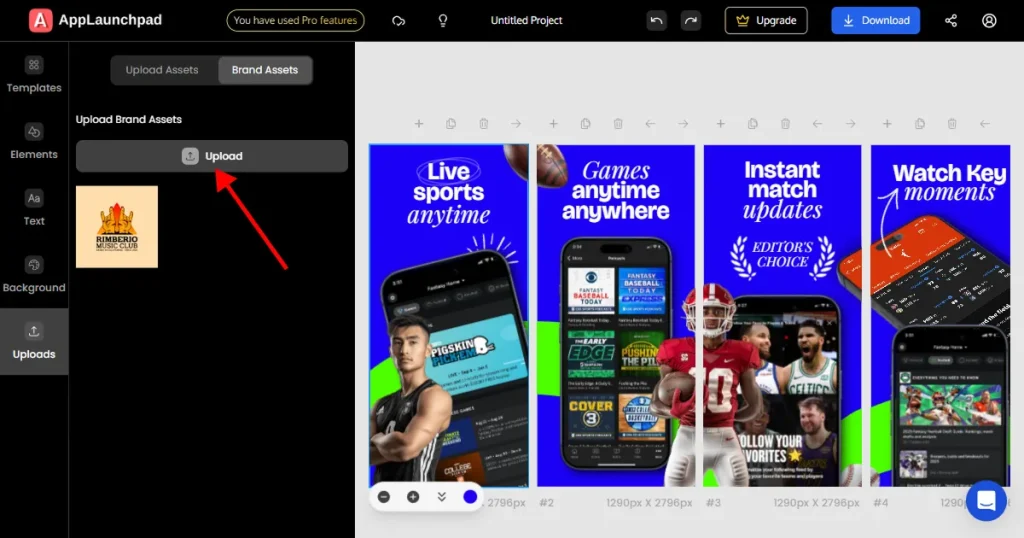
Step 8: Upload your brand assets for more personalization.
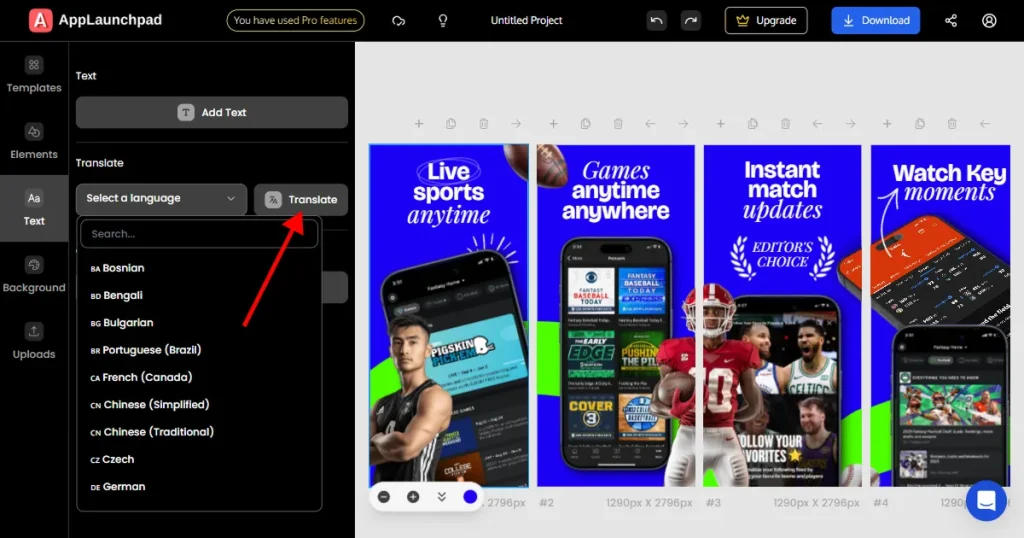
Step 9: Localize text for different languages if required.
Step 10: Name your project and download screenshots as PNG or JPEG. Your screenshots will be downloaded as a ZIP file on your local system.
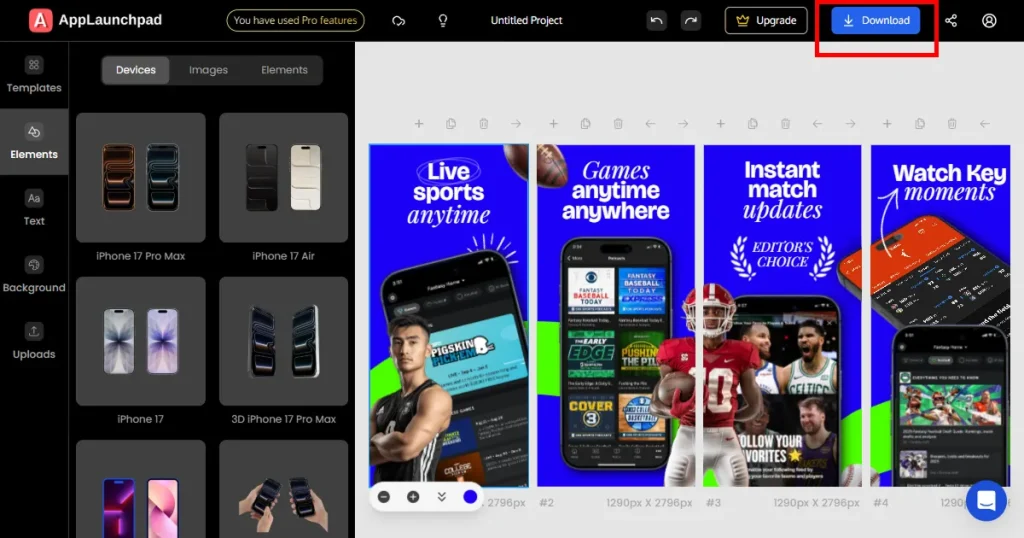
Note: All projects are saved automatically, so you can return and edit them anytime. You can find your previous projects under “My saved projects”.
Before we start further, let’s take a look at trending App Store screenshot designs.
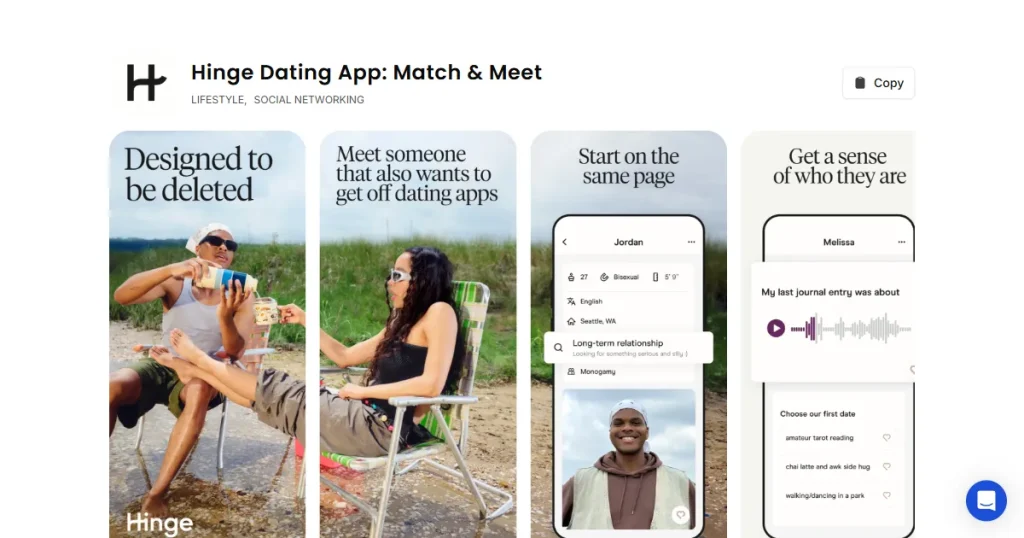
Screenshots are now designed as a flow rather than isolated images. Each slide focuses on one clear benefit, making app store screenshots easier to scan and stick with.
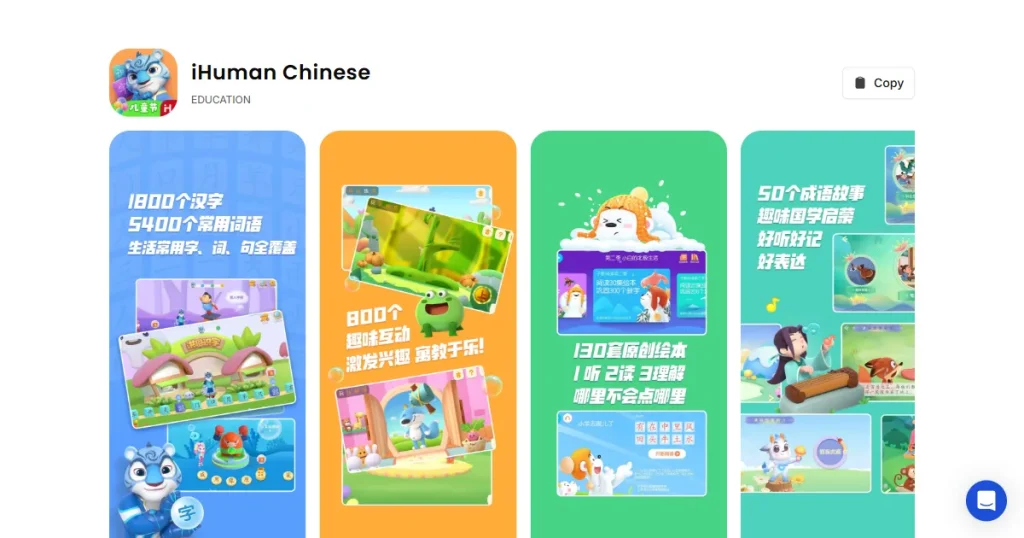
Teams are creating region-specific app store screenshots and Google Play screenshots that match language and culture. This approach builds trust with global users. If you have an international app, consider localizing your screenshots to increase reach and improve conversions.
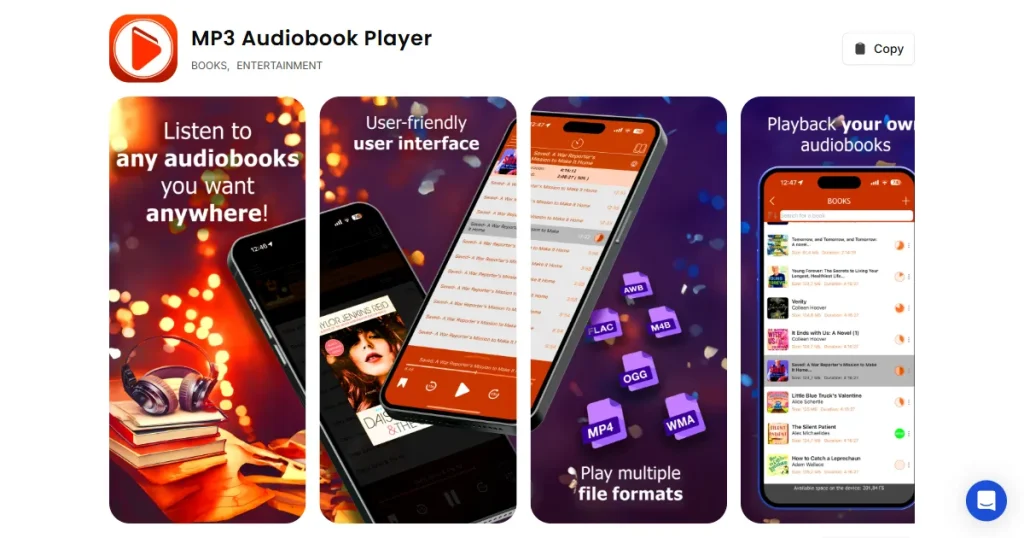
3D screenshots are becoming increasingly common. Depth, angles, and shadows create a premium look for app store screenshots in competitive categories.
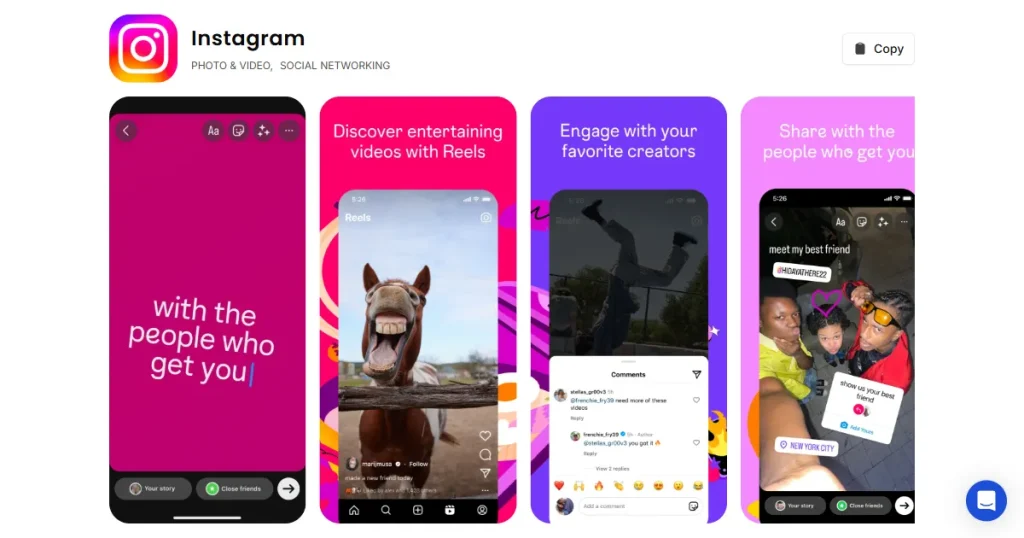
Short animations help explain app value faster and increase engagement, especially for Google Play screenshots. Promo videos are handy and do exceptionally well for complex apps.
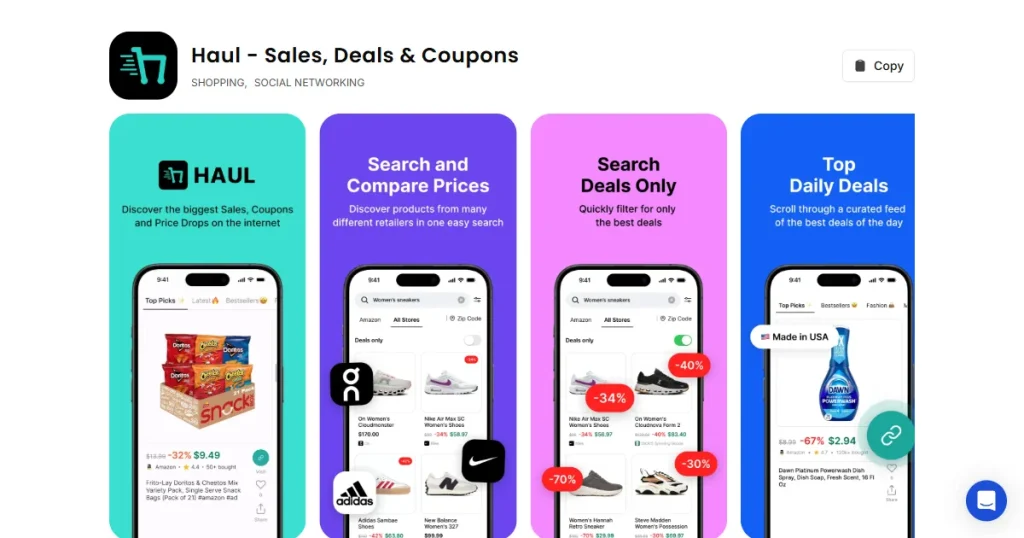
Using current devices in app store screenshots signals that the app is actively maintained. Always use the latest iPhone and Android devices to generate app screenshots and stay up to date with trends and maintain professionalism.
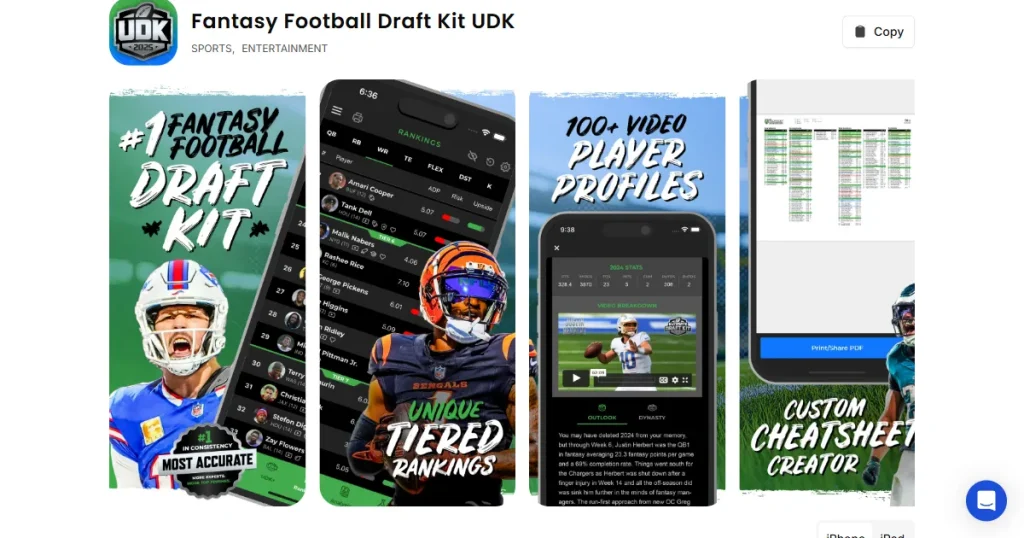
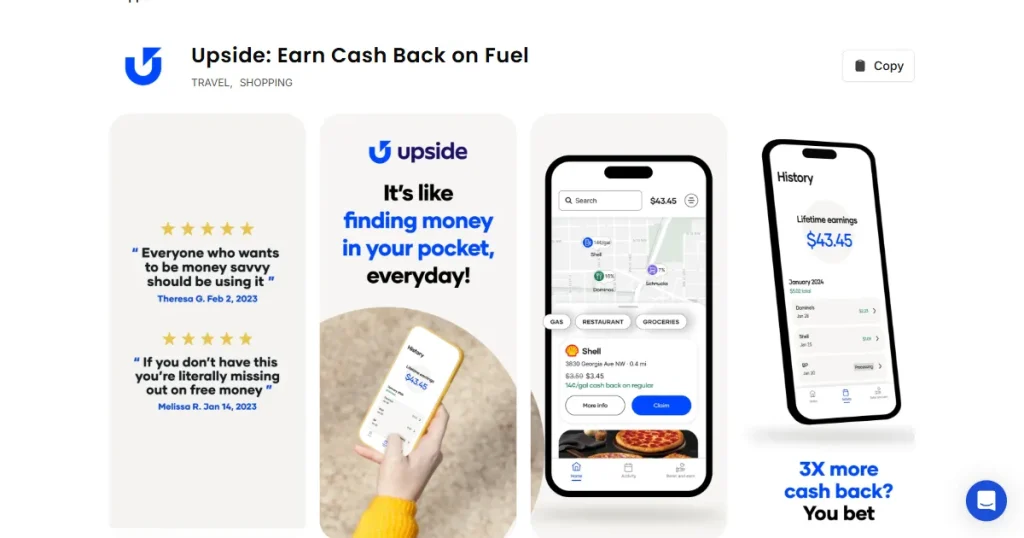
Artistic illustrations and holding devices make your screenshots look unique. Use them to generate app screenshots. Hands and props interacting with devices add realism and polish to app store screenshots.
The best app store screenshot generator should grow with your app. Simple app store screenshot generator tools may work early on, but automation and localization become critical as you scale. Strong app store screenshots and Google Play screenshots remove friction from growth and help your app compete in crowded marketplaces.
Moreover, before picking the best app store screenshot generator to generate app screenshots, try out some free plans and free app store screenshot generators, which will give you a better idea about the tool.
The best app store screenshot generator depends on how you work. Apps that update often or target multiple regions benefit from automation-focused app store screenshot generator tools, while smaller apps may prefer simpler options. The key is to choose something that fits both your current needs and your future plans.
Yes, app store screenshots directly impact downloads. Most users scan screenshots before reading descriptions or reviews. Clear app store screenshots help users understand the app faster, which usually leads to higher install rates.
You can reuse the same design idea, but the final screenshots usually need adjustments. App Store and Google Play screenshots follow different size and device-specific rules, so correct frame sizes matter.
App store screenshots should be updated whenever your UI changes or major features launch. Many teams also refresh screenshots when conversion rates start to drop.
Photoshop and Figma are powerful for custom marketing visuals, but it is not explicitly designed for app store screenshots. A dedicated app store screenshot generator is faster, easier, and more practical for most app listings.
Free app store screenshot generators are useful for getting started or testing ideas. They usually cover basic templates and exports, but for regular updates or advanced customization, you may need a paid tool later.
To generate app store screenshots quickly, use an app store screenshot generator like AppLaunchpad with ready templates. Upload your app screens, add short text, and export in the correct sizes. This saves time compared to designing everything manually.
App Store screenshot templates help maintain consistent layouts, spacing, and sizes across all screens. They make the process faster and ensure your screenshots look clean, structured, and aligned with store guidelines without extra manual effort.