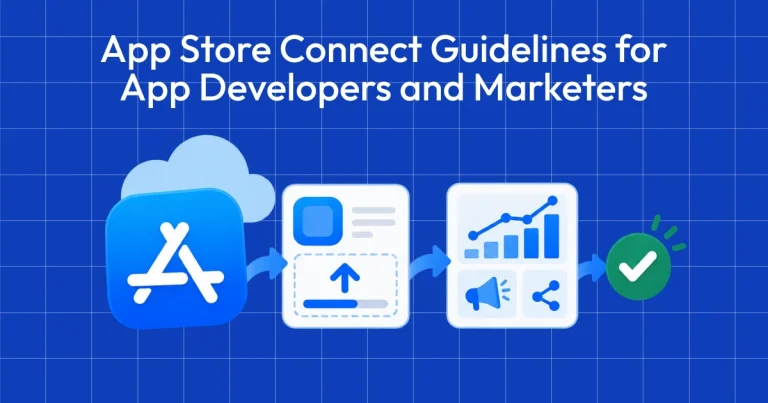
App Store Connect Guidelines for App Developers and…
App Store Connect is the platform that lets you upload your app and manage all updates, including metadata, revenue details, […]
Published May 5, 2026
Learn how to get featured on the App Store. This guide covers the App Store featuring process, editorial criteria, and exact nomination instructions.
17 min
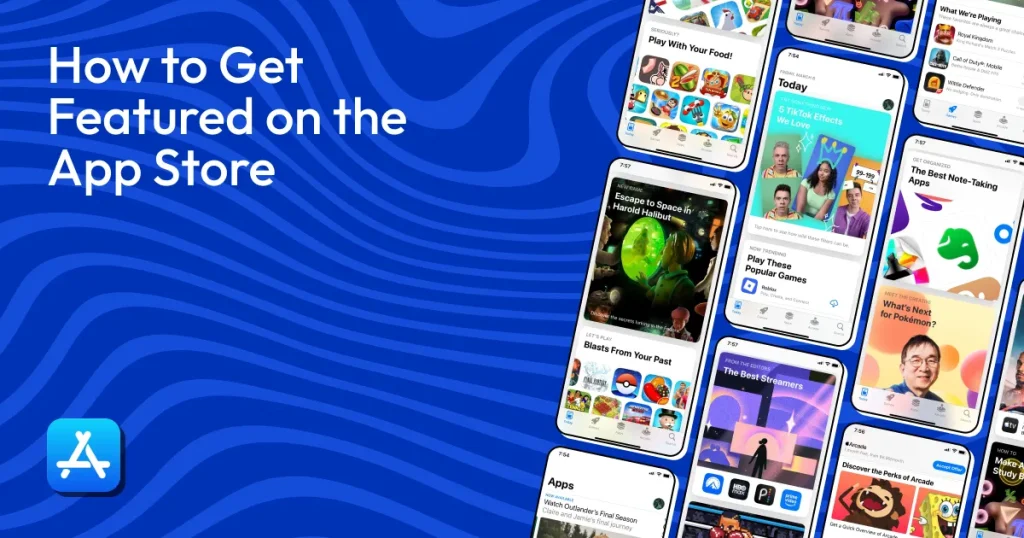
How to get featured on the App Store is one of the biggest growth levers for app downloads, but it’s highly competitive. The App Store featuring process is handled by Apple’s App Store editorial team, which selects high-quality apps based on design, innovation, and user experience.
To get featured, you need to submit a nomination through App Store Connect, describe your update or launch clearly, set a target date, and provide supporting assets. Featured apps can appear on the Today tab, category collections, and editorial lists.
We’ve created a complete guide that explains how the App Store editorial team evaluates apps and what it takes to become an App Store featured app that gets massive visibility and installs.
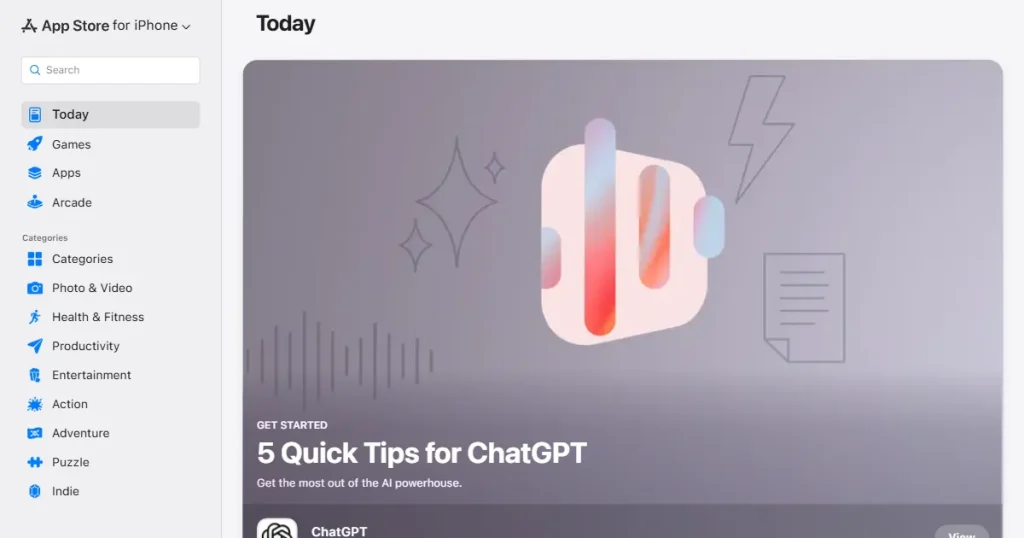
Being featured onthe App Store is Apple’s way of highlighting your app as high-quality. It signals to users that your app is worth trying. It is their way of telling users that your app represents high quality.
This puts your app in highly visible, curated sections of the store. Instead of waiting for users to search for a specific keyword, your app is shown to people who are just browsing and open to trying something new.
Think of it as a massive, temporary spotlight rather than a permanent fix for your search rankings, which is why developers constantly focus on how to get featured on the App Store.
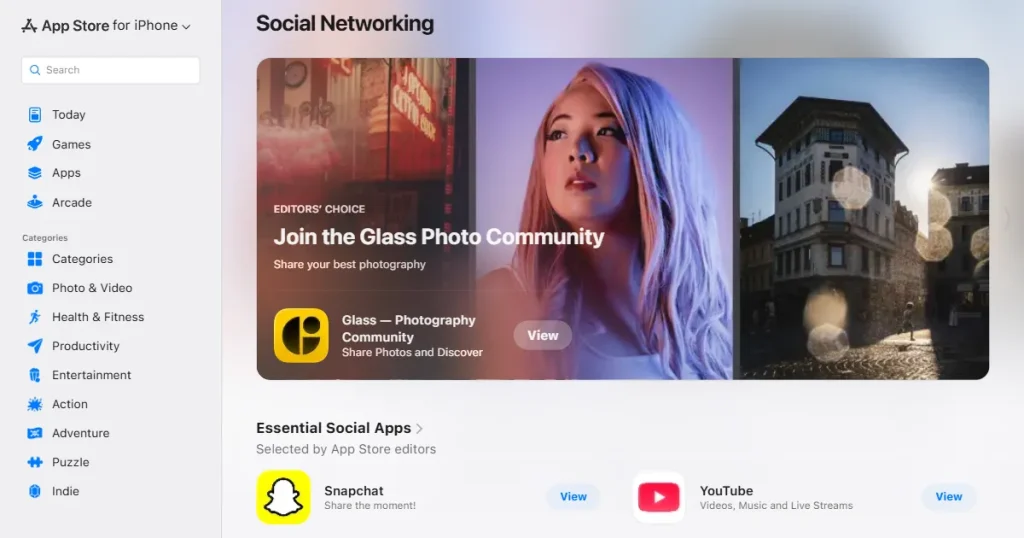
The App Store is a massive ecosystem. While the Today tab is the most famous spot to see an App Store featured app, there are plenty of other places to be seen:
When users see an App Store featured app, they immediately trust it more. It serves as a quality check from Apple, which removes the hesitation of trying unknown apps. It tells the user that your app is innovative, relevant, and reliable before they even read the description.
Apple handles app discovery quite differently from Google Play. While Google mixes automated algorithms with editorial picks based on engagement metrics, Apple relies entirely on a human App Store editorial team.
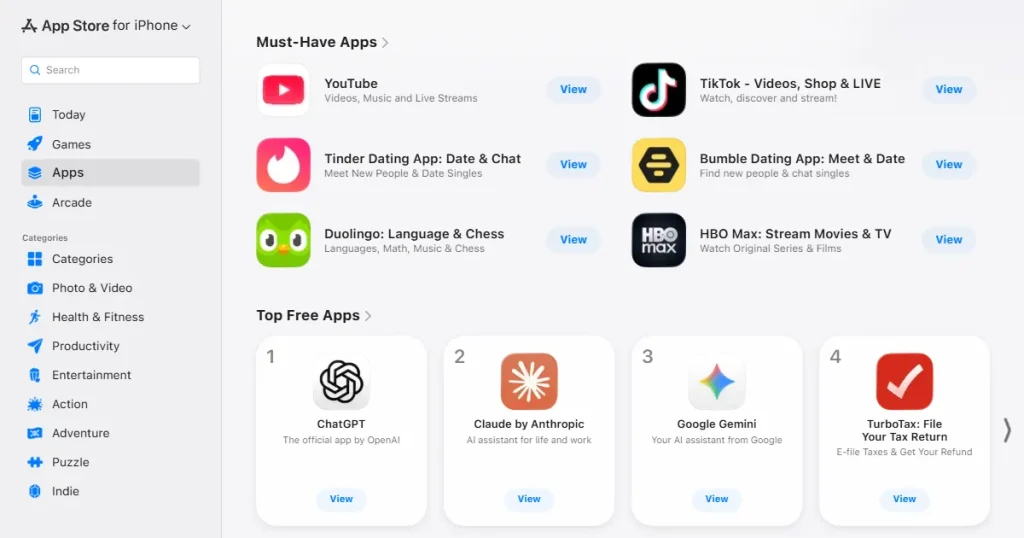
These editors prioritize design, storytelling, and how well you use the Apple ecosystem. Based on Apple’s official guidelines, here is what they look for during the App Store featuring process:
You can learn a lot by seeing who already wins these featured spots as an App Store featured app. Successful apps usually fall into a few specific categories.
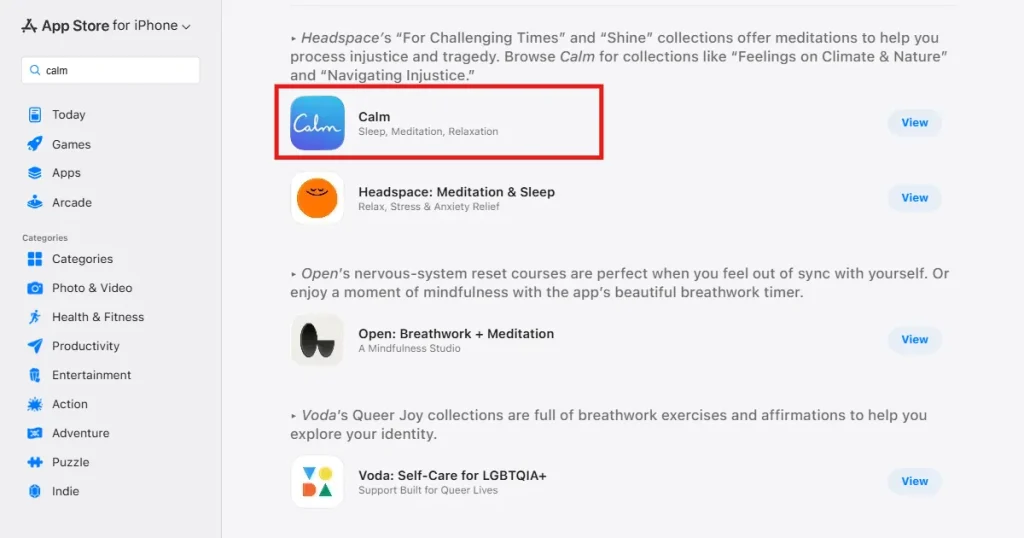
Apps with 4.5 stars or higher dominate the featured sections. Calm, for example, consistently sits at a 4.5+ rating and regularly appears as an App Store featured app.
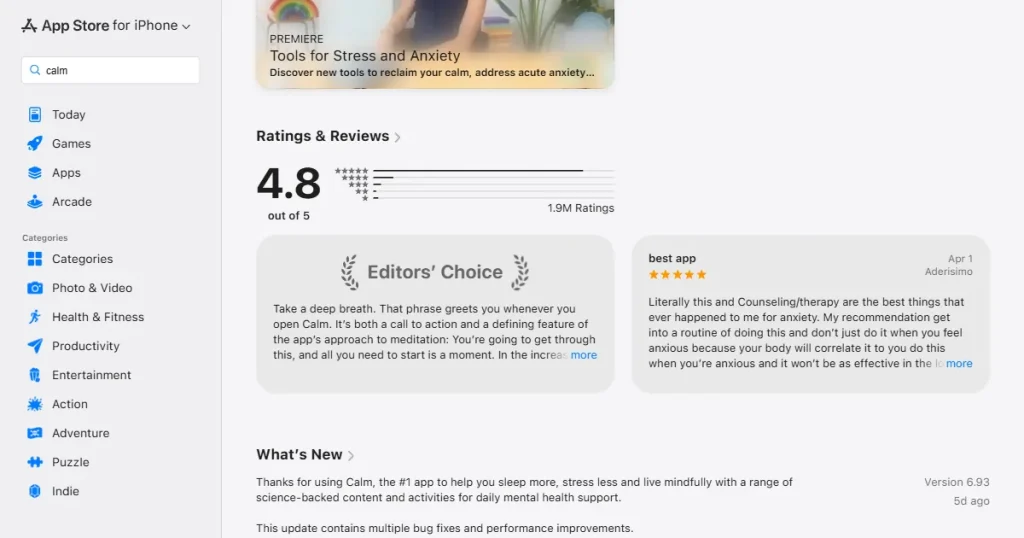
Their recent reviews are overwhelmingly positive, proving that users are actually happy with the product. Editors look at recent feedback, so a high lifetime average won’t hide a buggy new update from the App Store editorial team.
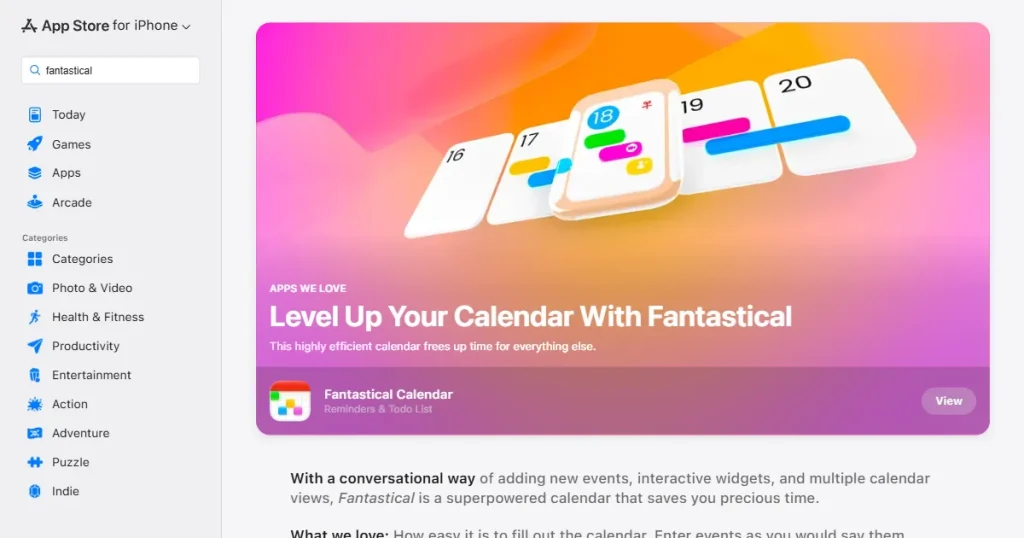
Apple loves to highlight apps that show off what iPhones and iPads can do. Fantastical is a great example of an App Store featured app.
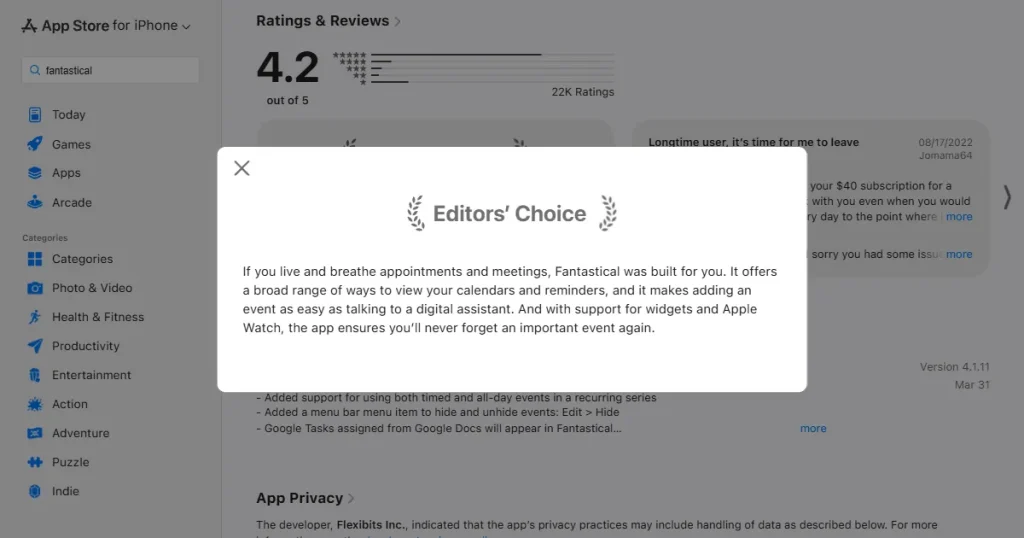
They adopt new widgets and software integrations the moment they are released.
If you ignore new Apple APIs, your app will look outdated compared to competitors who support features like Live Activities from day one and understand how to get featured on the App Store.
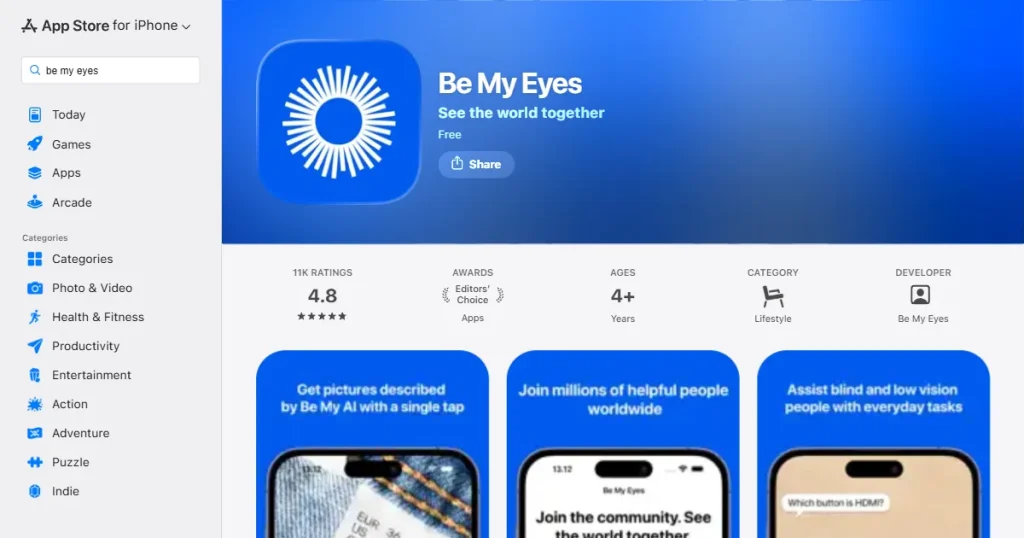
Accessibility is a core priority for Apple. Be My Eyes was built for visually impaired users and features top-tier VoiceOver support, making it a frequent App Store featured app.
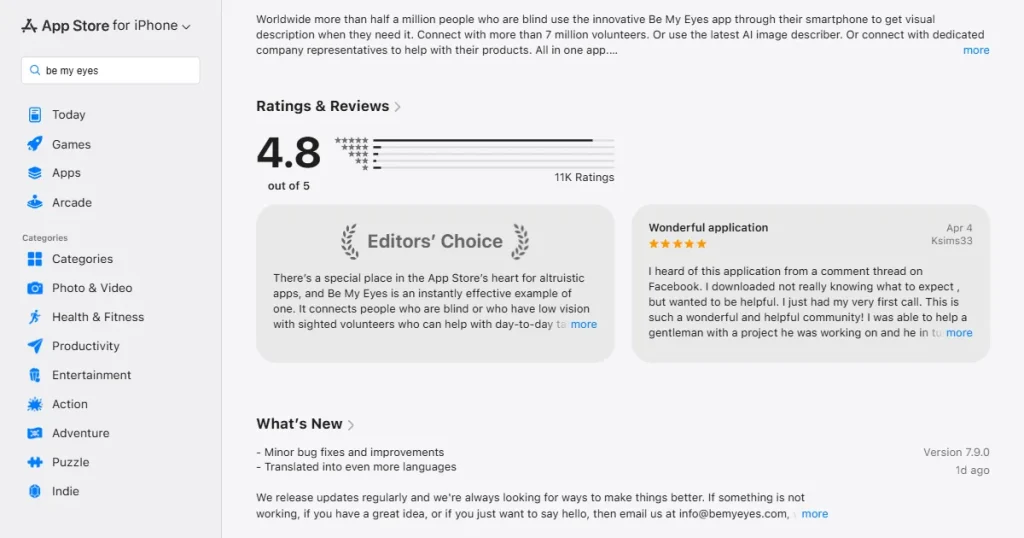
Apple frequently highlights it because it aligns perfectly withitsr corporate values. Building for accessibility is required to get featured, not just a bonus in the App Store featuring process.
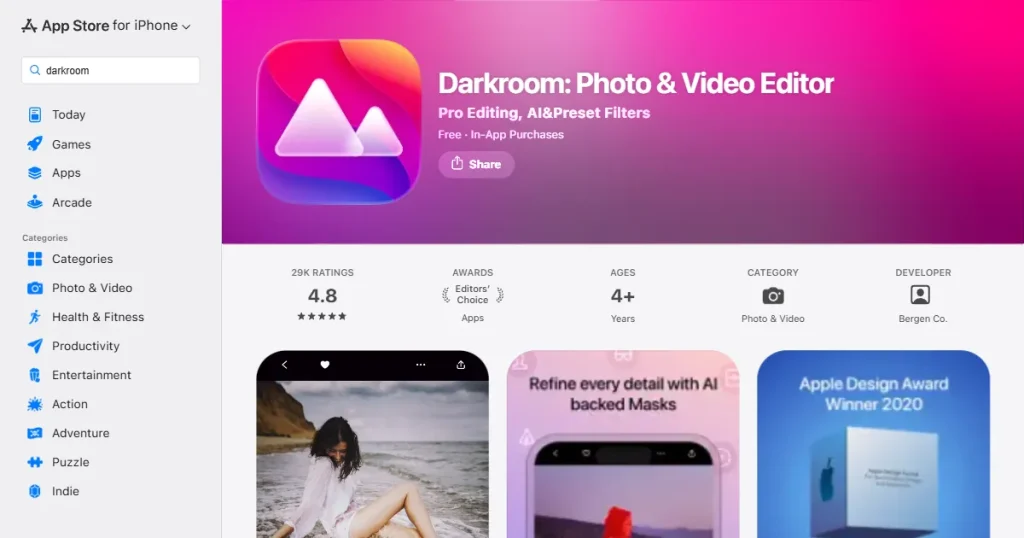
Standard, purely functional utility apps rarely get picked by the App Store editorial team. Darkroom wins spots because its interface is incredibly clean and polished.
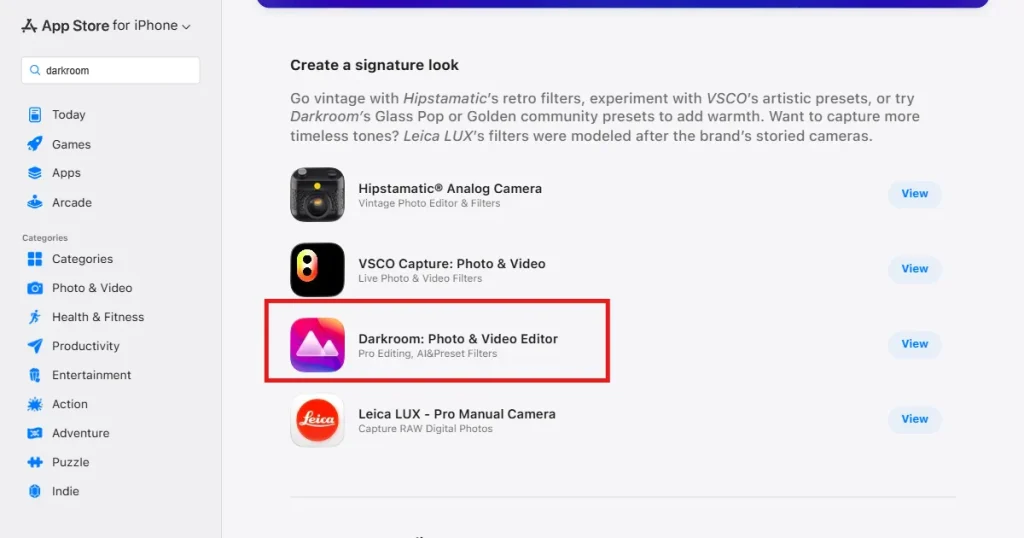
It follows Apple’s design rules perfectly, keeping spacing and typography consistent. If an app doesn’t look visually appealing, the editors usually move on when selecting an App Store featured app.
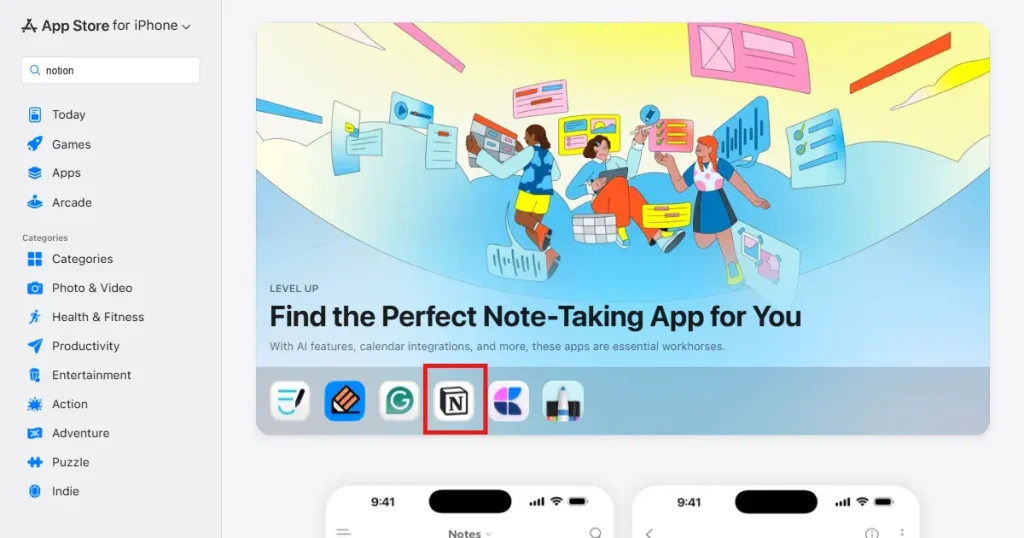
Editors need an angle. Notion gets featured by positioning its updates as major shifts in how people work, demonstrating a clear grasp of how to get featured on the App Store.
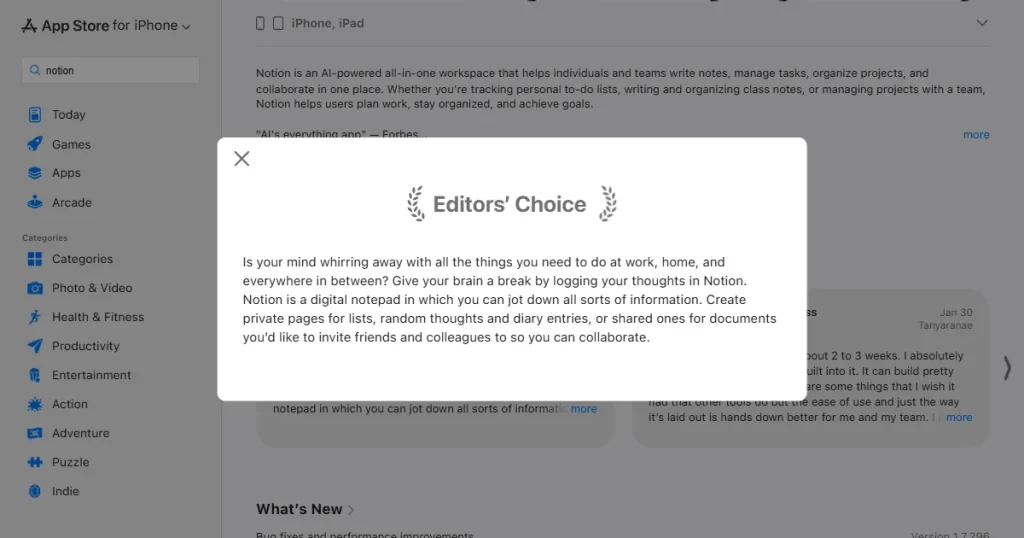
They bring a clear narrative and strong branding to the table. You have to give the editors a reason to talk about you beyond we fixed some bugs.
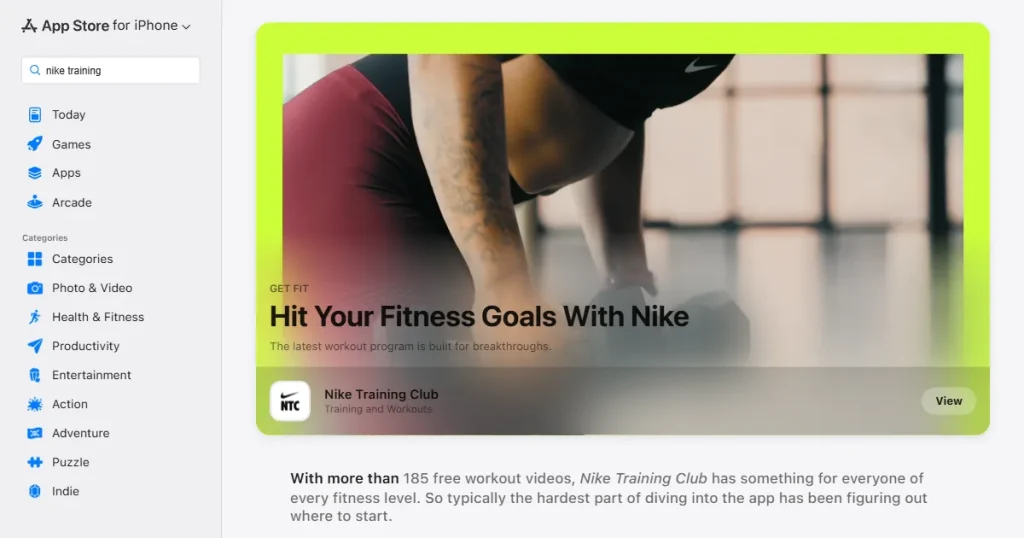
Nike Training Club is heavily featured around the New Year because that is when people focus on fitness. Editors plan their articles around what users care about right now, like summer travel or holiday shopping, a key detail in the App Store featuring process.
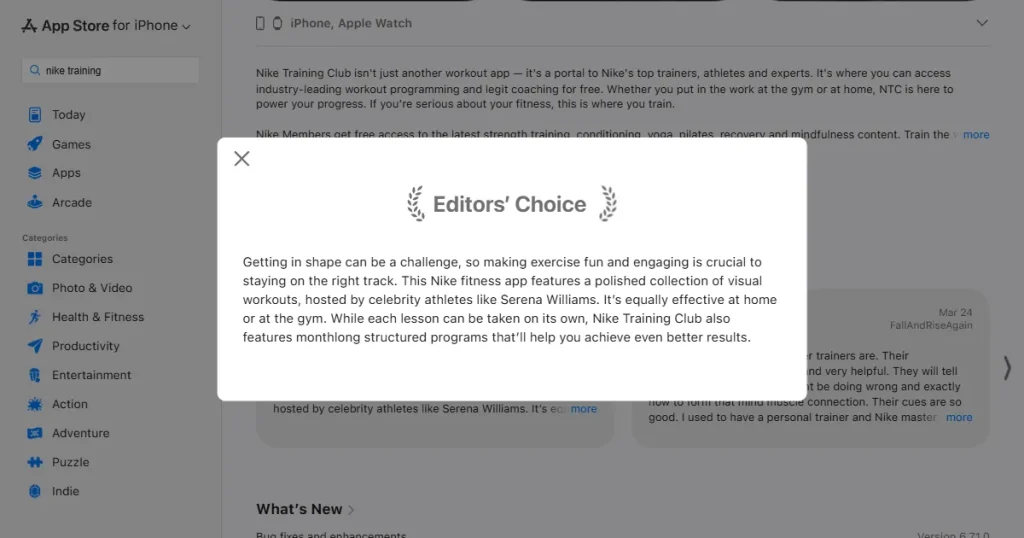
Pitching a fitness app in July is simply harder than pitching it in January to the App Store editorial team.
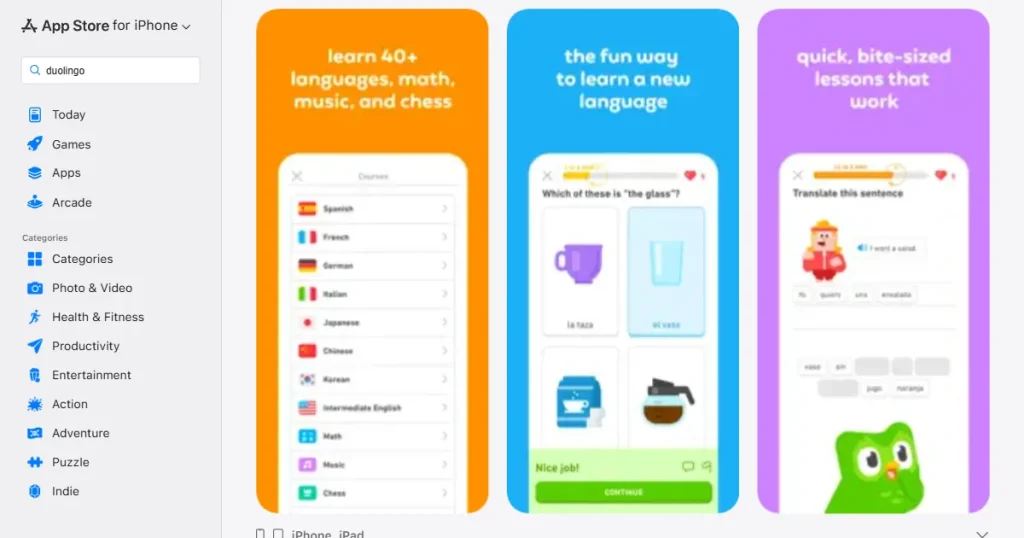
Some apps just make sense for everyone. Duolingo has a clear purpose and global appeal. It is easy to use and understand, making it a safe and valuable pick for education campaigns and a prime example of how to get featured on the App Store.
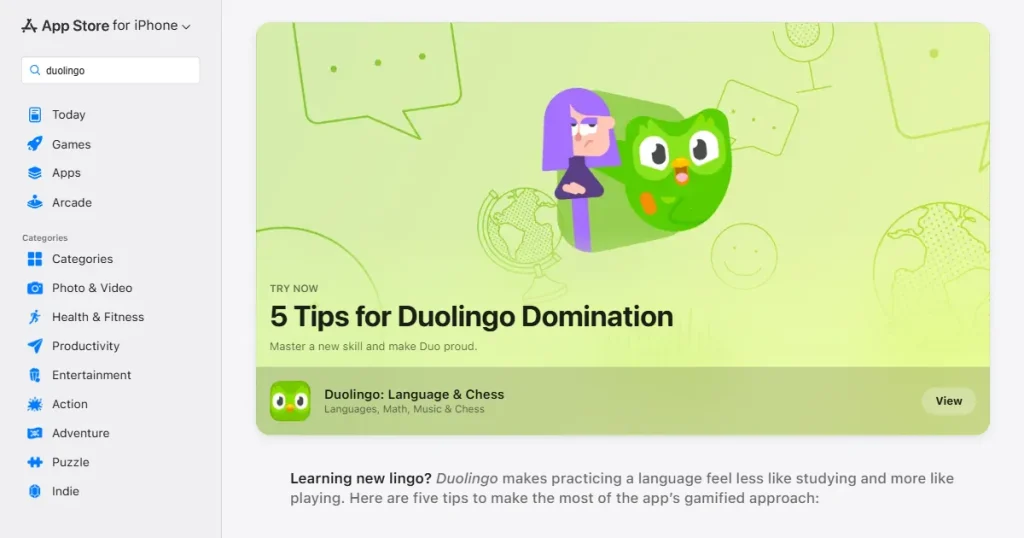
The Today tab serves a mass audience, so apps with a low barrier to entry do very well there as an App Store featured app.
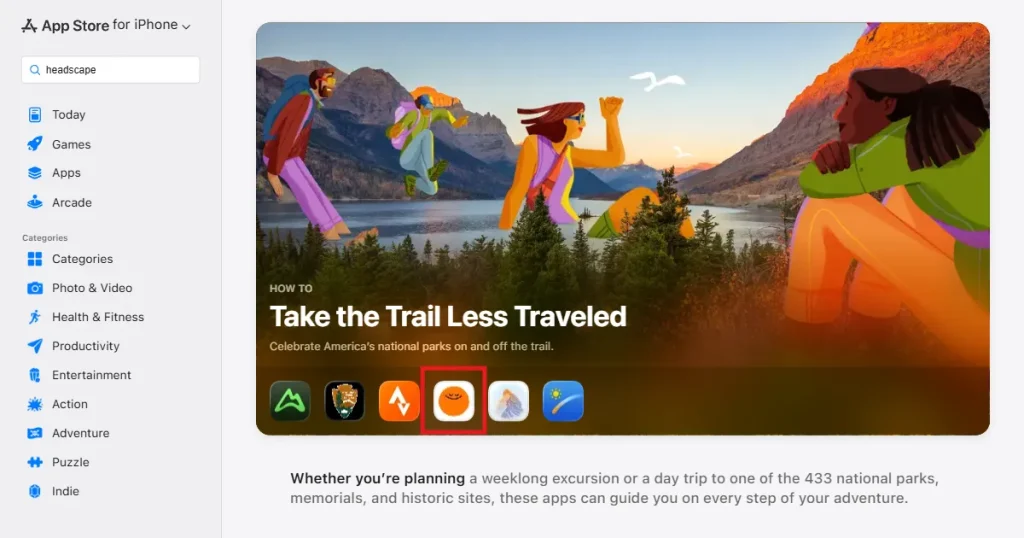
Apple appreciates sustainable, honest business models. Headspace uses a clean subscription setup with a transparent paywall. Editors actively avoid apps that use shady tactics or trick users into accidental charges when searching for a new App Store featured app.
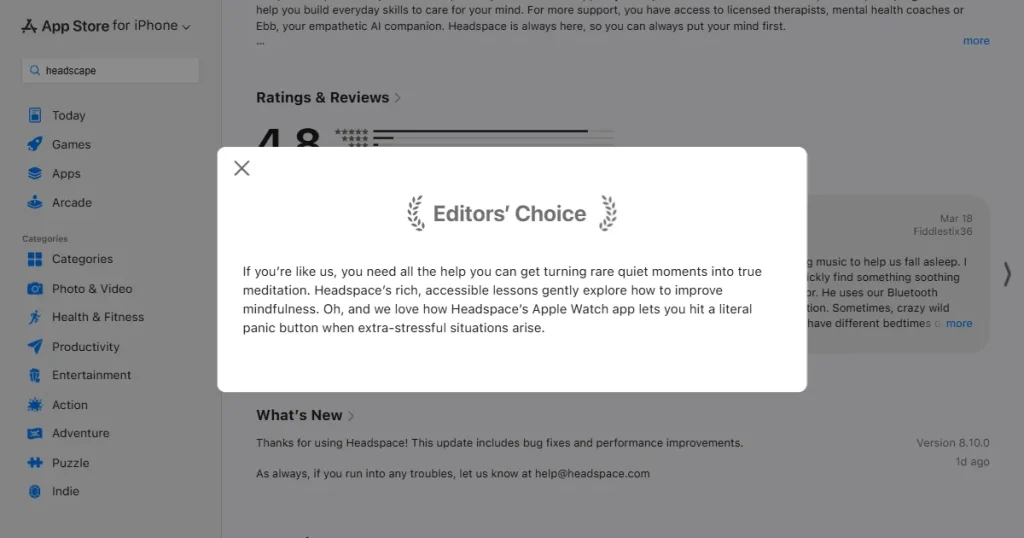
A straightforward business model shows you are a trustworthy partner to the App Store editorial team.
You cannot just sit back and wait for Apple to find you. You need to submit a formal request to enter the App Store featuring process.
You cannot just sit back and wait for Apple to find you. You need to submit a formal request to enter the App Store featuring process. There is an official workflow in App Store Connect, and following it closely is essential if you want to learn how to get featured on the App Store.
A green banner will appear confirming your submission was successful. You can find your pitch under the Submitted section of your dashboard, where you can view full details or make edits later.
The editors judge your app against a strict checklist during the App Store featuring process:
1. Build a Stable, High-Quality App
This is step one in understanding how to get featured on the App Store. Keep your crash rate below 1%. Run thorough testing before you launch. If the app is slow or feels fragile, editors will pass. Test it on older devices too, just to be safe.
2. Tell Apple About Your App Early
Submit your nomination weeks in advance. Share your development roadmap and let them know about big updates before they happen. Treating the App Store editorial team like partners gives them the time they need to review your work.
3. Match Apple’s Editorial Calendar
Pay attention to what Apple is doing. Plan your big releases around new iOS updates in the fall. Prepare special content for major holidays. Fitting into their existing schedule is the smartest way to get noticed as a potential App Store featured app.
4. Polish Your App Store Page
Your store page needs to look professional. The first two lines of your description are crucial because that is all people see at first. Use great screenshots and a clear preview video so editors instantly understand your app’s value in the App Store featuring process.
5. Focus on High-Quality Reviews
Social proof matters if you are figuring out how to get featured on the App Store. Ask users for a review only after they have had a good experience, like finishing a level or a task. Reply to negative feedback and fix bugs quickly to keep your average rating near 4.8.
6. Localize Your App
Apple operates all over the world. Translate your app’s text and adapt your screenshots for different regions. This opens up opportunities to be noticed by the international App Store editorial team seeking great local content.
7. Prepare for Traffic Spikes
Watch your crash reports closely. Test your servers to ensure they can handle a sudden surge of thousands of new users. A feature will do more harm than good if the App Store featured app crashes the moment people open it.
8. Use New Apple Features
Adopt new developer tools as soon as Apple releases them. Being one of the first apps to support a new iOS feature is the best way to catch an editor’s eye, because they need apps to demonstrate the new technology, and this is a known trick for how to get featured on the App Store.
9. Keep Monetization Honest
Be incredibly clear about your pricing. Do not use confusing layouts to trick users into subscribing. A clean, honest business model proves to Apple that you are a reliable developer during the App Store featuring process.
10. Follow the Guidelines Strictly
Read the App Store rules and follow them to the letter. Do not make misleading claims or take shortcuts with user privacy. One simple violation can get your app rejected from the store entirely by the App Store editorial team.
Here are a few tools that can help you prepare for an editorial review and help you understand how to get featured on the App Store:
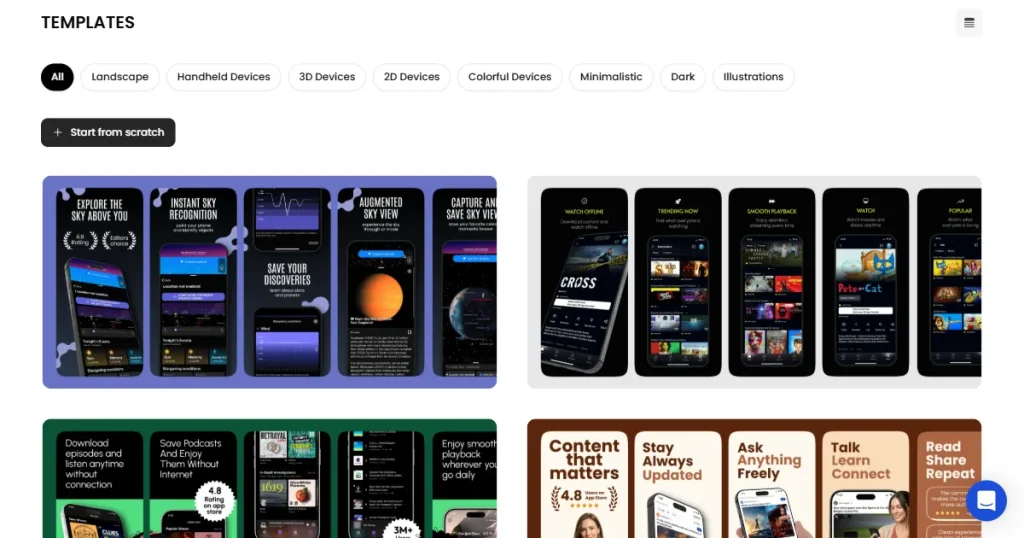
AppLaunchpad helps you create clean, professional screenshots that fit every screen size using 1000+ App Store-ready screenshot templates across categories like fitness, travel, e-commerce, and more.
It also supports localization in 80+ languages, making it easy to translate your screenshots for global markets and present your app like a polished App Store featured app.
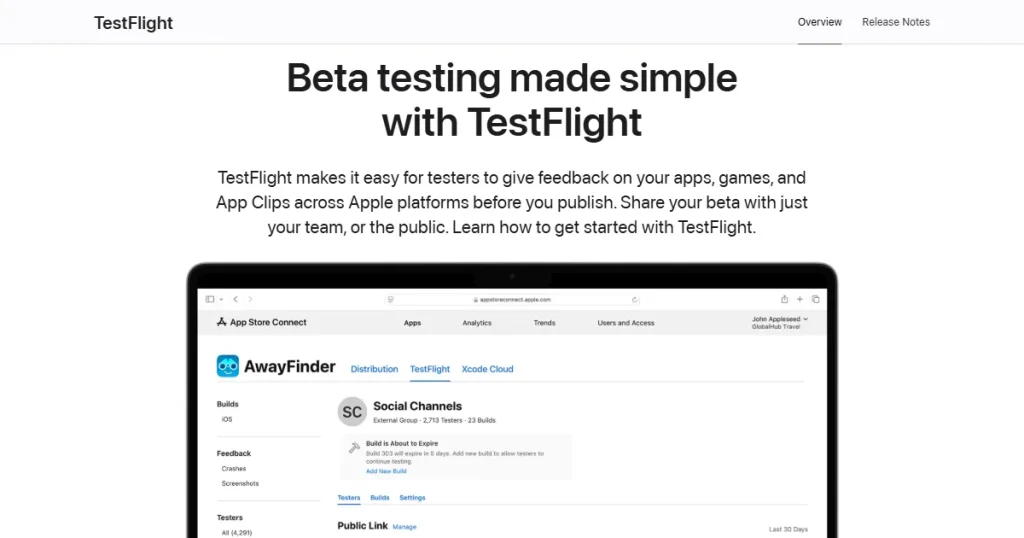
TestFlight is Apple’s official tool for testing your app before public release. It helps you catch bugs, monitor crash rates, and collect user feedback so your final build is stable and ready for the App Store featuring process.
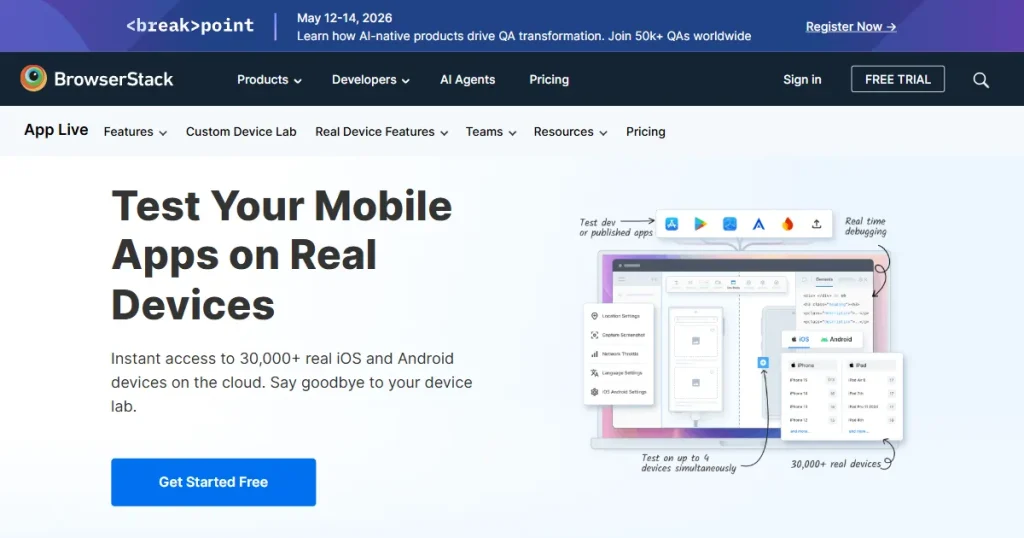
Allows you to test your app on real iPhones and iPads remotely. It helps you catch visual bugs on devices you might not own.
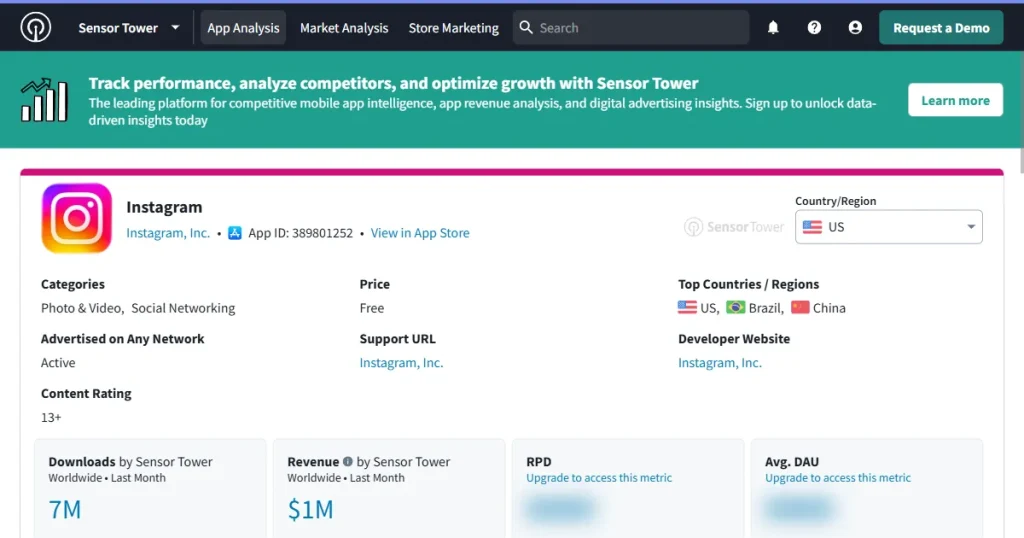
Let’s you track your ratings and compare your app to competitors. It helps you spot a sudden drop in App Store reviews so you can fix issues before pitching your app to the App Store editorial team.
A feature can actually backfire if your app is not ready. A massive wave of new users will quickly expose any technical weaknesses in your new App Store featured app.
Industry benchmarks show that if your crash rate goes above 1% or 2% during a surge, your ratings will likely drop.
A Real Example: Robinhood
During major stock market events, the Robinhood app experienced massive traffic spikes, leading to service outages. This led to thousands of angry reviews and intense backlash, proving that rapid exposure magnifies any technical flaws for an App Store featured app.
The Lesson
Test your servers before you launch. Make sure your customer support team is ready for a surge in emails. Watch your app’s performance closely so you can fix issues the moment they happen and successfully navigate the App Store featuring process.
Getting featured is earned through preparation and quality. An editorial feature is a great way to improve app growth and ASO, but it won’t fix an app that people don’t actually want to use. Focus on building a stable, valuable product, present it well, and the App Store editorial team will eventually take notice.
Focus on creating a polished, bug-free experience. Keep your crash rate below 1%, use Apple’s newest features, maintain a high rating, and submit your pitch weeks in advance to master how to get featured on the App Store.
Clearly explain what is new and why users will care right now. Mention any Apple technologies you integrated, include your exact launch date, and attach high-quality promotional images for the App Store editorial team.
Log in to App Store Connect, go to the Featuring Nominations section, select your app, choose the type of event you are pitching, and fill out the details at least three to four weeks before your release to begin the App Store featuring process.
Not always. Most developers find out because they suddenly see a massive spike in downloads or notice their App Store featured app on the Today tab.
Combine your pitches with good App Store optimization (ASO). Use clear screenshots, encourage happy users to leave ratings, and make sure your app is easy to use from the moment someone opens it so you don’t solely rely on learning how to get featured on the App Store.
To get featured on the App Store, submit a nomination through App Store Connect, highlight what’s new or unique, and ensure your app is stable, well-designed, and follows Apple’s guidelines. Timing your update also improves your chances.
The App Store editorial team reviews apps and selects which ones get featured across the store. They focus on quality, design, innovation, and user experience, choosing apps that offer real value and fit current trends or themes.