App Store Connect Guidelines for App Developers and…
App Store Connect is the platform that lets you upload your app and manage all updates, including metadata, revenue details, […]
Published Nov 13, 2026
12 min
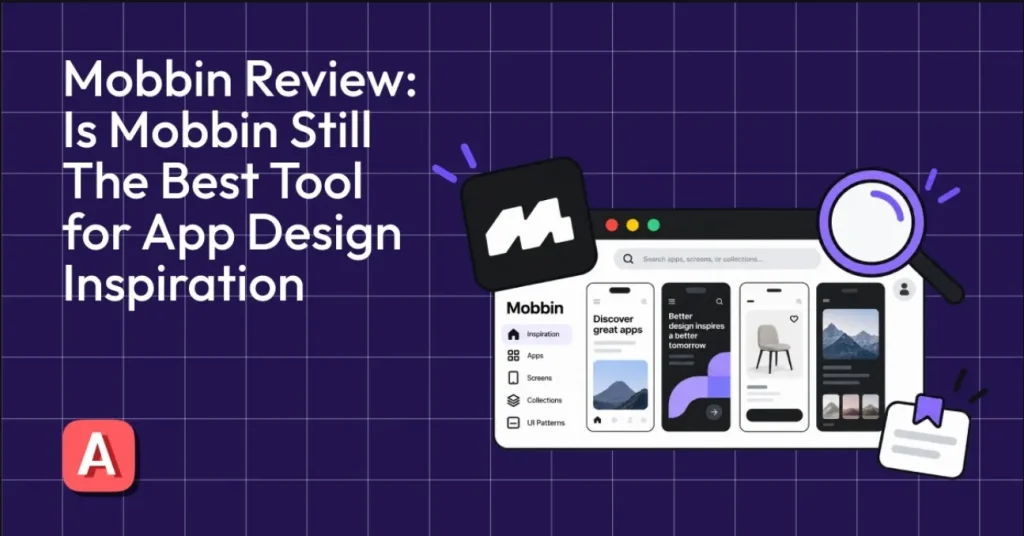
Mobbin is a UI/UX research tool that helps app designers and developers study real app screens, user flows, and design patterns to understand how leading apps build their products.
However, Mobbin has a few limitations, such as no AI design capabilities or app store screenshot inspiration. That’s why AppLaunchpad is the best Mobbin alternative, as it provides app UI/UX inspiration and lets users create app store screenshots to present their app professionally.
To understand if Mobbin is worth using, let’s dive into this Mobbin review and learn what Mobbin offers, where it falls short, and how it compares with newer tools that offer more than just app design inspiration.
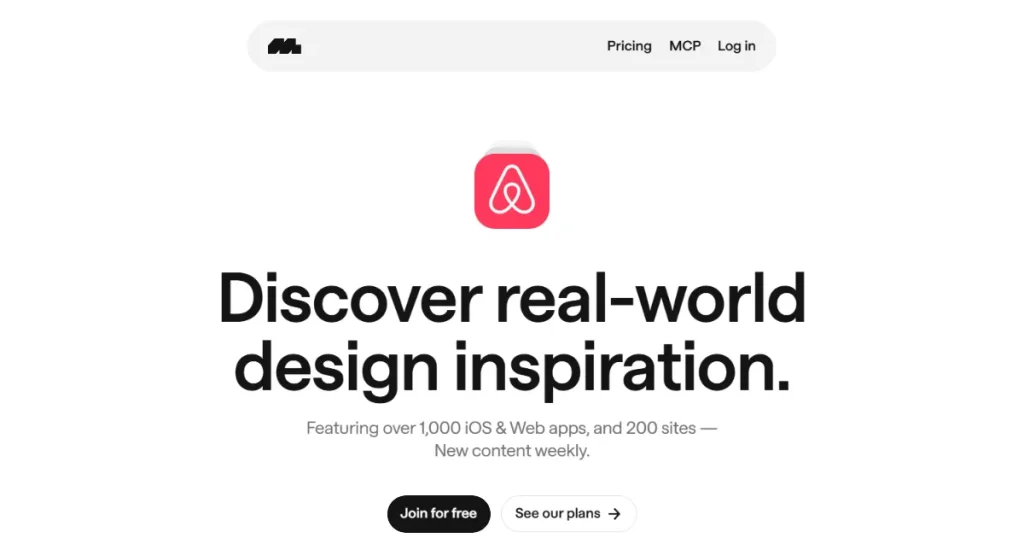
Mobbin is a UI/UX research platform that provides access to real app screens, user flows, and UI elements so app developers and designers can study app design patterns, explore user experiences of apps, and find inspiration for their own apps.
Apart from providing app design inspiration, Mobbin also offers website design inspiration covering website screens, UI elements, and user flows of top-performing websites like Airbnb, Notion, Stripe, and Shopify.
Currently, the Mobbin design library includes design references from over 1428 apps and websites, 621k+ user screens, and 323k+ user flows, with more being added at regular intervals, making it one of the largest collections of app UI inspirations.
To better understand what Mobbin has to offer, this Mobbin review takes a closer look at its key features and how they support UI/UX research, which we’ve discussed below
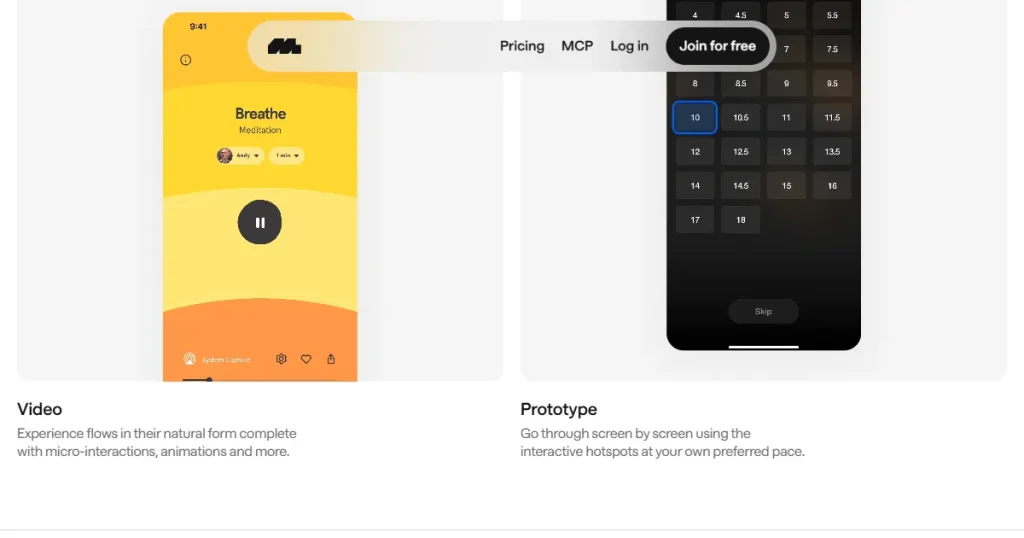
One of Mobbin’s useful features is its interactive prototypes and video user flows. The prototyping feature lets users explore each screen of an app through interactive hotspots, making it easier to understand how different screens connect.
Video user flows provide a closer look at the complete user experience, showing how users navigate through an app and interact with its features in real time.
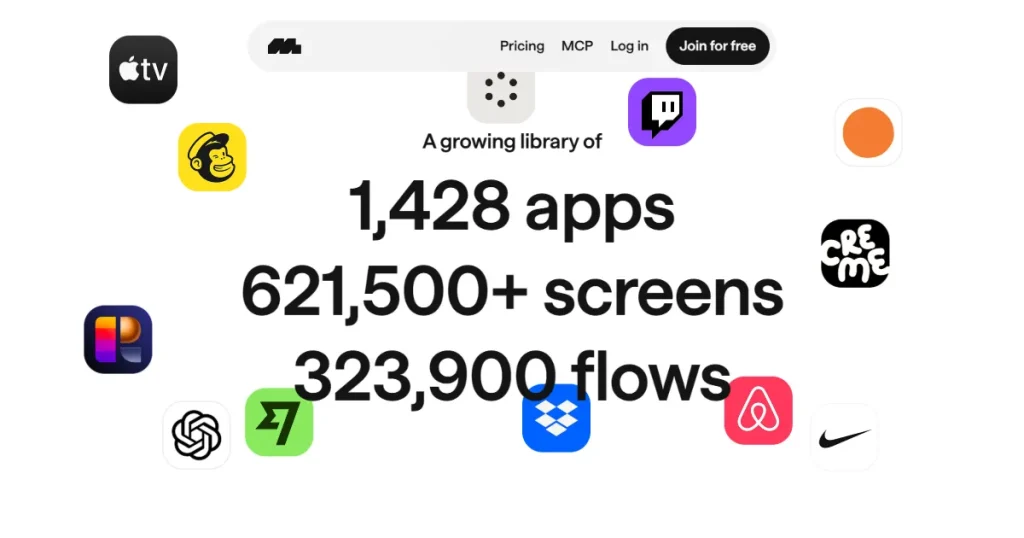
Mobbin’s UI library covers more than 1,400 real apps and websites, giving designers and developers a large collection of real-world design references to explore.
Moreover, it organizes them into app screens, user flows, and UI elements like signup pages, paywall pages, and onboarding flows. This makes it easier to study specific parts of an app’s design without downloading the app and spending hours exploring it.
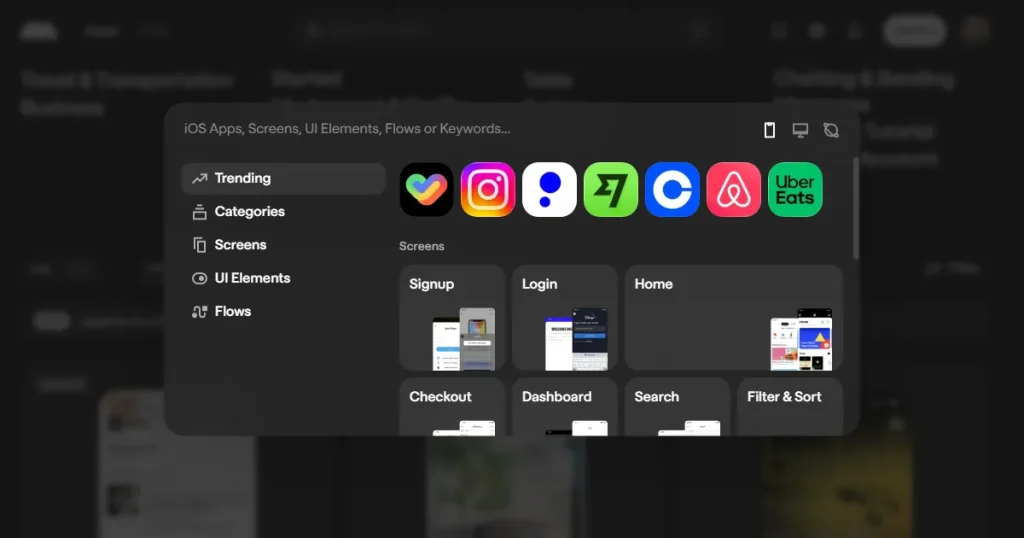
Users can narrow down the Mobbin design library by using filters for screens, UI elements, user flows, app categories, and platforms, making it easier to find specific design patterns and references without manually browsing through hundreds of results.
Mobbin has also added a new feature that allows users to search for the exact text on screen, to help you find the exact design references you are looking for.
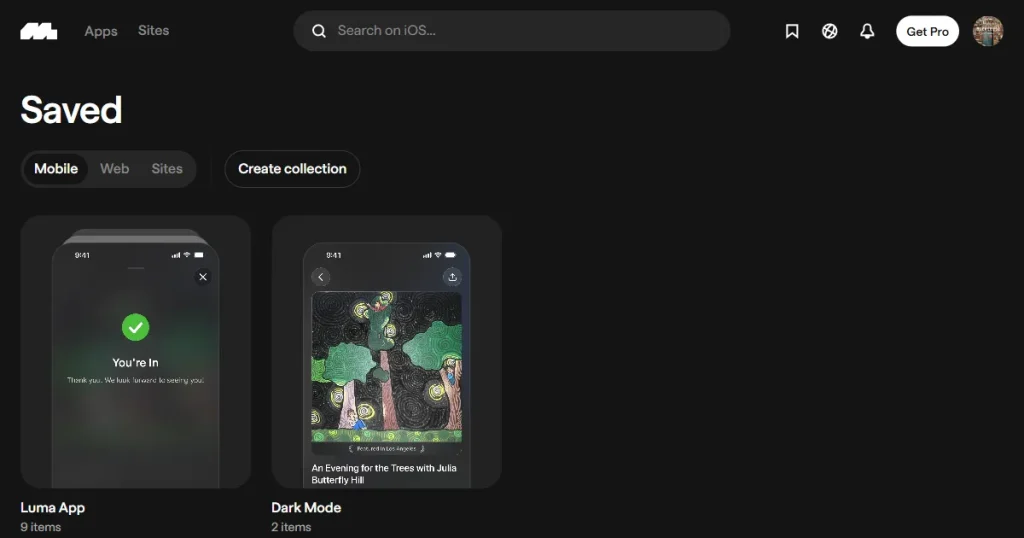
Team plan users can create personal or shared team folders to organize design inspiration, build mood boards, and collaborate with their team. You can upload your own custom iOS and Android screenshots directly into shared folders
You can also see which public collections a screen or flow has been saved to, making it easier to discover curated references from other designers.
Mobbin also lets users leave public comments on screens and flows to ask questions, share insights, and discuss design decisions, to connect with like-minded individuals and build a community.
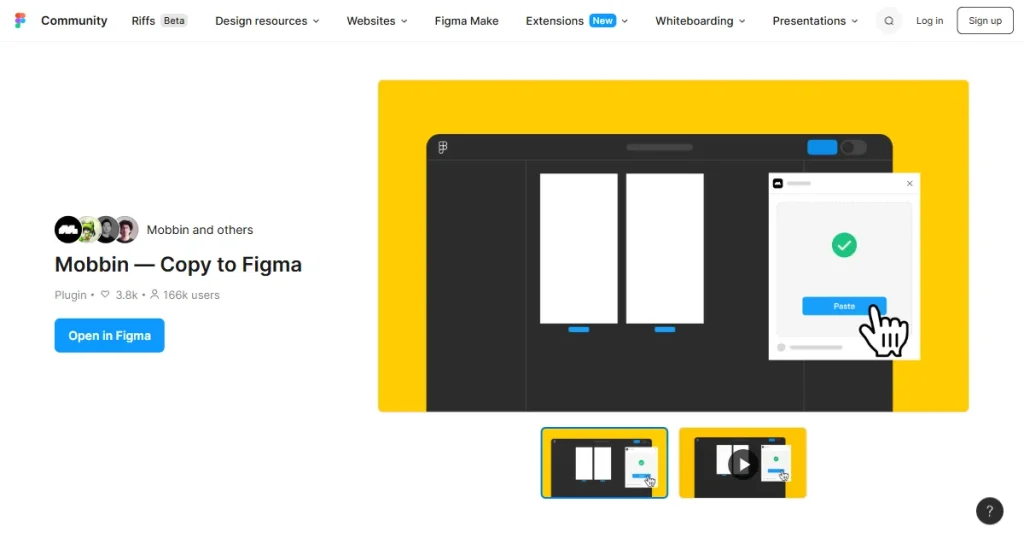
With its Figma plugin, the Mobbin design tool lets users bulk copy multiple app screens or entire flows directly into a Figma canvas, in just one click, to keep design inspiration alongside their own design work for reference and comparison.
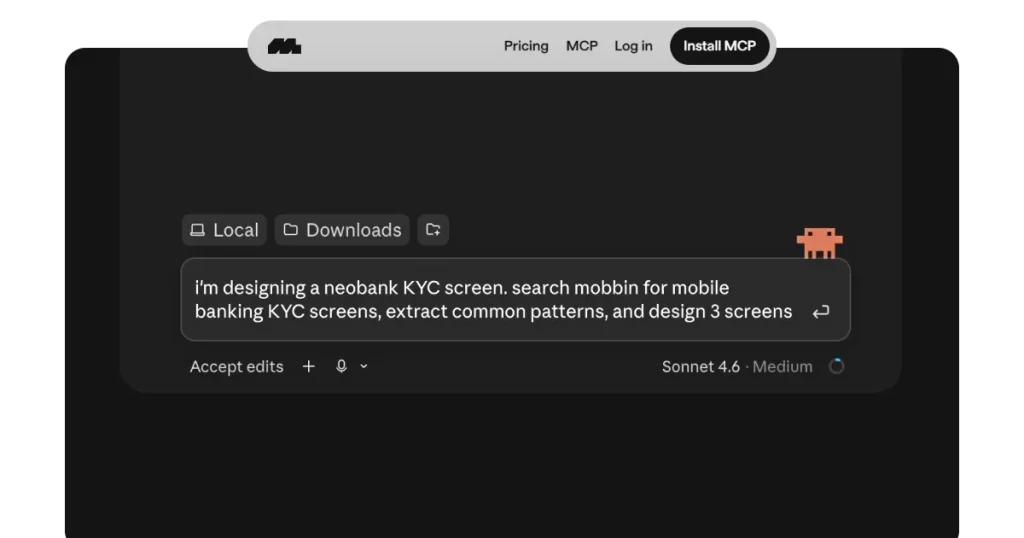
Another addition to Mobbin’s design workflow is its MCP integration, which connects AI tools like Cursor, Claude Code, and Codex to Mobbin’s design library. This lets AI tools access real app UI screens, user flows, and websites as design references.
Developers can use these inline visual references, established design patterns, and design analysis to understand how existing apps handle specific UI elements and user journeys. AI tools can then use these references to help generate app UI designs, making it easier to apply proven design patterns instead of starting from scratch.
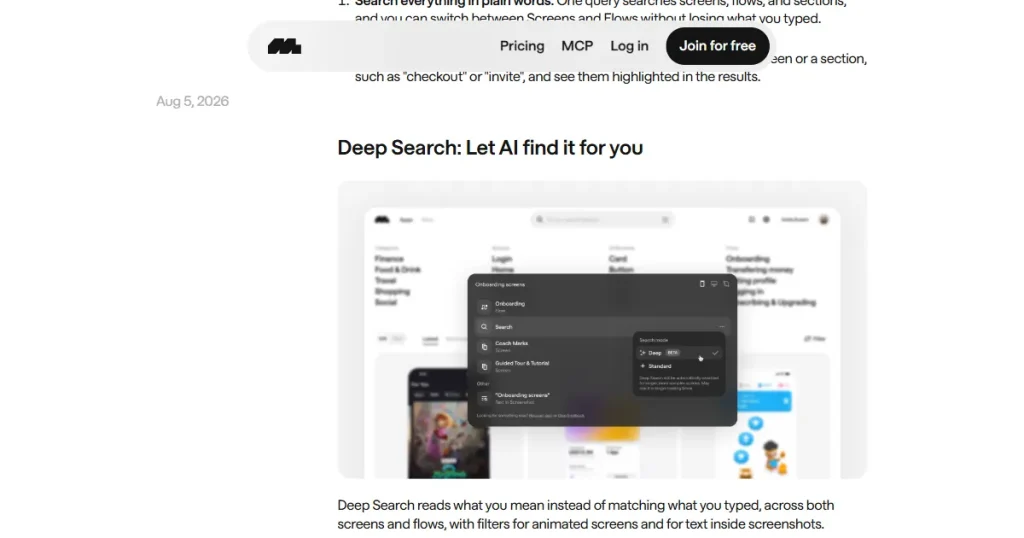
Mobbin has also added a Deep Research feature that understands what you’re looking for instead of just matching keywords.
While normal search is useful for quickly finding specific screens or flows, Deep Research analyzes broader, more complex queries across Mobbin’s library to surface relevant design patterns and references, making it useful when you want to explore a UX problem in greater depth.
Looking beyond its feature set, this Mobbin review also highlights a few clear advantages mentioned below that can make design research more efficient.
While Mobbin has several strengths, this Mobbin review also highlights a few limitations because of which users are looking for Mobbin alternatives.
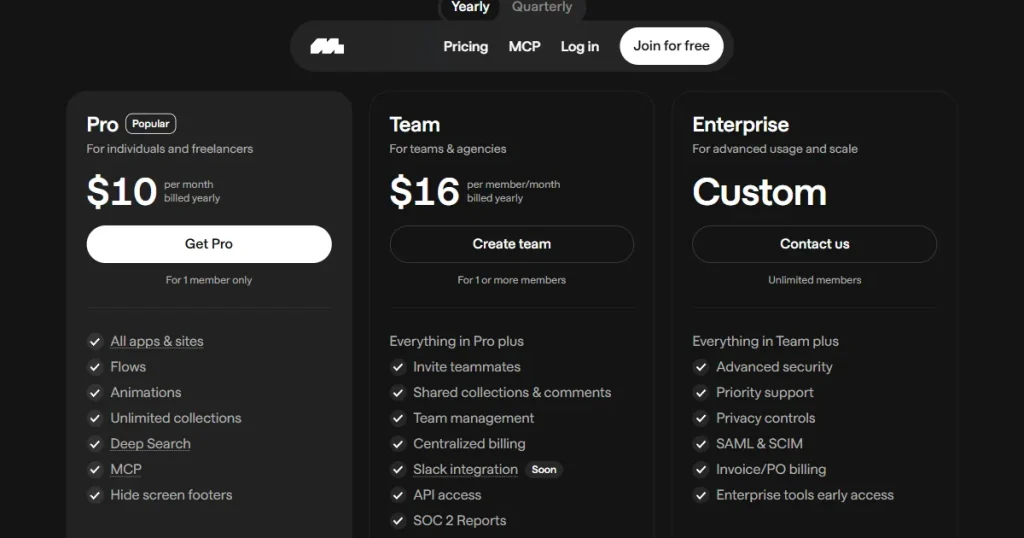
Pricing is another important factor to consider, so this Mobbin review breaks down the available plans below.
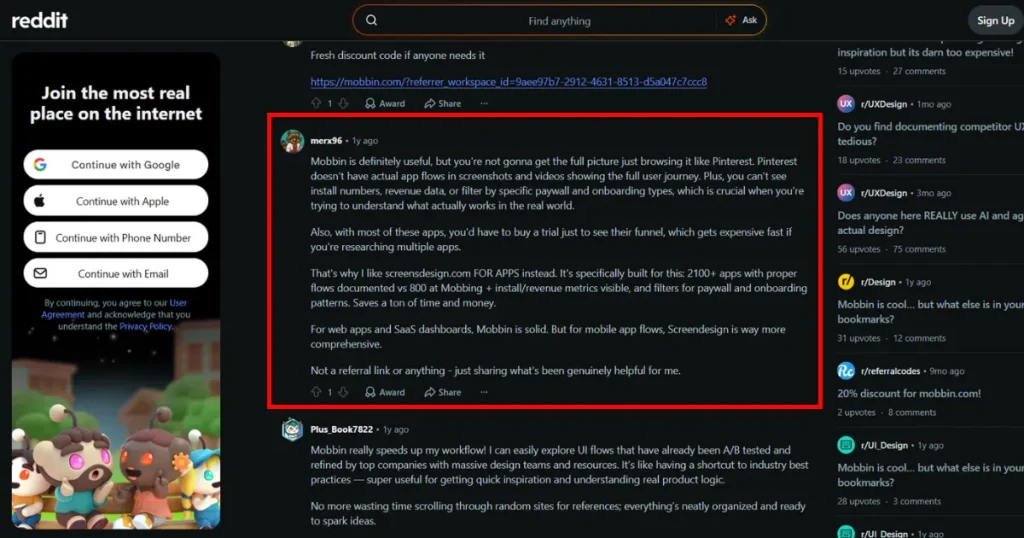
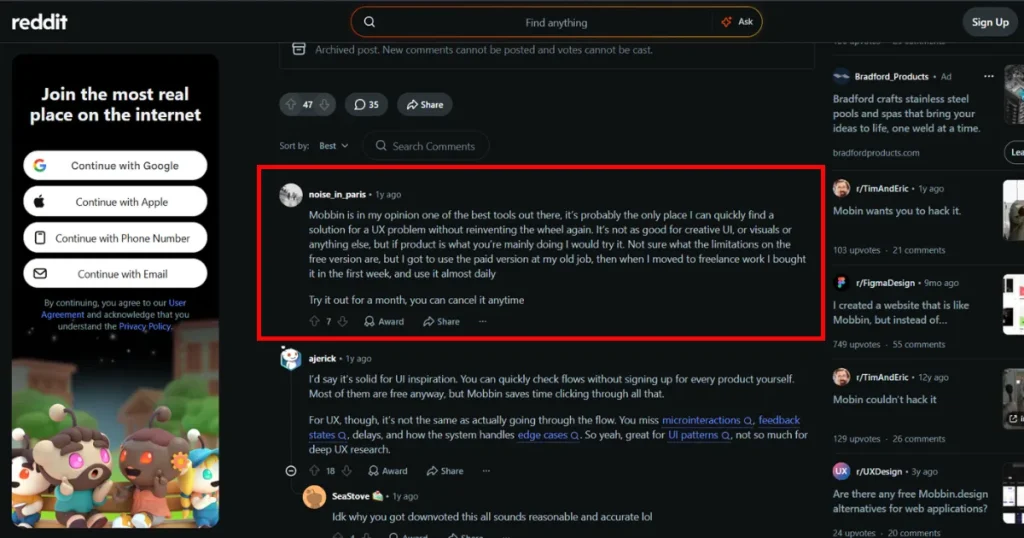
To find what real users have to say about Mobbin, we scanned Mobbin reviews on Reddit and found that users appreciate how quickly it lets them explore UI flows without having to open and study each app individually.
One Mobbin review said that it speeds up the workflow by providing access to UI flows that have already been A/B tested and refined by large design teams, to help you understand real product logic.
However, some Mobbin reviews pointed out that Mobbin doesn’t show everything about the actual app or website UX, such as microinteractions, feedback states, delays, and edge cases. Moreover, some Mobbin reviews also noted that it does not provide additional product data such as install numbers and revenue, which can be useful for deeper product research.
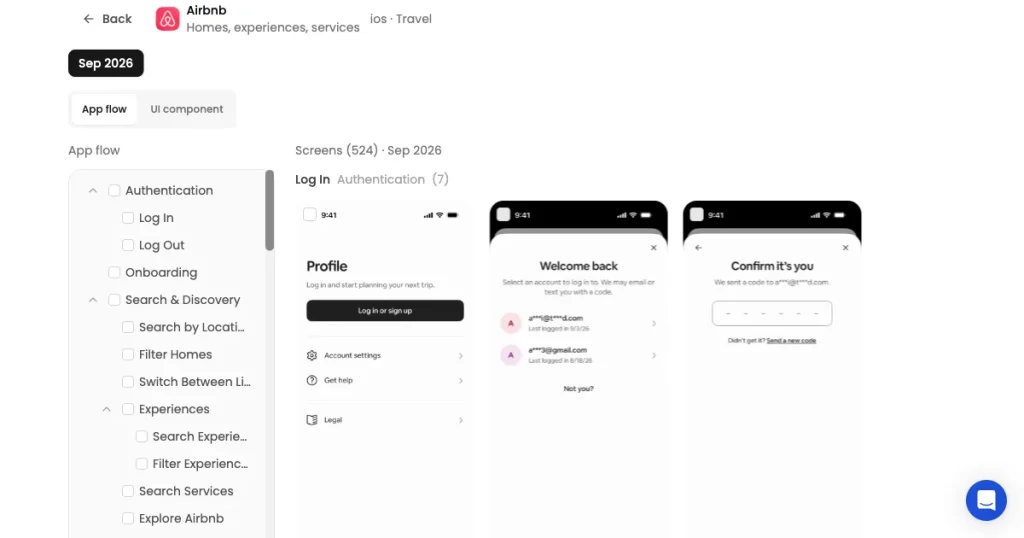
AppLaunchpad is an app store screenshot generator that has also recently introduced an App UI/UX inspiration tool, helping app developers and designers explore how leading apps design their interfaces and use those insights to improve their own apps.
AppLaunchpad combines design research, app store inspiration, and screenshot creation, making it useful beyond just exploring UI references. This is why AppLaunchpad is a better Mobbin alternative for app developers and designers who want both UI/UX design inspiration and tools to create app store screenshots.
Now, let’s look at the features of AppLaunchpad’s App UI/UX Inspiration tool and see how it compares with Mobbin.
Through this Mobbin review, we can conclude that Mobbin is one of the most popular app UI/UX design research tools, as it helps app developers and designers to browse through thousands of real app UI elements and user experiences without actually downloading the app.
However, Mobbin may not cover every need for app designers and developers. While it offers extensive UI/UX research features, it does not provide a native AI app design generator or focus on App Store screenshot inspiration and creation. Users looking for these additional capabilities may need to use other tools alongside Mobbin.
That’s where AppLaunchpad stands out as a good Mobbin alternative, as it not only provides an app UI/UX design inspiration tool but also provides an app store screenshot inspiration library and the ability to create professional-looking app store screenshots, covering everything from app design ideation to app presentation on the app stores.
Mobbin UI design inspiration tool lets you export app UI screens directly to Figma through its Figma plugin. You can bulk-copy multiple app screens or entire user flows into a Figma canvas for reference and comparison.
Mobbin MCP connects AI tools such as Claude Code, Cursor, and Codex to Mobbin’s design library. This allows AI agents to search real app screens and use those references when creating app UI designs.
AppLaunchpad is one of the best Mobbin alternatives for app developers and designers who want both UI/UX inspiration and app store screenshot creation. It combines UI research with app store inspiration and screenshot design tools.
Yes. Mobbin is worth it if you regularly need real app designs and user flows for inspiration or research. However, its subscription may not be worth the cost if you only need occasional design references or want more flexibility in creating and editing designs.
Mobbin reviews on Reddit appreciate Mobbin for quickly exploring UI flows and studying designs that have been refined by established product teams. However, some users point out that it doesn’t capture details such as microinteractions, feedback states, delays, and edge cases.
Mobbin is used to research real app and website interfaces, study user flows and UI patterns, and find design inspiration without having to download and explore each app individually.
Yes. Mobbin has a free plan, but access is limited compared with its paid plans. The free plan provides access to screens, flows, and UI elements from only the first four apps, while the paid plan unlocks the full library and features such as the Figma plugin and MCP.