


AppLaunchpad vs Placeit: Detailed Comparison
AppLaunchpad vs Placeit comparison for app screenshots. Learn which tool fits App Store and Play Store needs, workflows, and scaling best.
Published Jul 7, 2026
Explore the 7 best iPhone mockup generators for 2026, including free iPhone mockup generator tools and advanced 3D iPhone mockup generator options.
14 min
iPhone mockup generators are tools that turn raw app screens into polished, realistic visuals by placing them inside iPhone device frames, making them more engaging for App Store listings, ads, and landing pages.
The best iPhone mockup generators include AppLaunchpad, Placeit, MockUPhone, Mockuuups Studio, Figma, Mediamodifier, and Smartmockups. Choosing the right one depends on factors like template count, latest device support, automation features, editing controls, licensing, and pricing.
AppLaunchpad stands out as a leading iPhone mockup generator, offering 400+ templates (including clay and hand-held styles), support for iPhone 17 Pro Max, iPhone 17 Pro, iPhone 16 Pro, AI localization, cloning for bulk screenshots, and brand asset management.
This list covers both advanced tools like AppLaunchpad and free options like MockUPhone, so you can choose the right iPhone mockup generator based on your needs.
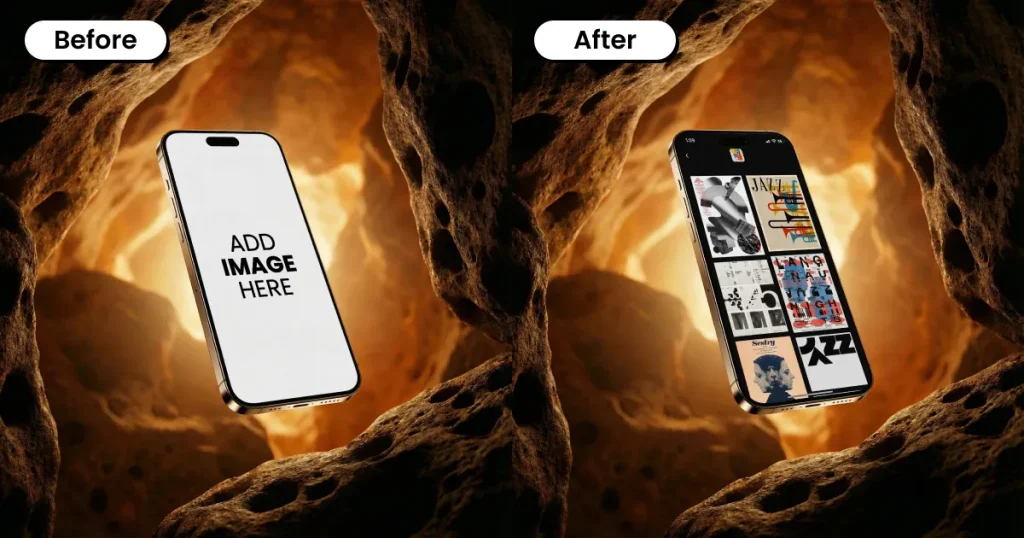
iPhone mockups are realistic device frames that show your app screens as they would appear in real life. They add context and make your app look more professional than a plain screenshot.
Where they are used most effectively:
Common visual formats:
Using iPhone mockup generators removes the need for manual Photoshop work, keeps everything aligned, and speeds up the entire process.
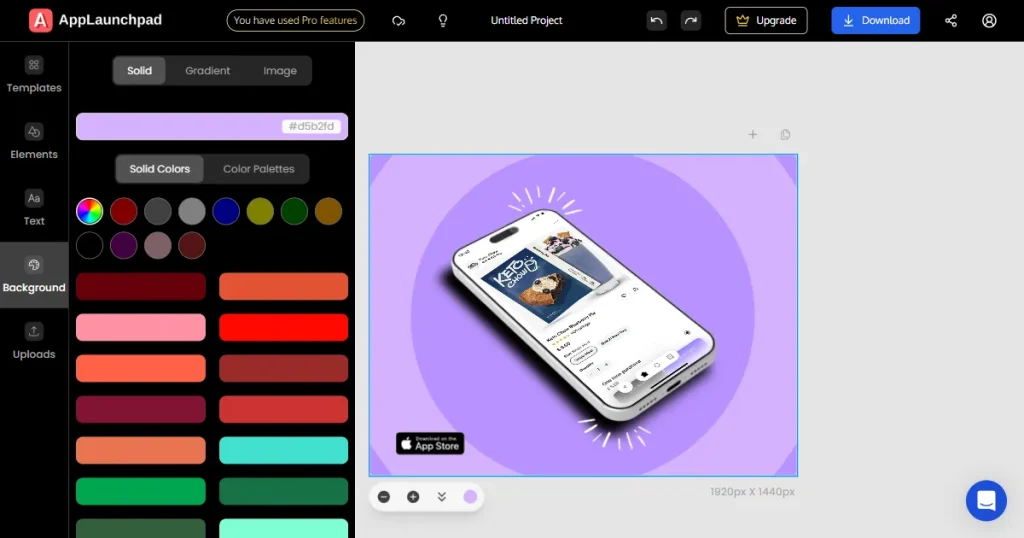
Designing the iPhone mockups manually just isn’t practical for fast-paced app teams anymore. Here’s why using a dedicated iPhone mockup generator matters:
To find the best iPhone mockup generators, we tested them in real-world scenarios, how people would actually use them, and whether the tools are capable of creating commercial projects. Here are the key factors we looked at during the review:
| iPhone mockup generators | Starting Price | Mockup Styles & Template Count | Latest Device Support | Automation | Customization Controls | Best For |
| AppLaunchpad | $29/month (Free plan available) | 400+ (hand-held, clay, 3D iPhone mockups) | iPhone 16, 16 Pro, 15, 14 | High (Bulk cloning, AI localization) | High (Drag-and-drop, custom sizes, text controls) | App Store screenshots & ASO-focused visual assets |
| Placeit | $14.95/month (Free plan is watermarked) | 1,800+ (Lifestyle, 3D, device-only mockup styles) | Older iPhone models (No iPhone 16/17 support yet) | Low | Medium (Basic drag-and-drop, branding assets) | Marketing creatives & social media ads |
| Mockuuups Studio | $20/month (Free plan with attribution) | 4,800+ (Photorealistic, lifestyle mockups) | iPhone 17 Pro, iPhone 16 | Low | Medium (Figma/Sketch integrations) | Premium designer mockups |
| MockUPhone | 100% Free | Around 25 templates (Minimal, flat iPhone mockups) | iPhone 16, 15, 14, 13 | None | Low (Basic device frame orientation & color customization) | Quick and free iPhone mockups |
| Mediamodifier | $12.50/month (Free plan with download restriction) | 500+ iPhone mockups (7,000+ total) | iPhone 17 Pro, iPhone 16 | Medium (Direct social media publishing) | Medium (Brightness, contrast controls, PSD export format) | Versatile marketing visuals |
| Smartmockups | $15/month (via Canva Pro) | Hundreds (Static & animated) | Varies | Medium (AI tools, Magic Edit) | Medium (Canva-based controls) | Fast Canva-based workflows |
| Figma | $20/user/month (Free available) | 4,700+ (Community vector, 3D, clay) | iPhone 17, 16, 15 Pro | High (Via plugins) | Very High (Full pixel-perfect control) | Full design control & flexibility |
Best for: App Store screenshots, ASO optimization, and highly scalable mockup workflows.
Introduction
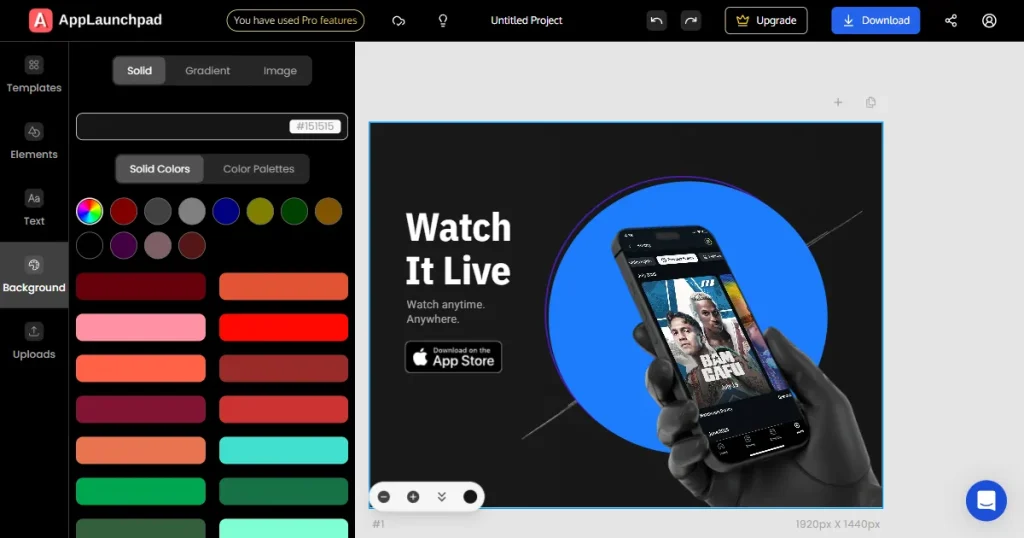
AppLaunchpad stands out as a powerful, browser-based 3D iPhone mockup generator built from the ground up specifically for app growth and App Store optimization (ASO). Unlike generic iPhone mockup generators, every feature here is designed to increase your install rate.
Key features
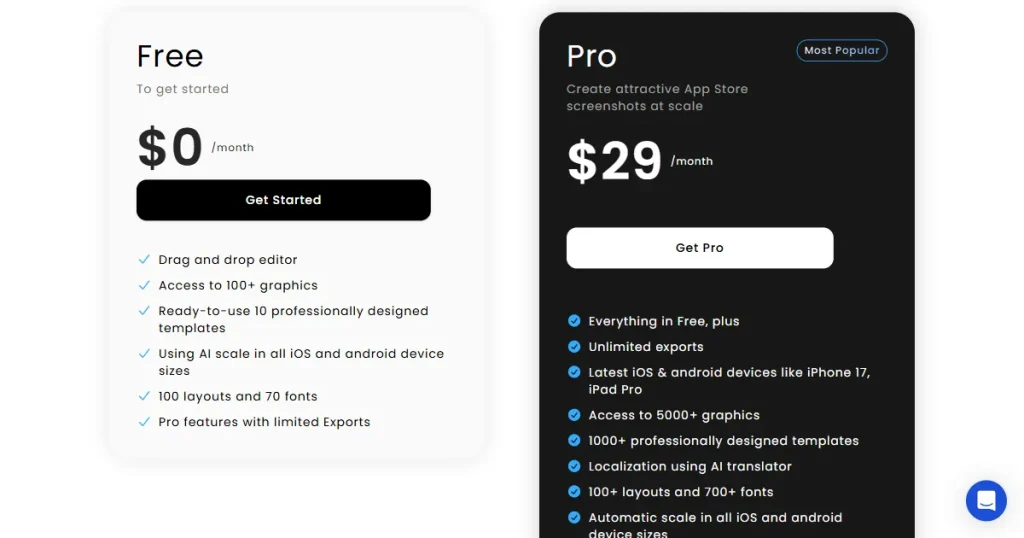
Pricing: Free plan available; Paid plan starts at $29/month.
What’s great about AppLaunchpad?
AppLaunchpad is designed for conversion-focused screenshots. Its automation and localization features make scaling in global markets much easier. The templates highlight UI features clearly, and even the free plan lets you export without watermarks.
What can be better?
Right now, it doesn’t offer animated or video mockups, and there are fewer lifestyle scenes than you’ll find in marketing-focused iPhone mockup generators like Placeit.
Best for: Broad marketing creatives, social media ads, and lifestyle-based visual context.
Introduction
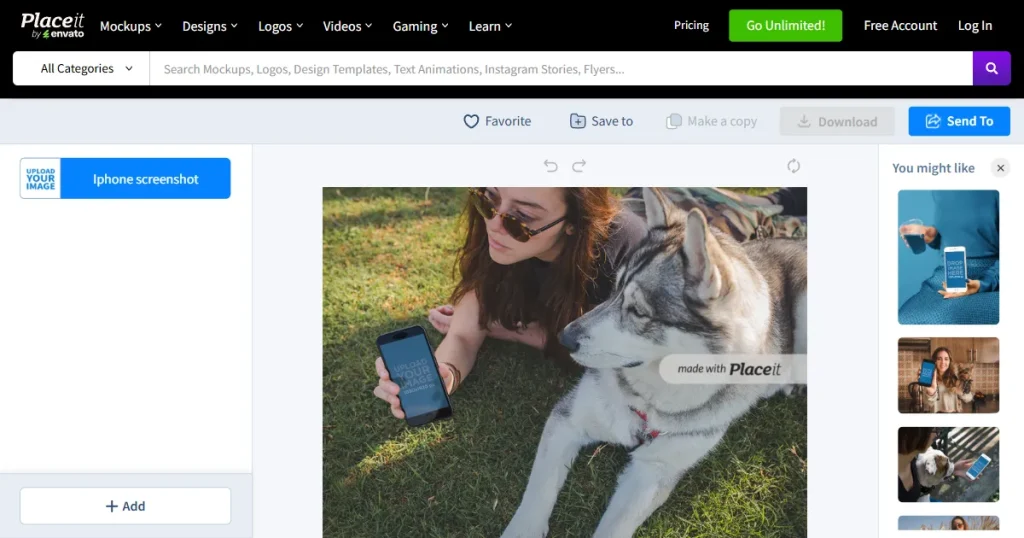
Placeit, now a staple in the marketing world, boasts one of the largest and most diverse mockup libraries, heavily focused on real-world use and stunning lifestyle visuals.
Key features
Pricing: Free plan (watermarked), Paid plan starts at $14.95/month (or purchase individual mockups).
What’s great about Placeit?
The huge range of real-world scenes makes Placeit one of the best iPhone mockup generators for social media managers and ad creators. You can show your app to your exact audience, and the platform is very beginner-friendly.
What can be better?
All free exports have noticeable watermarks, so you’ll need to upgrade for commercial use. It can also be slow to support the newest iPhone models, and the best templates are only available with a paid plan.
Best for: Professional designers requiring premium, photorealistic mockups for portfolios and pitches.
Introduction
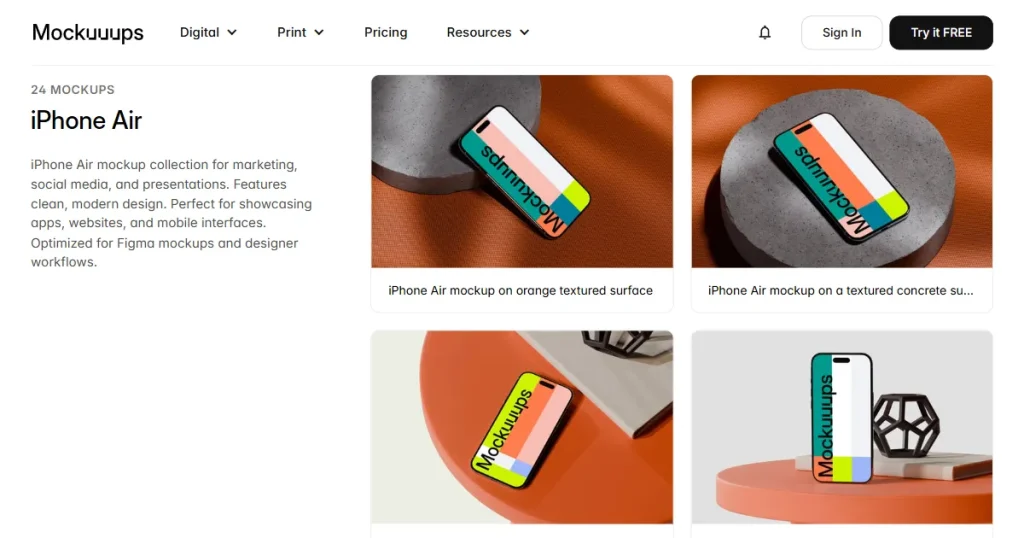
Mockuuups Studio is a robust desktop-based iPhone mockup generator that provides high-end, professionally photographed scenes. It caters heavily to the design community seeking maximum realism.
Key features
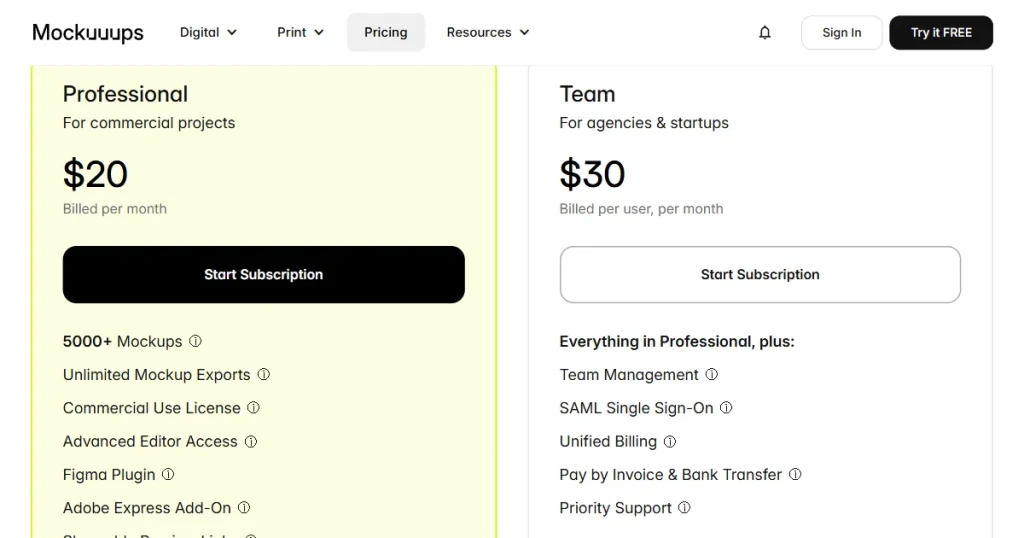
Pricing: Free mockups available (with strict attribution); Paid plan starts at $20/month.
What’s great about Mockuuups Studio?
The visual quality and lighting in Mockuuups Studio are top-notch. UI designers can add frames directly from Figma or Sketch, making it great for client presentations and portfolios.
What can be better?
You need to install it on your computer, which can interrupt browser-based workflows. There’s no free plan for unwatermarked commercial use, and it only offers device mockups, not extra design assets.
Best for: Extremely quick, free mockups with absolutely zero workflow friction.
Introduction
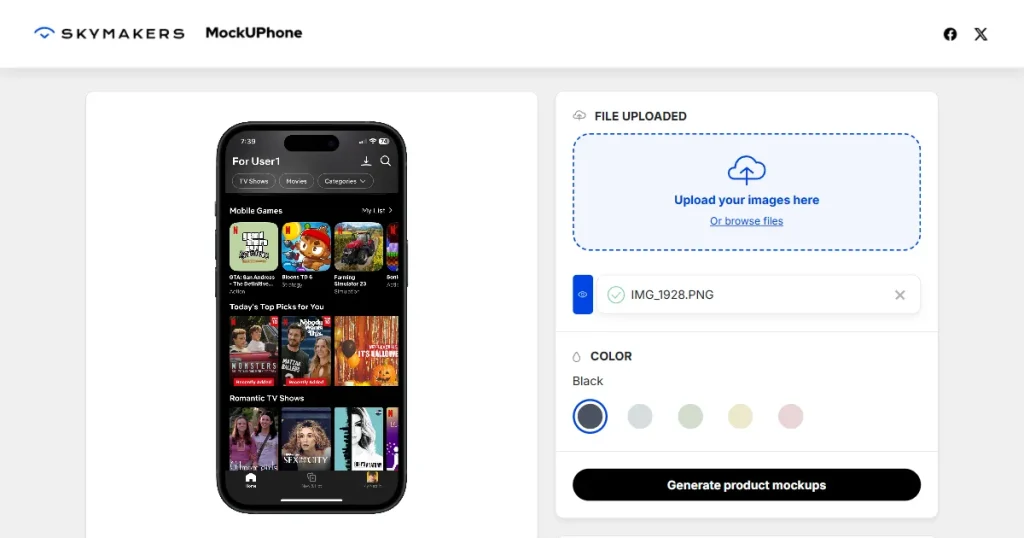
MockUPhone is a free iPhone mockup generator, a no-login, no-nonsense tool built entirely for speed, simplicity, and immediate results.
Key features
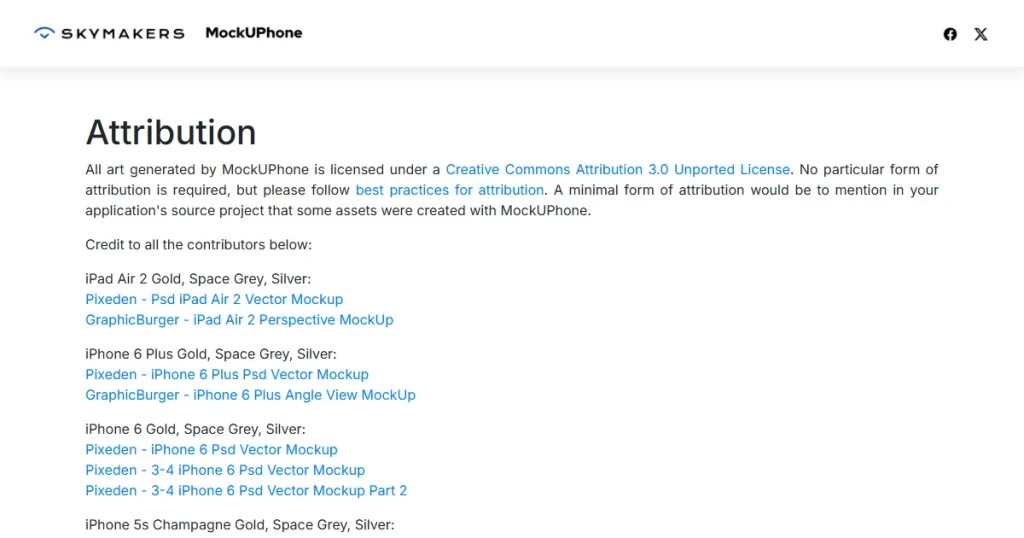
Pricing: 100% free.
What’s great about MockUPhone?
If you’re in a hurry, MockUPhone is the fastest way to make instant mockups online. It’s totally free, with no logins or hidden limits, so it’s perfect for quick checks or last-minute updates.
What can be better?
The features are very basic. There are no lifestyle scenes, text overlays, advanced shadows, or integrations with other design tools.
Best for: Versatile use across both daily marketing tasks and general product visuals.
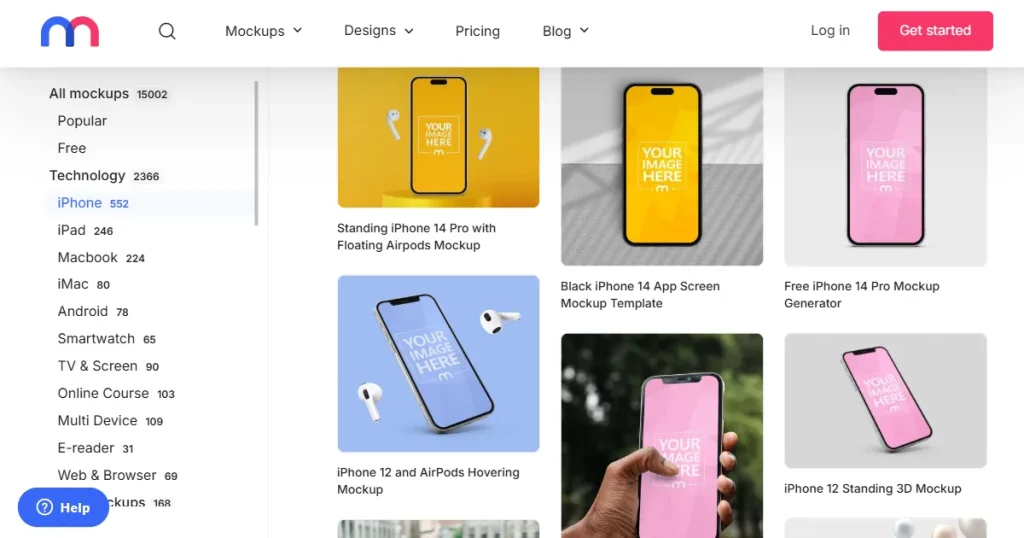
Introduction
Mediamodifier is a highly capable web-based iPhone mockup generator offering a surprisingly large and diverse template library that bridges the gap between basic design and marketing.
Key features
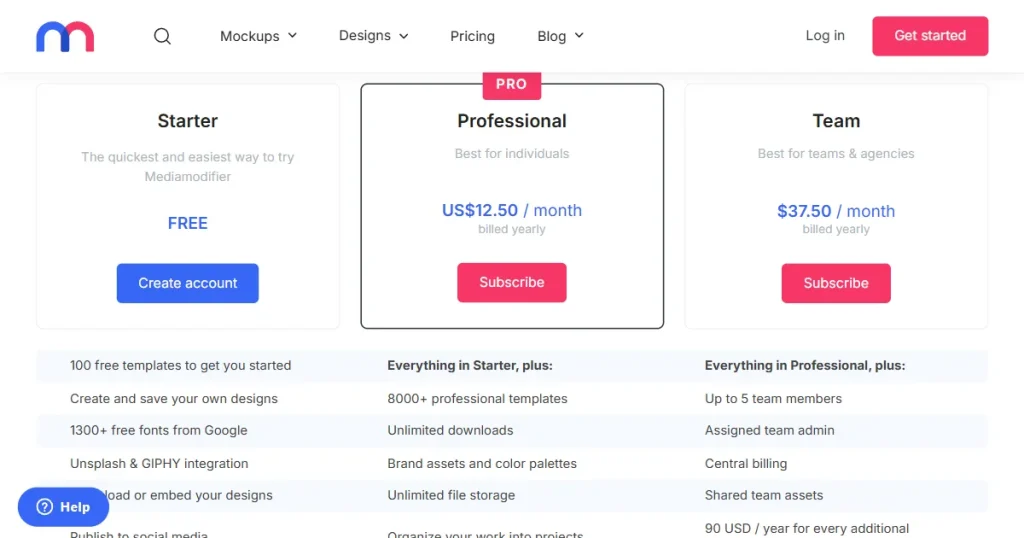
Pricing: Free plan (no downloads allowed). Paid plan starts at $12.50/month.
What’s great about Mediamodifier?
Mediamodifier is one of the best iPhone mockup generators for lifestyle images and simple device mockups. Designers can export layered PSD files for advanced editing, and solo marketers will appreciate the quick social publishing feature.
What can be better?
The free plan is mostly for previews since downloads are restricted. The editor can lag with complex files, and it lacks advanced text controls.
Best for: Cross-functional teams already using Canva for fast, collaborative visual creation.
Introduction
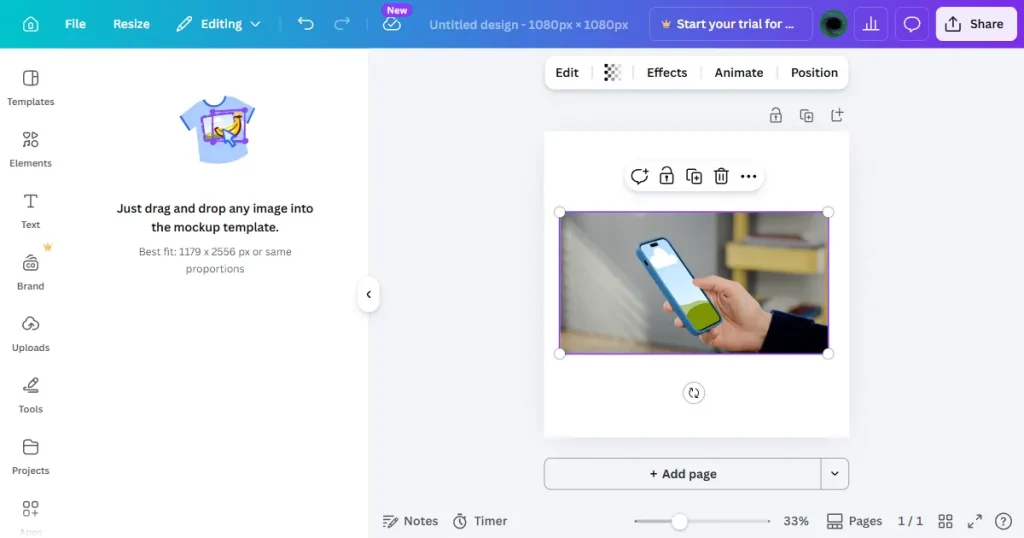
Smartmockups is a deeply integrated iPhone mockup generator built seamlessly into the Canva ecosystem, bringing device framing directly to where many teams already design.
Key features
Pricing: Free plan available. Fully unlocked via Canva Pro (starts at $15/month).
What’s great about Smartmockups
Smartmockups works seamlessly inside Canva. It’s great for team collaboration, letting everyone work on mockups together, and the interface is easy for beginners.
What can be better
You can’t fine-tune details like glare or shadow angles as much as in dedicated design tools. There aren’t many high-end 3D clay mockups, and the best features need a Canva Pro subscription.
Best for: UI/UX designers who demand absolute full control, pixel-perfection, and limitless flexibility.
Introduction
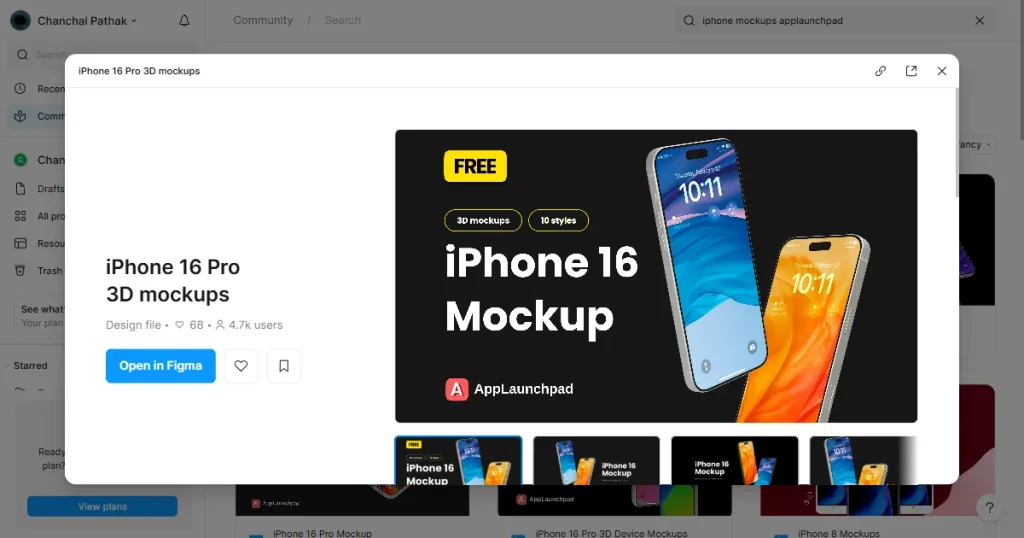
Figma is not a traditional iPhone mockup generator, but rather a design-first platform supported by thousands of brilliant, community-created mockup files and plugins.
Key features
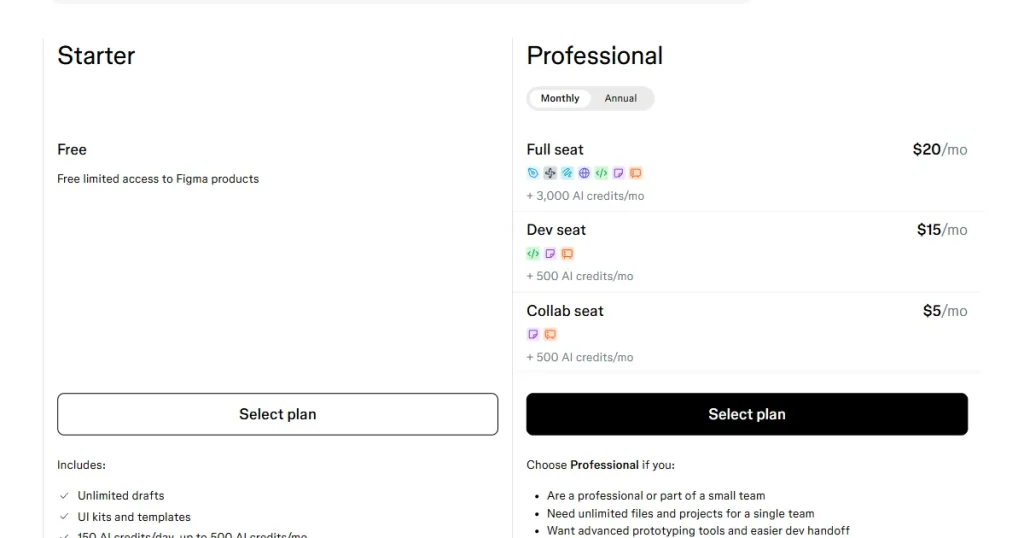
Pricing: Free plan available. Paid team plans start at $20/user/month.
What’s great about Figma
Figma is one of the best iPhone mockup generators, with control over every pixel. You can even change the color of the iPhone’s volume button. The free resources are extensive and always up to date, making it ideal for high-quality, professional results.
What can be better
Figma isn’t beginner-friendly if you’re not a designer. Since templates come from the community, their quality and organization can vary a lot, so you may need to search for the best ones.
There’s no single best iPhone mockup generator for 2026. The right tool depends on your role and what you need for your workflow.
Keep in mind, the best mockups do more than look good. They show your app’s main value and help drive installs. Think of them as your digital sales pitch.
AppLaunchpad is the best 3D iPhone mockup generator for scalable ASO. Placeit is great for lifestyle marketing ads. Figma gives designers the most control. Pick the best iPhone mockup generators based on whether you need speed, realism, or creative flexibility.
Yes, free tools are great for early MVPs. But as you grow, you’ll run into limits like watermarks, fewer templates, and no batch generation. Upgrading is usually needed for brand consistency.
Yes, you can. Modern tools have easy drag-and-drop interfaces for non-designers. Just upload your screenshot and choose a template. Still, remember to use clear messaging and readable text.
AppLaunchpad stands out for bulk and automated mockups. It can clone screenshots across different device sizes and languages, which is a huge help for scaling. Most other tools need manual editing for this.
For App Store optimization, AppLaunchpad has great 3D and clay styles. Placeit is best for lifestyle 3D scenes. If you want full design control, Figma’s community templates let you customize 3D mockups however you like.
Yes, they do. Users decide quickly based on your first three visuals. Good mockups can boost click-through and install rates, so treat them as an important part of your sales process.


