

App Store Connect Guidelines for App Developers and…
App Store Connect is the platform that lets you upload your app and manage all updates, including metadata, revenue details, […]
Figma plugins for app designers are tools or extensions available through the Figma community that extend Figma’s functionality and help automate repetitive tasks, generate designs with AI, or simplify specific parts of the app design process.
Some of the top Figma plugins for app designers include AppLaunchpad for app screenshot creation, UX Pilot for app UI screen generation, and Mockuuups Studio for device mockup creation.
However, not all Figma plugins function the same way. A plugin that works brilliantly for creating UI screens may not be useful when you need app screenshots, design inspiration, or user flows.
That’s why choosing the right Figma plugins matters. To help you find the right tool for your workflow, we have dissected the best Figma plugins for app designers for each use case, from designing app UI screens to App Store screenshot presentations.
Figma plugins for app designers have multiple use cases, here are a few of them:
Follow these steps to install a Figma plugin and use it:
Step 1: Open the Figma Community
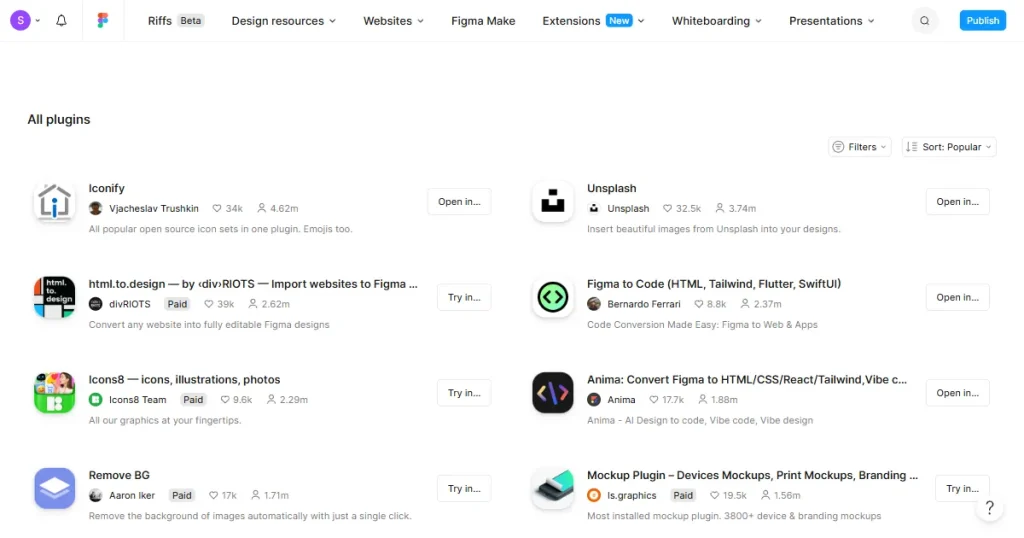
Go to the Figma Community tab and search for the name of the Figma plugin you want to add.
Step 2: Locate the Figma Plugin
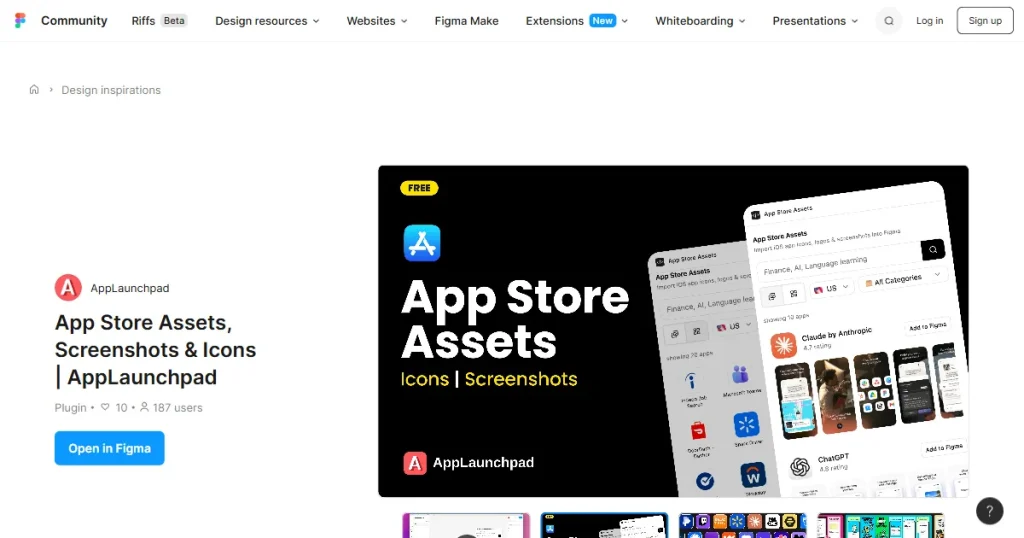
Once you find the plugin you want, open its Community page to view its details.
Step 3: Open a Figma File
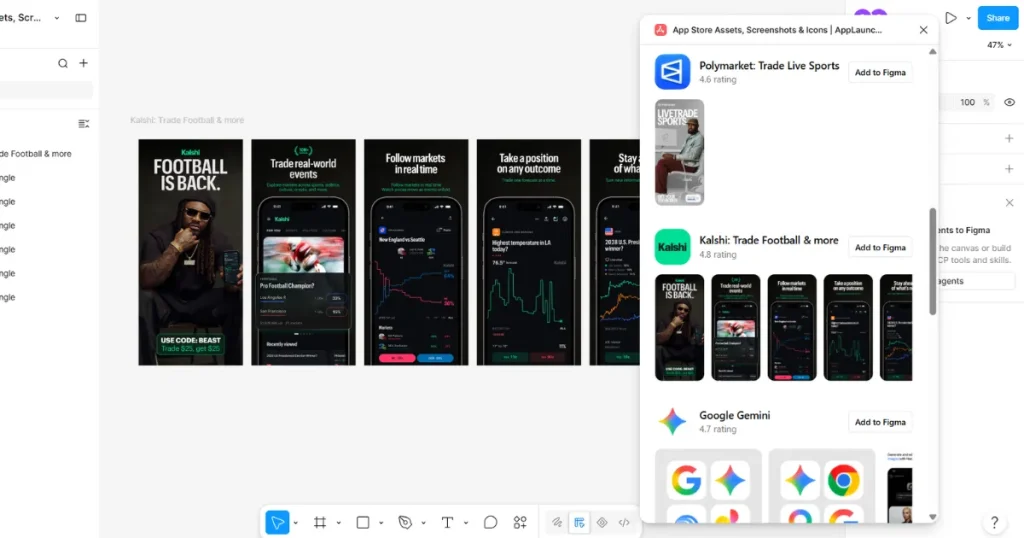
Once you have read the details of the Figma plugin, click on Open in Figma and select a recent Figma file, or click New file to open the plugin in a new file.
The plugin will open in your selected Figma file, and you can click on Run to use the Figma plugin.
As an app designer, here are a few categories of Figma plugins you should look out for.
App Store screenshots are another part of the app design workflow where Figma plugins can help. Some plugins provide screenshot inspiration and references, while others let designers create or edit screenshots directly in Figma.
Figma plugins help app designers work faster by letting them discover App Store screenshot inspiration and create screenshots directly in Figma.
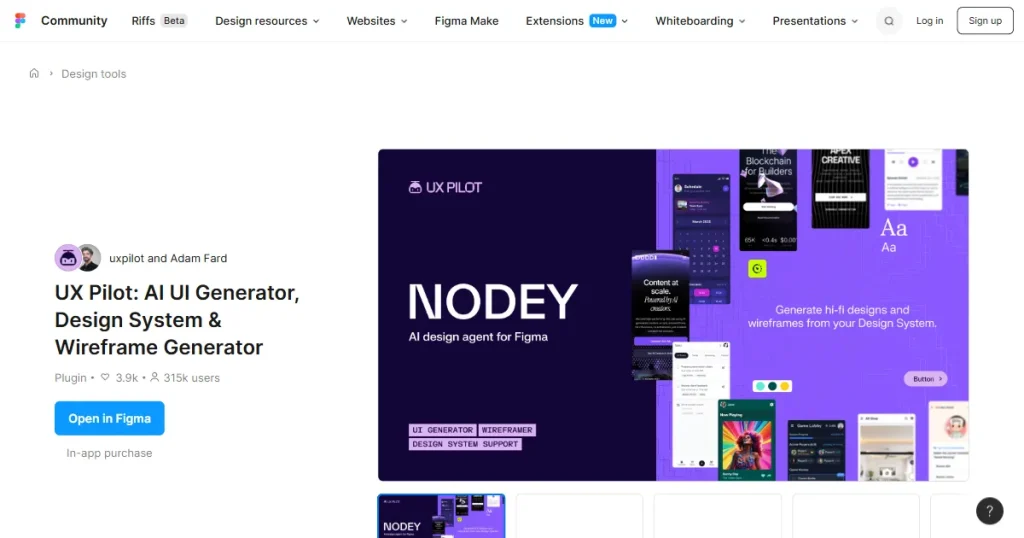
For UI/UX designers, starting an app design from scratch can be challenging. Figma plugins for app designers can make the process easier by providing app screens and user flow inspiration or using AI to create an initial app UI design.
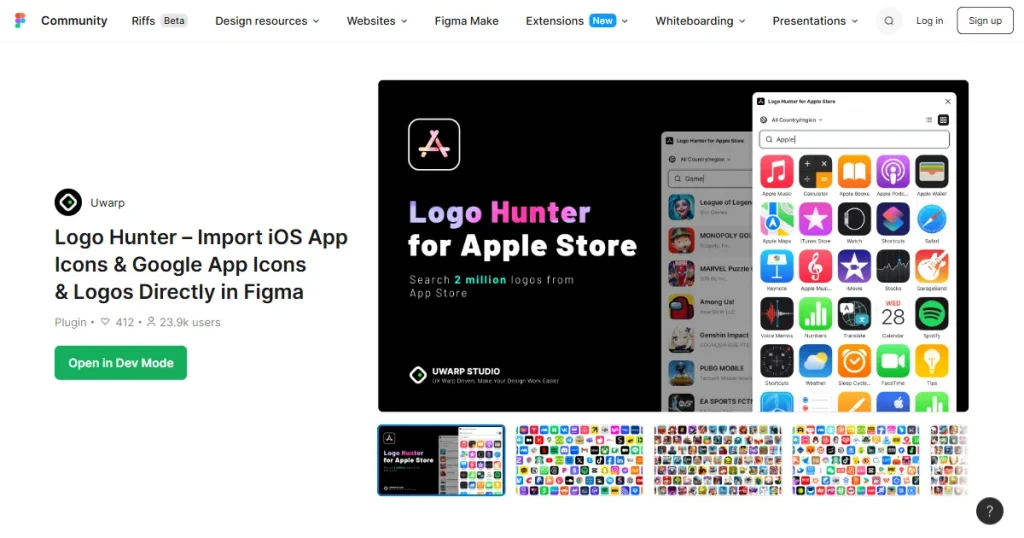
App icons are the first thing a potential user sees when they first view your app on the app store. If your app icon doesn’t catch their attention and intrigue them, then you have lost your chance of converting a potential customer.
That’s why Figma plugins that provide app icon inspiration or use AI to create app icons can help designers make their apps more noticeable and drive more downloads.
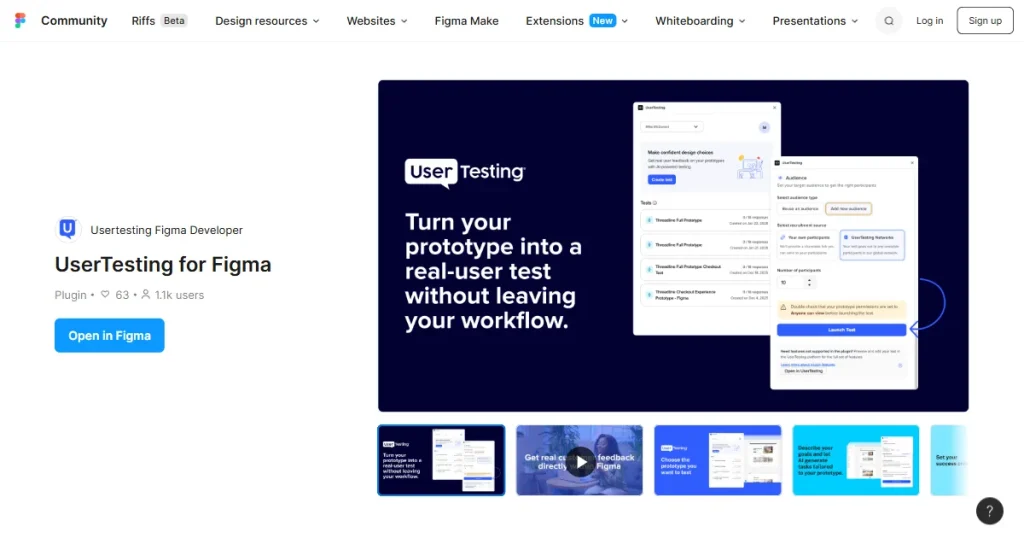
Getting feedback on an app design can help designers identify usability issues before development. Some Figma plugins use AI to analyze app UI designs and provide feedback on areas that may need improvement. This can help you improve your app designs and, in turn, increase user engagement for your app.
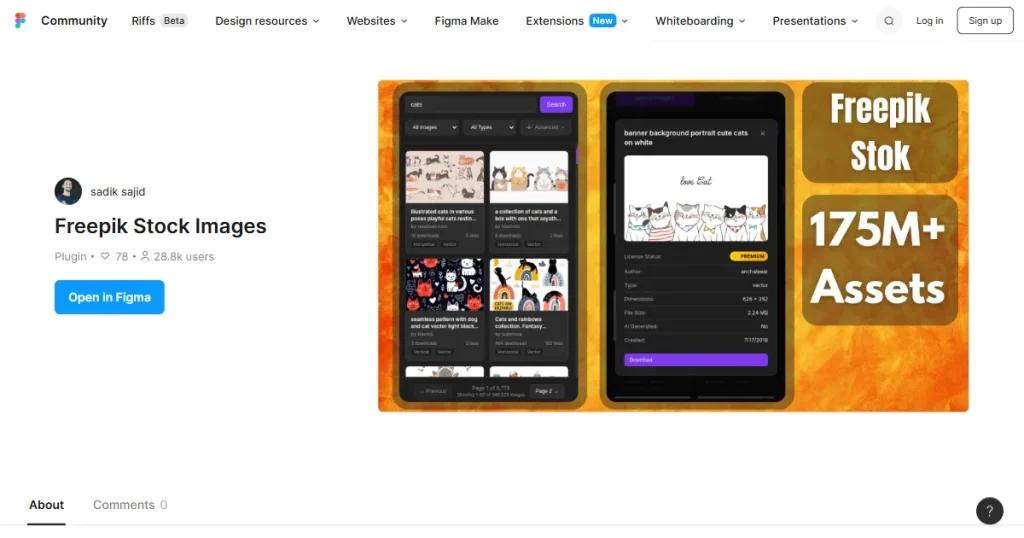
Stock images can play a crucial role in app UI designs, and many placeholders require them. However, finding and adding stock images often requires switching between Figma and another tool.
Figma plugins for app designers that provide stock images make your work much smoother by providing you with the ability to import and place stock images right in your Figma workspace, reducing the need to switch between different tools.
| Figma Plugin | Category | Best For | Pricing |
| AppLaunchpad | App Store screenshots | App Store screenshot creation | Free |
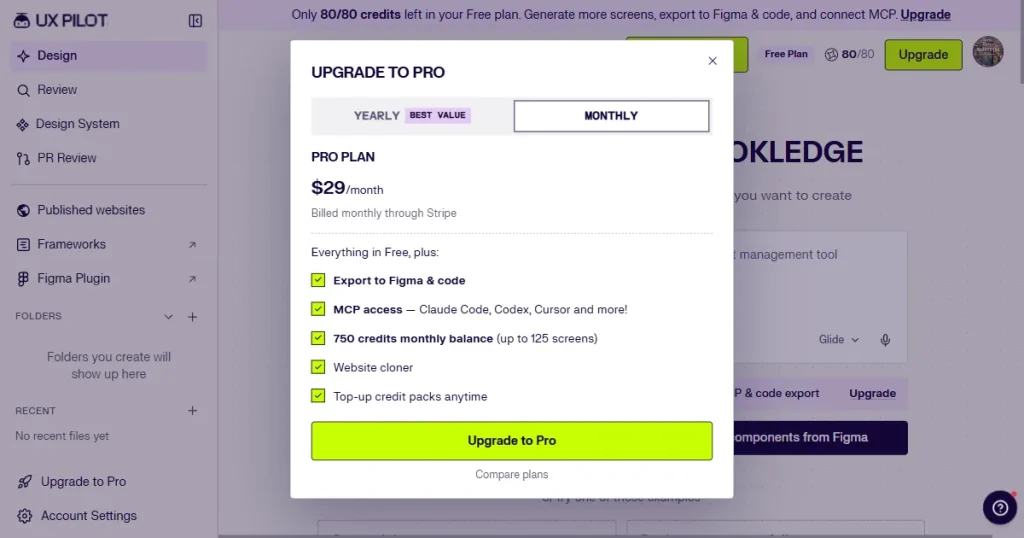
| UX Pilot | AI app UI design | AI app UI design creation | $29/month |
| iOS and iPadOS 27 UI Kit | UI design | Creating iOS and iPadOS app designs | Free |
| Mobile Apps – Prototyping Kit | Prototyping | Creating mobile app prototypes | Free |
| Mockuuups Studio | Mockups | Creating app, device, and print mockups | Free |
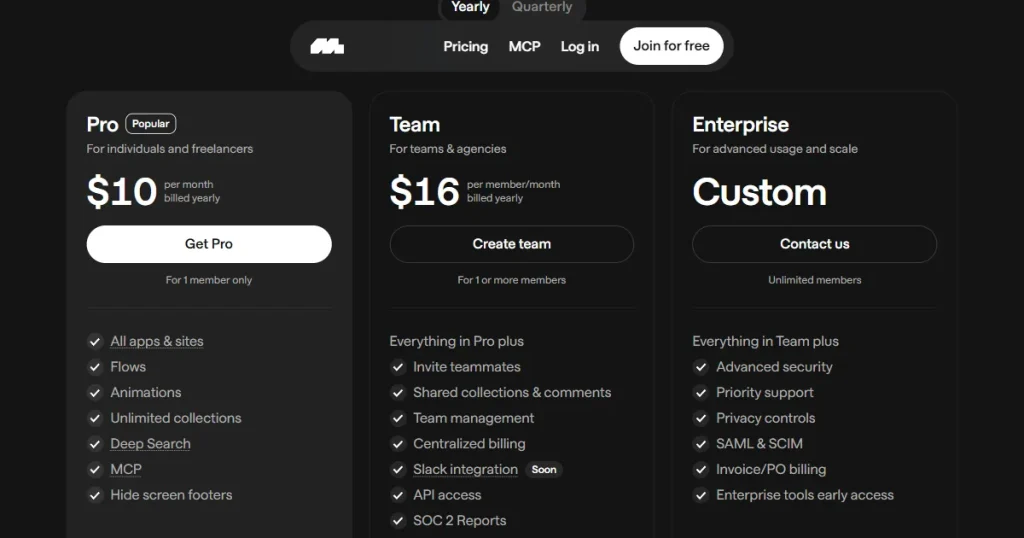
| Mobbin | App UI design inspiration | Collecting UI/UX design inspiration | $10/month billed yearly |
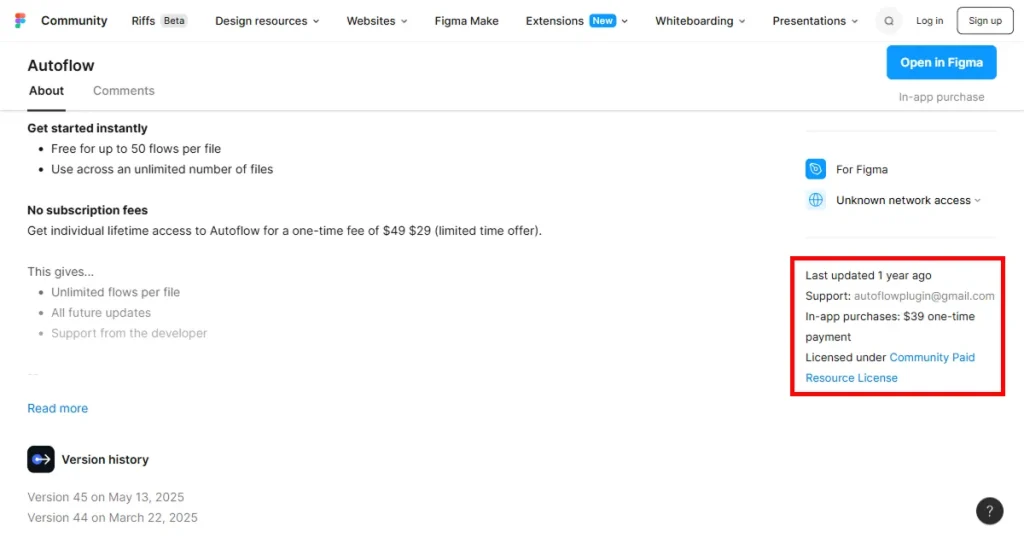
| Autoflow | User flows | Creating user flows and diagrams | $29 one-time payment |
| UXMagic | AI app UI designs | Generating editable UI designs with AI | Free |
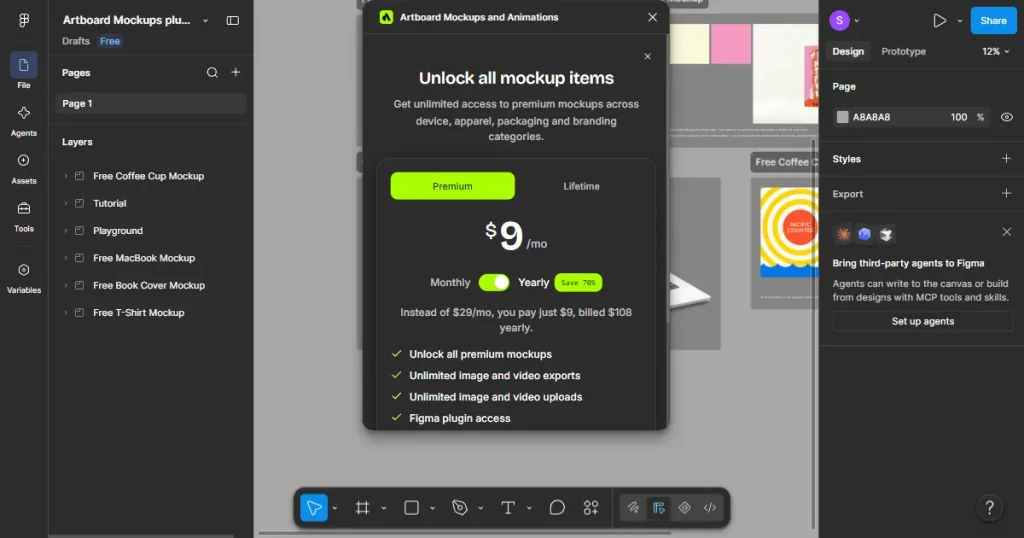
| Artboard Mockups and Animations | Mockups & Animations | Creating device mockups and animations | $19/month |
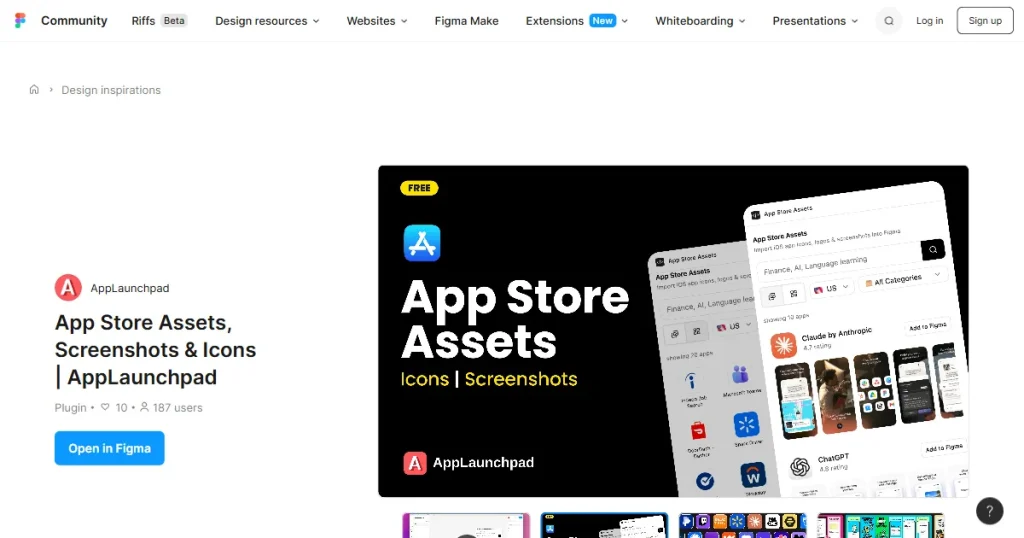
AppLaunchpad is an app store screenshot generator that lets app developers and designers create professional app store screenshots to showcase their app on the Apple App Store and Google Play Store.
AppLaunchpad offers a free Figma plugin for app designers that lets them view app store screenshots and app icons of the most popular apps on the app store and import them into their workspace to edit them further.
Best for: App store screenshot creation
| Pros | Cons |
| Makes it easy to find app screenshot inspirations | Doesn’t provide AI screenshot creation capabilities |
| One-click import | Not useful for app UI designs |
| Keeps its library updated to find only the latest App Store assets | |
| Easy to edit | |
| Completely free |
Pricing
UX Pilot is a Figma plugin for app designers that lets them create wireframes, app UI designs, and complete user flows with a single prompt. It is useful for app designers who want to create a starting point quickly instead of building their app UI from scratch.
Best for: AI app UI design creation
| Pros | Cons |
| Makes it easy to create app UI designs with AI | AI-generated designs may still need manual editing |
| Generates multiple screens from a single prompt | Advanced features require a paid plan |
| Easy to edit and customize |
Pricing
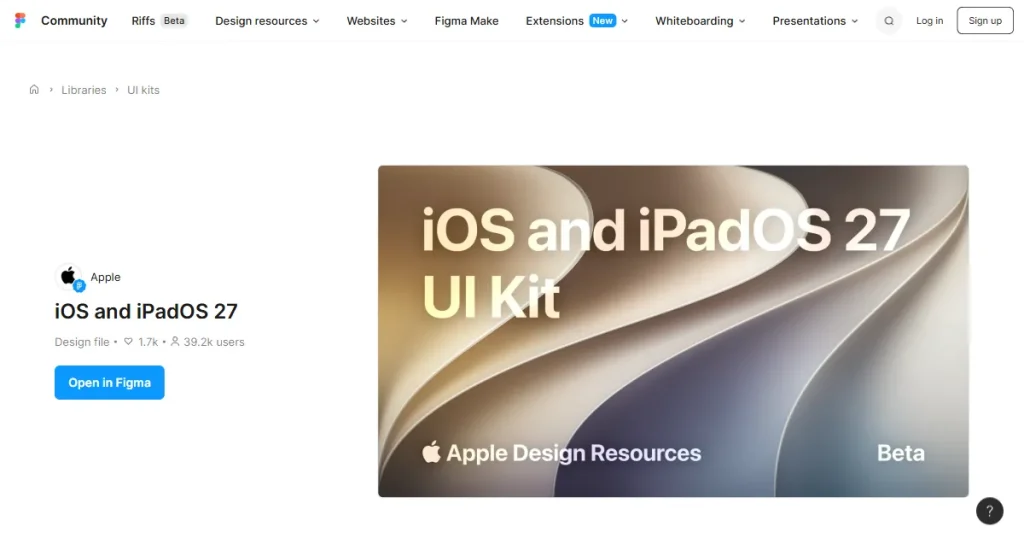
iOS and iPadOS 27 UI Kit is the official free Figma plugin for designers and developers offered by Apple to help them create accurate iPhone and iPad design compositions and user flows. The UI kit includes components for common controls and views, design templates, text styles, color styles, and materials.
Best for: Creating iOS and iPadOS app designs
| Pros | Cons |
| Makes it easy to create accurate iPhone and iPad app designs | Only useful for iOS and iPadOS app designs |
| Includes components for common controls and views | Requires the latest version of SF Symbols |
| Includes design templates, text styles, color styles, and materials | |
| Updated for iOS and iPadOS 27 | |
| Completely free |
Pricing
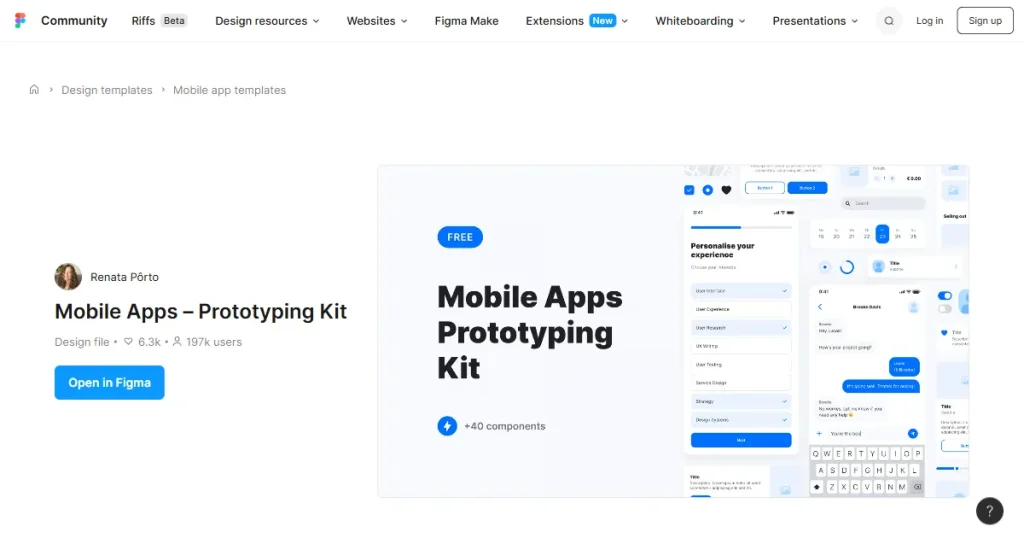
Mobile Apps – Prototyping Kit is a Figma plugin for app designers that makes app prototyping easier and faster. With the kit, you can create complete mobile app prototypes and user flows, including a massive library of commonly used app screens and design elements from popular apps.
Best for: Creating mobile app prototypes
| Pros | Cons |
| Makes it easy to create mobile app prototypes | Only useful for mobile app designs |
| Helps create user flows | |
| Includes designs for different app experiences | |
| Free to use |
Pricing
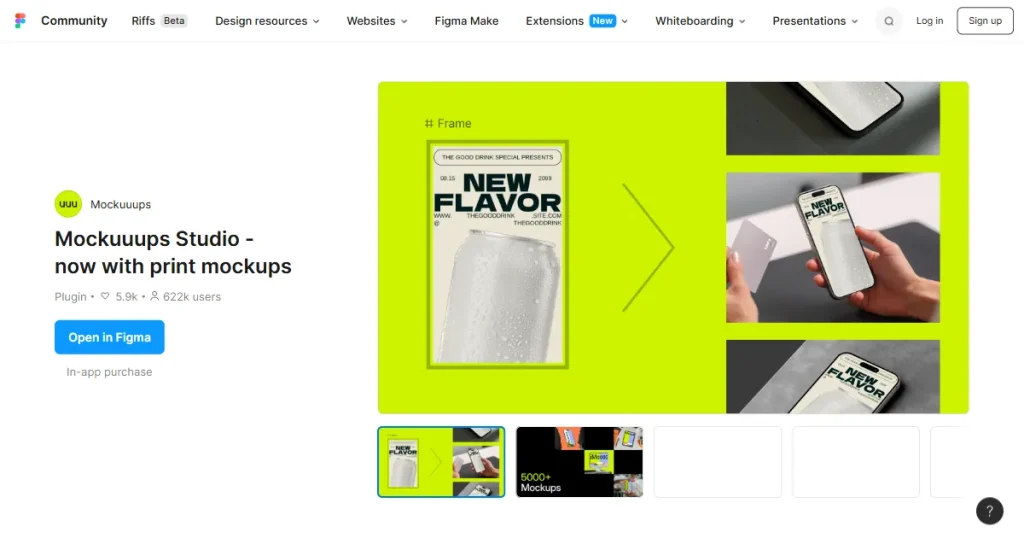
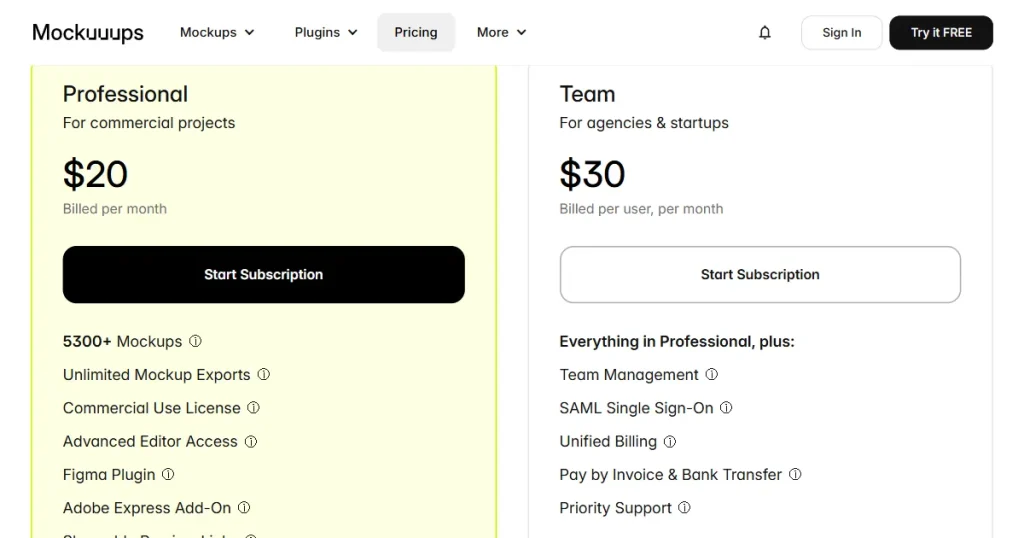
Mockuuups Studio is a web-based mockup generator tool that focuses mostly on device mockups, offering a variety of Apple devices across different lifestyle scenes. It also offers a Figma plugin for app designers, providing thousands of mockup scenes to present app designs professionally.
Best for: Creating app, device, and print mockups
| Pros | Cons |
| Makes it easy to create app and device mockups | Full mockup library requires a paid plan |
| Automatically places designs into mockups | Not useful for creating or editing app UI designs |
| Large collection of device and print mockups | |
| New mockup scenes are added every month | |
| Works directly inside Figma |
Pricing
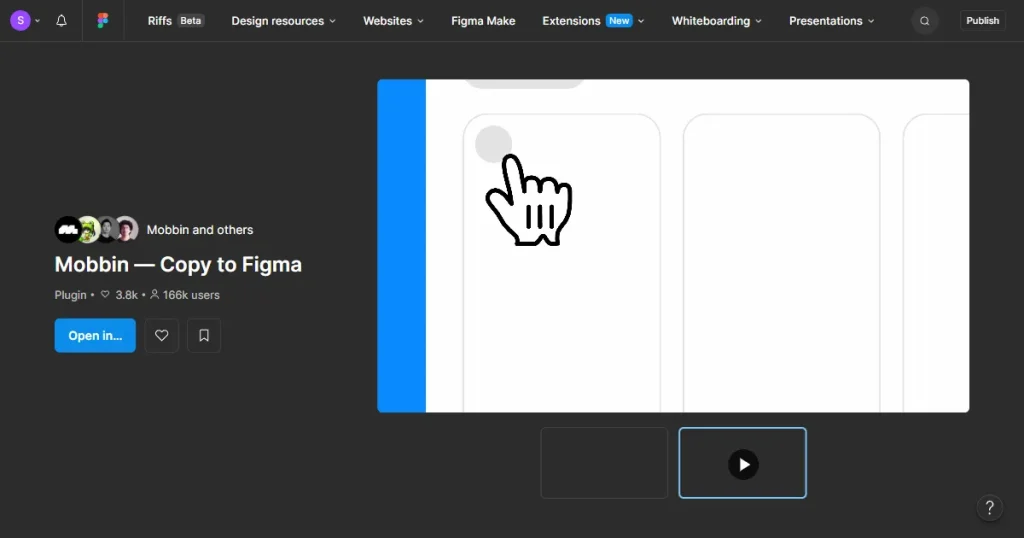
Mobbin is an app UI/UX research platform that offers a massive library of app screens, user flows, and UI elements, so app designers can understand how top apps design their UI/UX experiences. Mobbin also offers a Figma plugin that lets app designers bulk-copy design inspiration directly into Figma.
Best for: Collecting UI/UX design inspiration
| Pros | Cons |
| Makes it easy to bring Mobbin references into Figma | Doesn’t convert screenshots into editable Figma designs |
| Bulk-paste multiple screens at once | Requires a Mobbin account to use the library |
| Saves time when collecting UI/UX design inspiration |
Pricing
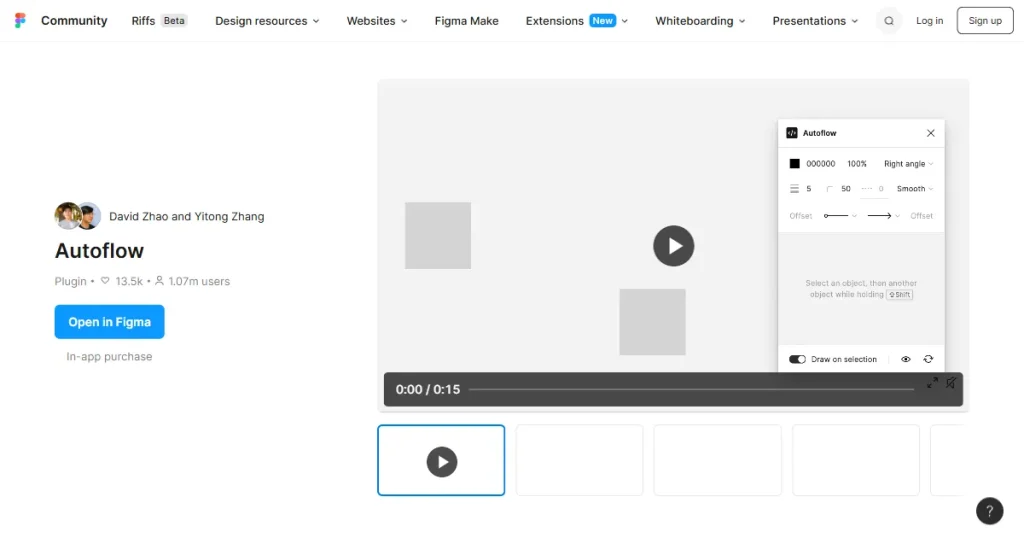
Autoflow is a Figma plugin that automatically draws arrows between objects to help designers create user flows, diagrams, and other visual connections. It can detect obstacles, update paths when objects are moved, and support both hand-drawn and minimalist styles.
Best for: Creating user flows and diagrams
| Pros | Cons |
| Makes it easy to create user flow diagrams | Only focuses on creating flows and diagrams |
| Automatically connects screens and objects | More complex flows may still need manual adjustments |
| Flow arrows update when designs are moved | Unlimited flows require a paid license |
| Supports both hand-drawn and minimalist styles | |
| Free for up to 50 flows per file |
Pricing
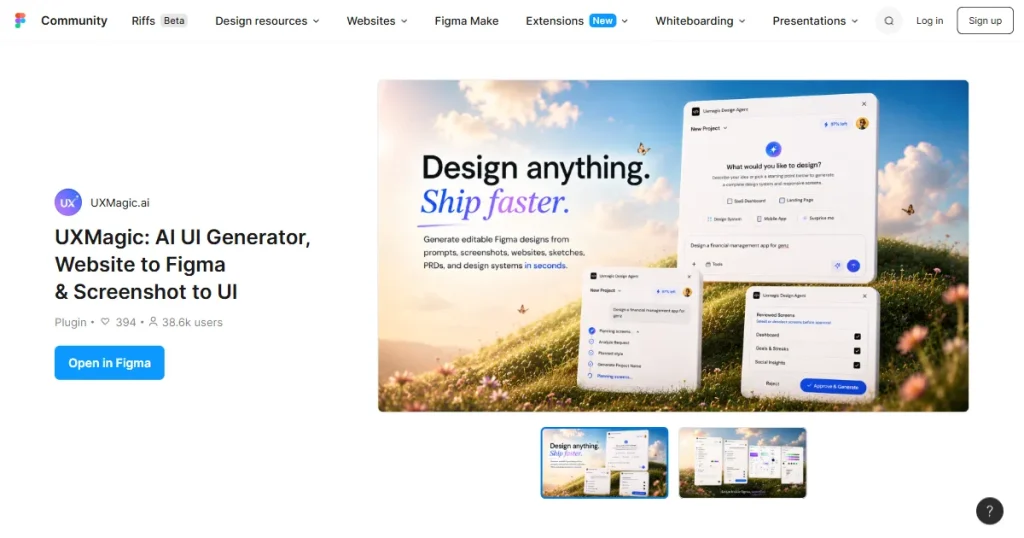
UXMagic is an AI-powered Figma plugin for designers that allows them to generate UI designs from prompts, screenshots, websites, sketches, and PRDs. It can create wireframes, UI screens, and multi-screen product flows that you can export to Figma for further editing and improvement.
Best for: Generating editable UI designs with AI
| Pros | Cons |
| Makes it easy to create UI designs with AI | AI-generated designs may still need editing |
| Can turn screenshots and sketches into editable designs | |
| Can convert websites into editable Figma designs | |
| Generates complete multi-screen user flows | |
| Allows designers to import existing Figma designs |
Pricing
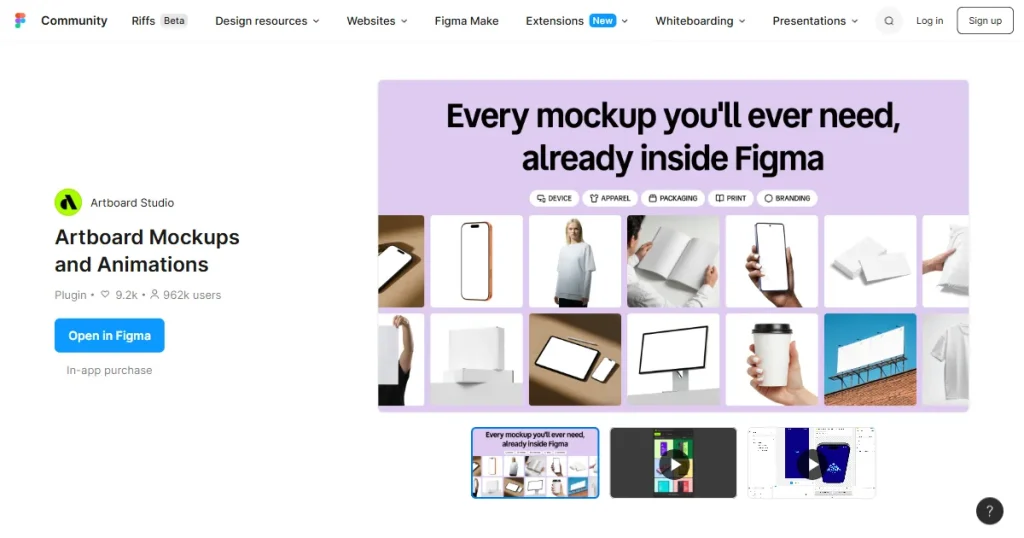
Artboard Studio is a mockup generator tool with a massive library of device, print, apparel, and packaging mockups.
It also offers a Figma plugin that allows designers to create realistic device, packaging, apparel, and print mockups directly in Figma. It also supports video mockups and animations, letting designers showcase designs in static and animated mockups.
Best for: Creating device mockups and animations
| Pros | Cons |
| Makes it easy to create realistic mockups in Figma | Full mockup library requires a paid plan |
| Provides 5,000+ mockups | |
| Supports device, packaging, apparel, and print mockups | |
| Allows designers to create video mockups | |
| Works directly inside Figma without switching tools | |
| New mockups are added regularly |
Pricing
Here are a few things you need to keep in mind when choosing the best Figma plugin for your needs:
AppLaunchpad is a good choice for App Store screenshot inspiration because it lets designers browse and import screenshots and app icons from popular apps directly into Figma.
No, not all Figma plugins are free. Some are free, while others use paid or freemium pricing models with advanced features behind a paywall.
Some of the best Figma plugins for app designers include AppLaunchpad, UX Pilot, Mobbin, Refero, Autoflow, UXMagic, and Mockuuups Studio.
Yes, free Figma plugins can be useful for app designers, with options like AppLaunchpad, iOS and iPadOS 27 UI Kit, Mobile Apps – Prototyping Kit, and UXMagic offering useful design features at no cost.
The top Figma plugins include AppLaunchpad, UX Pilot, Mockuuups Studio, Mobbin, UXMagic, and Artboard Mockups and Animations.