

20 Best AI App Marketing Tools In 2026
Boost app growth with the 20 best AI marketing tools of 2026. Master ASO, automate retention, and scale faster with expert picks for indie devs and growth teams
The best iPad mockup generator tools are AppLaunchpad and Modor because they offer high-quality iPad mockups, are easy to use, provide watermark-free exports, and include a commercial license with the free templates.
Apart from these tools, we will explore some of the best iPad mockup generators available on the market, how to choose the right iPad mockup tool for your needs, and common mistakes to avoid so you can make realistic iPad mockups for product presentations.
iPad mockup generator tools are design platforms that let users place screenshots, app UI designs, or visuals within realistic iPad device frames to create professional-looking product mockups.
iPad mockup generators are used by app developers, designers, and marketers to create high-quality visuals for websites, portfolios, and app store listings.
Before we dive into the list of the best iPad mockup generators, let’s first look at the different types of iPad mockups you can use.
Lifestyle iPad Mockups
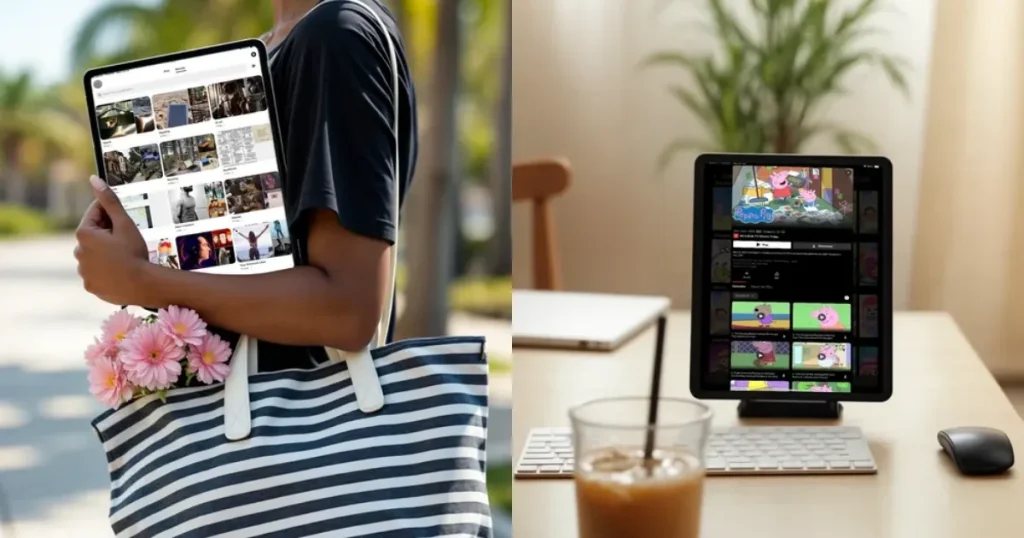
Lifestyle iPad mockups are mockups that show the iPad in a realistic, everyday setting, like on a beach, on a desk, or on a coffee table, instead of on a plain or transparent background.
Flatlay iPad Mockups
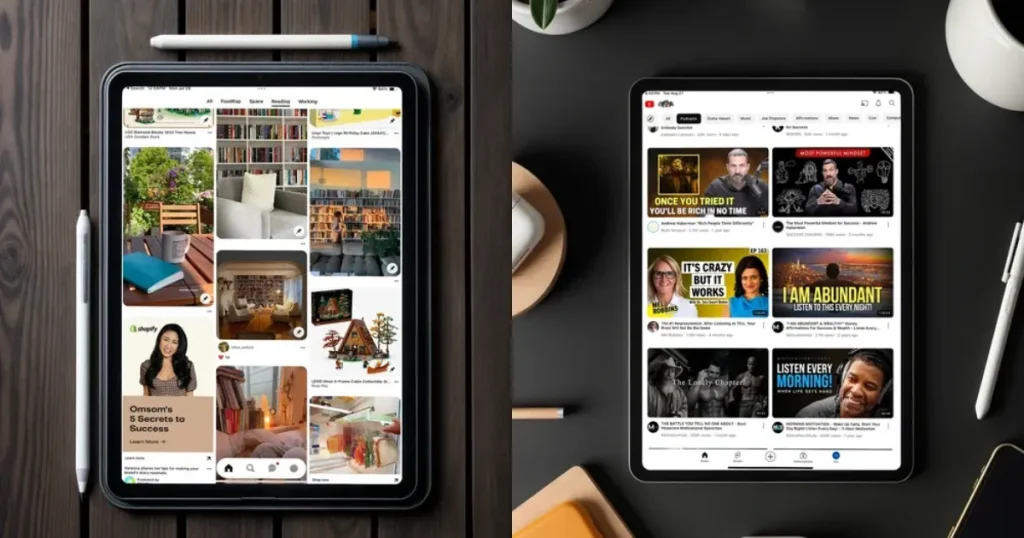
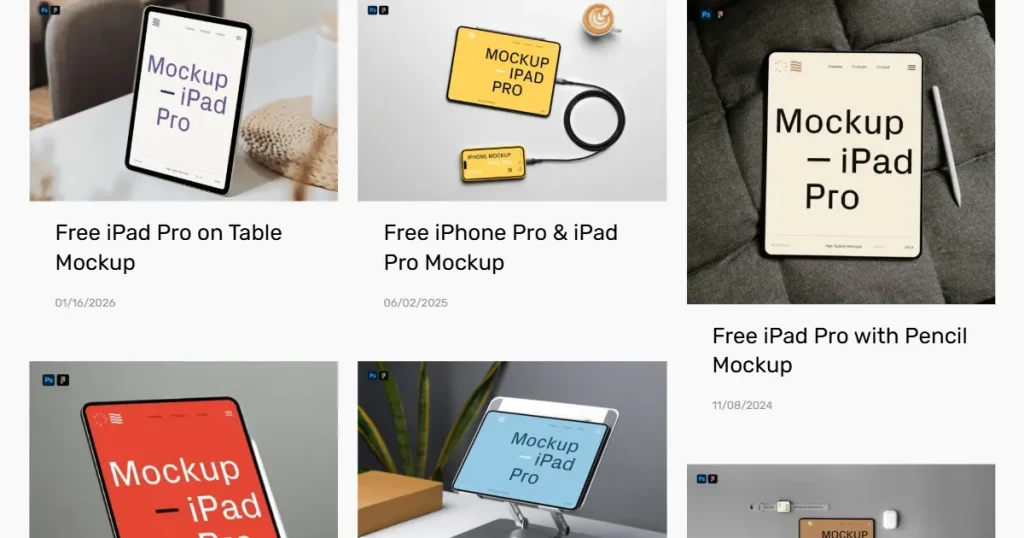
Flatlay iPad mockups are top-down mockups featuring an iPad surrounded by aesthetic props such as notebooks, coffee cups, plants, or an Apple Pencil. These mockup templates are mostly used by digital product sellers who want to showcase their products with a specific aesthetic.
Clay iPad Mockups
Clay iPad mockups are simplified 3D device mockups with smooth, matte surfaces and minimal details, usually shown in a single color such as white, black, or pastel shades. This type of mockup is generally used by app developers to showcase a real user interface (UI) without the distraction of any physical hardware.
3D iPad Mockups
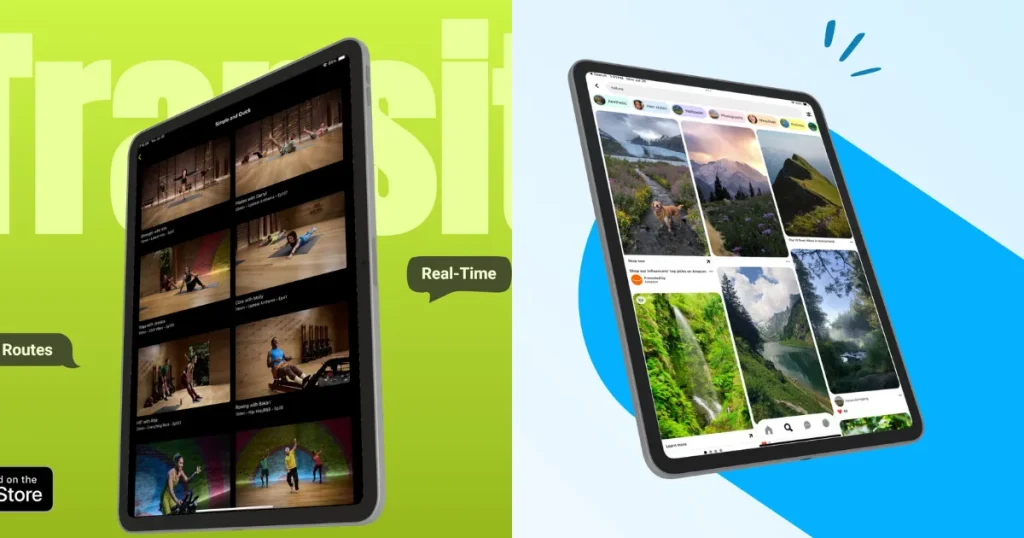
3D iPad mockups showcase the iPad screen or multiple iPad devices from different angles, making the images feel alive rather than flat. These are often used by app developers or professional designers to showcase their apps or design portfolios in a more dynamic setting.
Understanding these common use cases will help you identify the best iPad mockup generator based on your specific workflow and creative requirements.
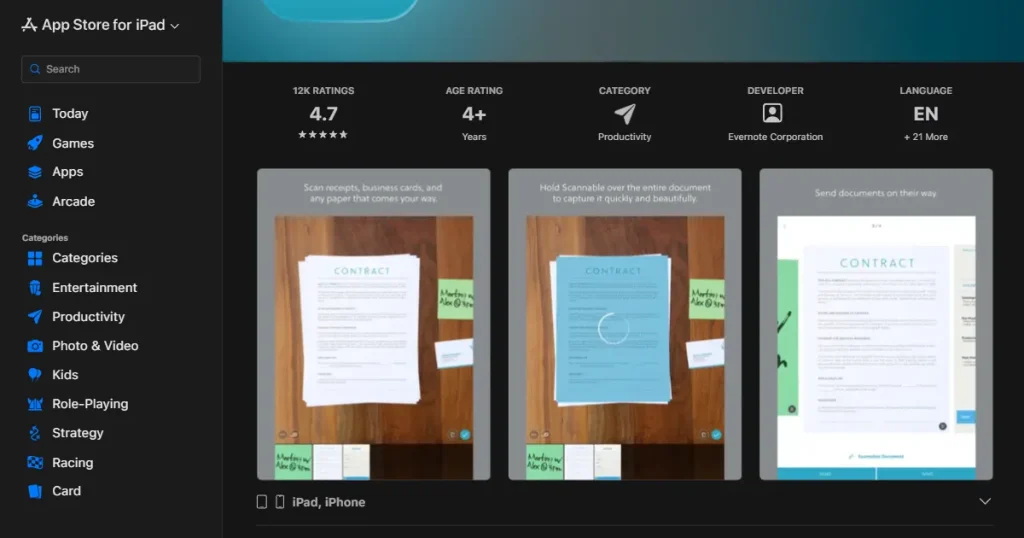
If you are an app developer, it is crucial to have iPad mockups in your app store screenshots to showcase how your app UI would look on a real iPad.
Showcasing your website and landing pages on a real iPad device adds visual appeal to your website’s hero section, increasing the likelihood of attracting more clients or generating sales.
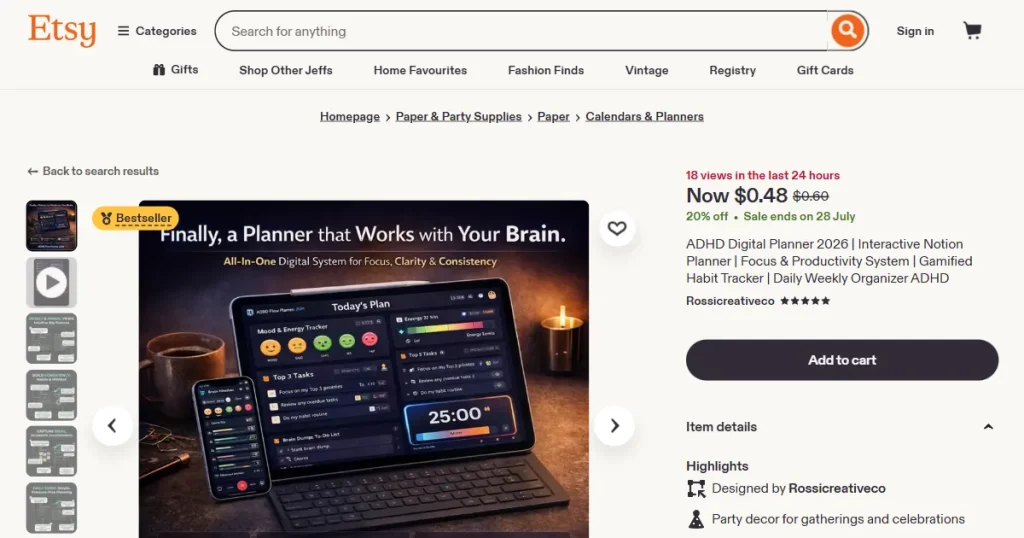
If you sell digital planners or habit trackers, iPad mockups can help you increase sales by showing your users what your product would look like in real life.
By using iPad mockups to showcase your software prototypes or financial dashboards, you can make your boring corporate reports look more engaging and professional.
To find the best iPad mockup generator tool for you, we evaluated the iPad mockup generators based on the following criteria.
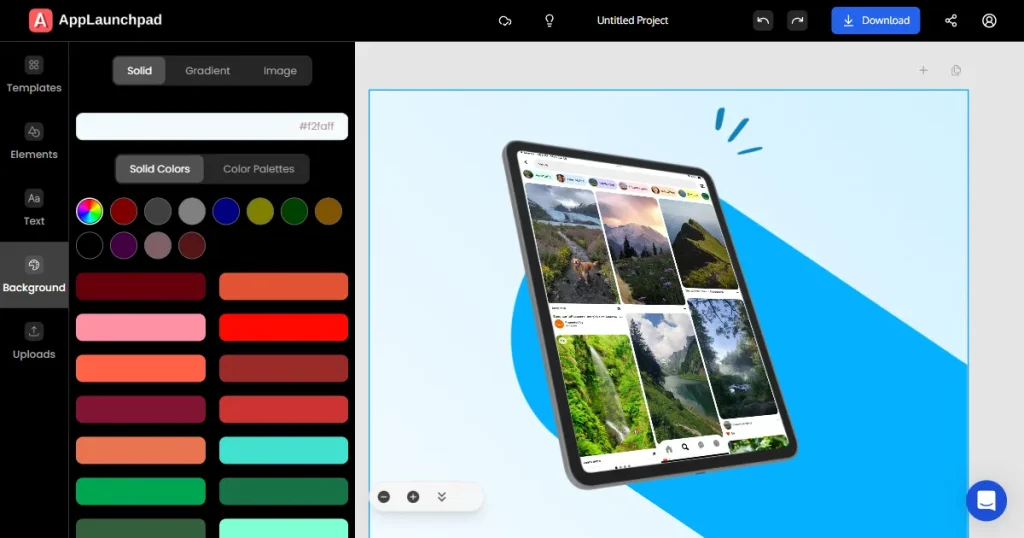
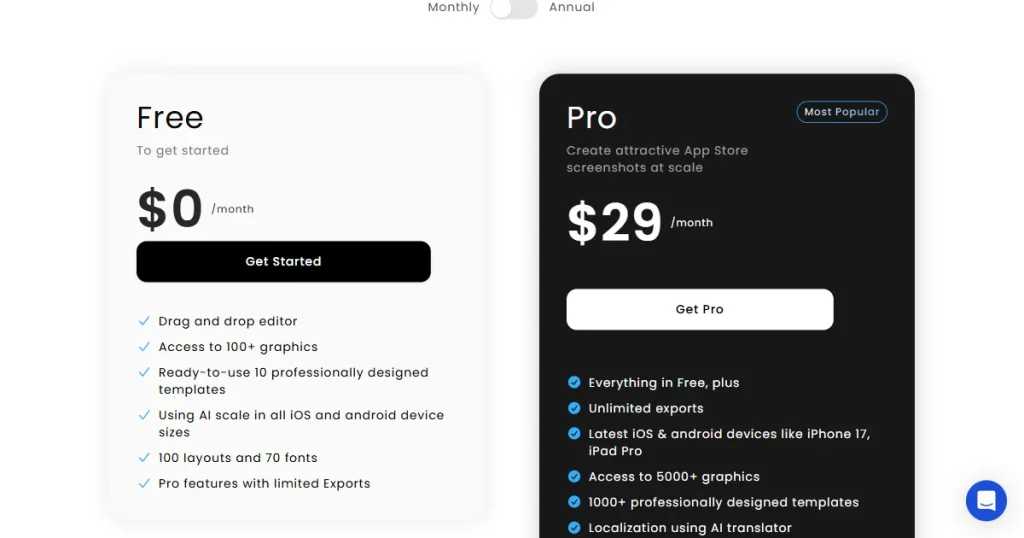
AppLaunchpad is a web-based app store screenshot generator that lets users create professional app store screenshots for their apps. It also offers one of the best iPad mockup generator tools that help users create beautiful iPad mockup images quickly, thanks to its massive template library and drag-and-drop editor.
Key features
| Pros | Cons |
| Fast iPad mockup creation | iPad mockups are locked behind a paywall |
| Supports the latest device, so your mockups look current and reflect the device your customers are holding | Focuses only on device mockups, doesn’t cover multiple categories |
| Advanced customization allows you to completely create something new from scratch | |
| Instant cloning reduces extra effort |
Pricing
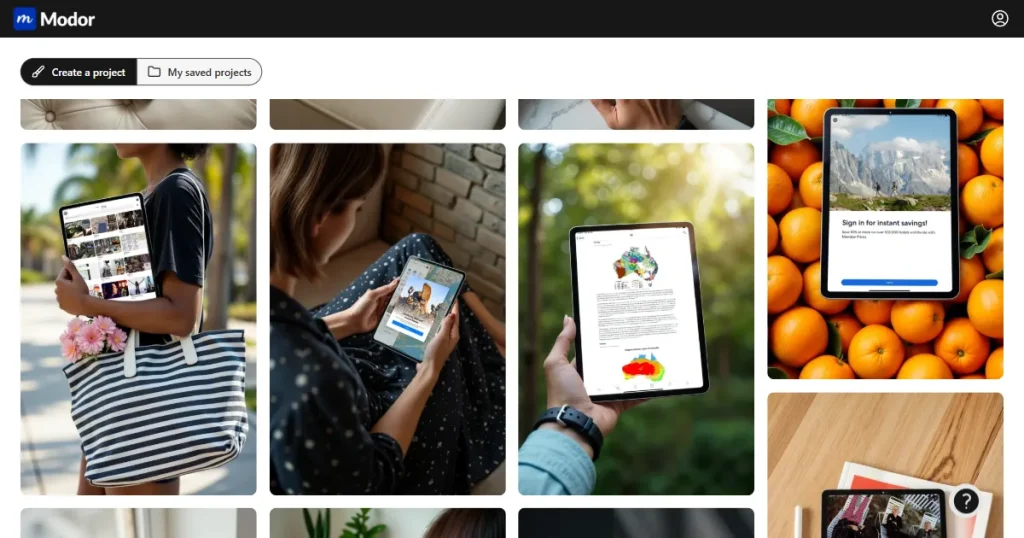
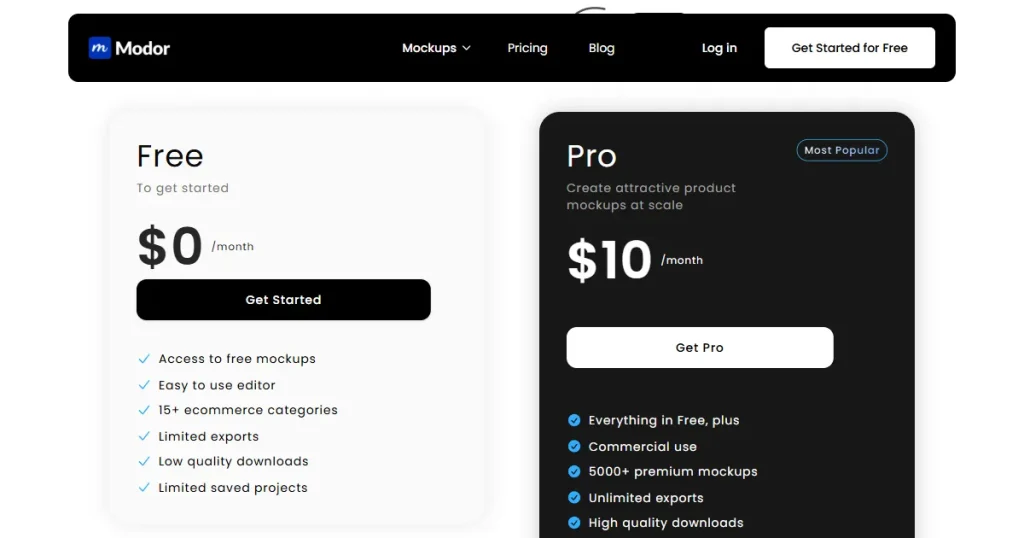
Modor is a browser-based AI mockup generator offering one of the largest template libraries available. It supports iPad, iPhone, MacBook, packaging, and apparel mockups with a drag-and-drop editor that requires no design experience.
Features
| Pros | Cons |
| Free plan with no watermarks | Premium templates require a subscription |
| Beginner-friendly | |
| iPad and device mockup library | |
| Commercial use allowed |
Pricing
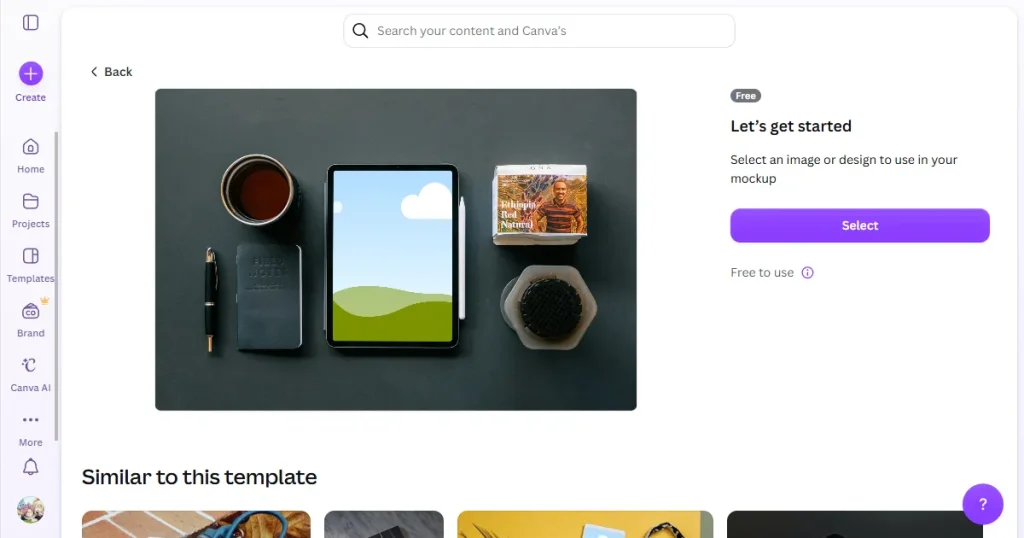
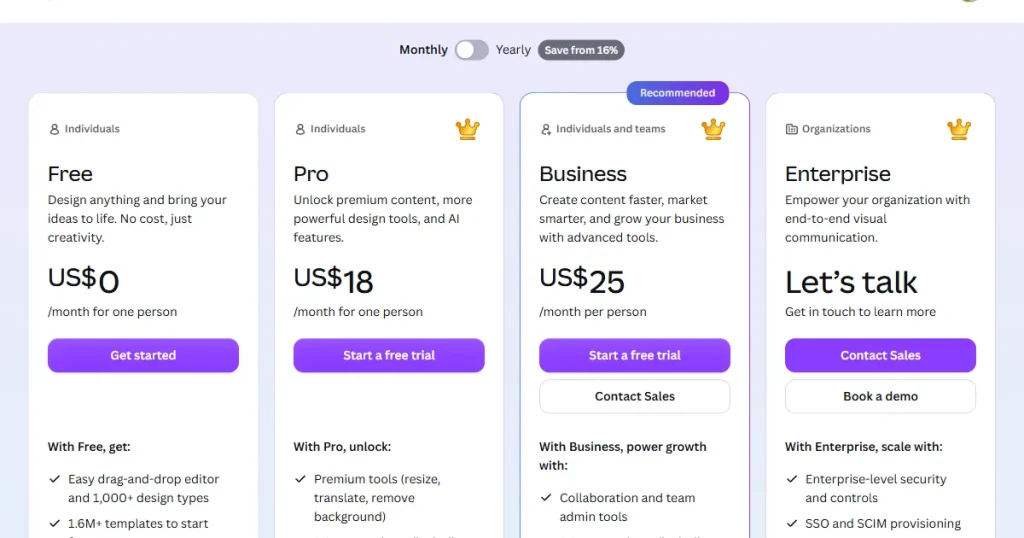
Canva is an all-in-one design platform that offers mockups via its Smartmockups integration. However, its mockup tool only offers generic templates, so it’s best used when iPad mockups are part of a larger design project, such as a pitch deck, social media post, or marketing asset.
Key Features
| Pros | Cons |
| All-in-one design platform | Low-quality mockup templates |
| Free plan generous | iPad mockup selection is limited compared to specialized tools |
| Ideal for non-designers |
Pricing
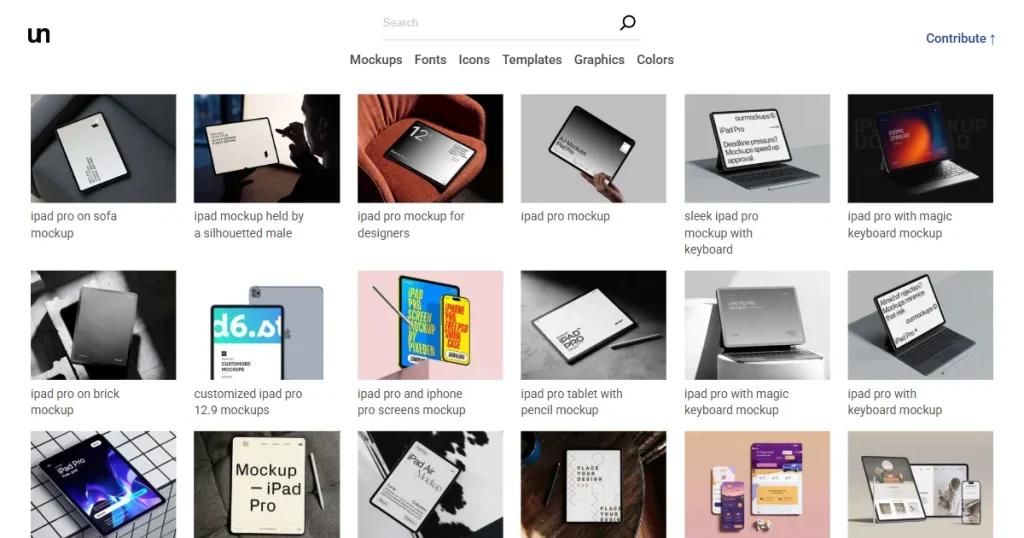
Unblast is a free design resource platform that provides high-quality PSD mockup templates across multiple categories, including iPad mockups, helping designers create realistic product and presentation visuals.
Key Features
| Pros | Cons |
| Completely free access to a large library of iPad mockup templates | Requires Photoshop knowledge to edit PSD templates |
| High-quality PSD templates suitable for professional presentations | No built-in editor, so everything needs to be customized manually |
| Covers multiple device categories alongside iPad mockups | Finding highly specific iPad mockups can take time because of the large template library |
| Smart object layers make customization simple inside Photoshop |
Pricing
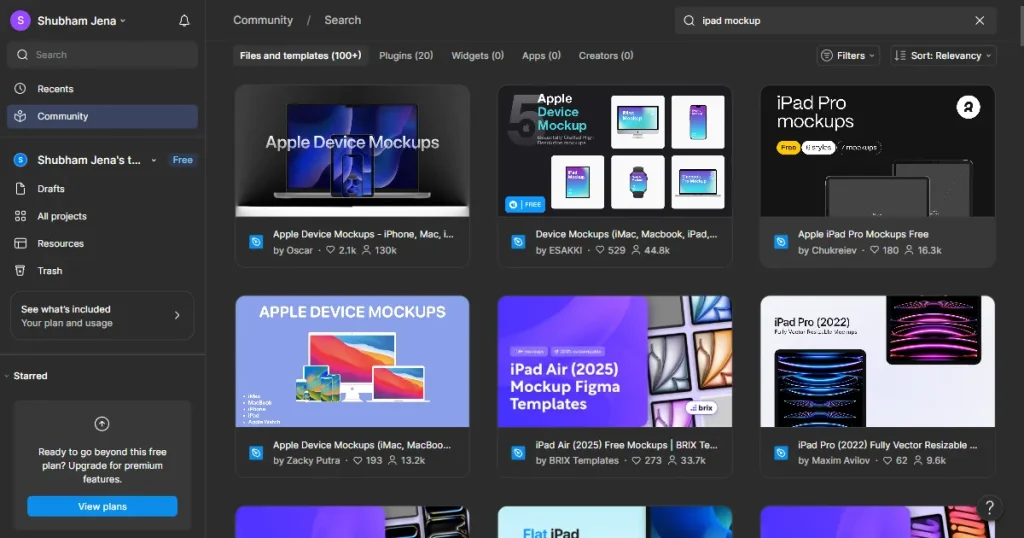
Figma is a professional design tool used by UI/UX designers to create UI and Website designs. However, Figma can be used to create high-quality iPad mockups thanks to the platform’s extensive community templates. However, since the templates are created by different creators, there is no visual consistency, and the iPad frame sizes might also be inaccurate.
Key Features
| Pros | Cons |
| Real-time collaboration | Not the best iPad mockup generator for non-designers because of the steep learning curve |
| Extensive plugin ecosystem | Mockup capability depends on plugins, not built-in |
| Free plan available | Overkill for simple mockup needs |
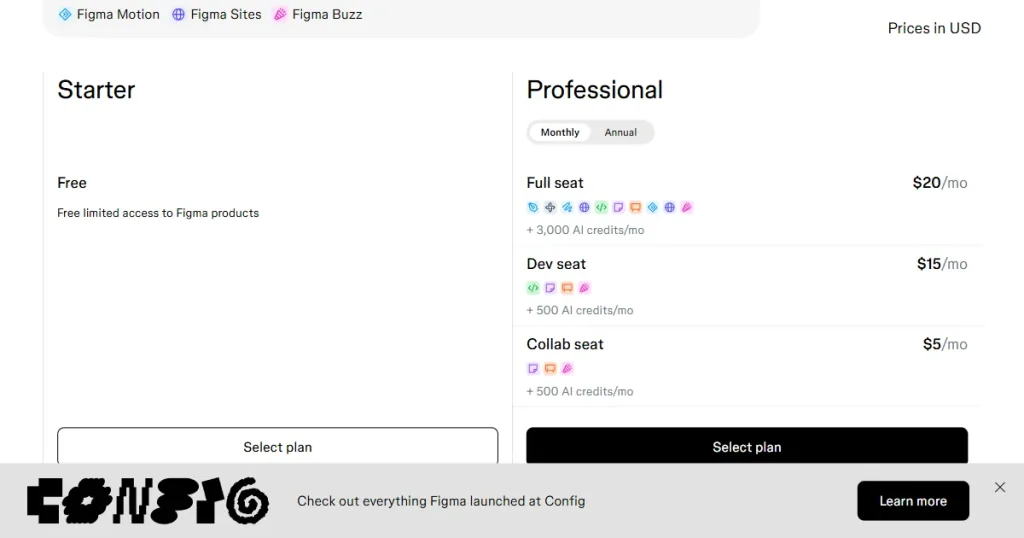
Pricing
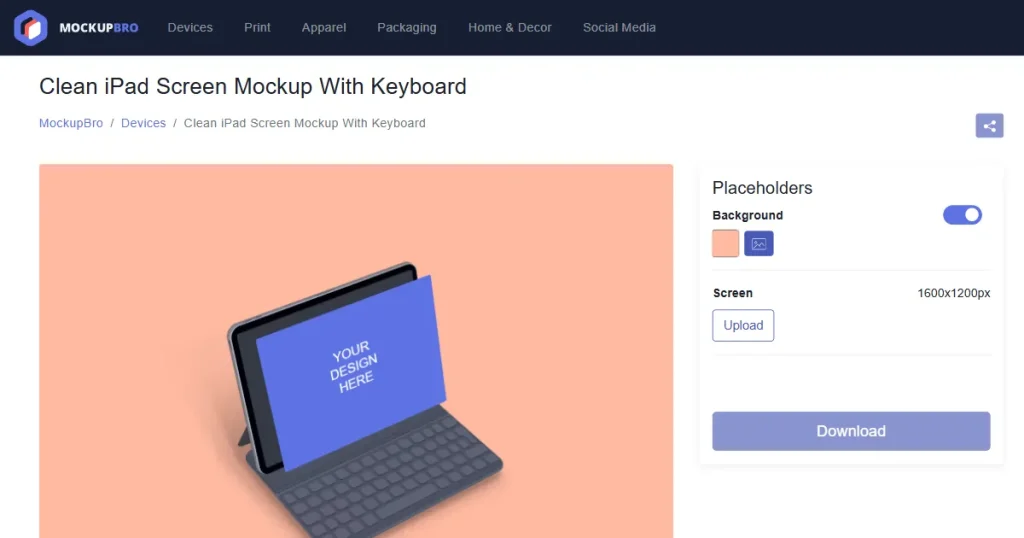
MockupBro is a free online mockup generator that allows users to create iPad mockups directly in the browser by uploading their designs, making it a simple option for beginners who need quick mockup generation.
Key Features
| Pros | Cons |
| Completely free to use with no subscription required | Limited iPad mockup template variety compared to larger platforms |
| Very simple workflow, making iPad mockup creation fast | Customization options are basic and offer little creative flexibility |
| No design software like Photoshop is needed | Templates feel generic, making them less suitable for professional branding |
| Downloads are watermark-free even on the free version |
Pricing
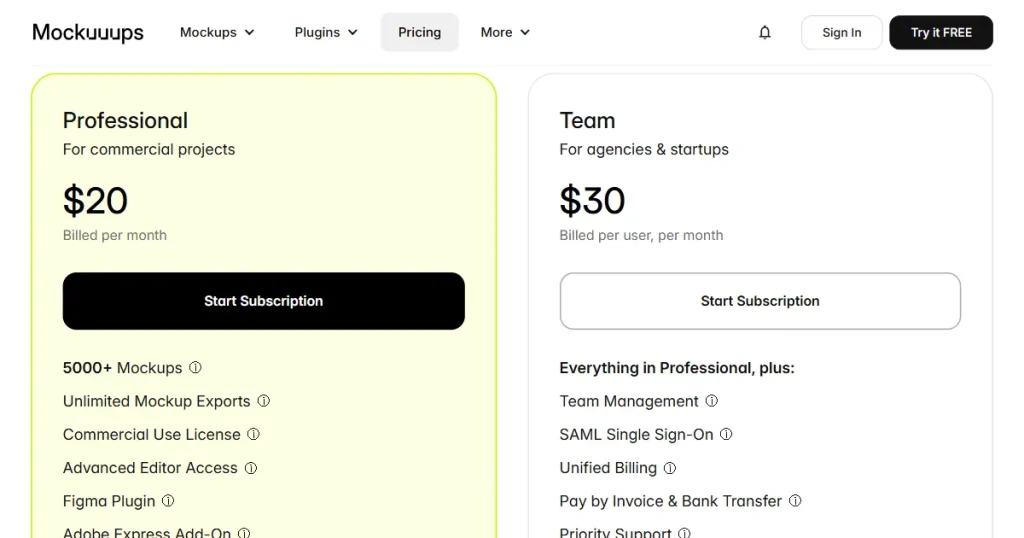
Mockuuups Studio is a web-based mockup generator that helps designers create professional device mockups using thousands of realistic templates, making it useful for app developers, designers, and marketing teams.
Key Features
| Pros | Cons |
| Very fast iPad mockup creation with drag-and-drop workflow | The full mockup library is locked behind a paid subscription |
| Large collection of realistic device mockups with professional quality | Mainly focuses on device mockups with no templates for POD sellers |
| Supports direct integrations with Figma and desktop workflow | Limited customization compared to tools that allow full scene editing |
Pricing
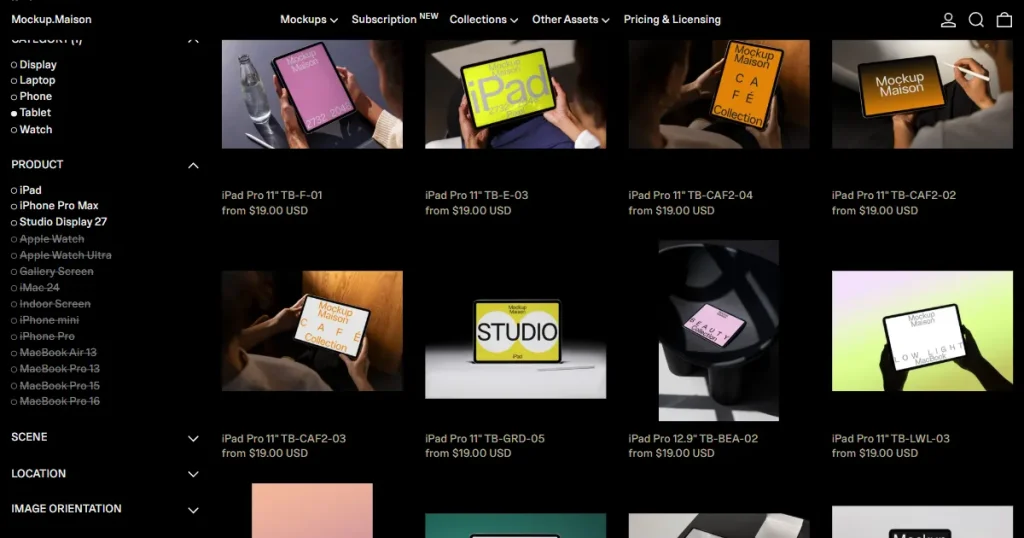
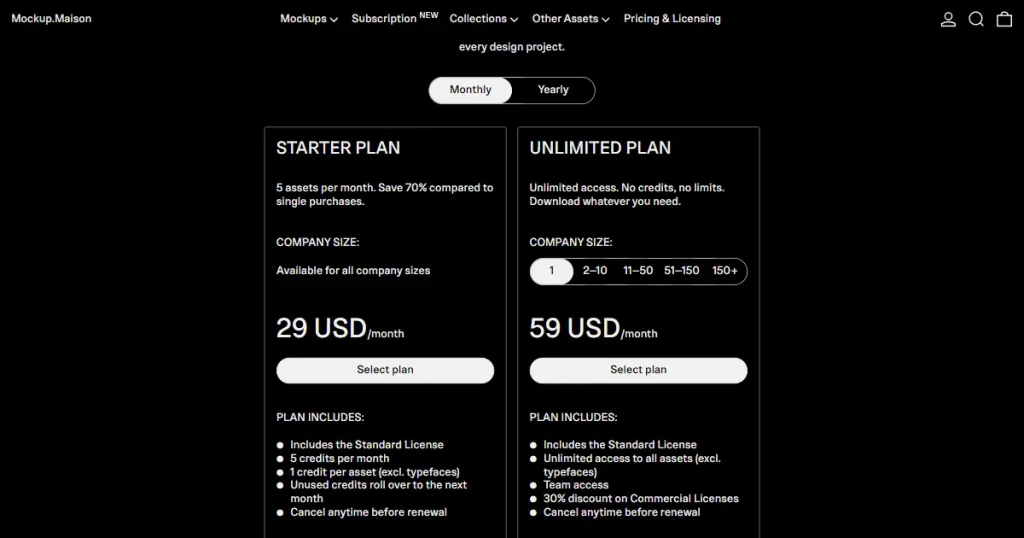
Mockup Maison is a premium mockup platform that helps designers create highly realistic product mockups using professionally photographed PSD templates, making it useful for designers, ecommerce brands, and print-on-demand sellers.
Key Features
| Pros | Cons |
| Extremely realistic product mockups with premium photography quality | Most premium mockup bundles are very expensive for individual creators |
| High-quality PSD templates with detailed lighting, shadows, and textures | Requires Photoshop knowledge, making it difficult for beginners |
| Well-curated mockup collections with consistent premium aesthetics | Limited free access and users need to sign up before downloading free templates |
Pricing
When choosing the best iPad mockup generator, pay close attention to these design elements, as they can make a major difference in how polished and high-quality your final mockup looks.
To choose the best iPad mockup generator, you first need to identify how and where you plan to use iPad mockups in your design or business workflow.
If your primary goal is to use iPad mockups in app screenshots for your app or showcase your App UI in front of clients, stakeholders, or on social media, then AppLaunchpad is the best iPad mockup generator for you.
AppLaunchpad is not only a dedicated app store screenshot generator but also an iPad mockup generator, allowing you to create professional-looking iPad mockups quickly without professional design tools like Photoshop.
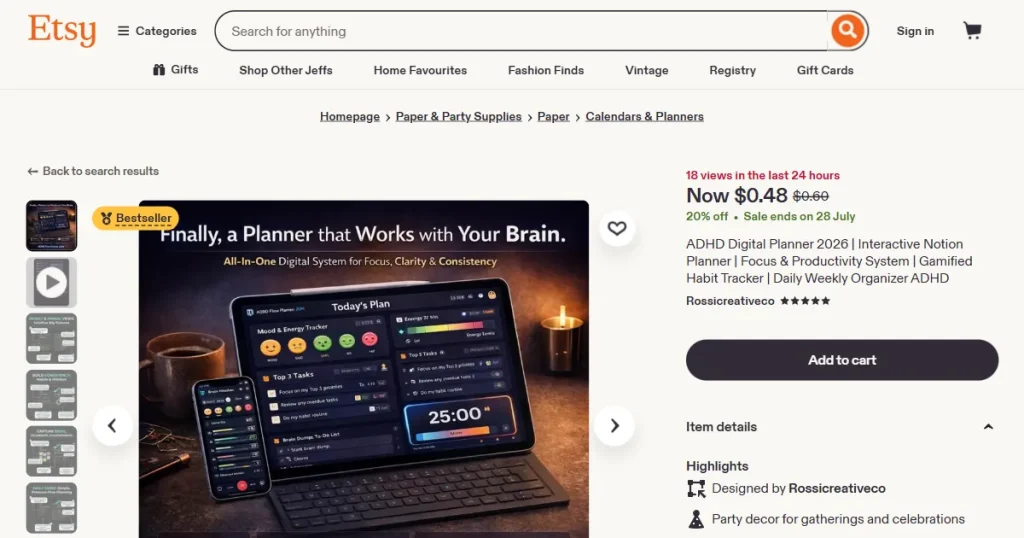
If you are an e-commerce store owner who sells digital products, consider using online iPad mockup tools like Modor. They let you create iPad mockup templates quickly and provide mockups across various scenarios and settings to make your product look unique.
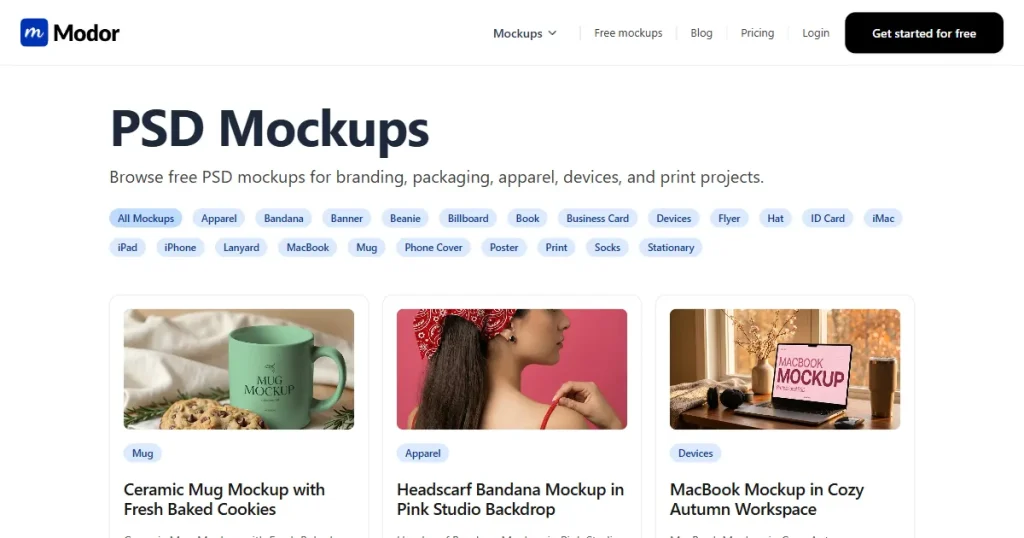
If you are a professional designer looking for only high-quality mockup templates, then you can use a PSD iPad mockup generator tool like Modor or Unblast, as both these tools will give you free PSD iPad mockup templates that you can edit in Photoshop, which gives you more editing flexibility.
If you are a print-on-demand seller who needs multiple iPad mockup templates for your store, then you should go for tools like Modor, as it supports bulk mockup creation, which means you can create multiple mockup templates within one project, export them together, and use them for your store.
Even when using the best iPad mockup generator, avoiding these common design mistakes is essential if you want your final mockups to look clean, realistic, and professional.
You can make an iPad mockup by uploading your design into an iPad mockup generator like AppLaunchpad or Modor and customizing the template to create a realistic presentation.
The best iPad mockup generator tools in 2026 are AppLaunchpad and Modor because they offer fast mockup creation with advanced customization options.
An iPad mockup generator works by placing your screenshots or designs inside pre-made iPad templates to create professional-looking product visuals.
MockupBro is one of the best free iPad mockup generators because it lets users create mockups directly in the browser without Photoshop or design experience.
You should look for template variety, customization options, ease of use, export quality, and compatibility with your design workflow when choosing an online iPad mockup tool.


