
Top 10 AI App Builders In 2026
Discover the top 10 AI app builders in 2026. Learn what each tool does, pricing, pitfalls, and which platform fits your startup or MVP best.
Originally known as GPT Engineer, Lovable AI app builder is a full-stack AI-powered platform that lets you create, test, and deploy fully functional applications from natural language prompts. Part of the vibe coding category, Lovable blends AI agents, live components, and real-time testing into a single platform.
However, Lovable has some serious limitations. While it excels at web application development, it may not be the best choice for every project. Its credit-based pricing can get expensive really fast, and there are limitations when adding complex features or building more advanced applications.
Our team personally tested all Lovable features to see how well the platform performs in real-world use cases. This Lovable review covers our experience, its key strengths and limitations, pricing, and whether it is worth investing in 2026.
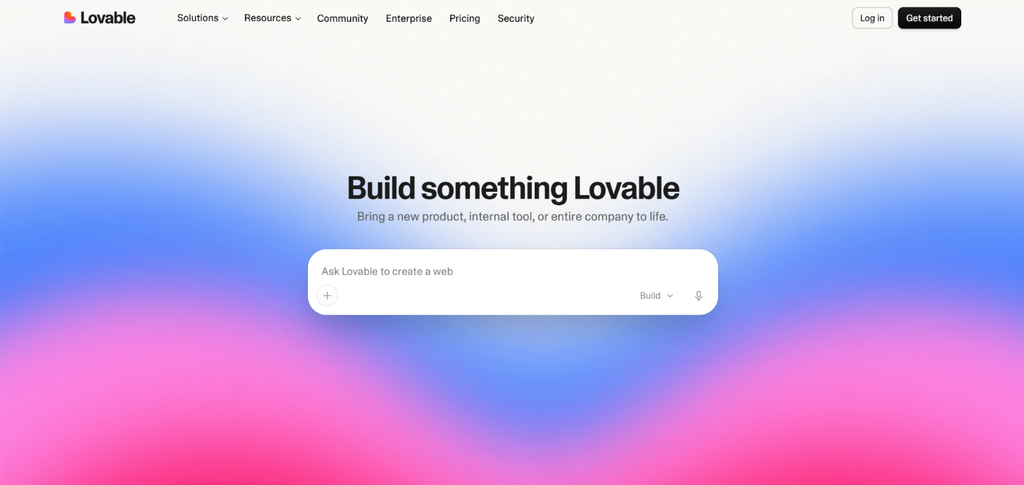
Lovable is an AI-powered development platform that lets you create functional applications using natural-language prompts. Unlike starting with traditional app development, and starting with a blank code editor, you describe the product you want to build, and Lovable generates the application based on your description.
Unlike traditional app development platforms, Lovable combines app creation, deployment, and collaboration in one interface, without requiring you to write code. It generates a modern stack using React and Tailwind CSS for the frontend and services like Supabase for the backend. Its biggest advantage is speed, letting you go from an idea to a working app without building everything from scratch.
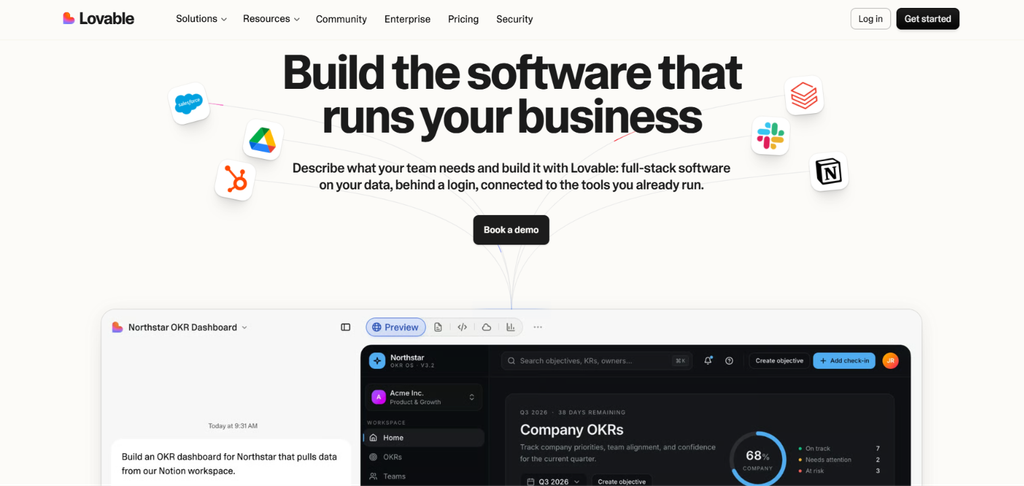
As mentioned earlier, Lovable’s main interface is a chat-based workflow. When you enter a prompt, Lovable can identify the different parts an application needs based on the type of product you’re creating. For example, if you’re building a SaaS analytics dashboard, Lovable creates sections such as a dashboard overview, reporting views, account settings, and navigation between them.
For more complex projects, Lovable also includes a planning mode that asks follow-up questions about the scope and structure of the product. This reduces the time spent on early planning and sketching.
So, instead of mapping out every user journey and designing each UI screen, you can first start with the product idea and use Lovable to create the first version of the app, test it, make required changes, and later publish it.
After digging into the core Lovable AI features for this Lovable review, we found that it works particularly well for building the following types of products:
Lovable’s main appeal comes from combining AI-powered app generation with development, editing, backend services, testing, and deployment in one workflow. Below are the features that matter most.
Lovable offers pre-built website and app templates that give you a starting point instead of requiring you to build everything from scratch. The library covers categories such as SaaS, portfolios, blogs, internal tools, dashboards, and more, with examples including Shopify storefronts, analytics dashboards, AI tools, landing pages, and product catalogs.
You can also browse templates based on different personas, including founders, marketers, designers, product managers, students and more. Each template can be customized to fit your project, which is useful for quickly setting up the structure and design of an app or website before refining it with Lovable.
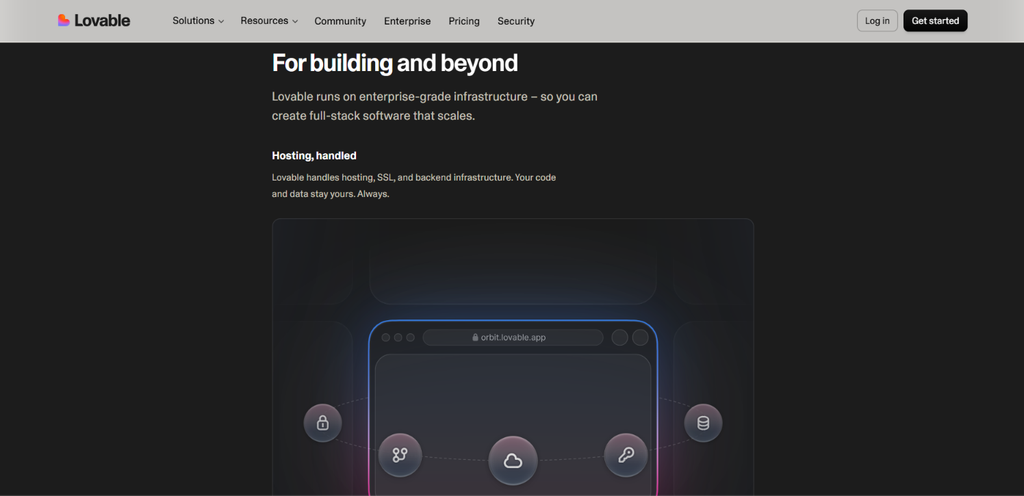
Full-stack app generation is the main reason to consider Lovable. Instead of only generating a visual interface, Lovable can create functional mobile application components from text descriptions. Depending on the project, this can include the frontend screens, backend logic, database schemas, authentication, and integrations.
This also makes Lovable particularly useful for building and testing MVPs without spending days creating the first version manually. However, you still need to test the finished app carefully to make sure the features, permissions, and data work as expected.
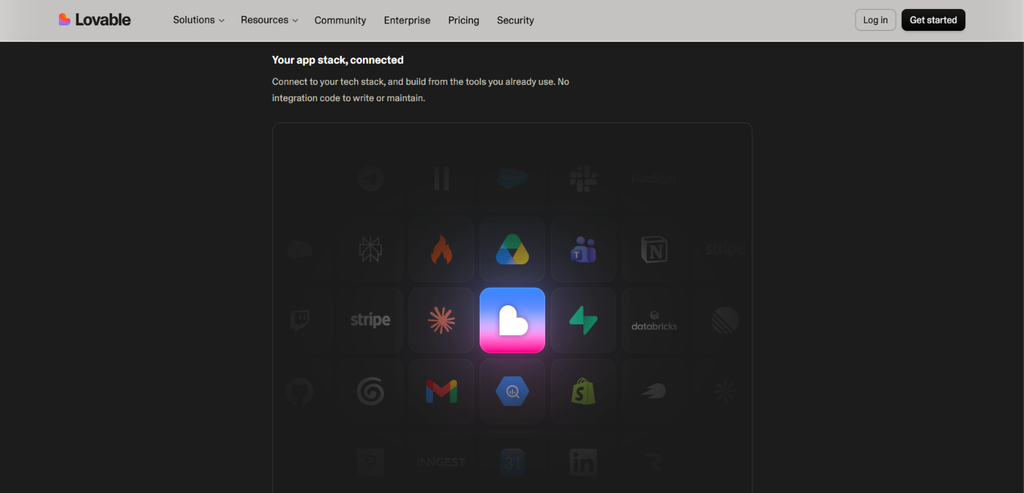
Lovable is not simply generating a visual prototype. Its applications can use established web development technologies and backend infrastructure.
It uses TanStack Start or React for the frontend, with a built-in cloud backend powered by Supabase. The UI layer uses Tailwind CSS and shadcn/ui components. For database functionality, Lovable uses PostgreSQL, with REST APIs and Row-Level Security available for database access.
It can also connect AI models such as Google Gemini for use cases including text generation, translation, and chatbots.
Supabase is an important part of the Lovable workflow. The integration lets a Lovable project connect to an external Supabase backend. This can be used for database management, authentication, and server-side functionality through prompts.
There is also a distinction between Lovable Cloud and using your own external Supabase project. Lovable Cloud provides a managed backend by default. If you connect your own Supabase project, you get direct access to the Supabase dashboard and ownership of the database infrastructure.
This matters if you are building a product that you eventually want to manage outside the AI builder.
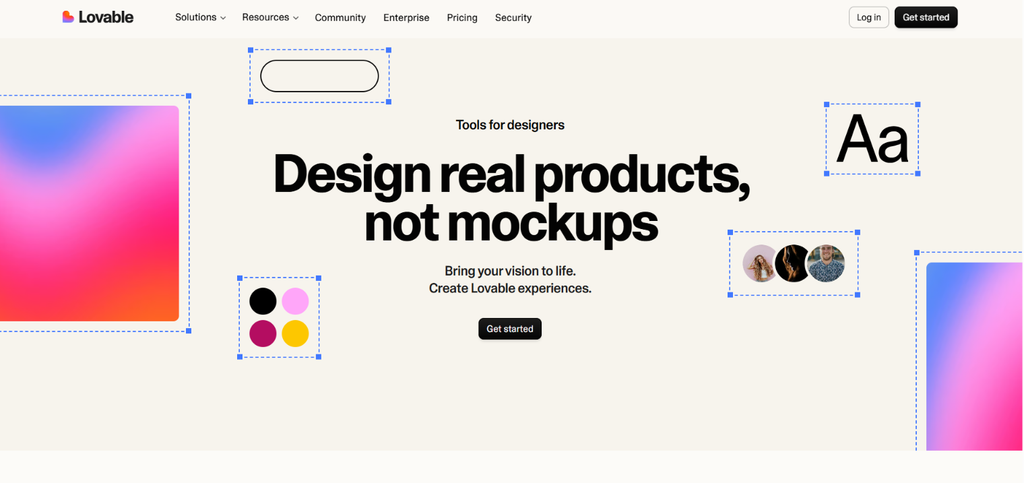
You do not have to make every UI change through a prompt. Lovable includes a live preview toolbar that lets you select and edit components directly. You can change elements such as text and interface components without manually editing the underlying code.
The platform also supports sketching, drawing, and comments, which can be useful when working with a team. This gives Lovable two ways to modify an application: Prompt-based editing for larger changes and functionality, and visual editing for more direct UI adjustments.
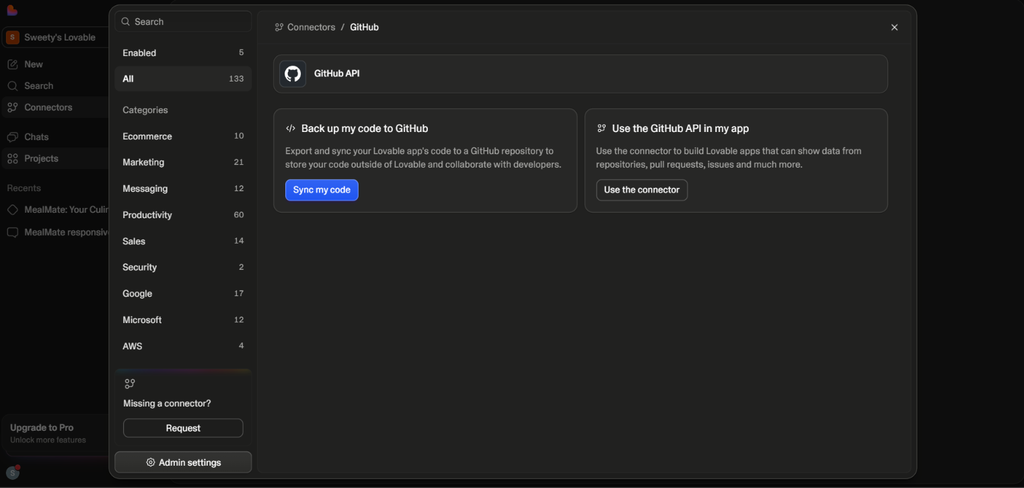
Once your application is ready, you can deploy it through Lovable Cloud or use external hosting through Git integration. With Lovable’s built-in hosting, you can use the Publish option from the editor.
For external deployment, you can connect your project to a Git repository through Git sync. Hosting platforms such as Netlify, Vercel, and Cloudflare Pages can then use the repository to build and deploy the application.
This gives developers more flexibility if they do not want their application to remain entirely within Lovable’s hosting environment.
Lovable also supports custom domains on paid plans. You can configure a domain through the project’s settings or publishing menu. You can either purchase a new domain through the platform or connect one you already own.
A custom domain is useful when moving from a prototype to a public-facing product because users can access the application through your own branded URL instead of a platform-generated address.
Debugging is another area where Lovable’s conversational approach can save time. When an error appears, you can ask Lovable to fix it through the chat interface.
Try to fix the error once or twice and, if the issue remains, giving Lovable more specific information about what is broken, where it happens, what you expected, and what actually happened. Screenshots and error messages can also provide useful context.
The important point is that AI debugging works better when your instructions are specific. A better instruction would explain the affected feature, expected behavior, actual behavior, and any error message.
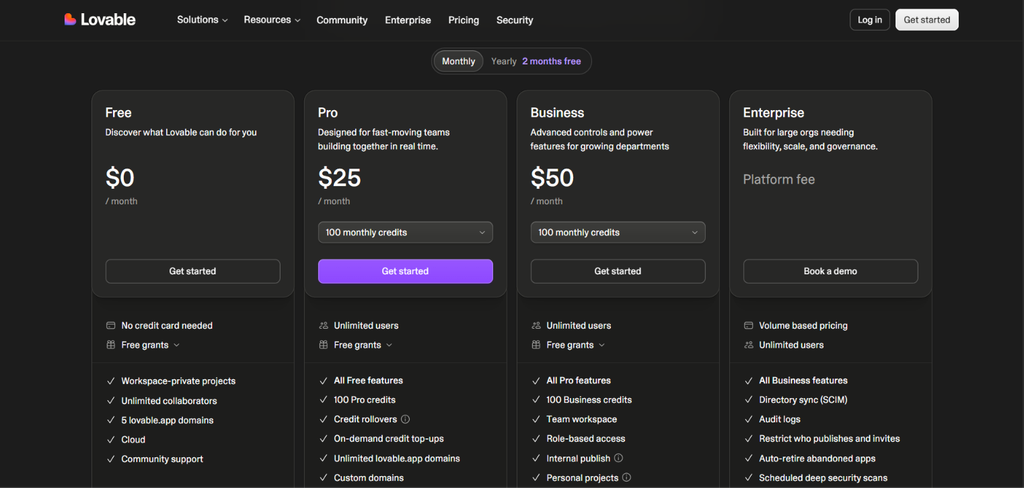
For this Lovable review we looked into the pricing structure. Lovable uses a credit-based usage structure. The pricing is as follows:
How to Get More Credits?
If you already have a paid Lovable plan, you have two ways to get more credits:
No Lovable review is complete without looking at where the platform performs well and where it can become limiting.
The basic Lovable workflow starts with describing your product rather than writing the application from scratch.
Step 1: Describe Your Product
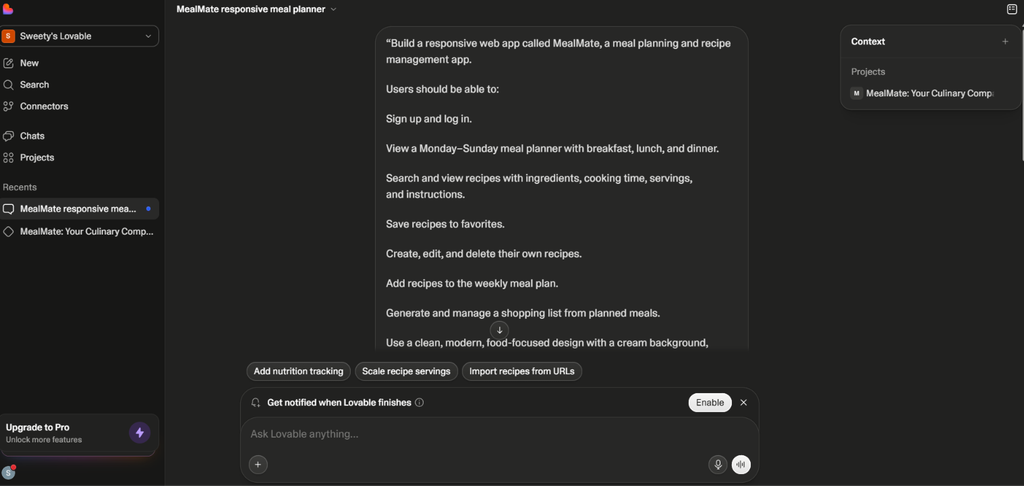
Start with a clear description of what you want to build. Give Lovable more useful product information, such as the target user, core features, pages, user actions, and data the application needs.
Step 2: Let Lovable Create the Initial Build
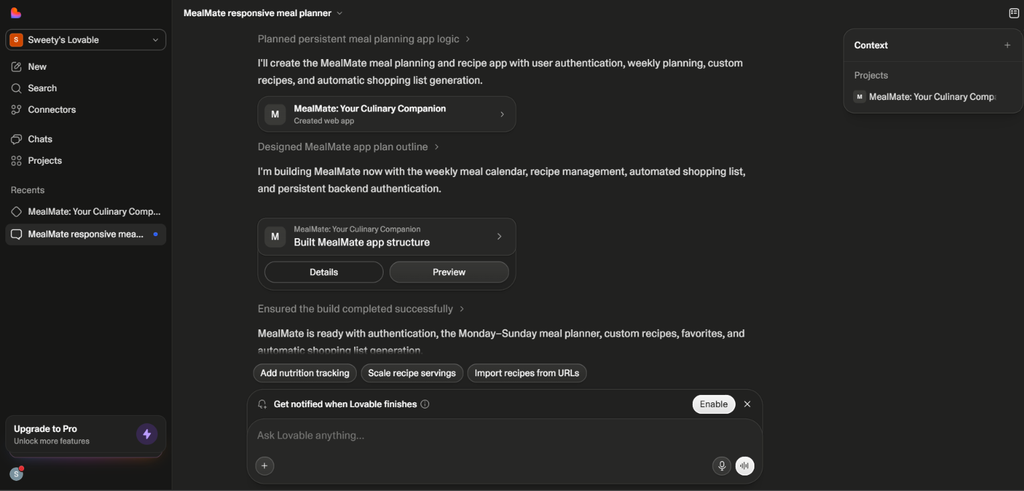
Lovable interprets the prompt and generates the application based on the requirements. For larger or more complex projects, its planning workflow can help clarify and plan the build phase before the application is built.
Step 3: Test the Application
Do not assume the first build is production-ready. Test the major user flows, including sign-up and login, navigation, forms, database actions, error states, mobile responsiveness, user permissions, and external integrations.
Step 4: Refine Through Prompts
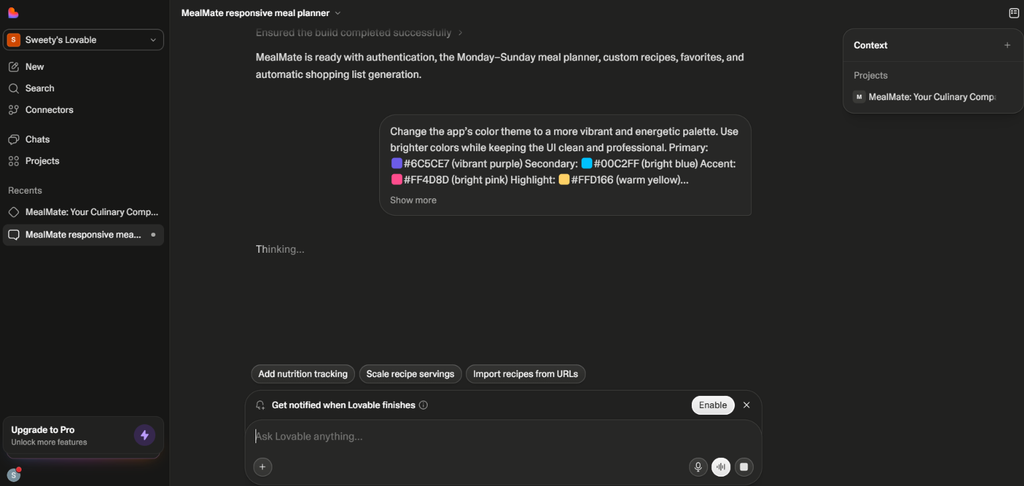
Once you identify something that needs to change, describe the issue clearly and ask Lovable to modify it. For UI changes, you can also use the visual editor.
Step 5: Debug Errors
If something breaks, provide the error message, explain where it occurs, and describe the expected behavior. Adding a screenshot can also help Lovable understand the problem.
Step 6: Deploy
When the application is ready, you can publish it using Lovable Cloud or connect the project to an external Git-based hosting workflow.
User feedback is important when reviewing an AI app builder because the generated application is only one part of the app building experience.
Product Hunt: Strong for MVPs and Fast Pro app-building
Lovable has a 4.7/5 rating from 209 Product Hunt reviews. Users commonly praise its fast prototyping, clean UI, prompt understanding, and GitHub and Supabase integrations.
Several Lovable reviewers say they use it to build MVPs and get products in front of users much faster than traditional development.
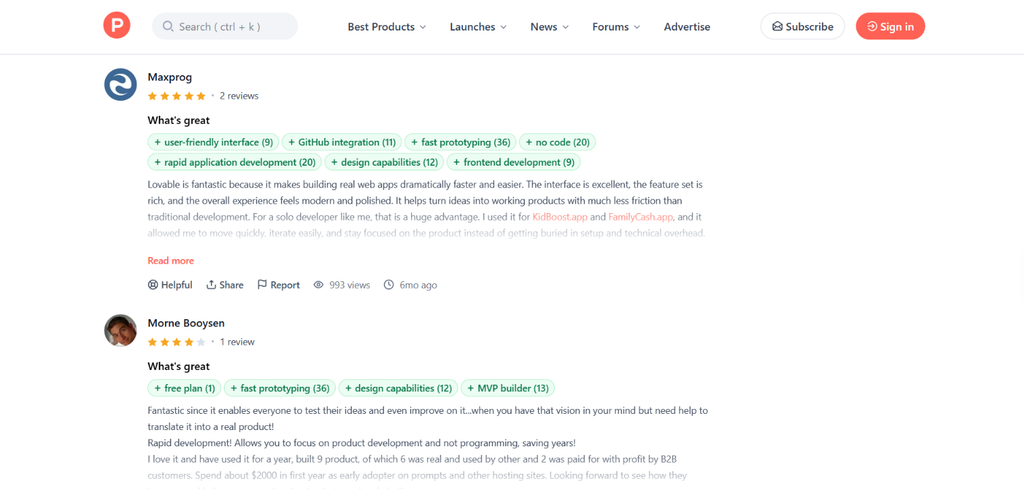
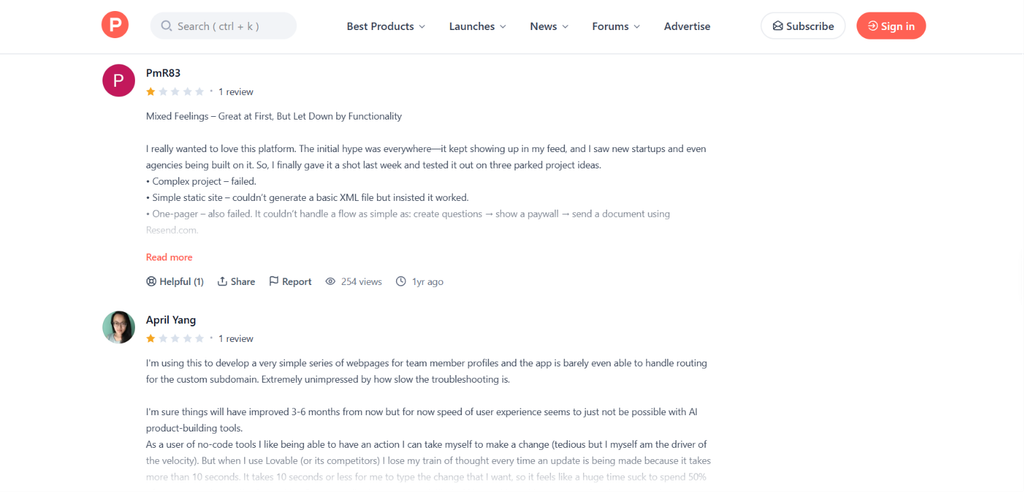
The main criticism is that larger and more complex applications can become difficult to manage. Users report bugs, unexpected changes, credit usage during repeated fixes, and more manual work when applications have complex backend logic.
One user particularly reported being let down, as it failed at a complex project and couldn’t generate a basic XML file. Another user reported that the credits are spent fixing bugs, instead of creating products with no issues.
Trustpilot: Easy for Beginners, but Credits Are a Concern
Lovable currently has a 4.2/5 TrustScore from 1,773 reviews on Trustpilot, with 69% of reviews rated five stars.
Users frequently mention that the platform makes it possible to create websites and applications without previous coding experience. Recent Lovable reviews also praise its speed and ability to turn an idea into a working product.
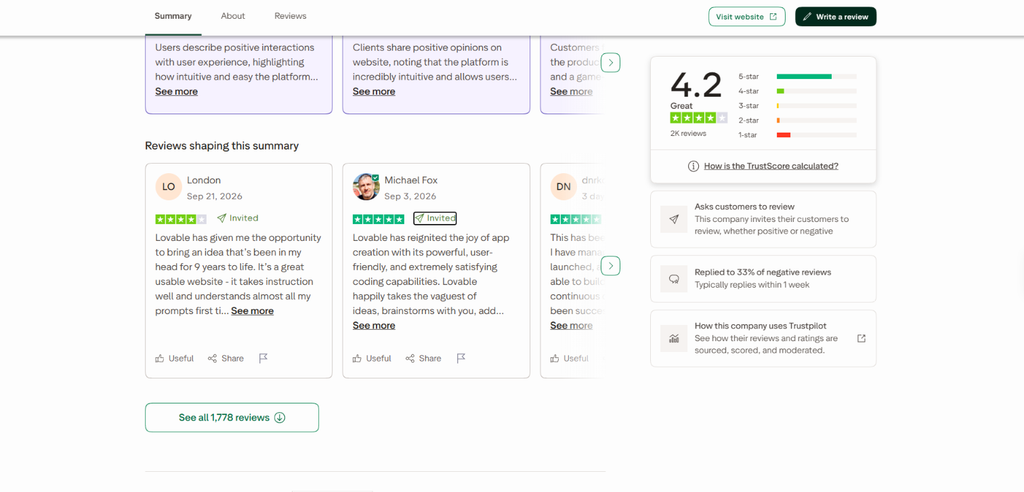
However, the negative Lovable reviews point to credit consumption, technical errors, and support as recurring problems.
Similar to Product Hunt, one user reported that there’s no instruction on how to use the site and the daily credit is not sufficient. Users also said they needed multiple prompts to fix an issue, which consumed additional credits.
Reddit: Good Starting Point, Less Reliable as Projects Grow
Lovable review on Reddit is more mixed. One recent user said Lovable was easy and accurate initially but became increasingly difficult to use as the project grew, with more errors and faster credit consumption.
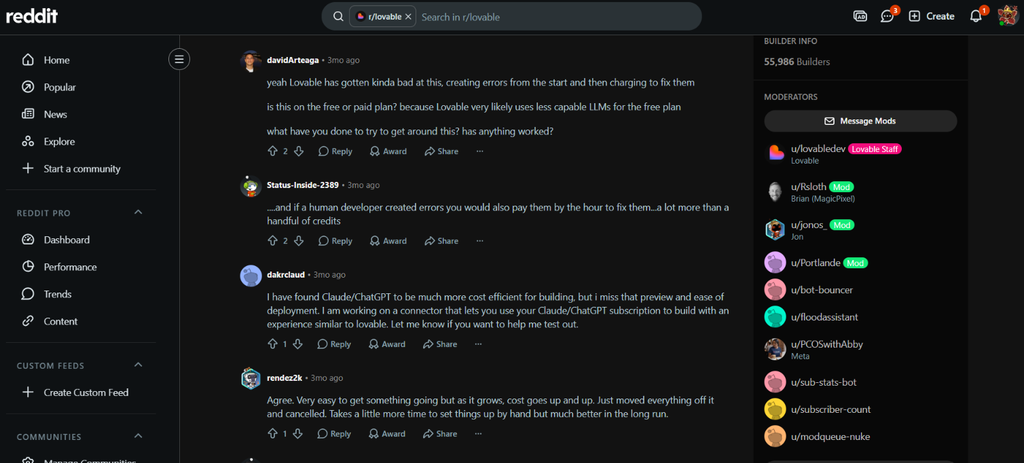
Another Reddit discussion describes Lovable as convenient for full-stack projects using Supabase and built-in deployment, while still noting that more complex projects may require developers to handle the backend themselves.
So, is Lovable worth investing in?
For the right type of user, yes. Lovable is a powerful tool when your priority is getting from idea to working application quickly. Its natural-language workflow, full-stack app generation, Supabase integration, visual editing, AI debugging, and deployment options make it useful for prototypes, MVPs, SaaS products, internal tools, and rapid experimentation.
The biggest thing to remember is that AI app builders reduce the amount of manual development work, but they do not remove the need for testing and technical judgment. If you are a founder or beginner who wants to validate an idea quickly, Lovable can be a strong option.
If you are building a complex production application, having React and backend knowledge becomes much more valuable
Yes, Lovable is worth it if you want to build and validate web applications quickly without writing everything from scratch. It is particularly useful for MVPs, prototypes, internal tools, and SaaS applications.
No, Lovable AI is not fully free. It offers a free plan that lets you try the platform with limited usage, but advanced features, higher usage limits, and additional capabilities require a paid plan.
The best Lovable alternatives include Anything AI, Bolt, Base44, Replit, and v0 by Vercel. Each suits a slightly different workflow.
The main Lovable AI features include AI-powered app generation, full-stack development, Supabase integration, Lovable Cloud, visual editing, AI debugging, third-party integrations, deployment and hosting, and custom domain support.
Reading a Lovable review before paying for a plan helps you understand whether the tool fits your needs and budget. A good review can cover its actual features, pricing and credit limits, ease of use, app-building capabilities, common limitations, and user feedback.