App Store Connect Guidelines for App Developers and…
App Store Connect is the platform that lets you upload your app and manage all updates, including metadata, revenue details, […]
Published May 1, 2026
Compare AppLaunchpad vs Hotpot.ai for app screenshots. See features, pricing, pros, cons, and which app screenshot tool fits your workflow best.
11 min
AppLaunchpad vs Hotpot.ai compares two app screenshot tools built for very different needs. Hotpot.ai app screenshot generator is part of a broader AI design platform offering templates for mockups and social media, but it comes with limited templates, no localization, outdated devices, and a complex credit-based pricing model.
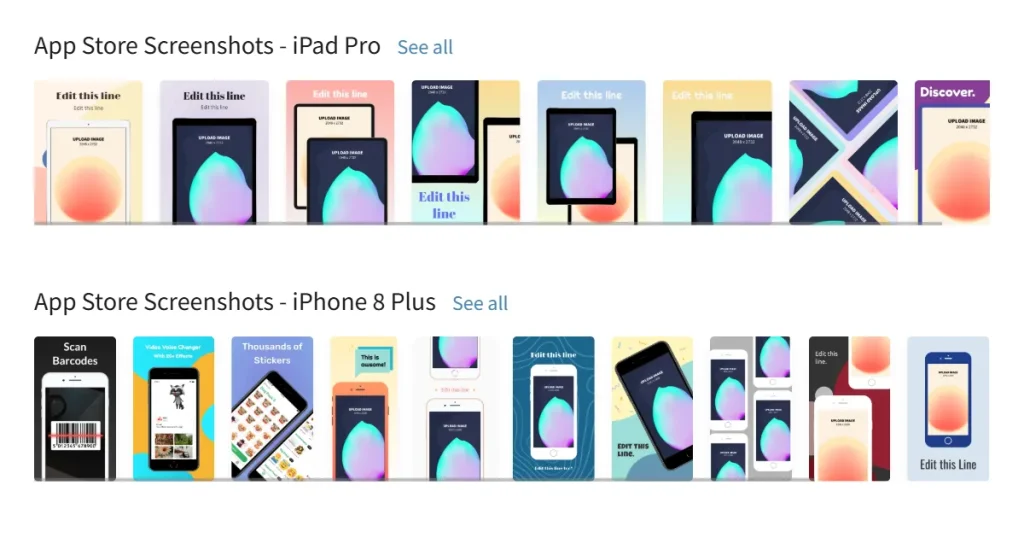
AppLaunchpad, on the other hand, is a dedicated app store screenshot generator with a wide range of templates, latest devices, and a freemium pricing model
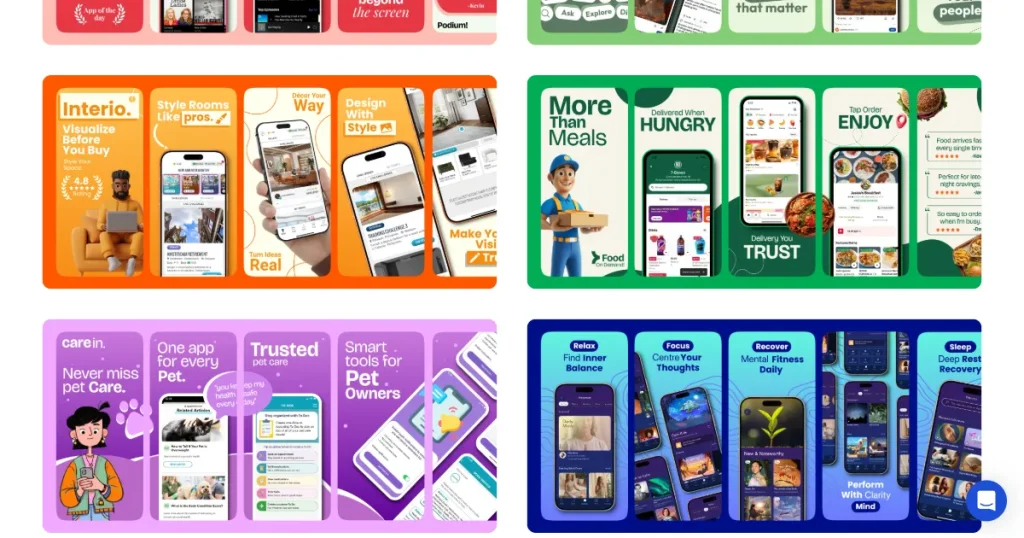
This comparison helps you choose the right tool based on your workflow. AppLaunchpad app screenshots stand out with 1000+ templates, 3D device mockups, a smooth editor, and localization in 80+ languages. It also offers a reliable free plan with watermark-free exports, making it ideal for consistent, scalable app store visuals.
When we first worked on ASO, we treated the app screenshots like a checklist item. We assumed installs would follow as long as the app was good. What surprised me was that installs stayed flat until we used a good app store screenshot generator to work on my visuals.
Once we used an app screenshot tool to update an app listing, our installs started improving instantly. That experience changed how we look at this AppLaunchpad vs Hotpot.ai comparison blog today.
In our opinion, speed, consistency, and the ability to update your app store screenshots without starting over matter more than most people expect.
In the AppLaunchpad vs Hotpot.ai comparison, the best tool is the one that fits your regular workflow. Screenshots aren’t a one-time task, they need an app screenshot tool that handles frequent updates.
This is why this AppLaunchpad vs Hotpot.ai comparison blog is much more than just a price comparison. Over time, a consistent app screenshot tool workflow leads to better listings and fewer rushed fixes.
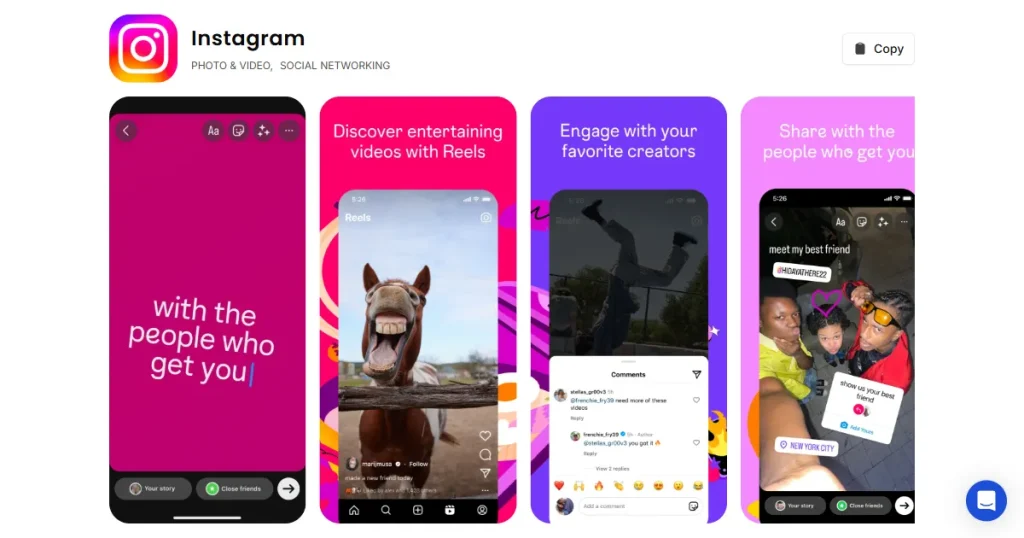
Screenshots are the images shown on a listing to explain your app. To make screenshots look professional, many developers turn to an app store screenshot generator. Even though layouts differ, the purpose of any app screenshot tool is to explain the app quickly.
In the AppLaunchpad vs Hotpot.ai comparison, both tools aim to help you visualize the experience of screenshot creation, but a high-quality app screenshot tool ensures your text remains readable even on small screens.
AppLaunchpad and Hotpot.ai app screenshot generator both create app screenshots, but they are built for very different purposes. The table below highlights the most important AppLaunchpad vs Hotpot.ai comparison key factors at a glance.
| AppLaunchpad vs Hotpot.ai Comparison Factor | AppLaunchpad | Hotpot.ai |
| Primary use case | Dedicated app store screenshot generator | General AI-powered design tool |
| App Store & Play Store compliance | Yes, screenshots are store-ready | No, manual fixes are often required |
| Workflow efficiency | Optimized for frequent updates | Better for occasional designs |
| Automation & scalability | High level of automation(cloning, localization, saved projects) | Low level of automation, mostly manual work |
| Design flexibility | Controlled flexibility, consistency-first design concept | Very high creative freedom with basic editing options |
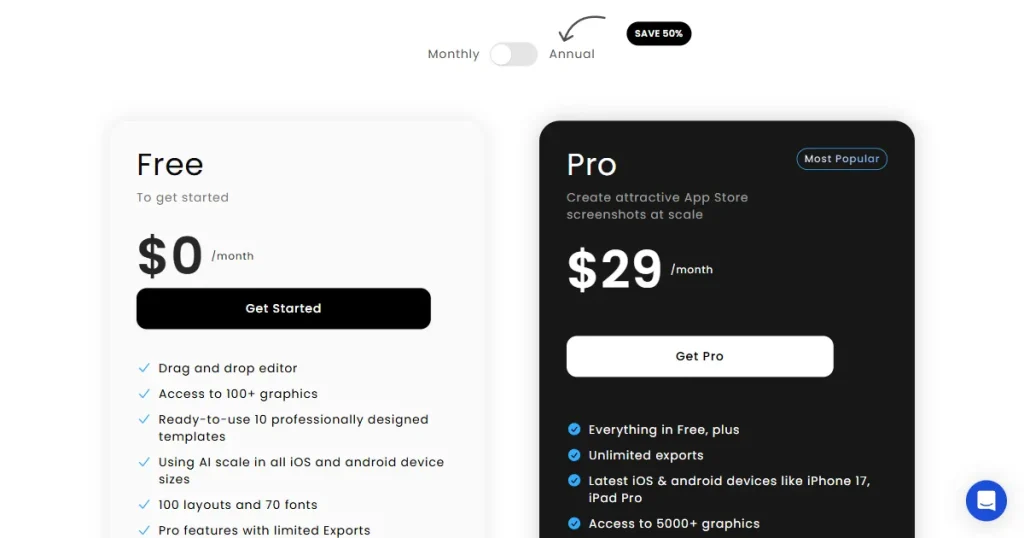
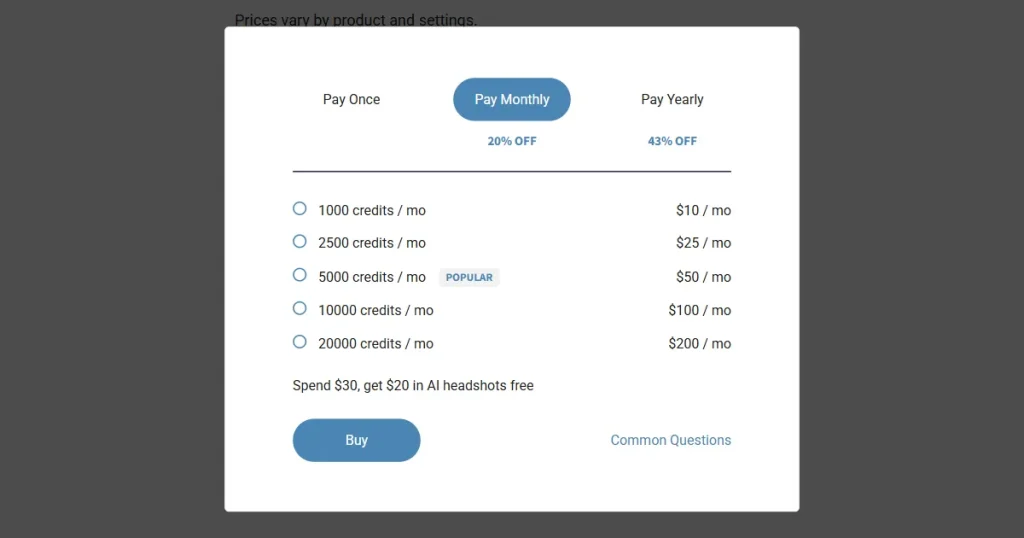
| Pricing model | Freemium, Pro plan at $29/month | 1000 credits($10/mo) for single set of screenshots |
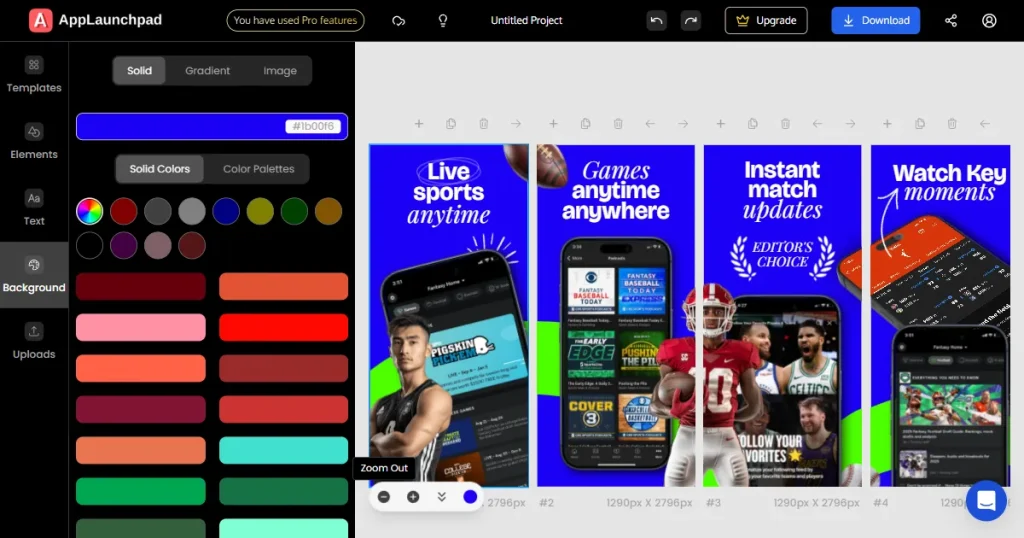
AppLaunchpad is a specialized app screenshot tool built for app store compliance and premium app store screenshots. It is a browser-based app store screenshot generator, helping teams produce visuals that match App Store screenshot requirements using a simple, guided workflow. The workflow is simple, pick a template, upload app screens, adjust the text and visuals, and export.
AppLaunchpad is a popular app screenshot tool among indie developers, startup teams, and ASO specialists. It works exceptionally well for teams that frequently update their apps and want consistent screenshots without having to start from scratch each time.
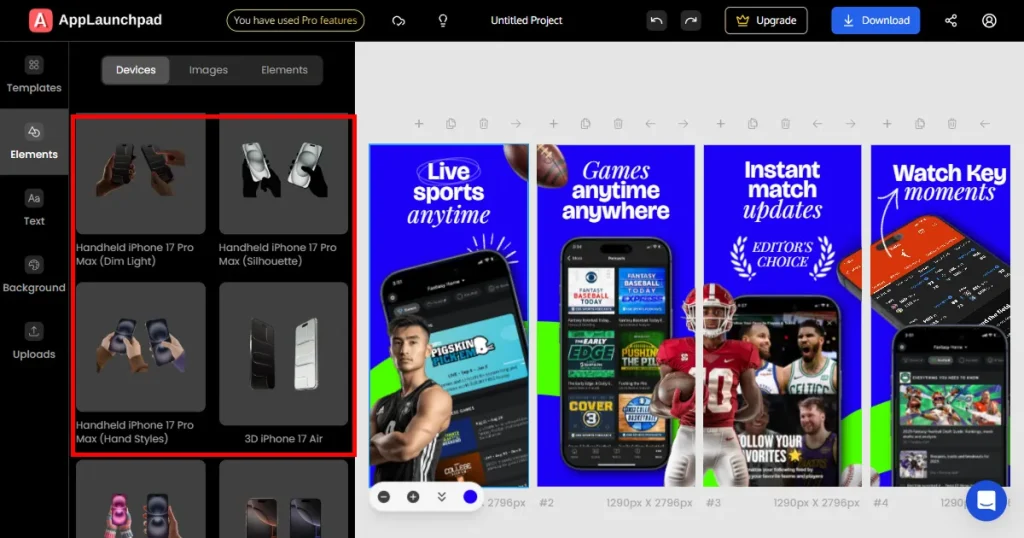
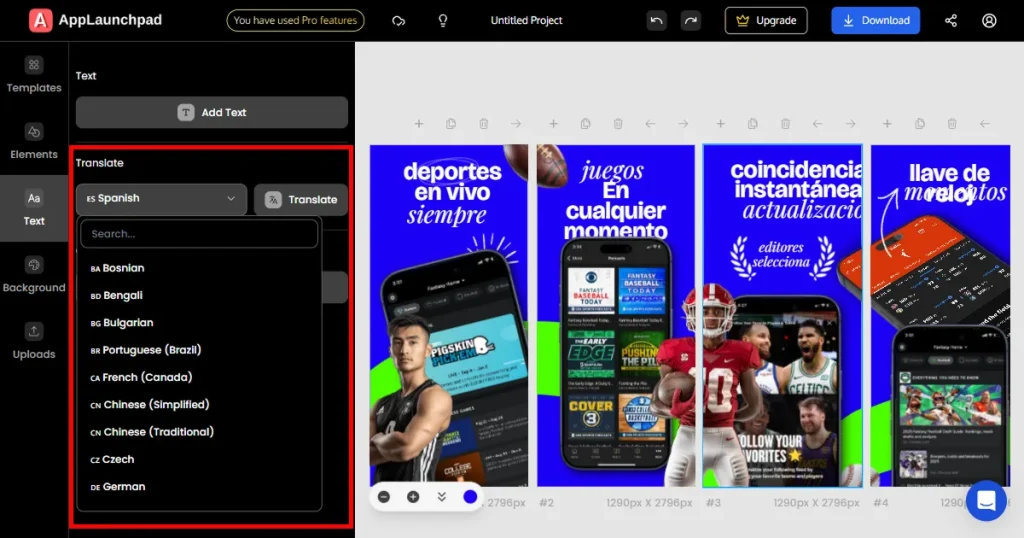
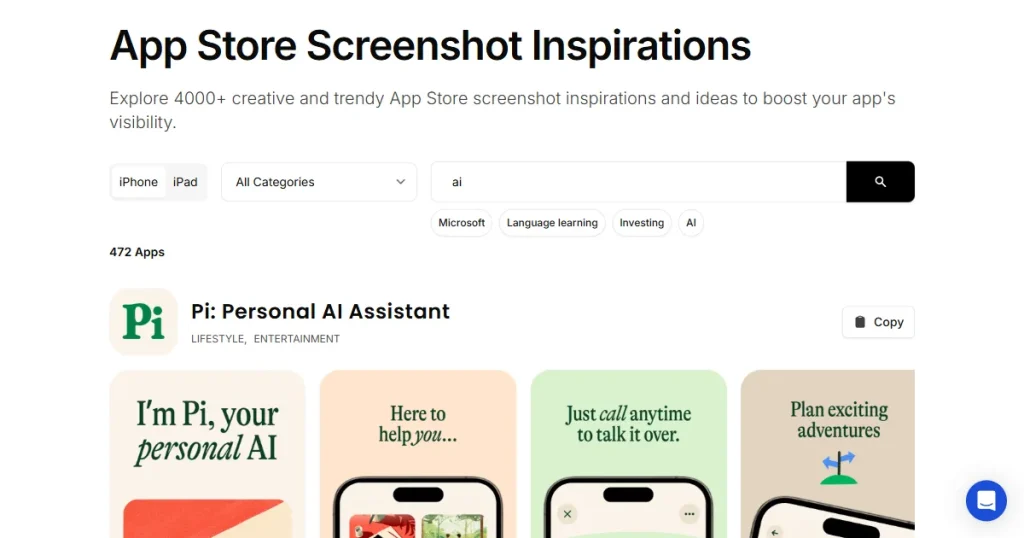
AppLaunchpad uses a simple freemium pricing model aimed at indie developers and small teams.
The Free plan is a great way to test this app store screenshot generator. The Pro plan unlocks the full features of the app screenshot tool, removes export limits, and adds advanced features like support for newer devices, localization, and screenshot cloning.
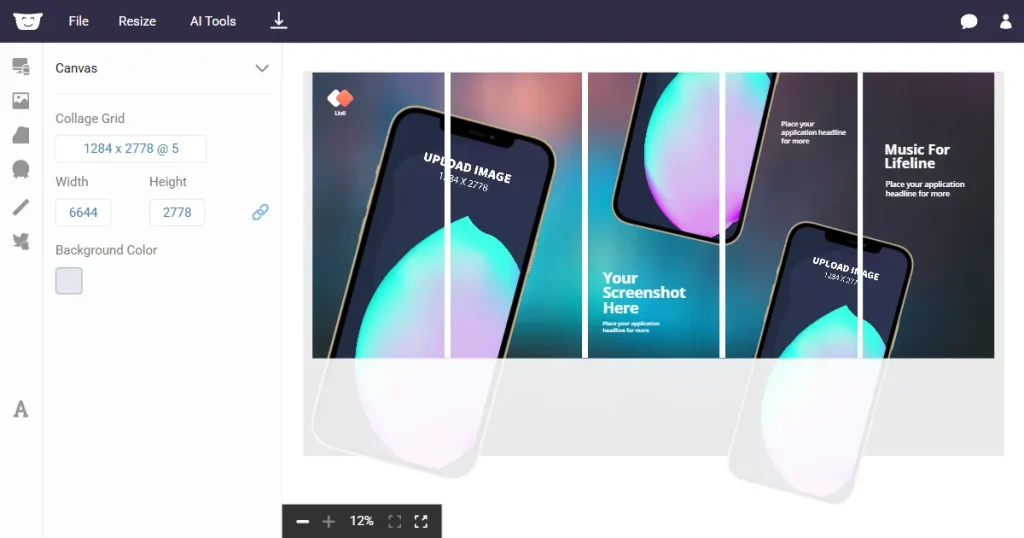
Hotpot.ai is an AI-powered creative platform that generates a wide range of visuals, including app screenshots, banners, social graphics, and device mockups. While the platform includes an app store screenshot generator, it is designed for broader visual tasks. It runs entirely in the browser and allows users to start instantly, often without signing up.
Hotpot.ai focuses more on creative flexibility than app store compliance, which means screenshots may need manual adjustments before publishing.
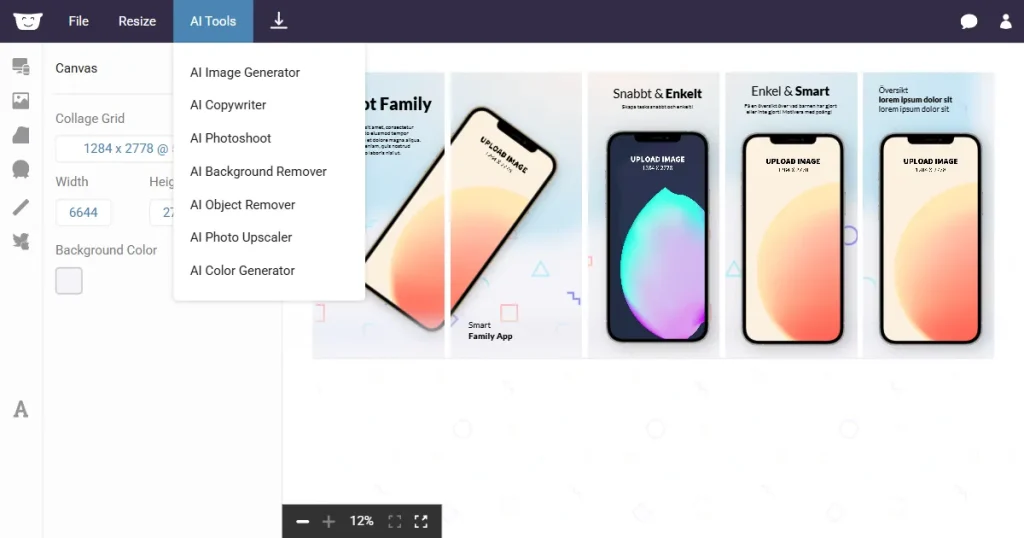
Hotpot.ai uses a credit-based system, unlike the subscription model of many app screenshot tools.
This pricing works best for experimentation and occasional design needs rather than ongoing screenshot production.
There’s no one-size-fits-all tool, different users have different needs. AppLaunchpad app screenshot generator and Hotpot.ai are both great, and there’s no single winner.
Both tools perform well, but in different ways. AppLaunchpad focuses on creating app store screenshots that are ready to upload with minimal effort.
Hotpot.ai app screenshot generator prioritizes creative flexibility, which can require more manual work before screenshots are store-ready. The Hotpot.ai app screenshot generator is excellent for those who don’t mind extra manual work.
From a value perspective, AppLaunchpad’s subscription pricing is predictable. Hotpot.ai’s credit-based model can work for light use, but it becomes harder to plan for as usage increases. As most app developers frequently update their app screenshots, AppLaunchpad is a better option. However, for one-time use or App Launch screenshots, Hotpot.ai can be considered.
When comparing both tools, the right choice depends on how central screenshots are to your workflow.
Choose AppLaunchpad app screenshots if:
Choose Hotpot.ai app screenshot generator if:
If screenshots are an important part of your growth strategy, AppLaunchpad is usually the safer option. If screenshots are only one part of your creative process, Hotpot.ai’s screenshot generator can also be useful.
If screenshots are a core part of your ASO strategy, AppLaunchpad is the superior app screenshot tool. It’s app store compliance, localization, and a wide range of templates that have covered it all for you. Choose the Hotpot.ai app screenshot generator if you only need an app screenshot tool occasionally and prefer creative freedom over automation.
Ultimately, whether you pick AppLaunchpad or Hotpot.ai, you need an app store screenshot generator that works for you. Don’t let your listing fall behind. Find the right app screenshot tool and keep your App Store and Google Play screenshot tool assets fresh.
Yes, this app screenshot tool complies with all Apple and Google guidelines. The templates use correct dimensions, spacing, and layout rules, so screenshots are ready to upload without extra resizing or fixes. This helps reduce last-minute issues during app review.
Hotpot.ai screenshots can be used, but they often need manual adjustments first. Since the tool doesn’t enforce app store rules by default, you may need to manually adjust sizes, unlike with a dedicated app screenshot tool. This extra step matters more if screenshots are updated often.
Hotpot.ai app screenshot generator enables screenshot expiration via live previews, but it lacks features like version history, cloning, and batch screenshot automation, which can make frequent A/B testing more manual.
AppLaunchpad is better suited for frequent updates. Features like screenshot cloning, automatic scaling, and cloud-saved projects make it easier to update visuals without starting from scratch. This saves time during every release cycle.
The Hotpot.ai app screenshot generator can be used for commercial launches, but there are limitations. Free exports require attribution, and commercial usage usually requires buying credits. Pricing and usage can become harder to manage if screenshots are created regularly.
AppLaunchpad app screenshots help improve conversions by presenting your app clearly with structured layouts, readable text, and consistent visuals.
Well-designed screenshots highlight key features quickly, making it easier for users to understand your app and decide to install it.