Free Macbook Pro 15" Mockup Generator
Free Macbook Pro 15" Mockup Generator
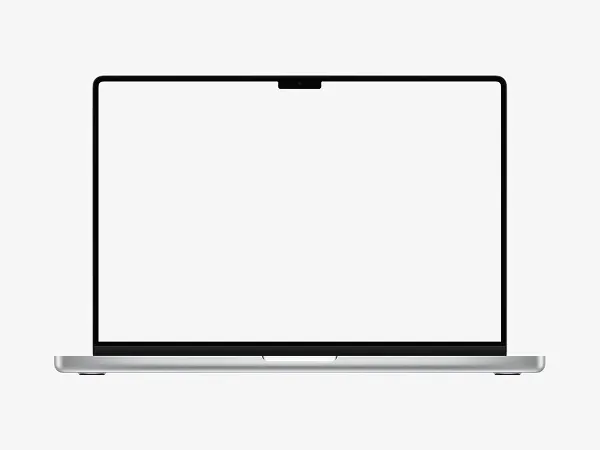
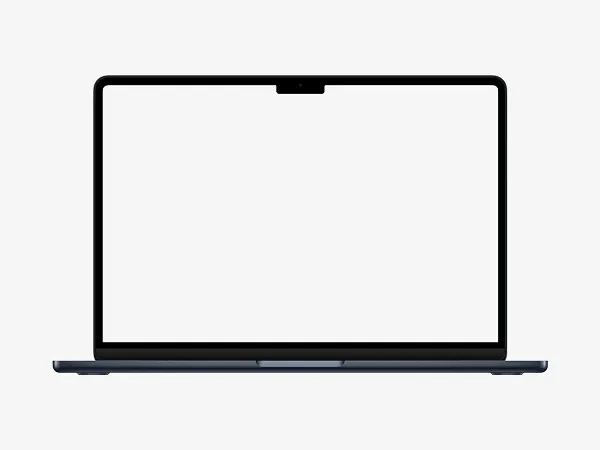
Transform your screenshots into professional MacBook Pro 15" mockups by adding a device frame, customizing the background, and adjusting the canvas resolution. Download your high-quality mockup in PNG or JPG format for presentations, portfolios, or marketing materials.
Easily generate high-quality MacBook Pro 15" mockups for presentations, portfolios, or marketing materials with our free online tool. Simply upload your screenshot, and our mockup generator will wrap it in a sleek 3D MacBook Pro frame with realistic shadows and perspective.
Customize the background color, adjust the canvas resolution, and download your mockup as a PNG, JPG, or PSD file for further editing. Perfect for designers, developers, and marketers, this tool helps showcase your work professionally, no Photoshop skills needed. Try it now and create stunning MacBook Pro 15" mockups in seconds.
Frequently Asked Questions
How does the free MacBook Pro 15" mockup generator work?
Simply upload your screenshot, and our tool automatically wraps it in a high-resolution MacBook Pro 15" frame. Customize the background color, adjust the canvas size, and download your mockup as a PNG or JPG—no registration required.
Can I use this mockup generator for commercial projects?
Yes, all mockups created with our free MacBook Pro 15" mockup generator can be used for personal and commercial projects, including client presentations, ads, and portfolios.
What file formats can I download my mockup in?
You can export your MacBook Pro 15" mockup as a PNG (transparent background) or JPG—ideal for websites, social media, or print materials.
Do I need Photoshop (PSD) to use this mockup generator?
No, our online tool generates MacBook Pro 15" mockups instantly—no Photoshop or design skills needed. However, you can further edit the downloaded image in any software.
Is there a limit to how many mockups I can generate?
No, our free mockup generator allows unlimited creations—upload as many screenshots as you need and customize each one with different backgrounds and resolutions.