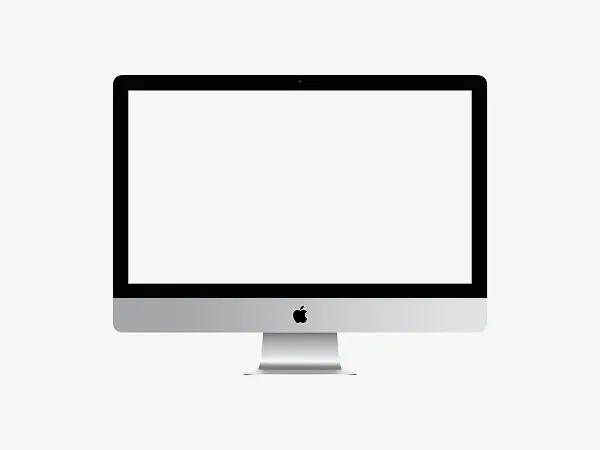
Free iMac 24" Mockup Generator
Free iMac 24" Mockup Generator
Easily create professional iMac 24" mockups by uploading your screenshot and applying a realistic device frame with customizable background and resolution options. Download your mockup in high-quality PNG or JPG format for presentations, portfolios, or client projects.
Transform your screenshots into professional iMac 24" mockups with our free online generator. Upload any image to automatically wrap it in a photorealistic 3D iMac frame complete with accurate shadows and lighting.
Customize backgrounds, adjust canvas resolution, and export as PNG, JPG, or PSD files for seamless Photoshop editing. Perfect for designers, developers, and marketers needing portfolio-ready visuals or client presentations.
No technical skills required – generate unlimited iMac 24 mockups instantly. Ideal for showcasing app designs, website interfaces, and creative projects with a premium, realistic touch.
Frequently Asked Questions
How does your free iMac 24" mockup generator work?
Simply upload your screenshot and our tool automatically places it on a photorealistic iMac 24" frame. Customize the background color, adjust canvas resolution, and download as high-quality PNG or JPG files—no design skills required.
Can I use these iMac 24" mockups for commercial projects?
Yes, all mockups created with our free generator can be used commercially for client work, marketing materials, portfolios, and presentations without attribution.
What file formats can I download my iMac mockup in?
Export your mockups as either PNG (with transparent background option) or JPG files at various resolutions to suit different project needs.
Do I need Photoshop to edit the generated mockups?
While our tool creates ready-to-use mockups, you can further edit downloaded PNG/JPG files in Photoshop or any image editing software if needed.
Is there a limit to how many iMac 24" mockups I can generate?
No—our free generator allows unlimited creations. Make as many mockups as you need with different screenshots, backgrounds, and resolutions.
Explore more device mockups