Free iPhone 17 Mockup Generator
Free iPhone 17 Mockup Generator
Turn your screenshots into realistic iPhone 17 mockups in seconds. Choose your background, customize the canvas size, and export polished PNG or JPG images instantly.
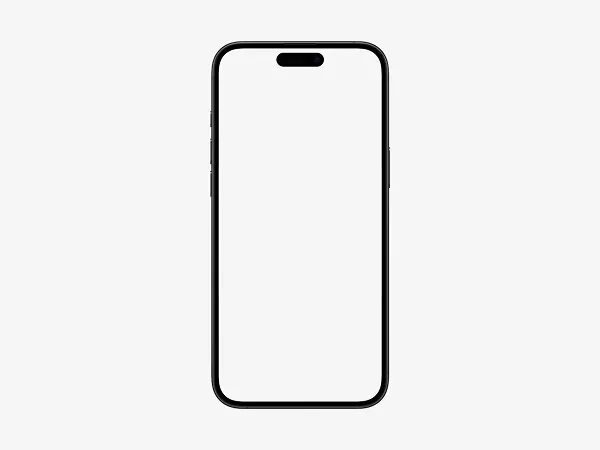
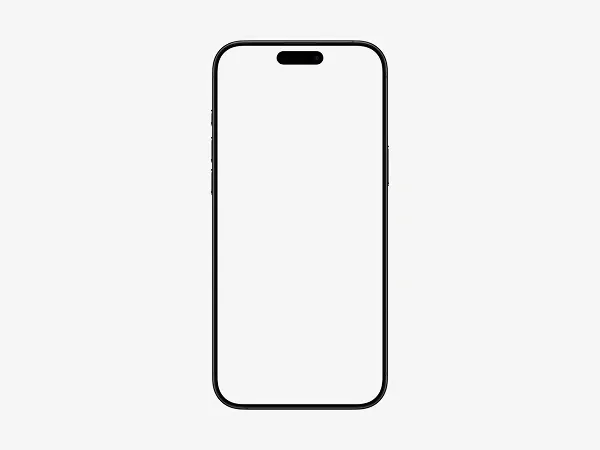
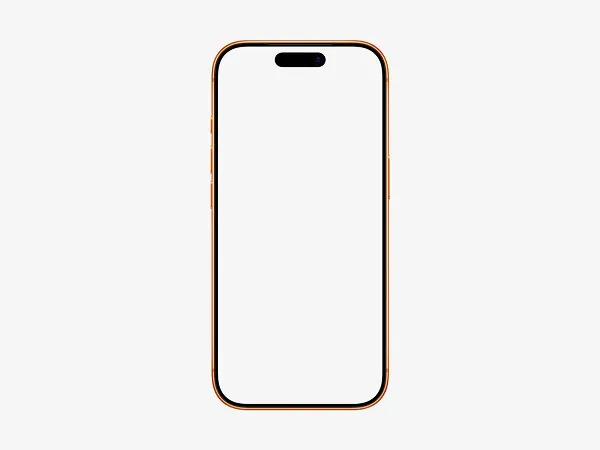
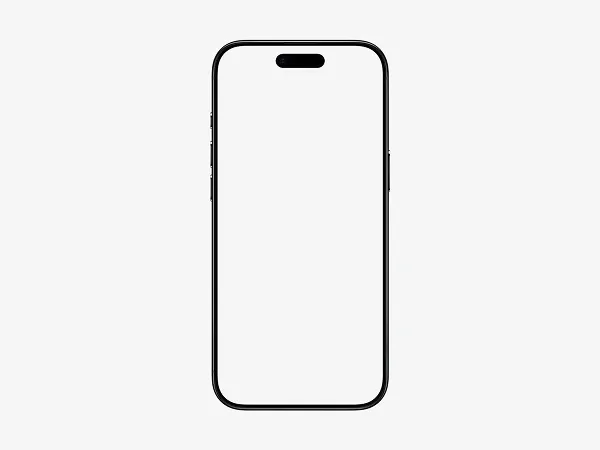
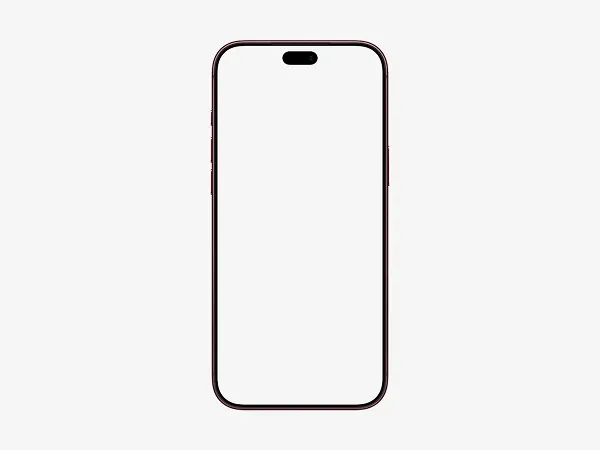
Create professional iPhone 17 mockups online with our free mockup generator. Simply upload your app screenshot or design and place it inside a realistic iPhone 17 device frame. Customize the background, adjust the canvas resolution, and download your finished mockup as a high-quality PNG or JPG.
Perfect for designers, developers, marketers, and product teams, this tool makes it easy to showcase apps and digital products without Photoshop or complicated design software. Use your iPhone 17 mockups for App Store screenshots, websites, presentations, portfolios, social media, and marketing campaigns.
Create clean, polished device mockups in just a few clicks. The iPhone 17 mockup generator is designed to make presenting your designs fast, simple, and professional.
Frequently Asked Questions
What is an iPhone 17 mockup generator?
An iPhone 17 mockup generator is a free online tool that places your screenshots inside a realistic iPhone 17 device frame. You can customize the background and canvas dimensions before downloading your mockup.An iPhone 17 mockup generator is a free online tool that places your screenshots inside a realistic iPhone 17 device frame. You can customize the background and canvas dimensions before downloading your mockup.
How do I make an iPhone 17 mockup?
Upload your screenshot, select the iPhone 17 device frame, customize the background and canvas size, and download the finished mockup. No design software or technical skills are required.
Can I use iPhone 17 mockups for App Store screenshots?
Yes. iPhone 17 mockups can be used to present app designs for App Store listings, websites, presentations, portfolios, marketing campaigns, and social media.
Is the iPhone 17 mockup generator free?
Yes. You can create iPhone 17 mockups for free without watermarks. Depending on the available features, additional premium options may also be offered.
What formats can I download my iPhone 17 mockup in?
You can export your mockup as a high-quality PNG or JPG file. You can also select a suitable canvas resolution for your intended use.
Can I change the background of an iPhone 17 mockup?
Yes. Customize the background to match your brand or design. You can also adjust the canvas dimensions to create mockups for different platforms and layouts.
Does the iPhone 17 mockup generator support high-resolution images?
Yes. You can create high-resolution mockups designed to remain sharp and professional across websites, presentations, marketing graphics, and other digital content.